
 Introduction to Lead Management
- The core principles of Lead Management and how they support the sales process.
- How Lead Management helps you effectively track, organize, and nurture leads over time.
- How to navigate the Lead Management dashboard and understand its key features and functions.
- How to apply dashboard tools to manage leads more efficiently and confidently in day-to-day use.
|
Before you begin — open your account This is a hands-on, learning-by-doing session. Open app.structured.ai in your browser and log in to your Tenant Account so you can follow along and apply each step in real time. |
Follow Our Step-By-Step Training
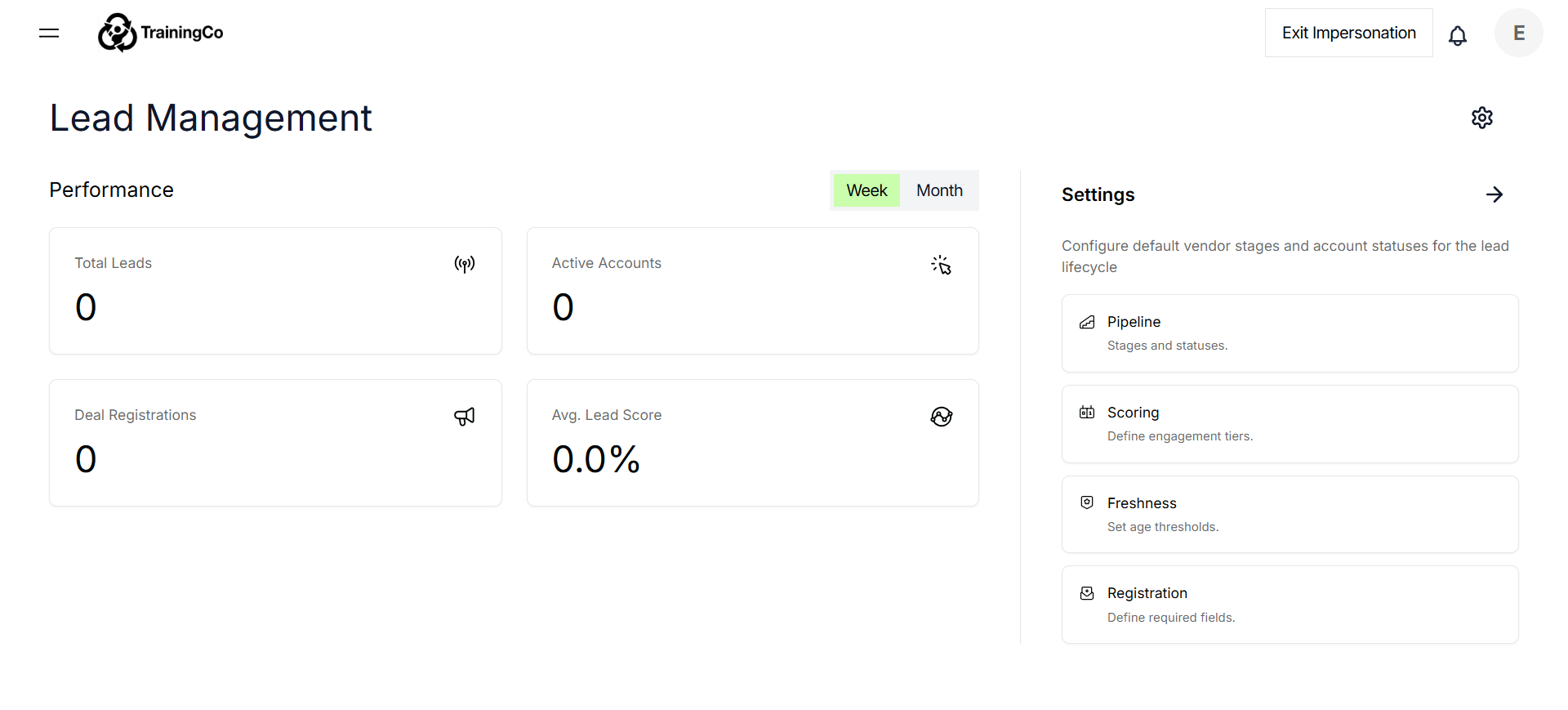
1. Access Lead Management Settings
2. Open Vendor Stages Configuration
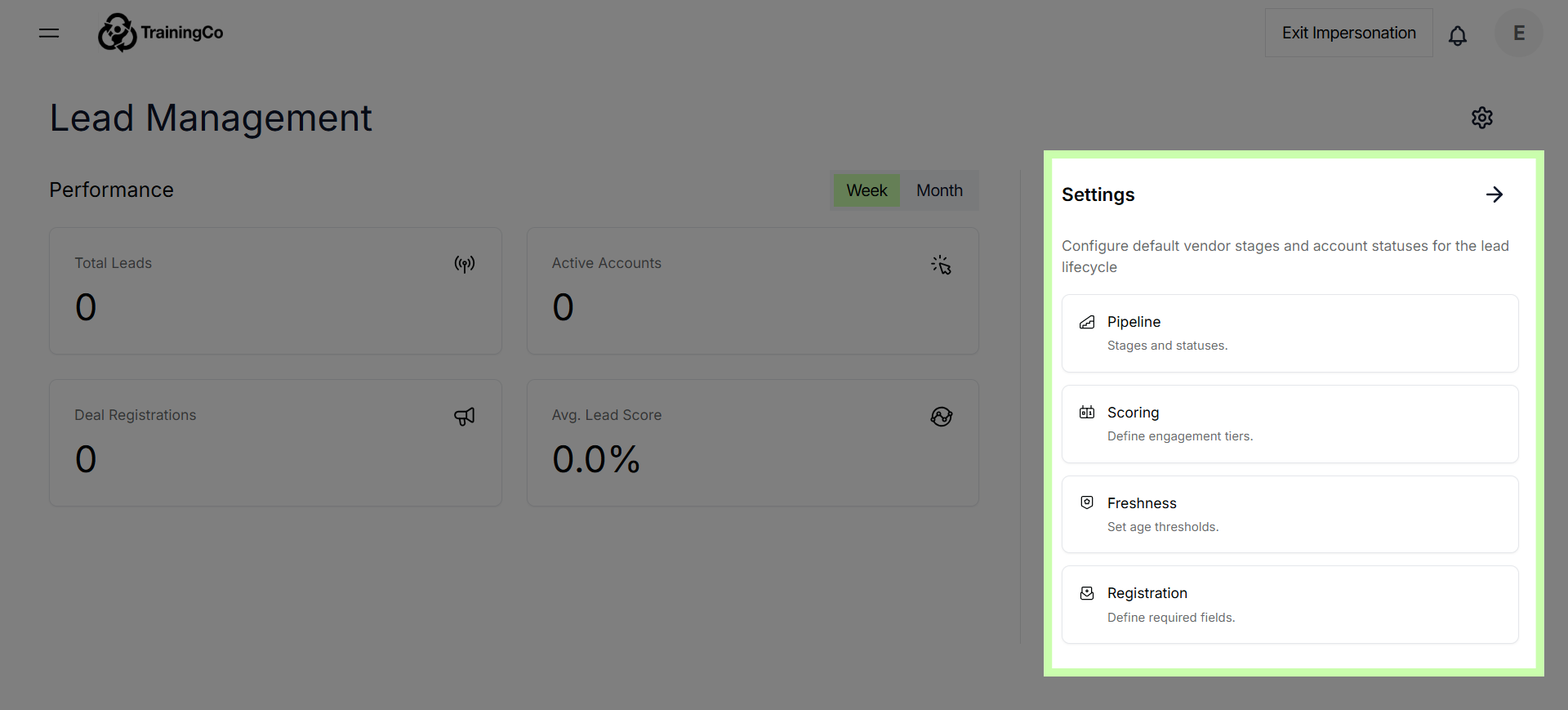
In this module, you will be setting up the global rules, scoring models, and automations that control and influence how leads are managed and behave across all partner accounts.
The global rules serve as the foundational guidelines that apply universally, ensuring consistency in lead handling throughout the entire system.
Scoring models are configured to evaluate and prioritize leads based on specific criteria, helping to identify the most promising opportunities.
Additionally, automations are established to streamline various processes, enabling automatic actions and responses that enhance efficiency and responsiveness in lead management across all partner accounts.
3. Access Lead Management Settings
By implementing this comprehensive system-level framework, you create a structured environment that guarantees consistency in reporting and allows for accurate tracking of return on investment (ROI). This framework not only standardizes the way data is collected and analyzed but also provides clear metrics to evaluate performance effectively.
As a result, your partners are relieved from the burden of managing complex reporting tasks and can instead dedicate their time and energy to their core responsibilities.
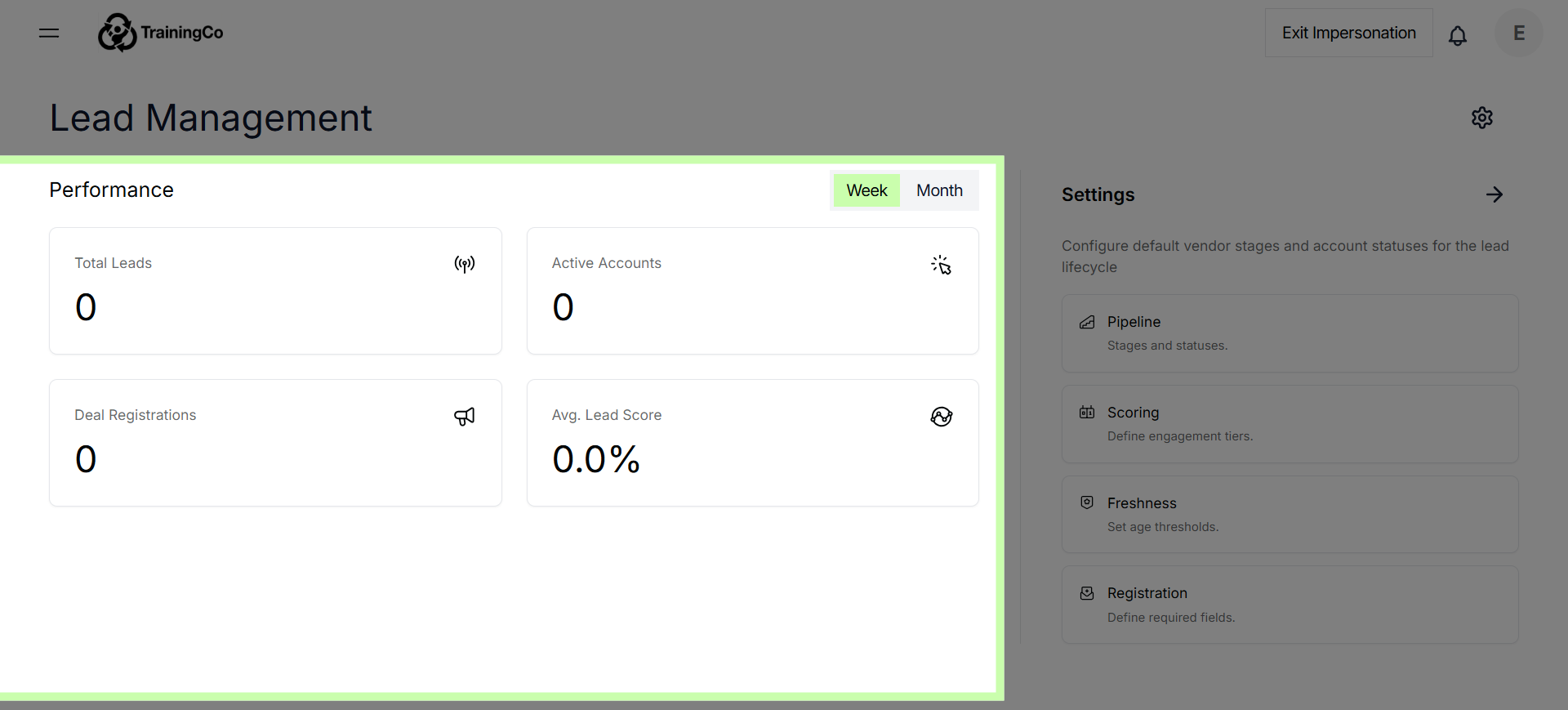
StructuredAI Detailed Reports - Leads Management
Leads Management reporting Tracks the quantity, quality, freshness, and pipeline health of leads generated by partner accounts through the platform.
It provides a comprehensive view of the leads pipeline across partner accounts, measuring total volume, stage progression (New → Working → Qualified → Closed), lead freshness, and account-level response metrics such as average response time and acknowledgement rate.
It also attributes leads back to the campaigns and content that generated them, helping tenant administrators measure the downstream ROI of their marketing enablement activities.
Lead attribution supports three models selectable via a dropdown: First Touch (credit goes to the first campaign or content the lead interacted with), Last Touch (credit goes to the most recent interaction before conversion), and Linear (credit is distributed equally across all interactions).