
 Structured AI Defining Accounts and Account Groups
Estimated Time
~1 Hour
Current Phase
Phase 1
What You'll Accomplish
- The difference between Accounts and Account Groups within the platform structure.
- How Accounts represent individual partner or customer entities in the system.
- How Account Groups are used to organize multiple Accounts for streamlined management..
- How understanding this structure improves partner management and operational efficiency.
|
Before you begin — open your account This is a hands-on, learning-by-doing session. Open app.structured.ai in your browser and log in to your Tenant Account so you can follow along and apply each step in real time. |
Follow Our Step-By-Step Training
1. Introduction
Managing your partners effectively starts with understanding the difference between Accounts and Account Groups.
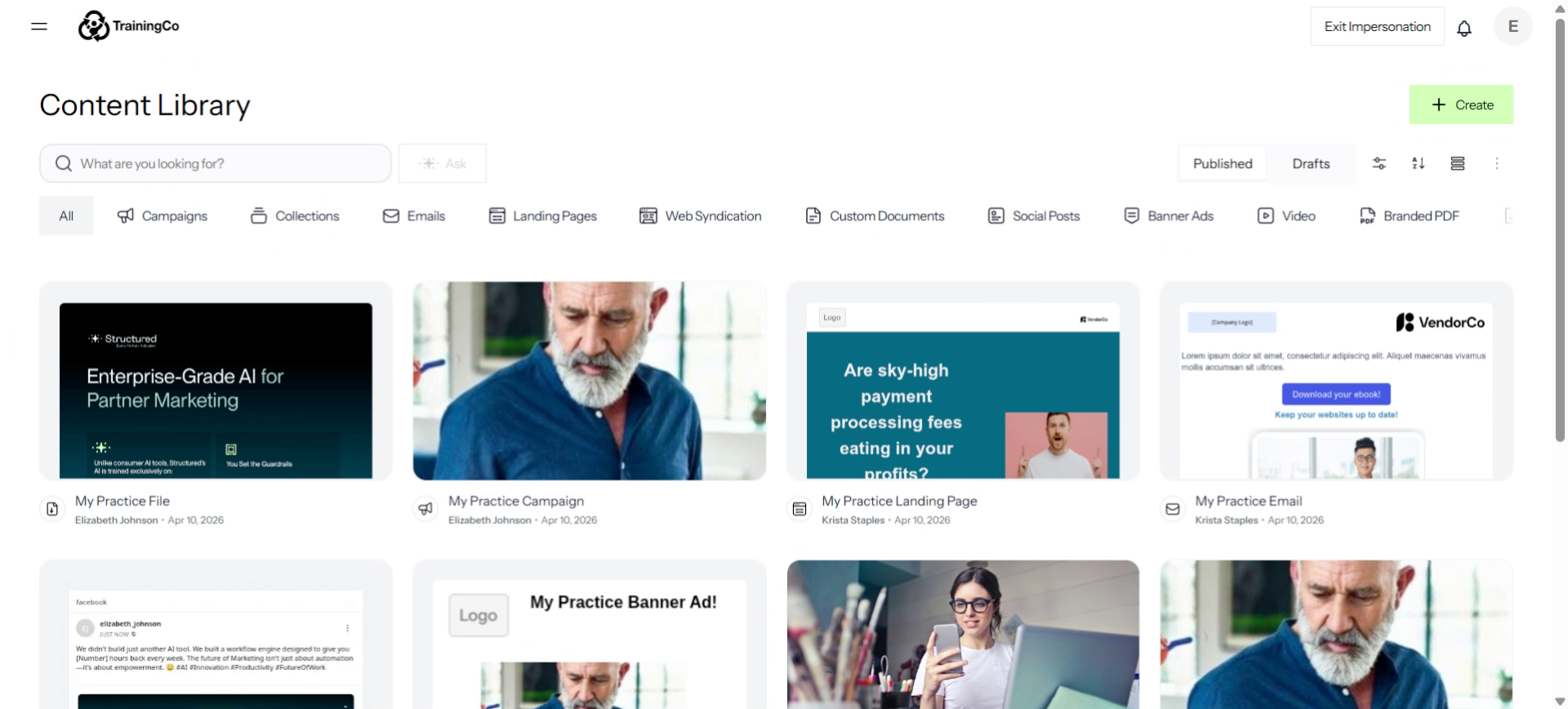
2. Open Content Library Menu
To access Accounts and Account Groups, click the Hamburger menu.
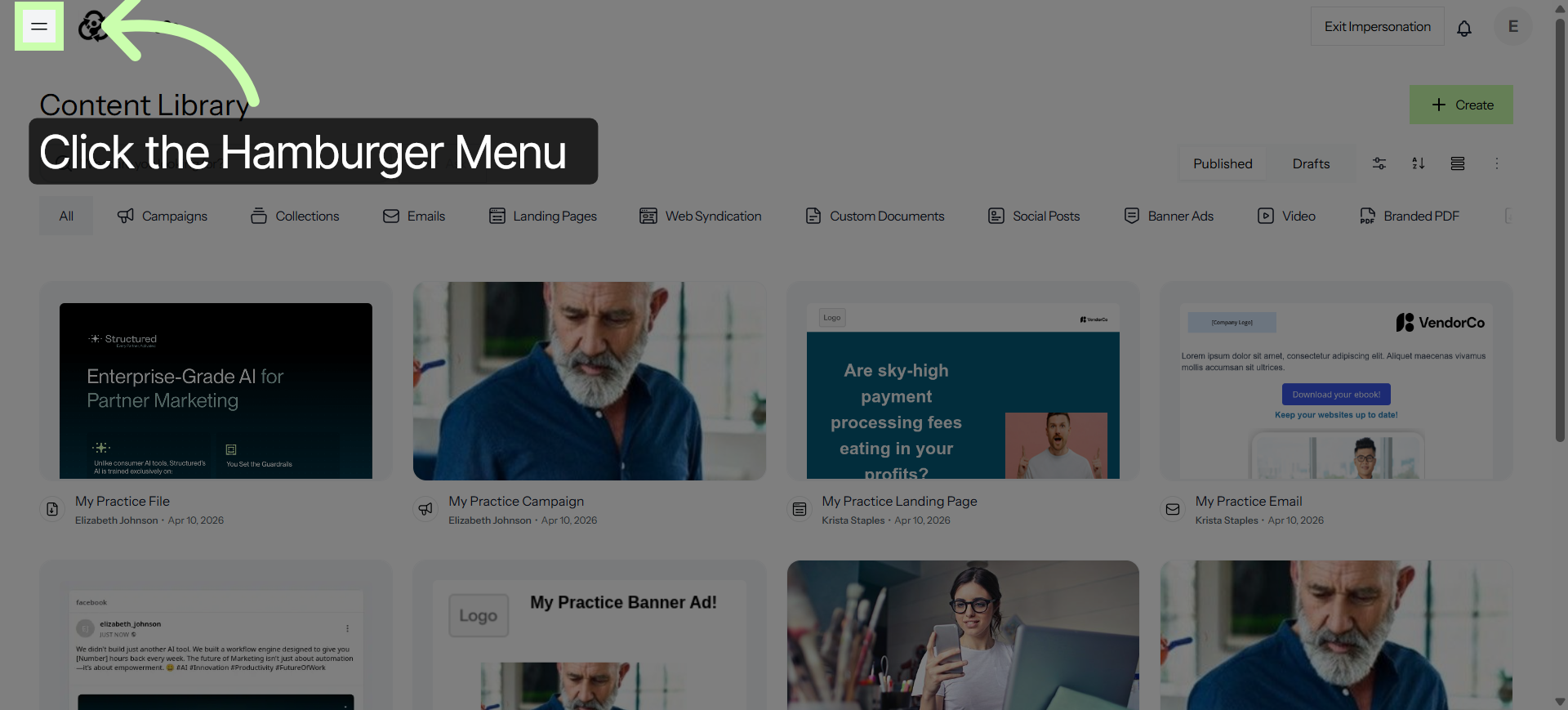
3. Access Settings Section
You'll find both options under the Manage section.
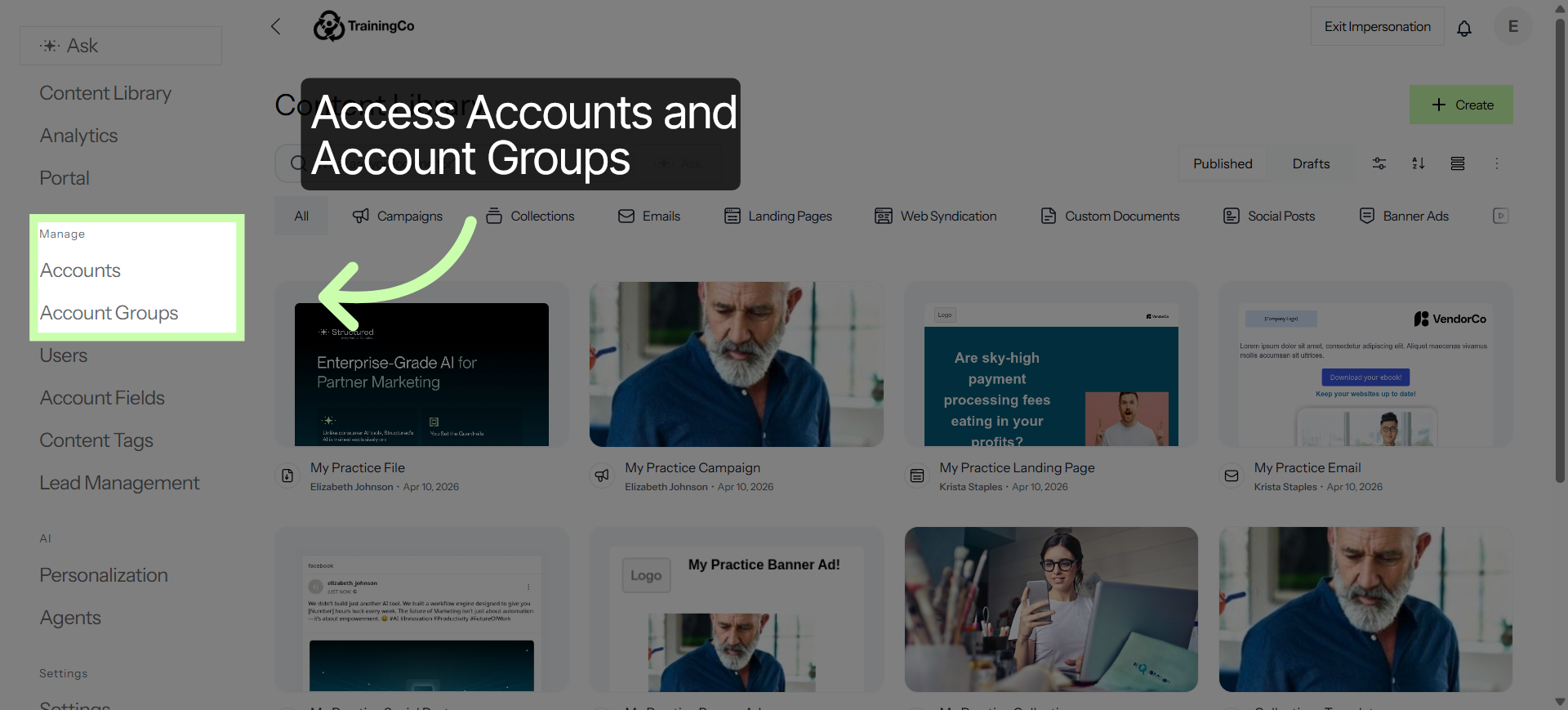
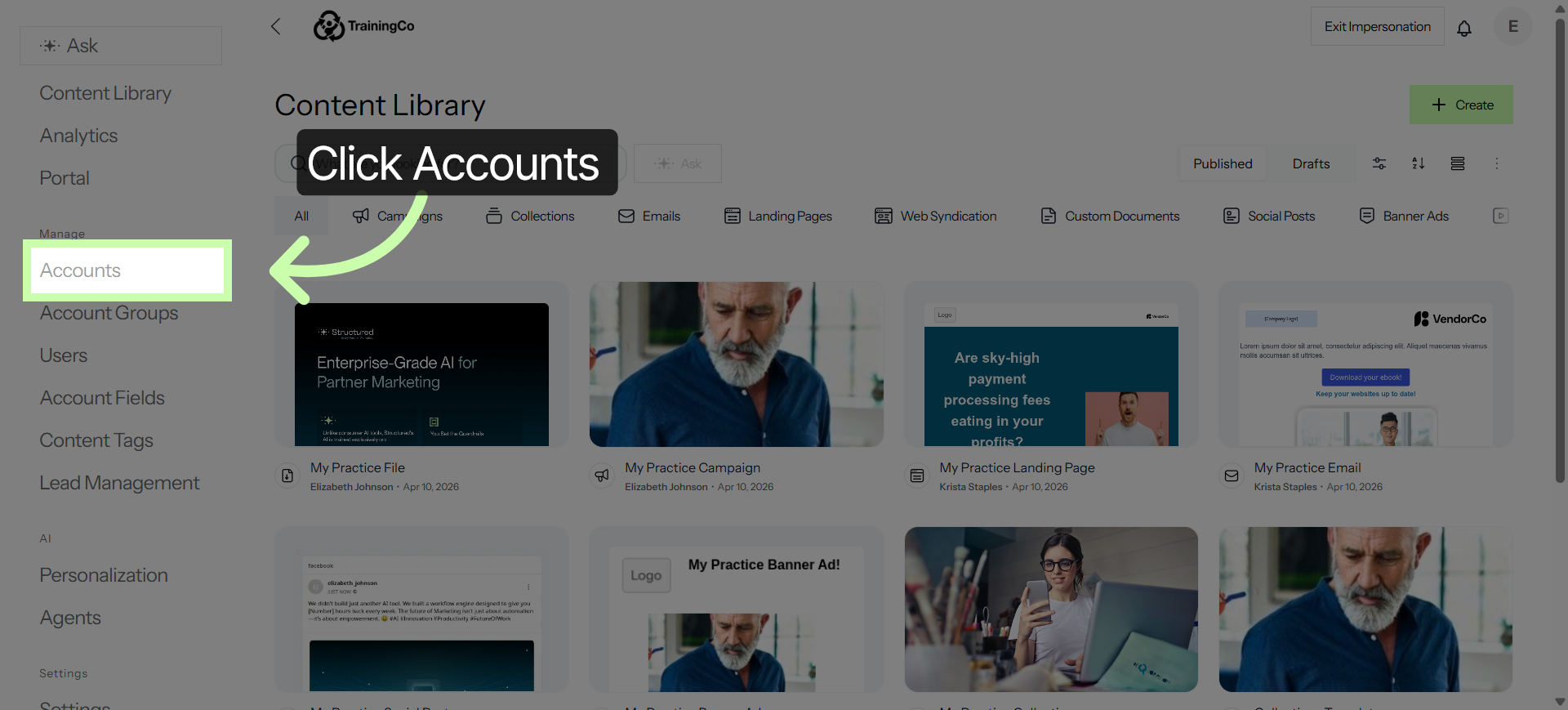
4. Navigate to Accounts Tab
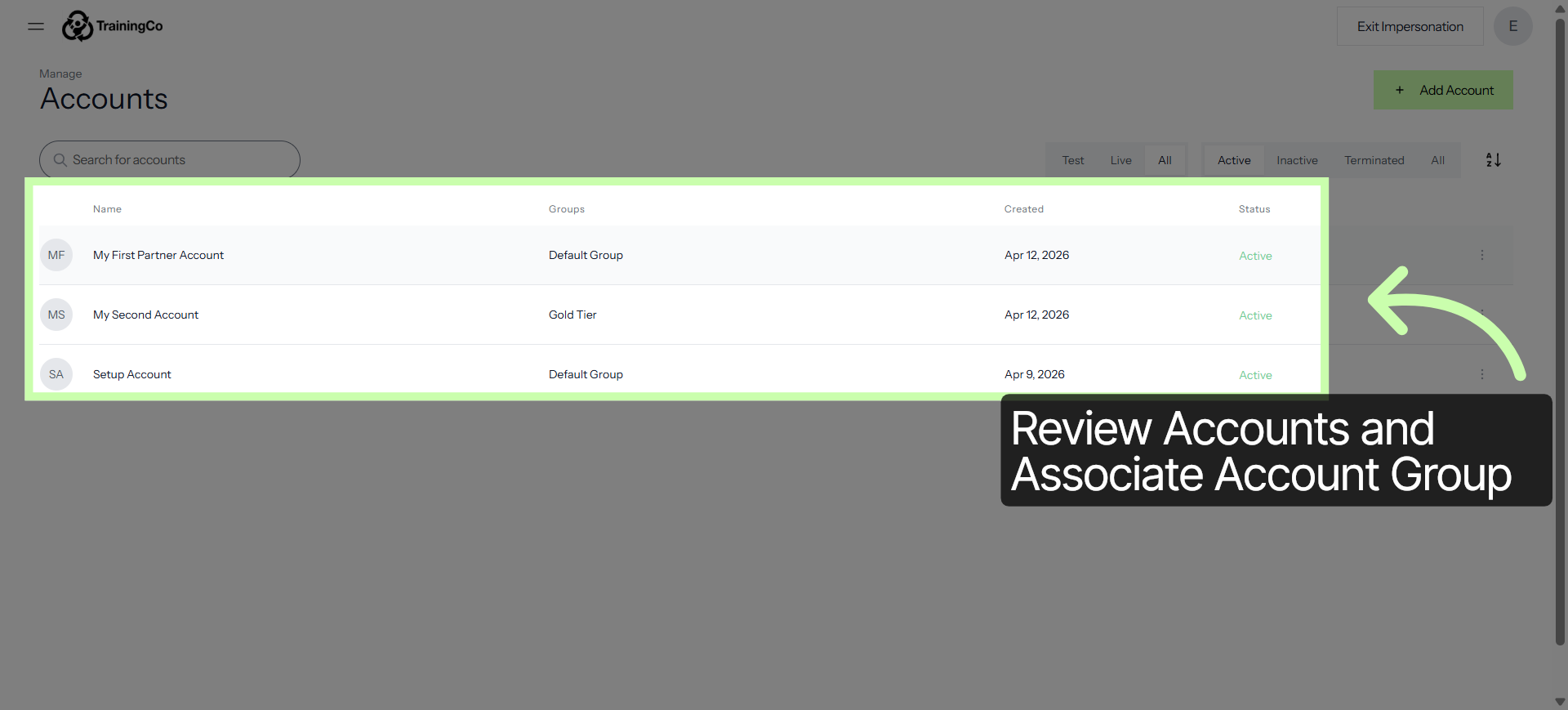
Click Accounts to view a list of partner accounts.
5. Open Partner Account Details
Each account is listed along with the group it’s associated with.
6. View Account Users
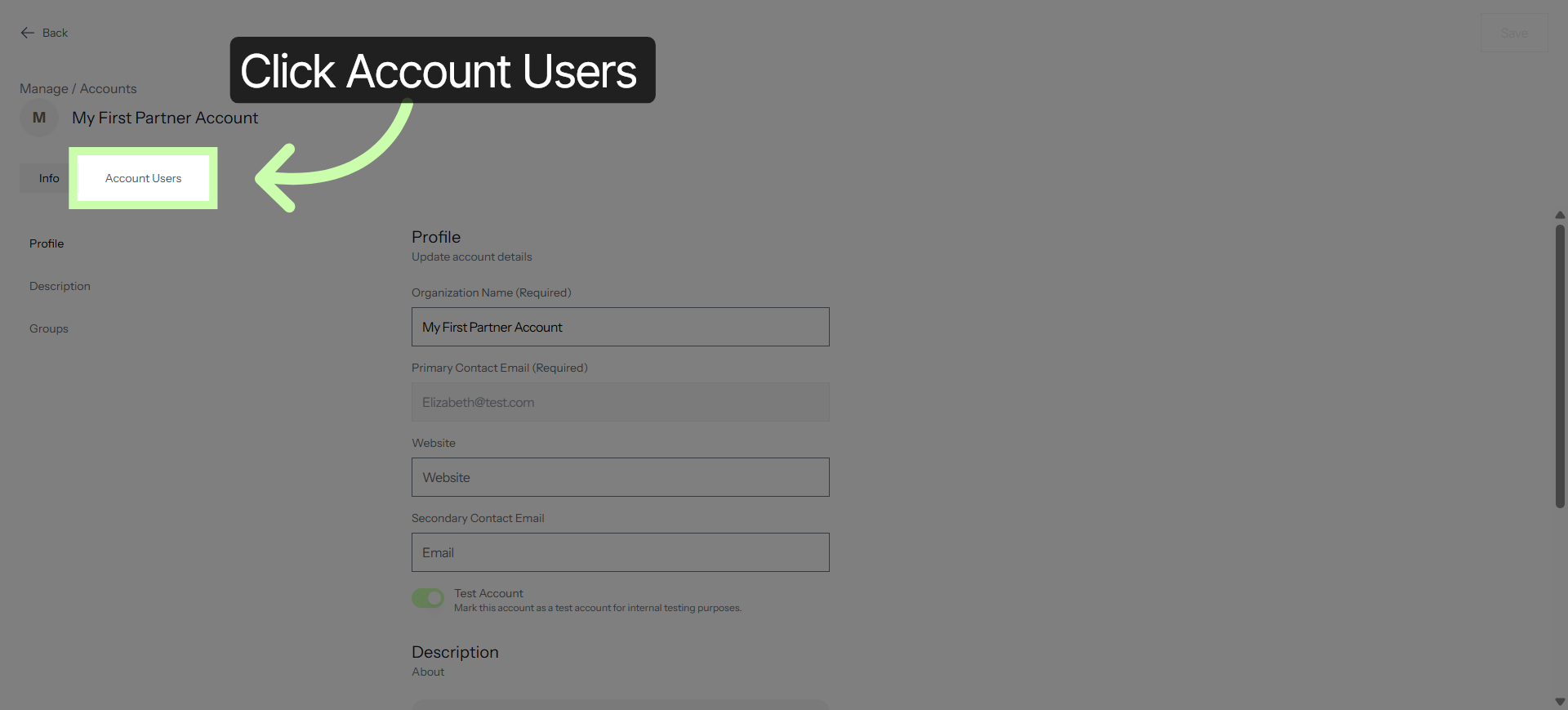
Click Account Users to see the users associated with this account.
7. Select User Steven Harris
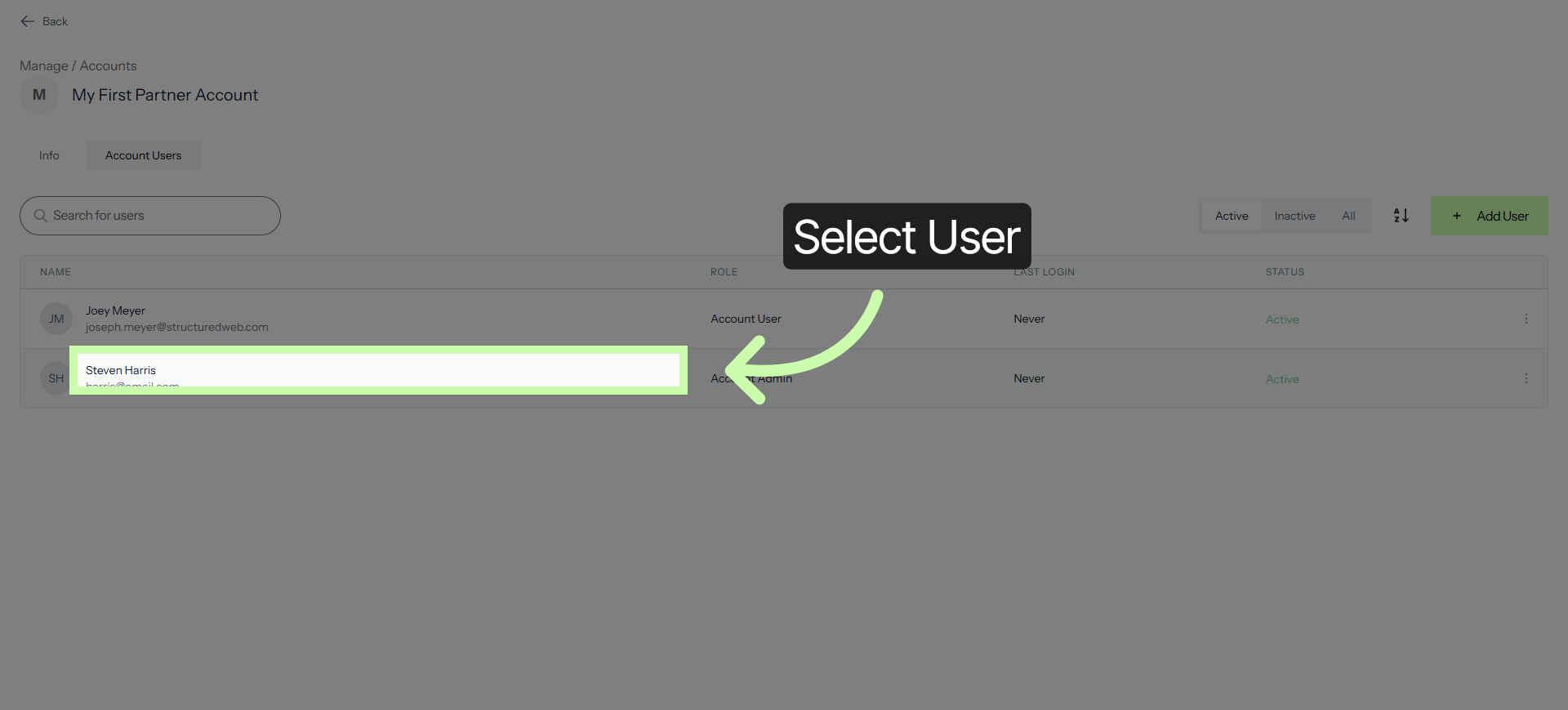
In this example, I'll click on Steven Harris to view user details.
8. Edit User Details
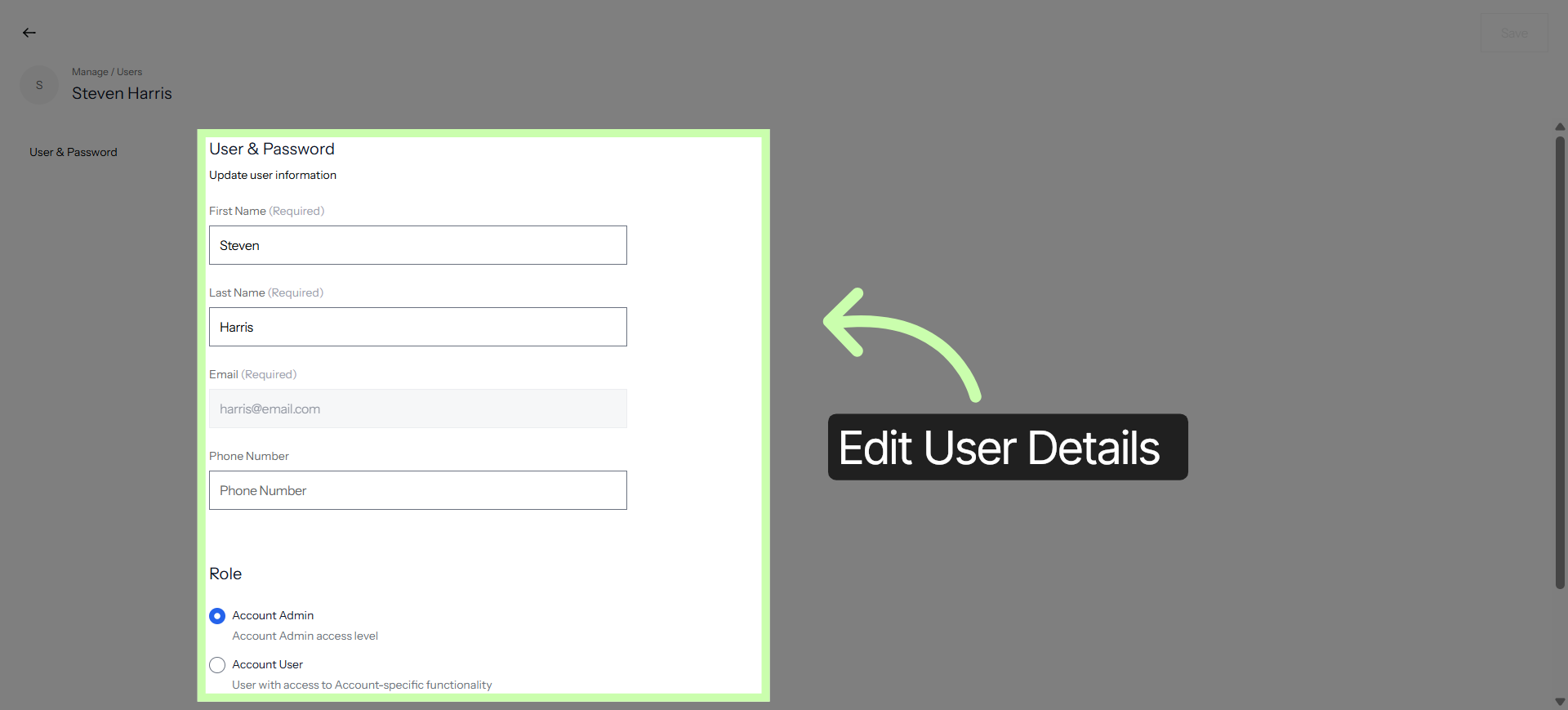
Click here to edit the details of the selected account user.
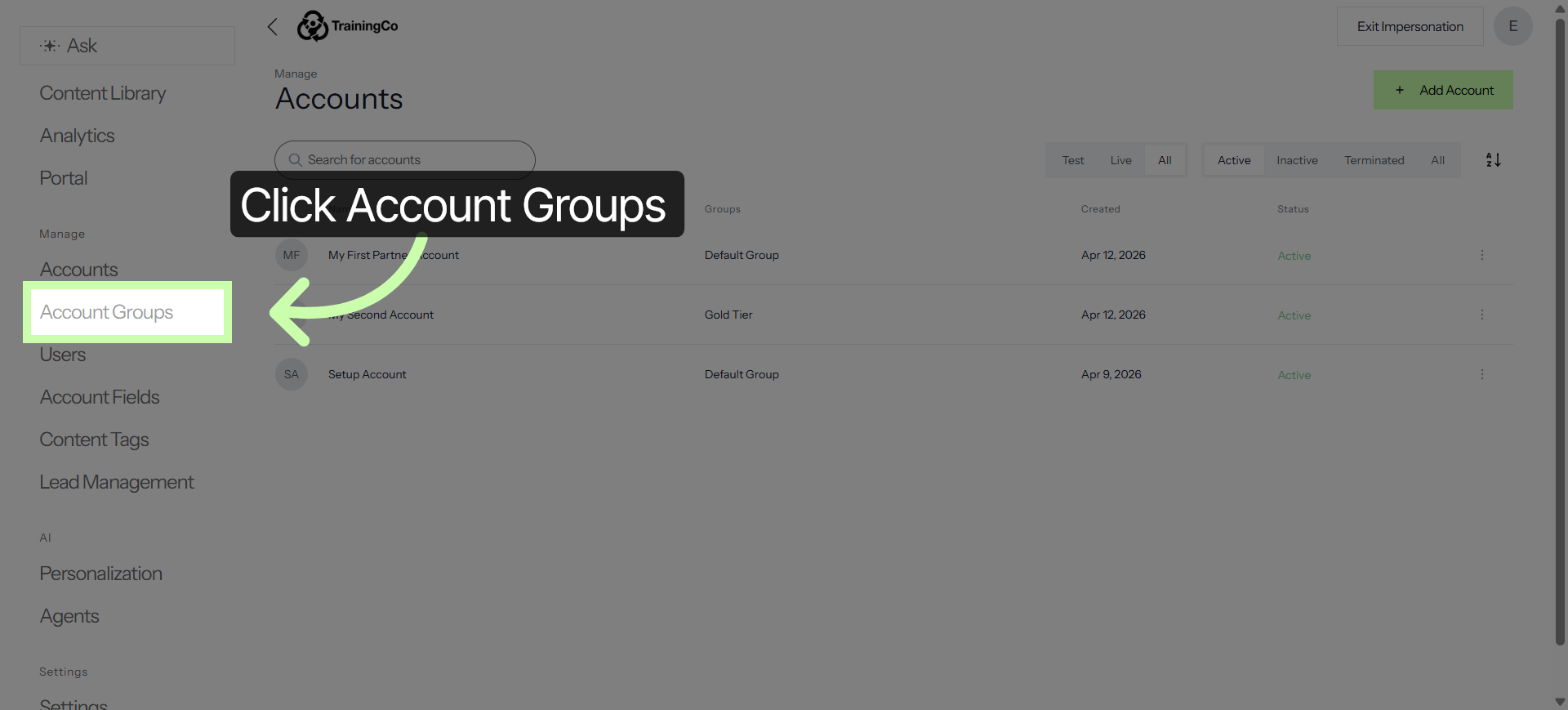
9. Access Account Groups
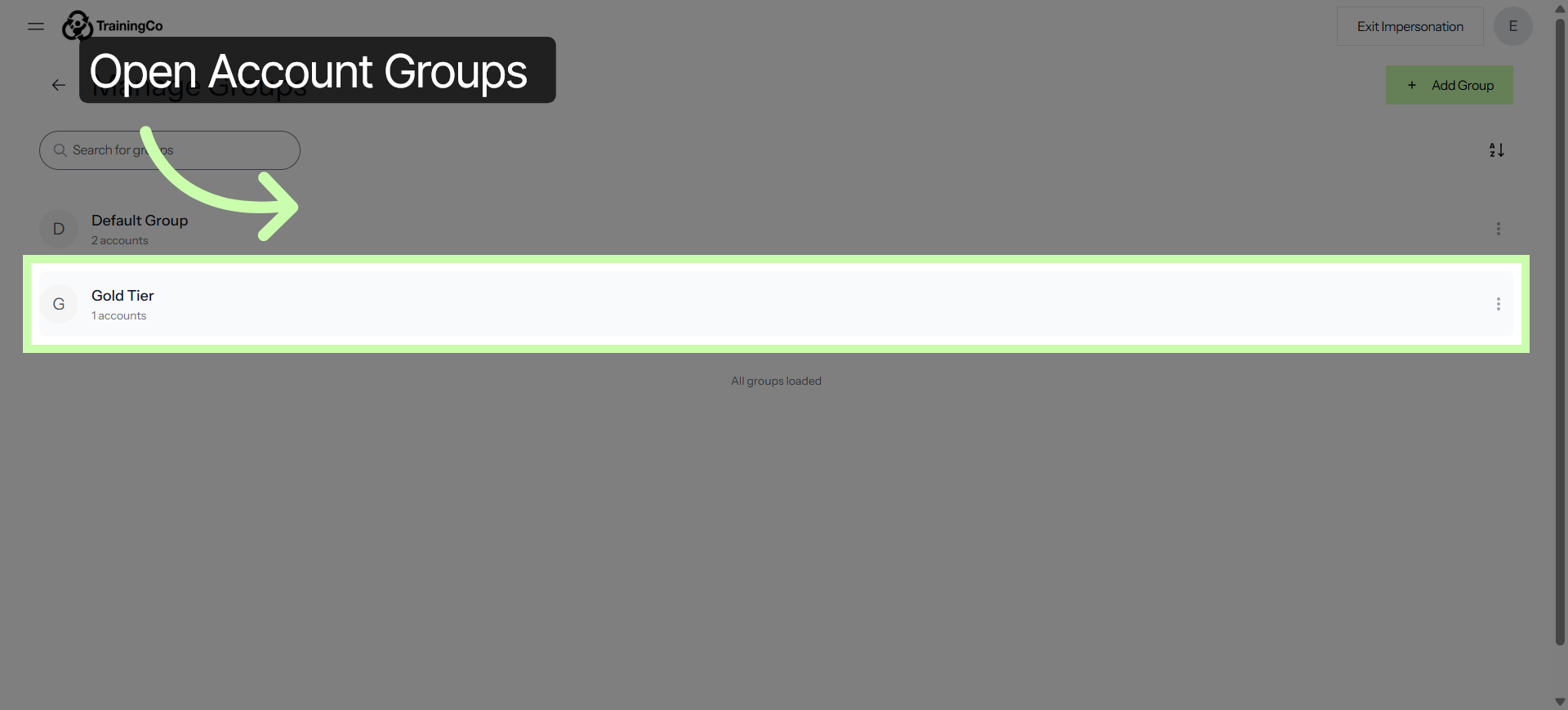
Account Groups, on the other hand, are how you segment those partners based on share characteristics, like Partner Tier, Geographic Region, or Industry.
10. Open Gold Tier1 Group
For example, you might create a "Gold Tier" group to give your top-performing partners exclusive access to high-end marketing collateral. Partner groups are assigned to each campaign and asset you publish.
By using Account Groups, you can tailor the entire portal experience, from the content they see to the tools they use, ensuring the right accounts always have the right resources.