
Estimated Time
~15 minutes
What You'll Accomplish
- This tutorial guides you through analyzing campaign performance metrics.
|
Before you begin — open your account This is a hands-on, learning-by-doing session. Open app.structured.ai in your browser and log in to your Account so you can follow along and apply each step in real time. |
 Follow Our Step-By-Step Training
1. Introduction
Analyzing your campaign results is key to making smarter, more strategic decisions. Once your campaign begins running, you can track its performance in real time.

2. Expand Sidebar Navigation
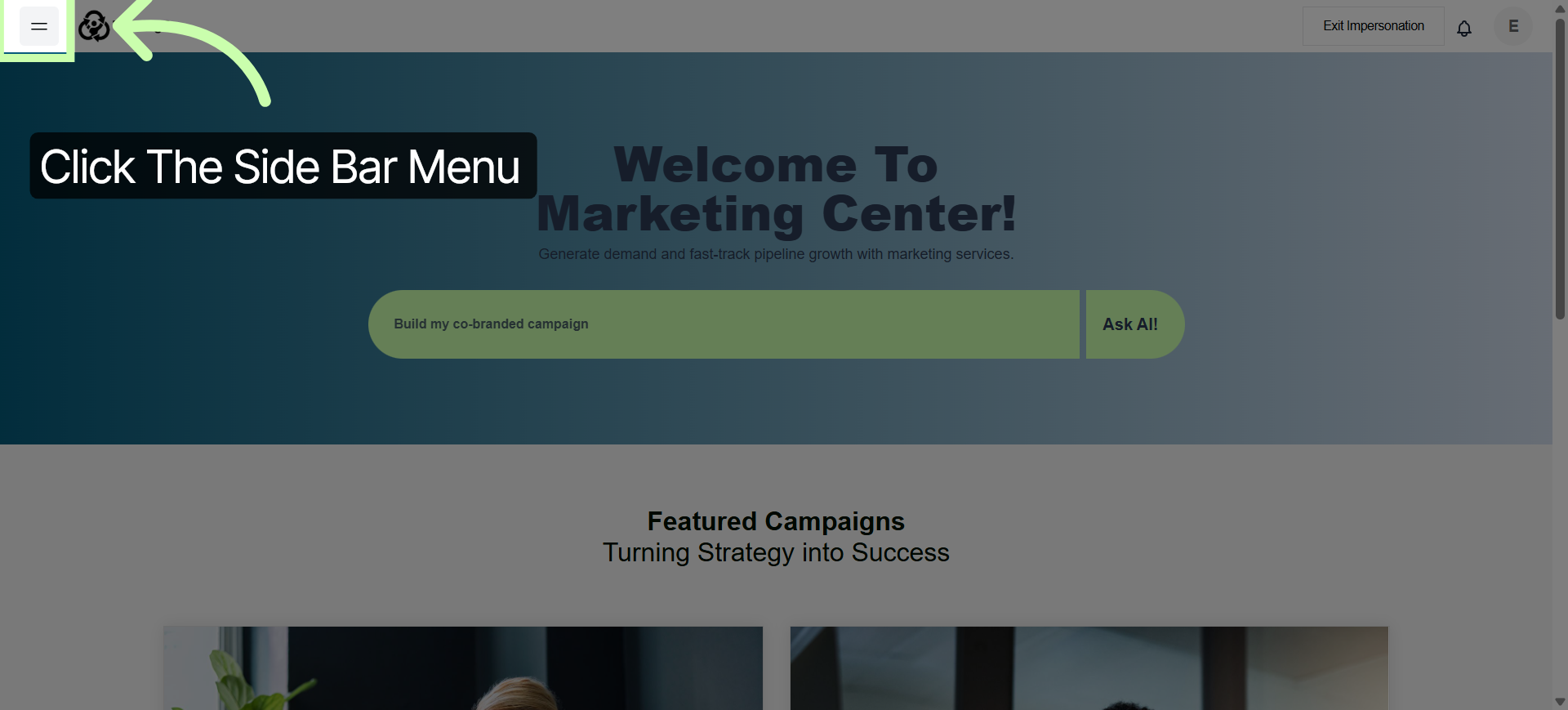
To access campaign performance metrics open the side bar menu,
3. Access My Campaigns Section
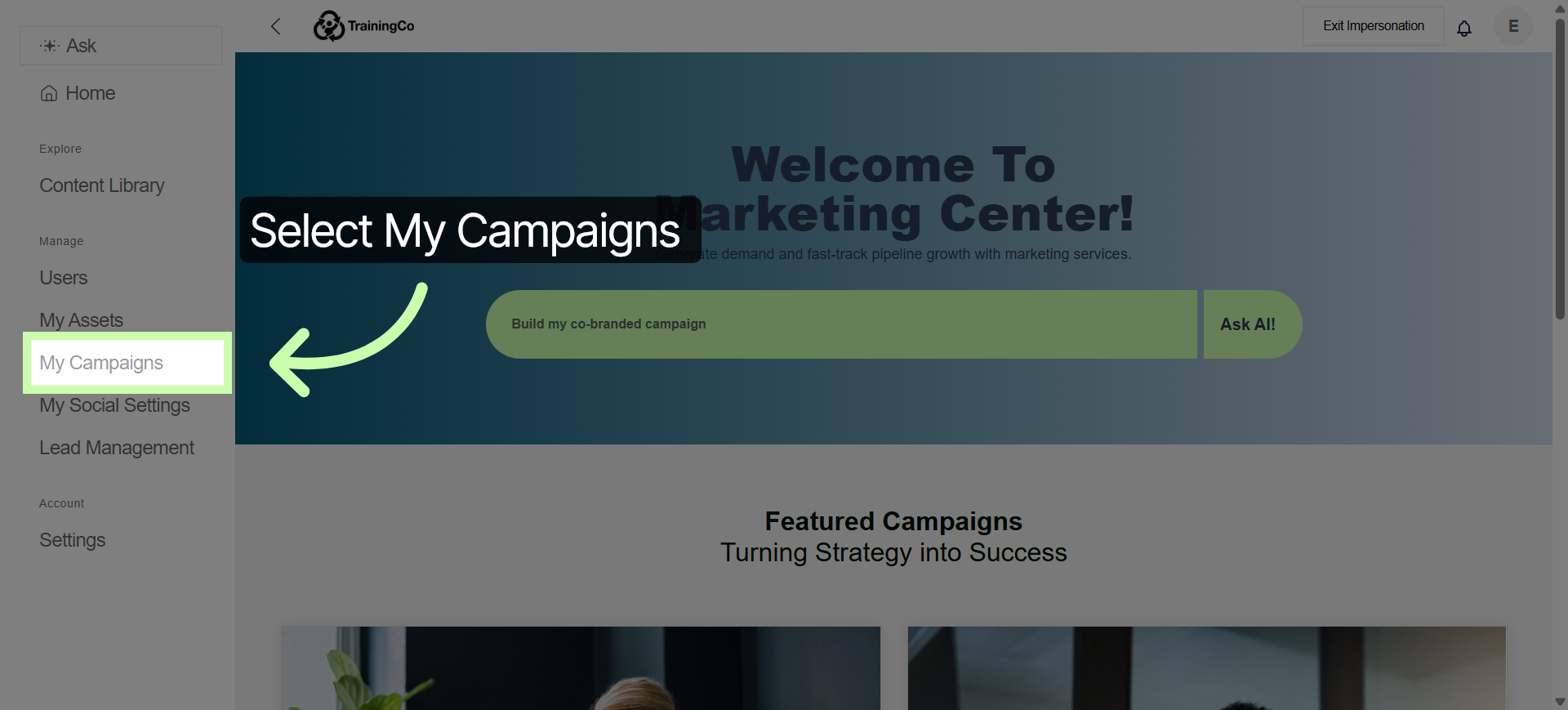
and select My Campaigns.
4. Open Specific Campaign Details
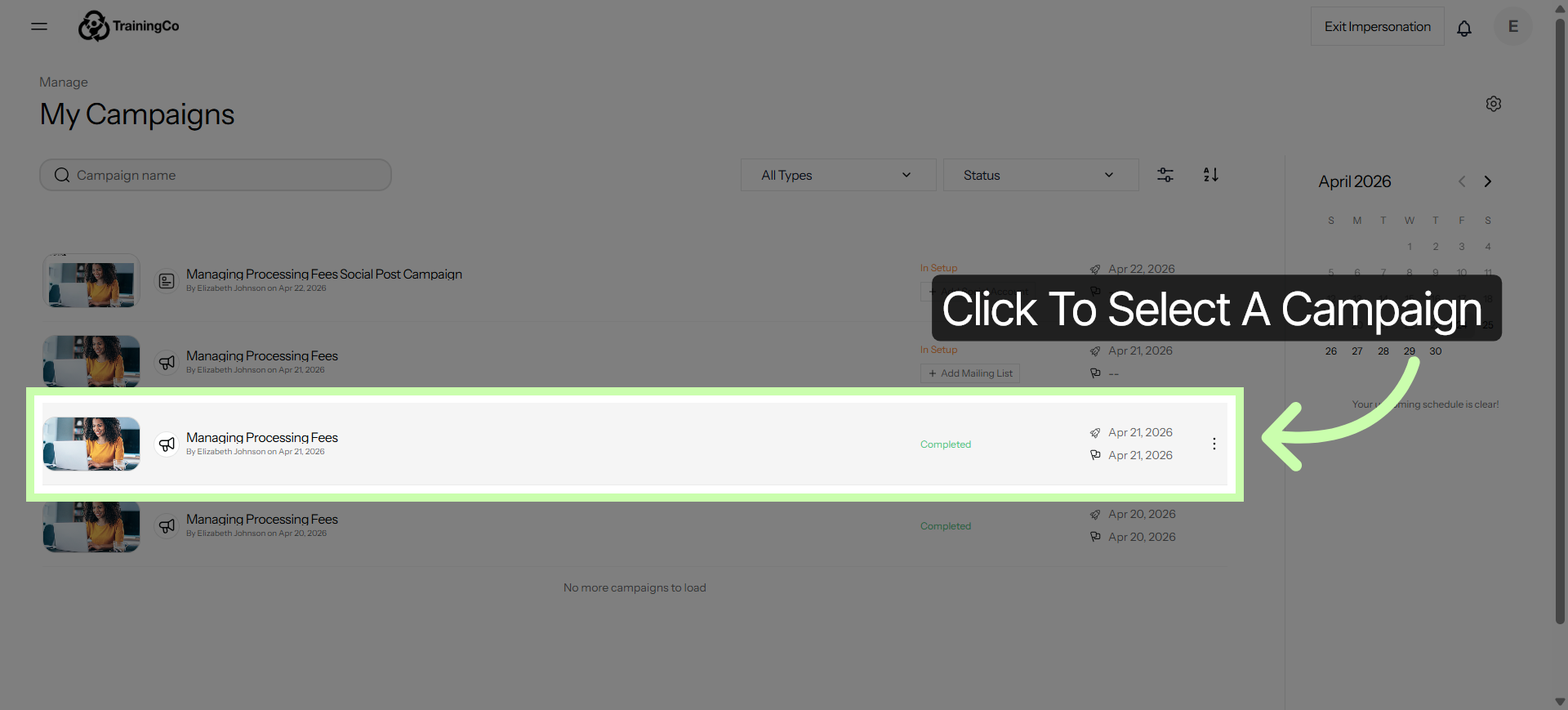
Click to select your campaign.
5. View Analytics Tab
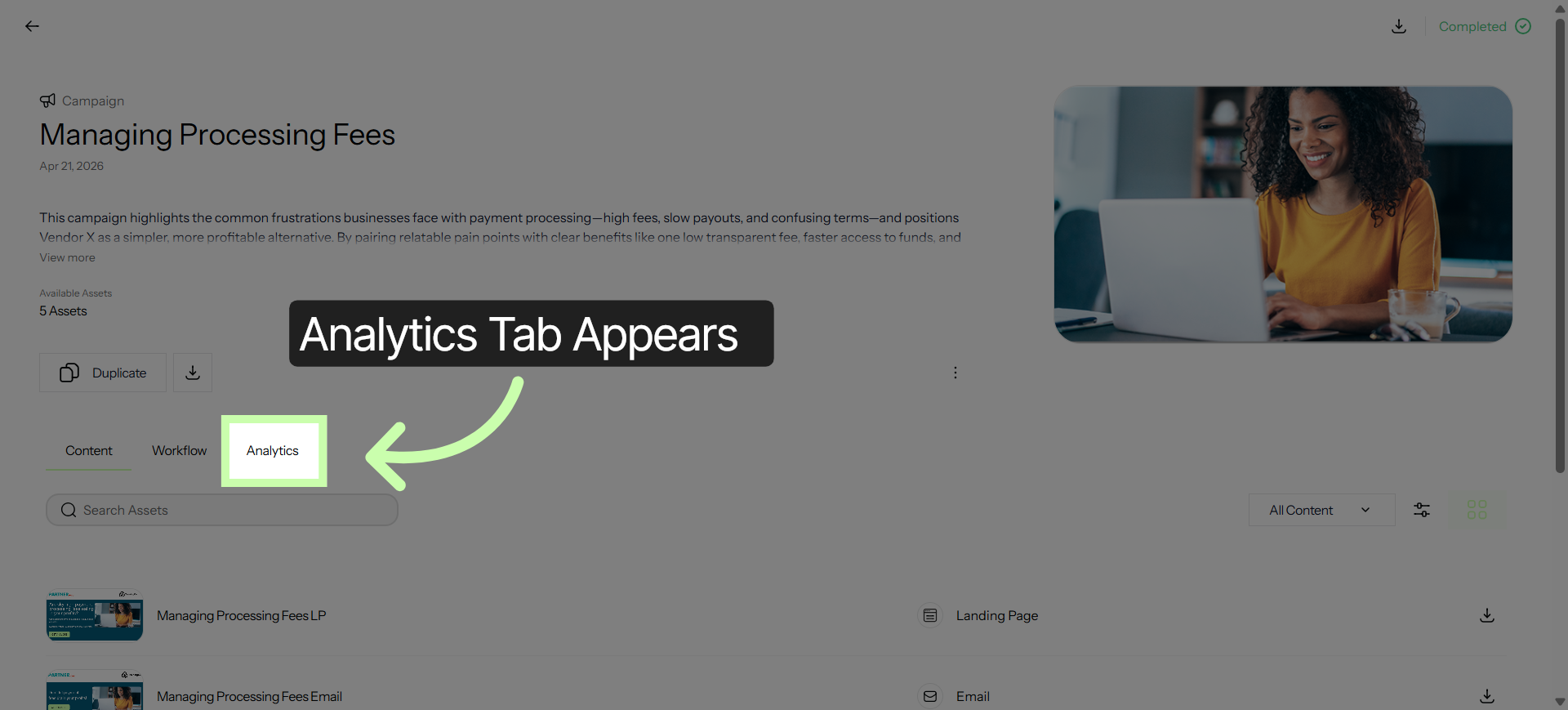
Your Analytics tab will be available to view results as data starts coming in.
6. Analytics Dashboard
The dashboard is organized into three simple stages.
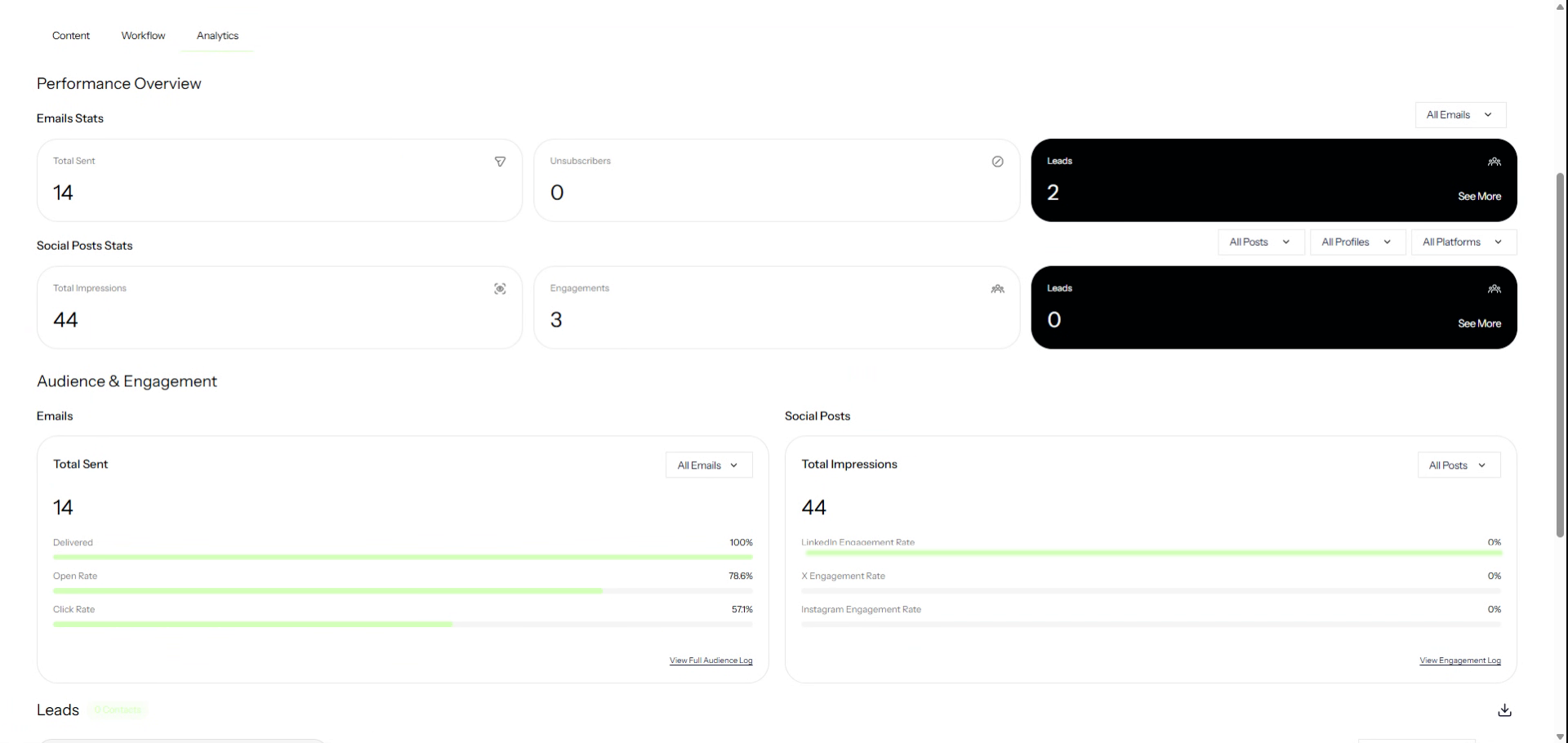
7. Performance Overview Section
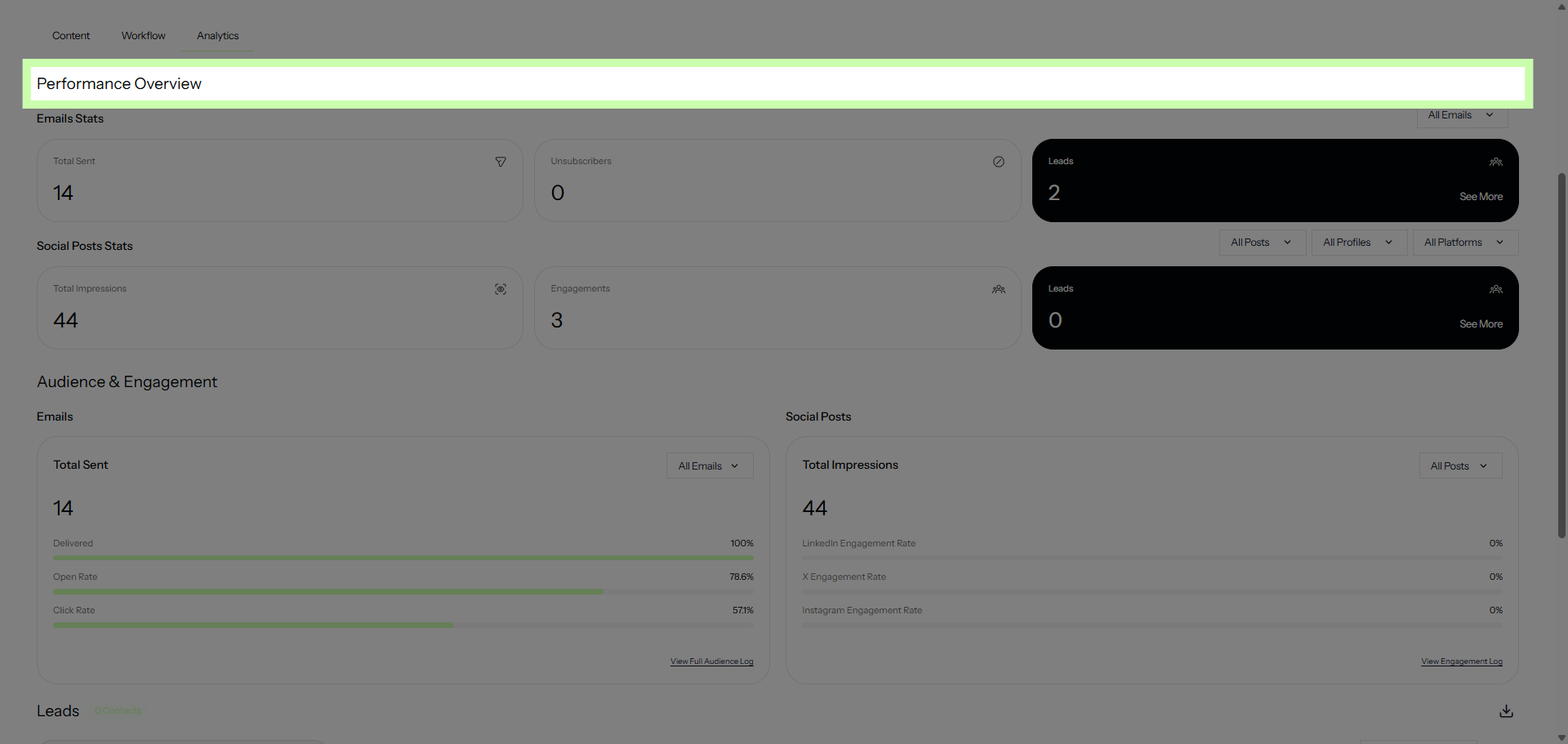
First, the Performance Overview gives you a high-level snapshot of results.
8. Audience & Engagement Section
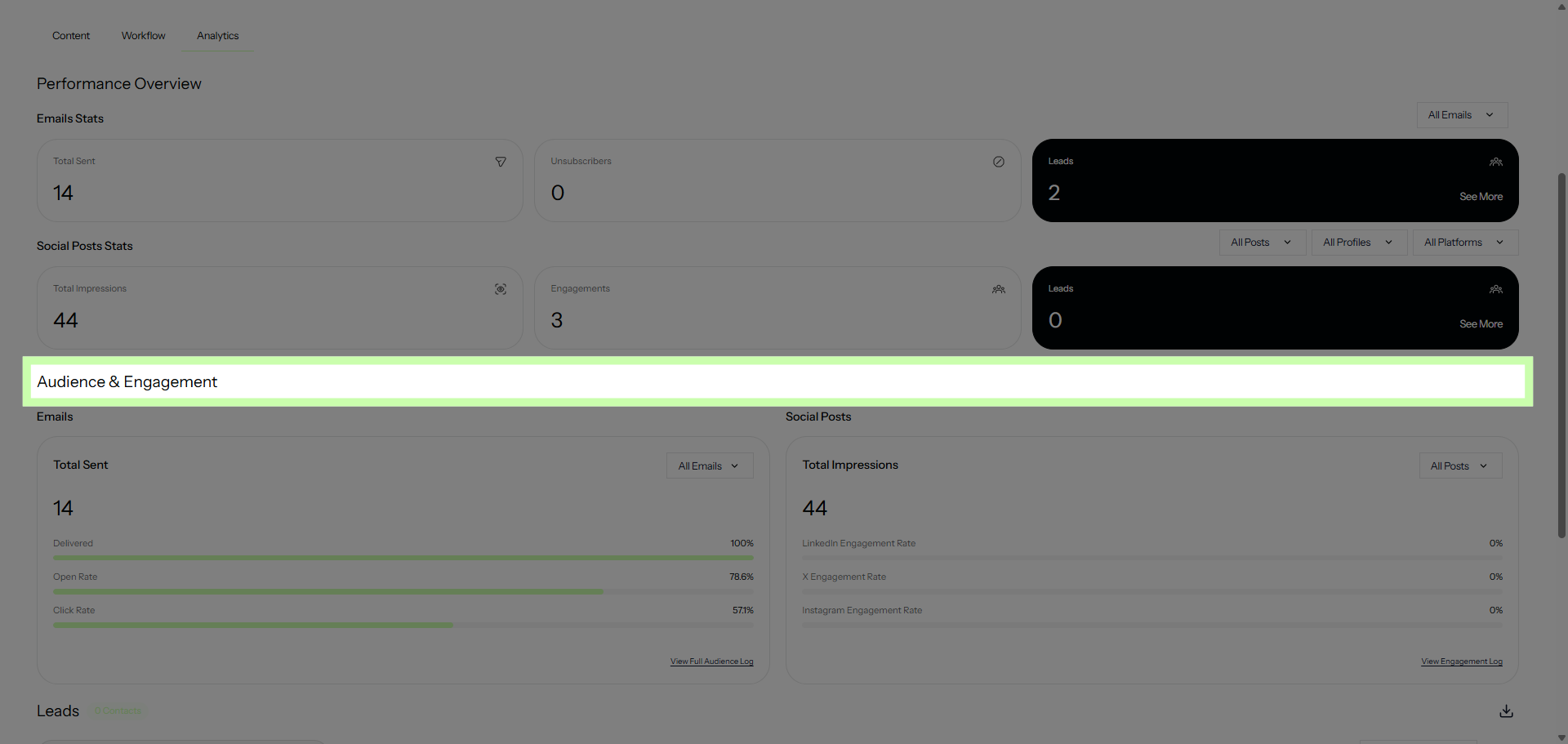
Then, Audience & Engagement shows how people are interacting.
9. Leads Section
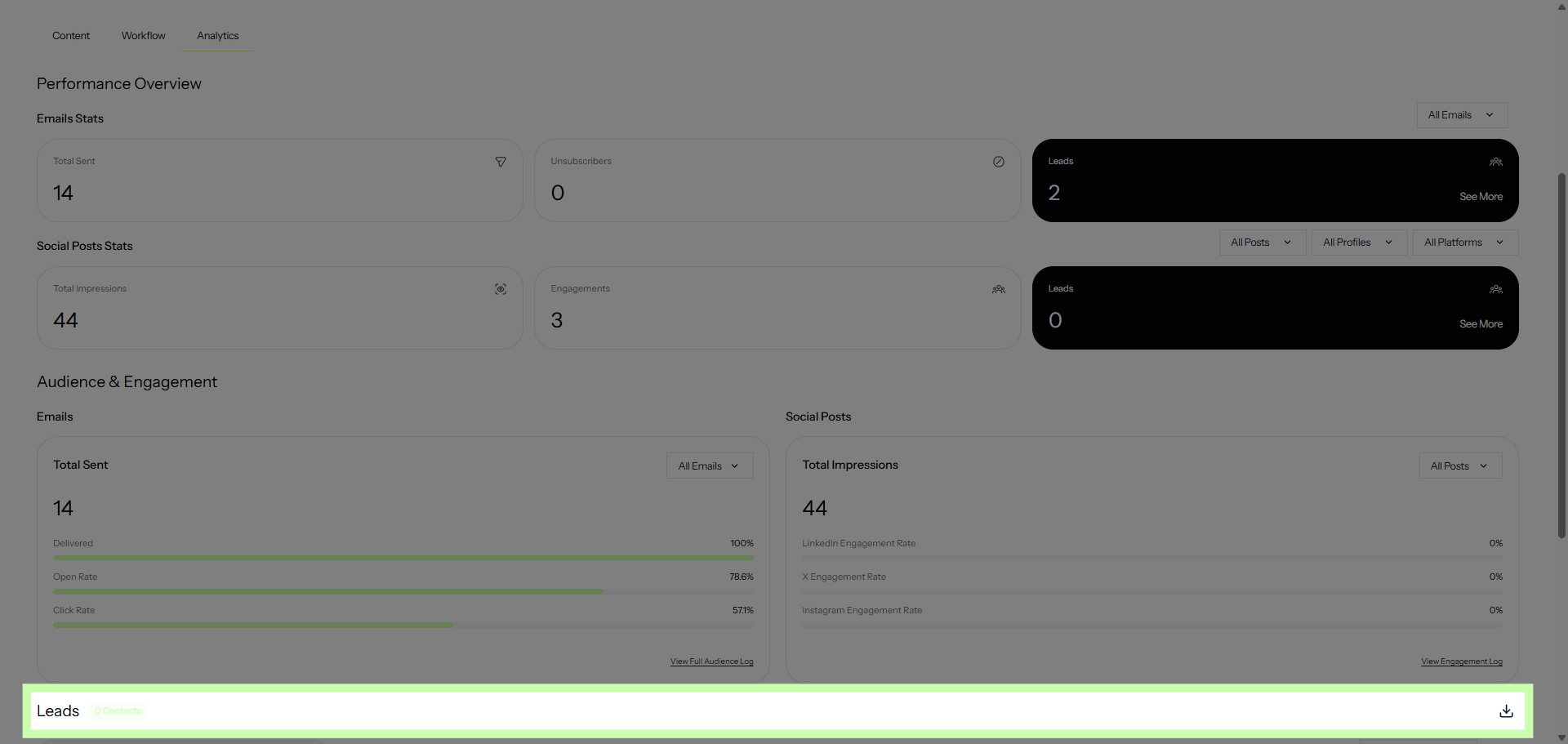
And finally, Leads reveals your conversions, where effort turns into impact.
10. Review Email Stats
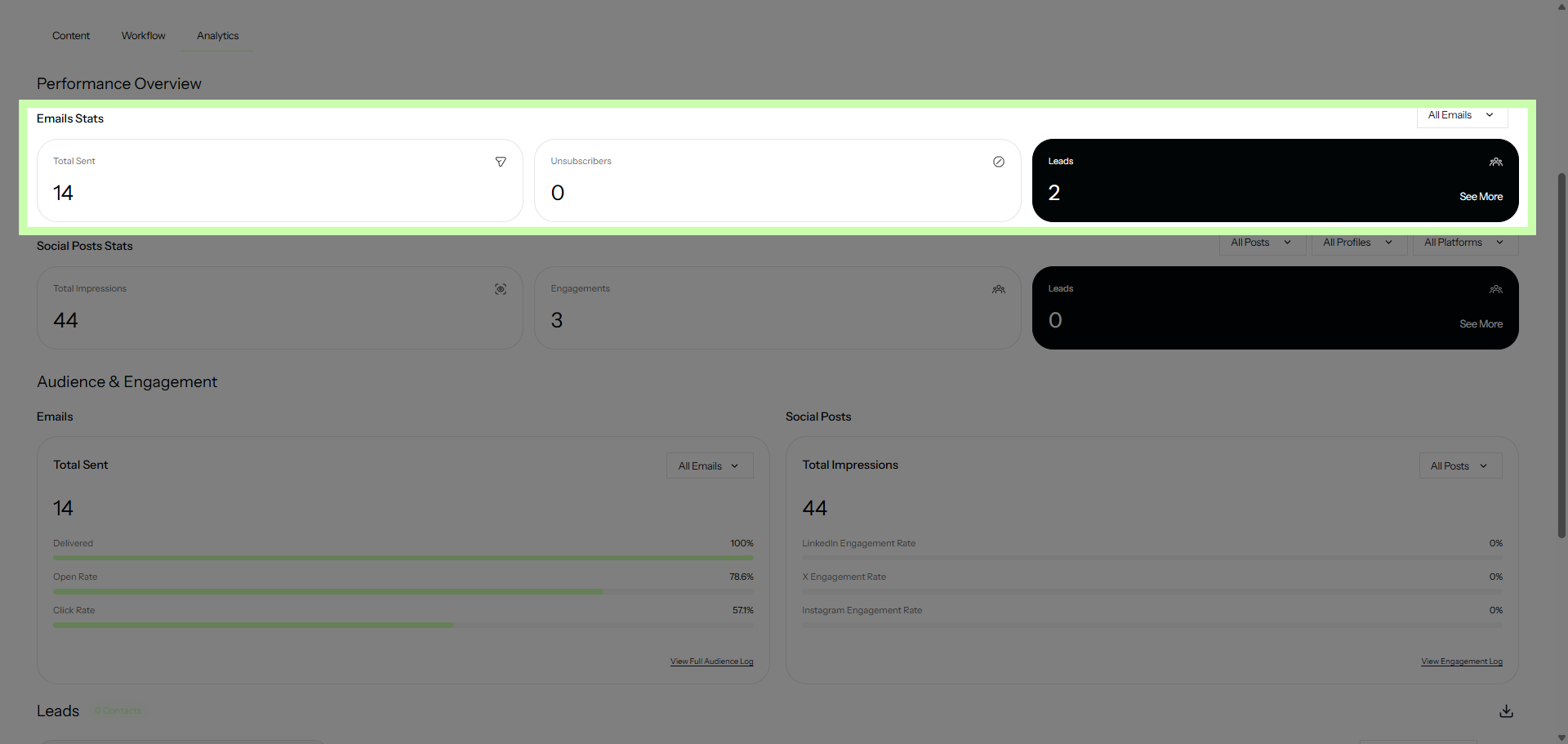
Starting at the top, the Performance Overview highlights the raw power of your campaign. For emails, you can quickly scan total sends and form fills.
11. Review Social Post Stats
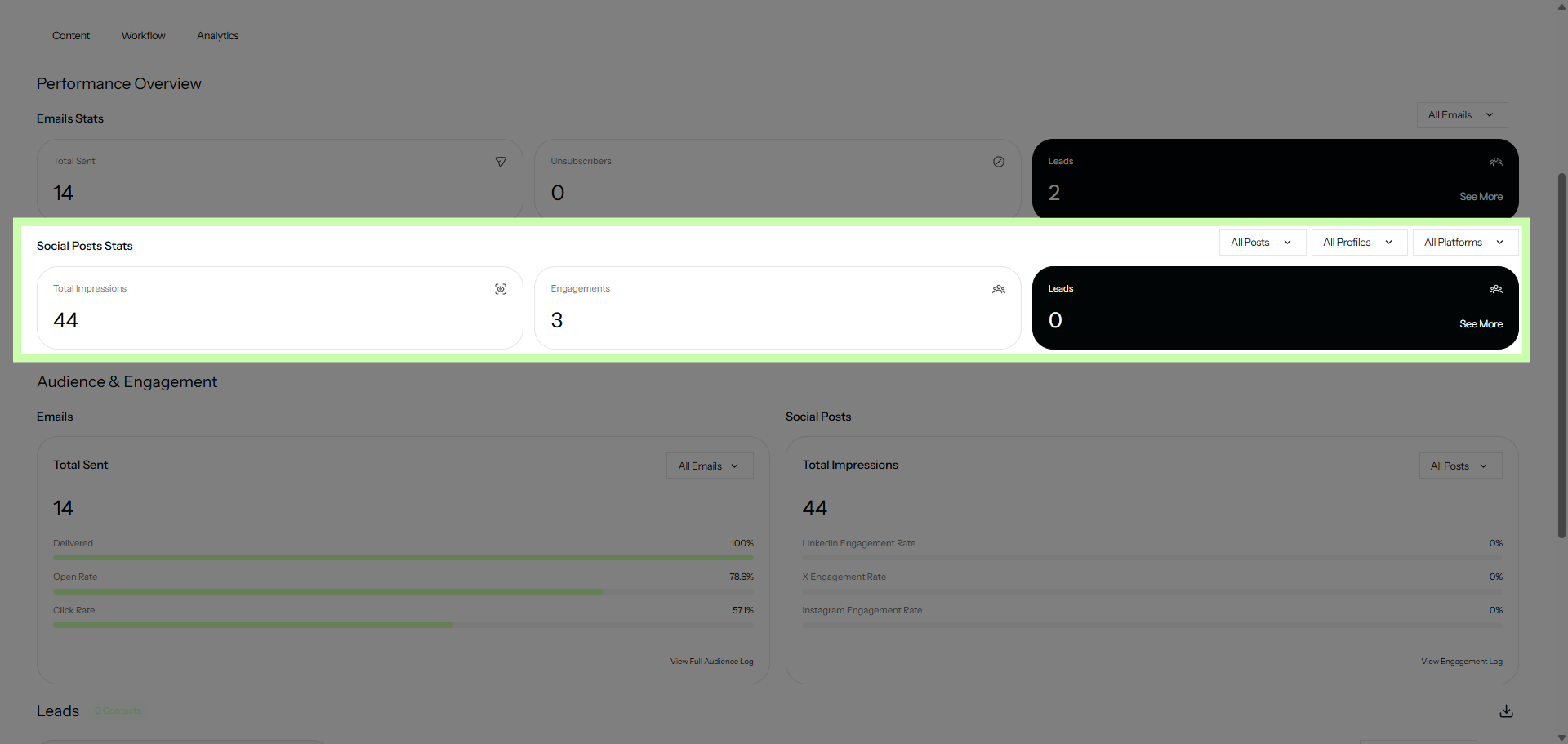
For social posts, view overall impressions and interactions for your posts. If you’ve included a landing page, you’ll also find form fills.
12. Review Engagement
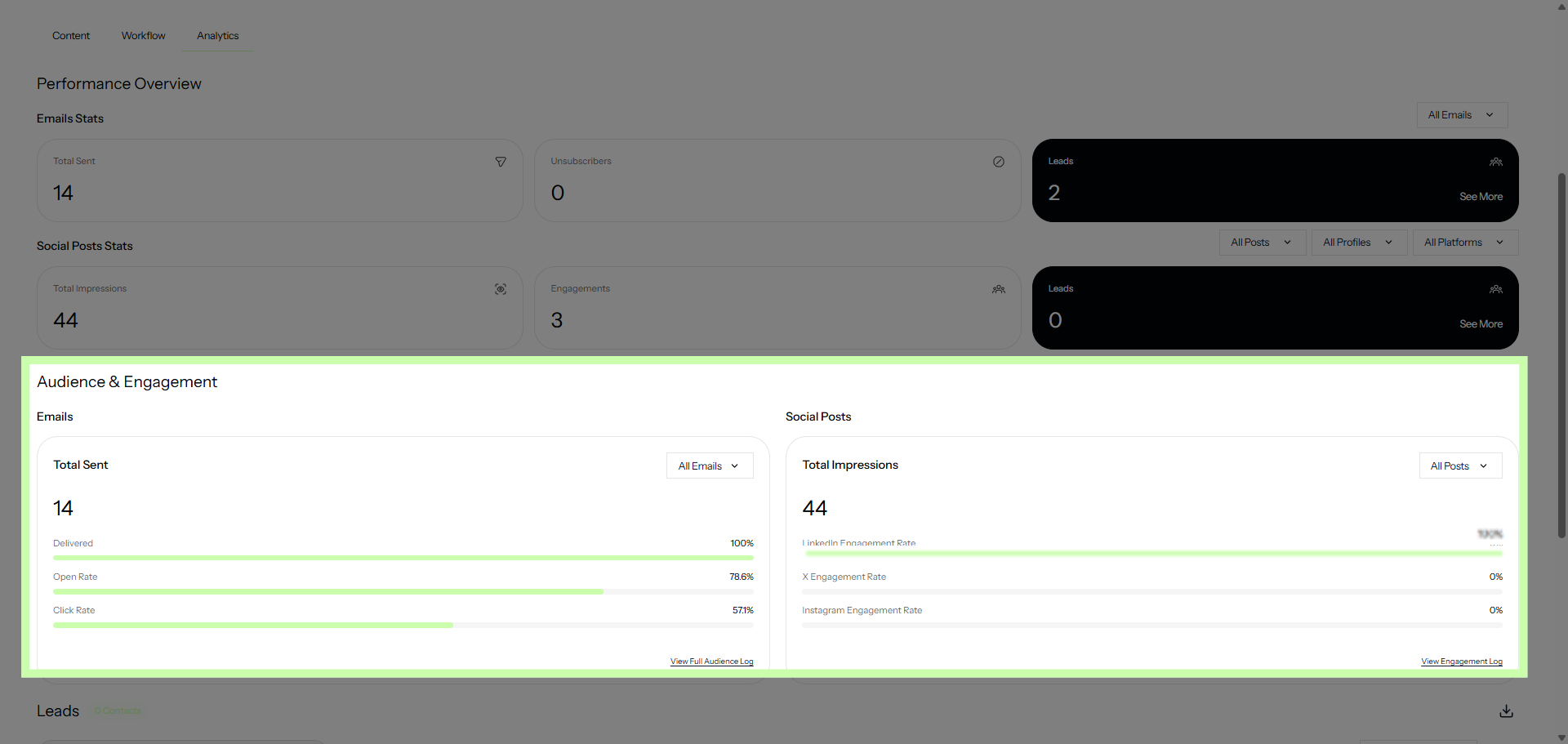
Next, the Audience & Engagement section takes you deeper. Here, you’ll see not just what performed, but who engaged and how.
13. Email Engagement
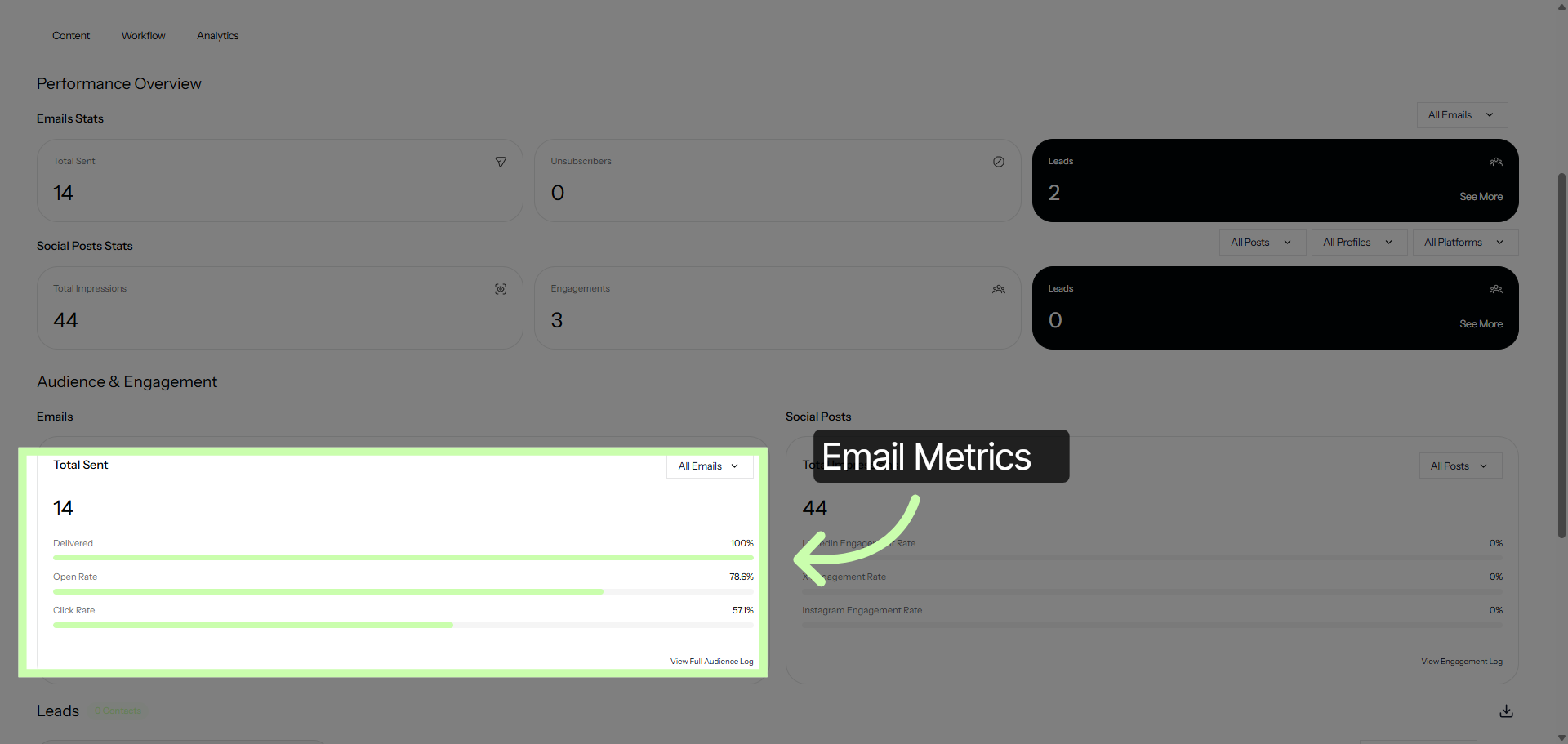
For Email, view, open and click percentages at a glance.
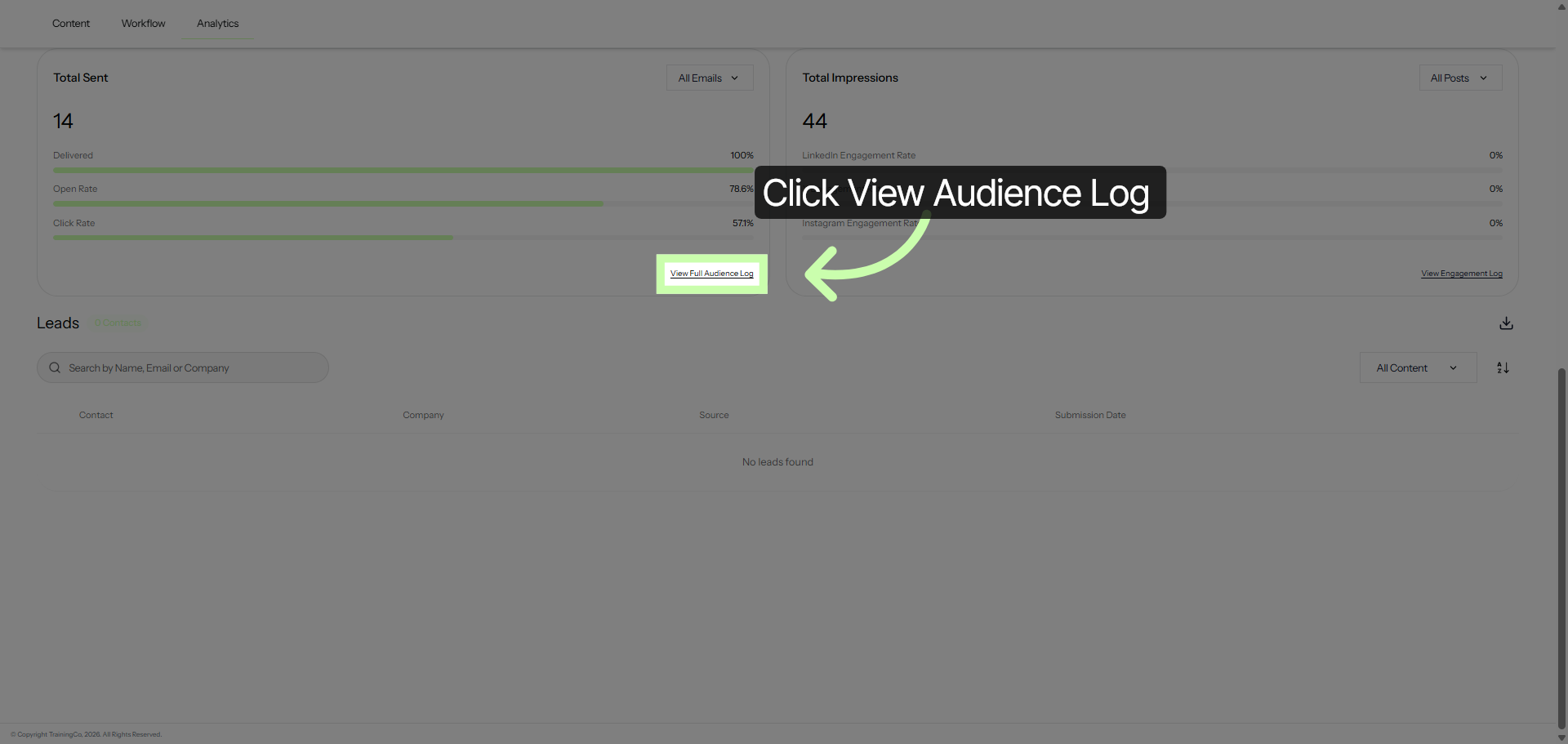
14. Open Full Audience Log
For deeper analysis, click View Audience Log.
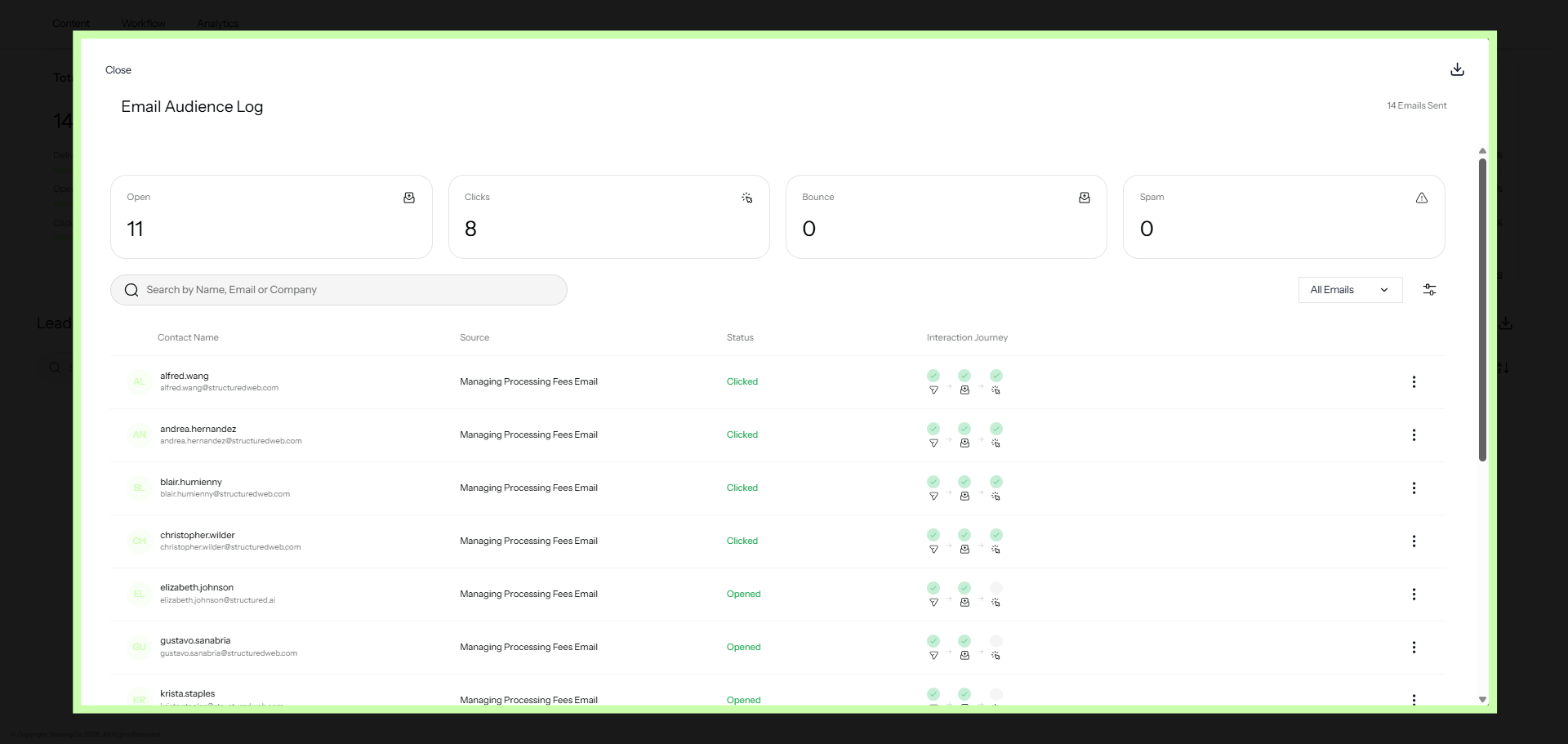
15. Examine Email Interaction Details
This log shows the actual individuals who have interacted with your campaign - including opens, clicks and more!
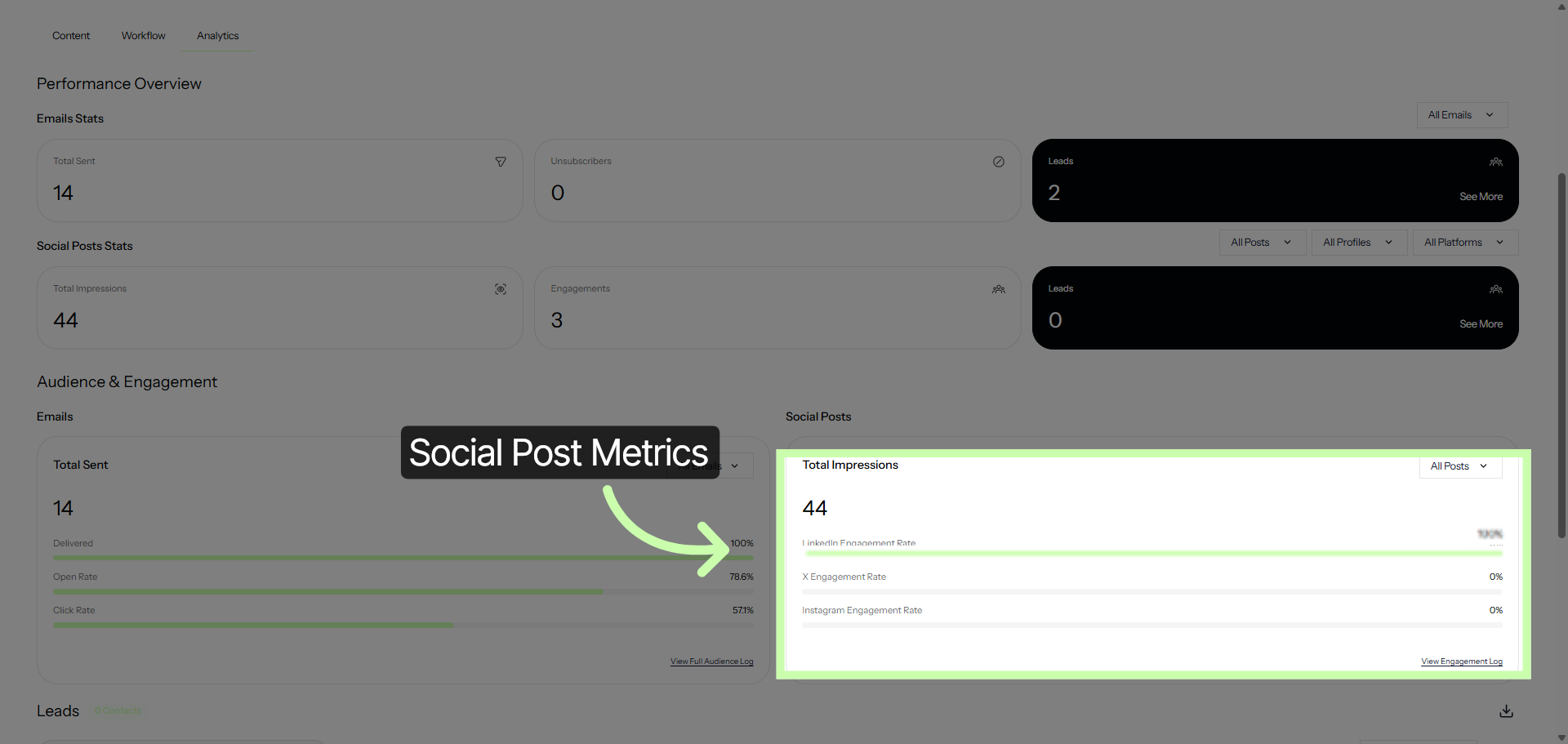
16. Social Post Engagement
In Social Posts, compare and contrast your efforts across networks.
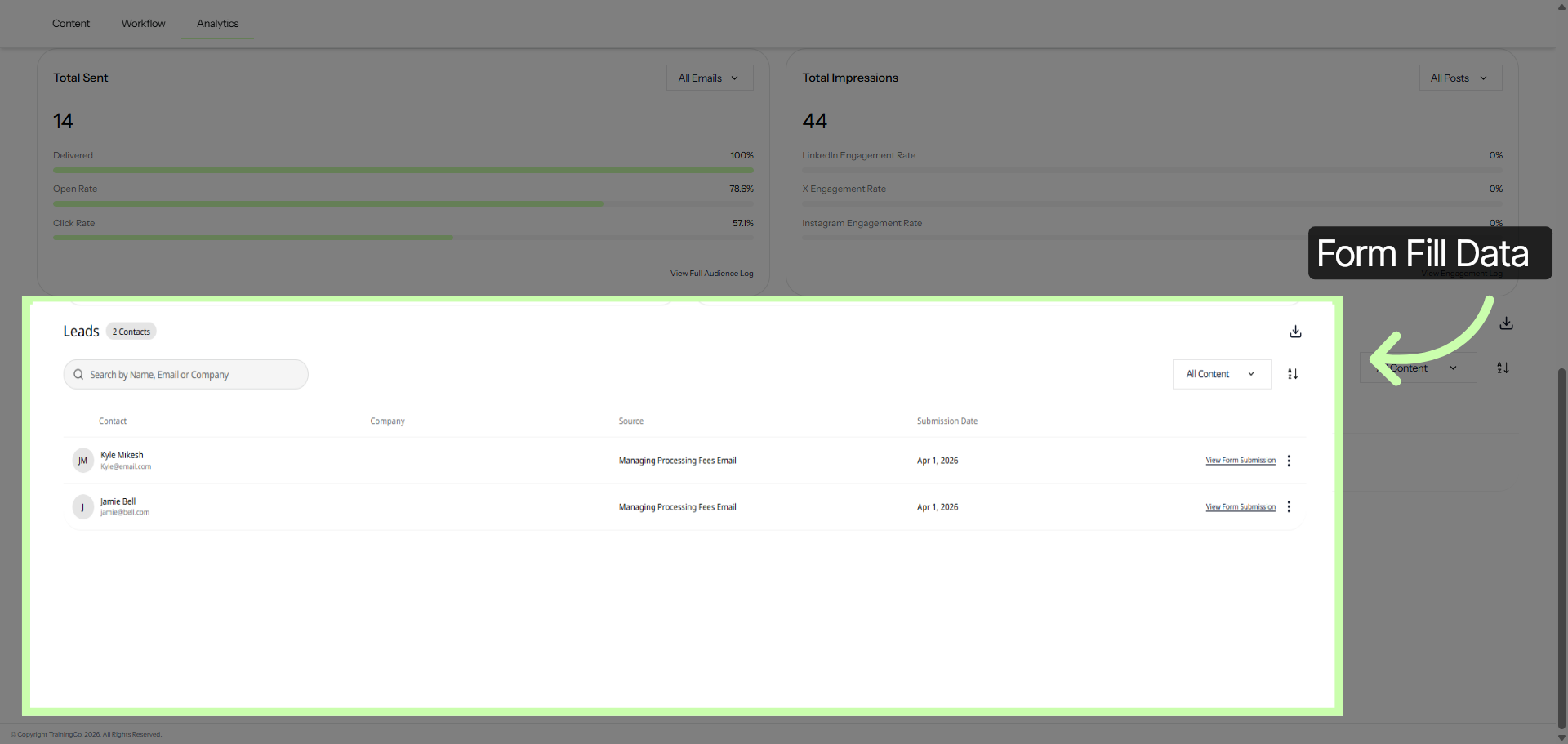
17. Explore Leads and Content Details
Finally, your Leads data brings everything together, showing how engagement translates into real opportunities.
Campaign performance metrics provide a complete, end-to-end view of your campaign’s impact, clear, actionable, and built for smarter decisions.