
 Introduction to the AI Agents Dashboard
Estimated Time
~15 minutes
Current Phase
Phase 1 of 1
What You'll Accomplish
- In this training, you'll get an overview of the Agents dashboard and learn how the key components work together to power your AI experience. You'll explore how to create and manage agents, build and maintain knowledge bases, understand content indexing and searchability, and customize the Ask AI interface for your users. By the end of this session, you'll have a clear understanding of how to organize, train, and manage your AI orchestration environment.
|
Before you begin — open your account This is a hands-on, learning-by-doing session. Open app.structured.ai in your browser and log in to your Tenant Account so you can follow along and apply each step in real time. |
Follow Our Step-By-Step Training
1. Introduction
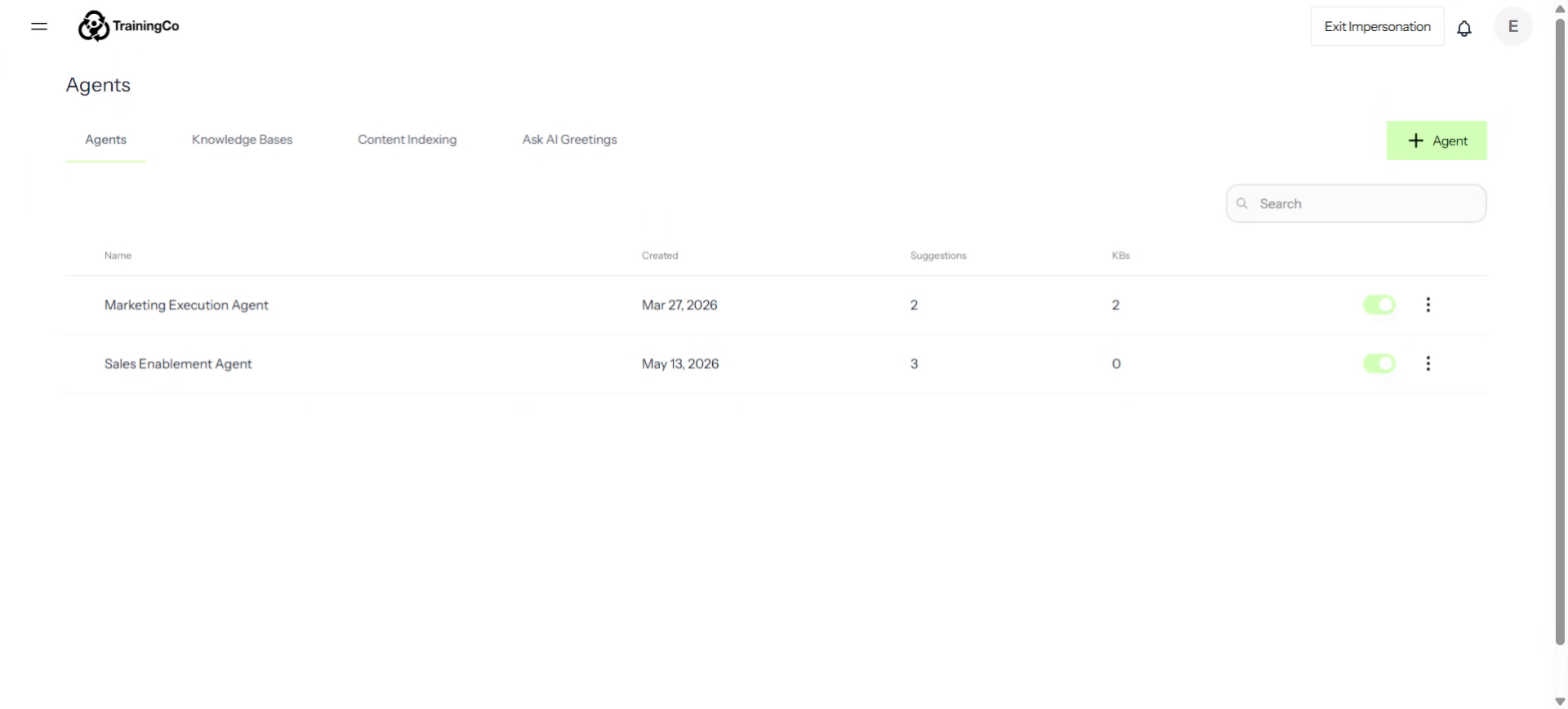
Welcome to your Agents dashboard! This area is where you can manage and build your complete AI Orchestration.
2. Click Agents
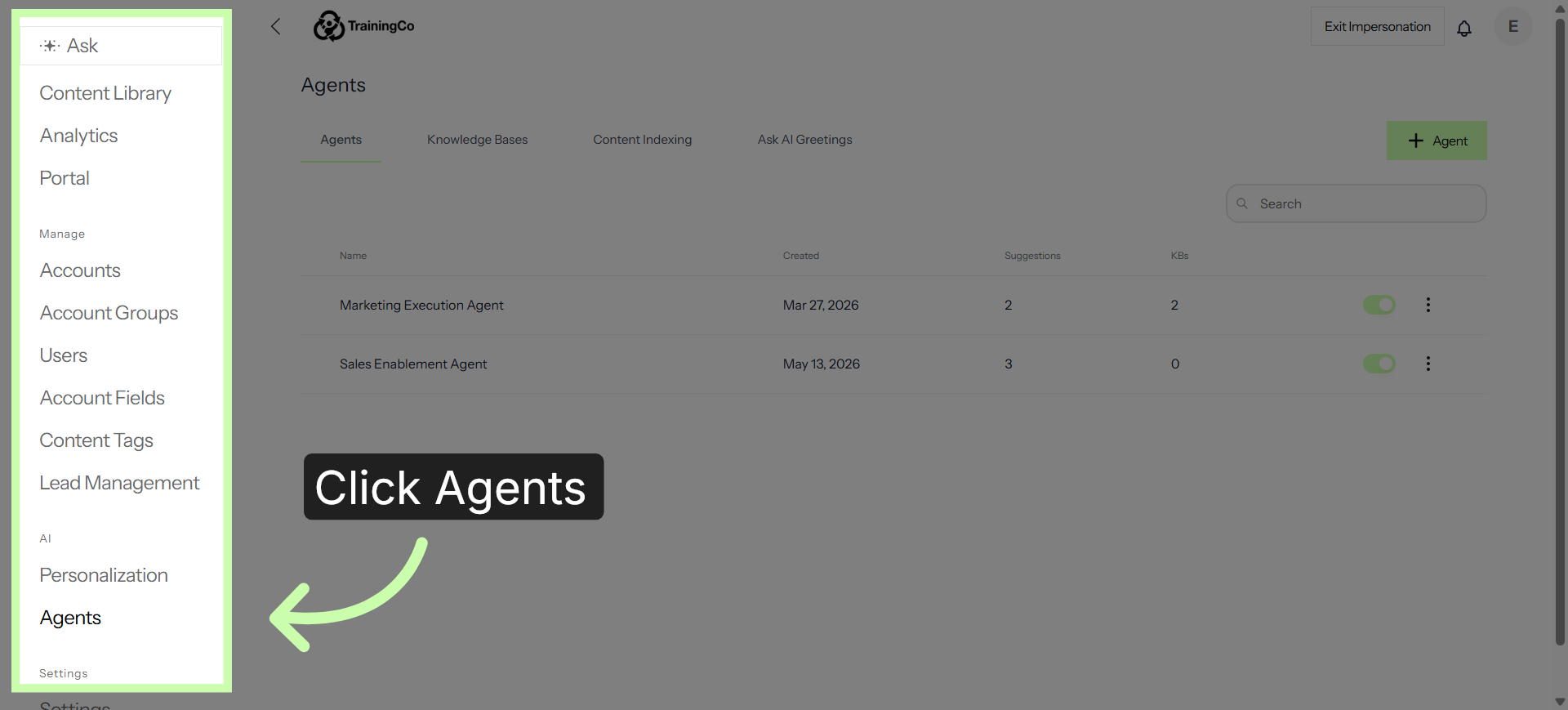
To access the Agent dashboard, from the hamburger menu, click Agents.
3. Four Key Areas
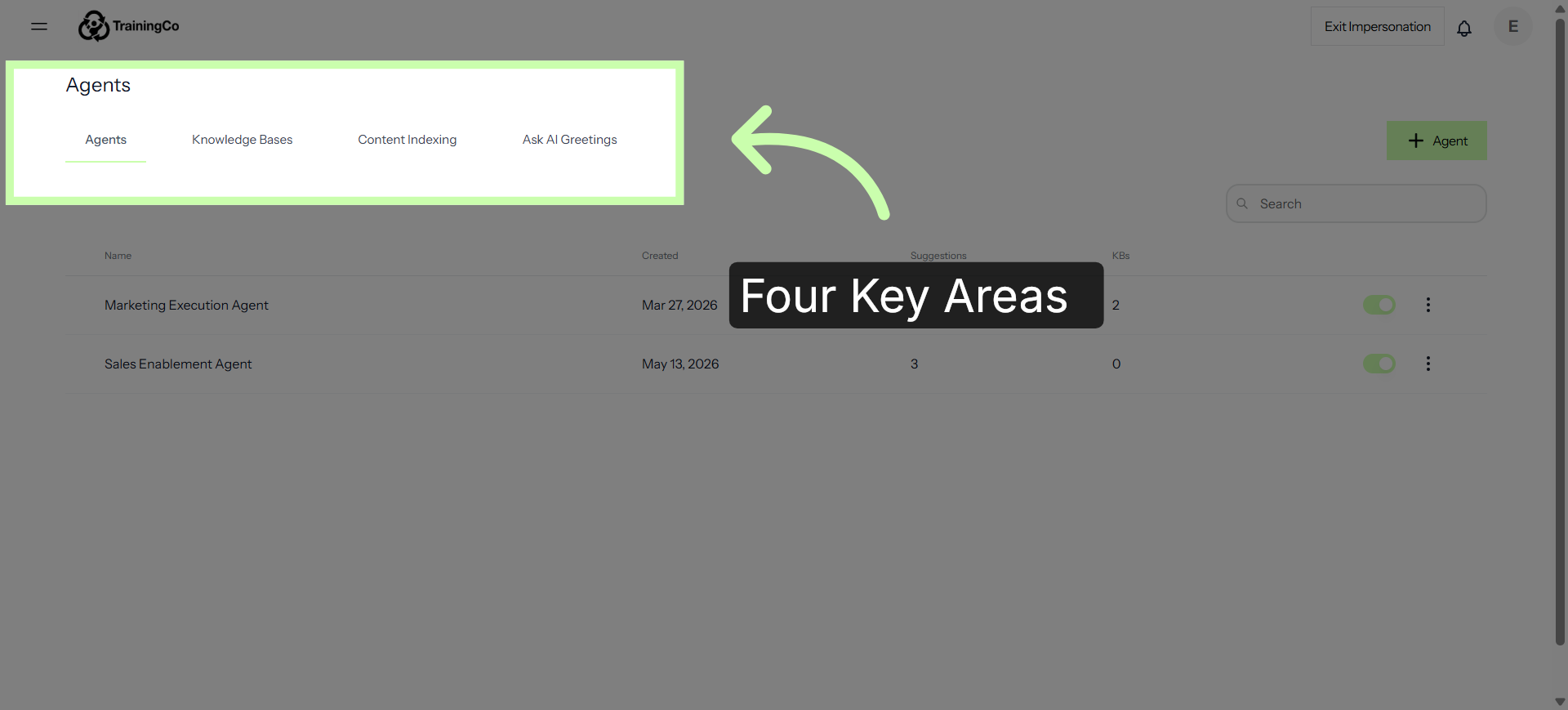
Now -- let's take a look at how these four key areas -- Agents, Knowledgebase, Content Indexing and Ask AI Greetings -- work together to power your workspace.
4. The Agents Tab
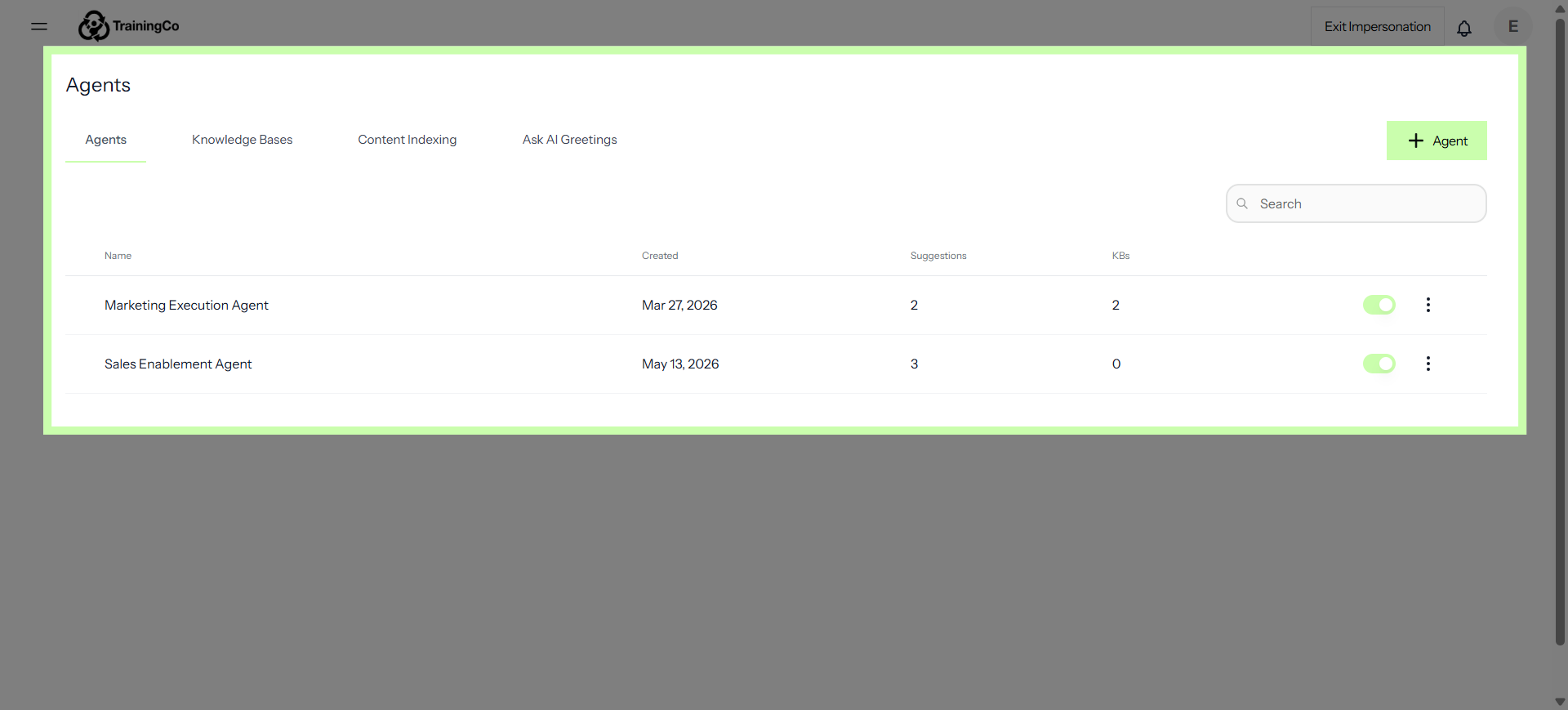
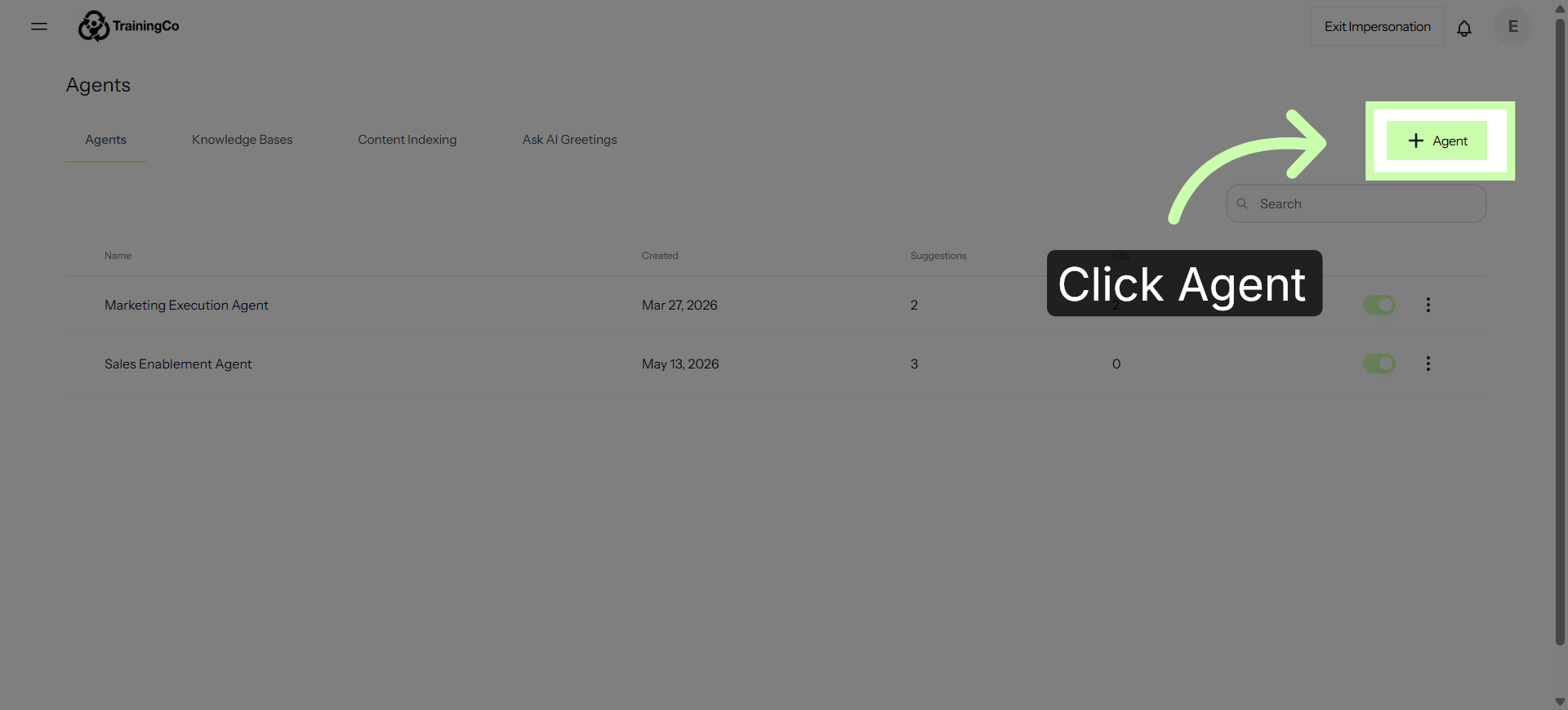
First up is the Agents tab. Think of this as the central hub for your digital workforce, where your individual agents reside. Each agent is equipped with a unique skillset, ready to deploy their expertise when a specific question is asked. At a glance, you can easily monitor your active agents, track their operational status, and view key details—including exactly how many knowledge bases they are trained on.
5. Add a New Agent
Click the +Agent button to create a brand new agent.
6. The Knowledge Bases Tab
Next up is the Knowledge Bases tab. This is where you train your agents. By feeding this section your documents, guides, or FAQs, you build the core brain of information that your agents will pull from.
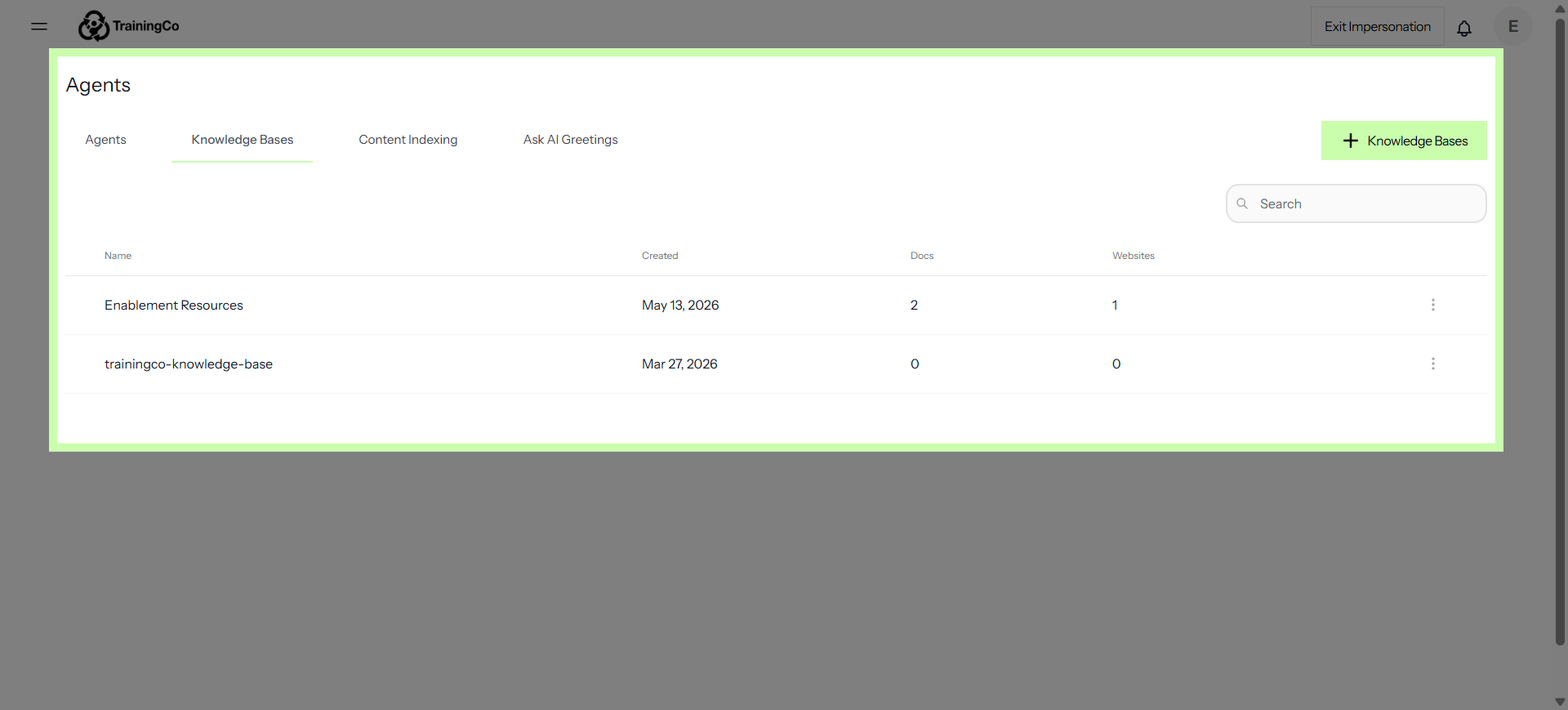
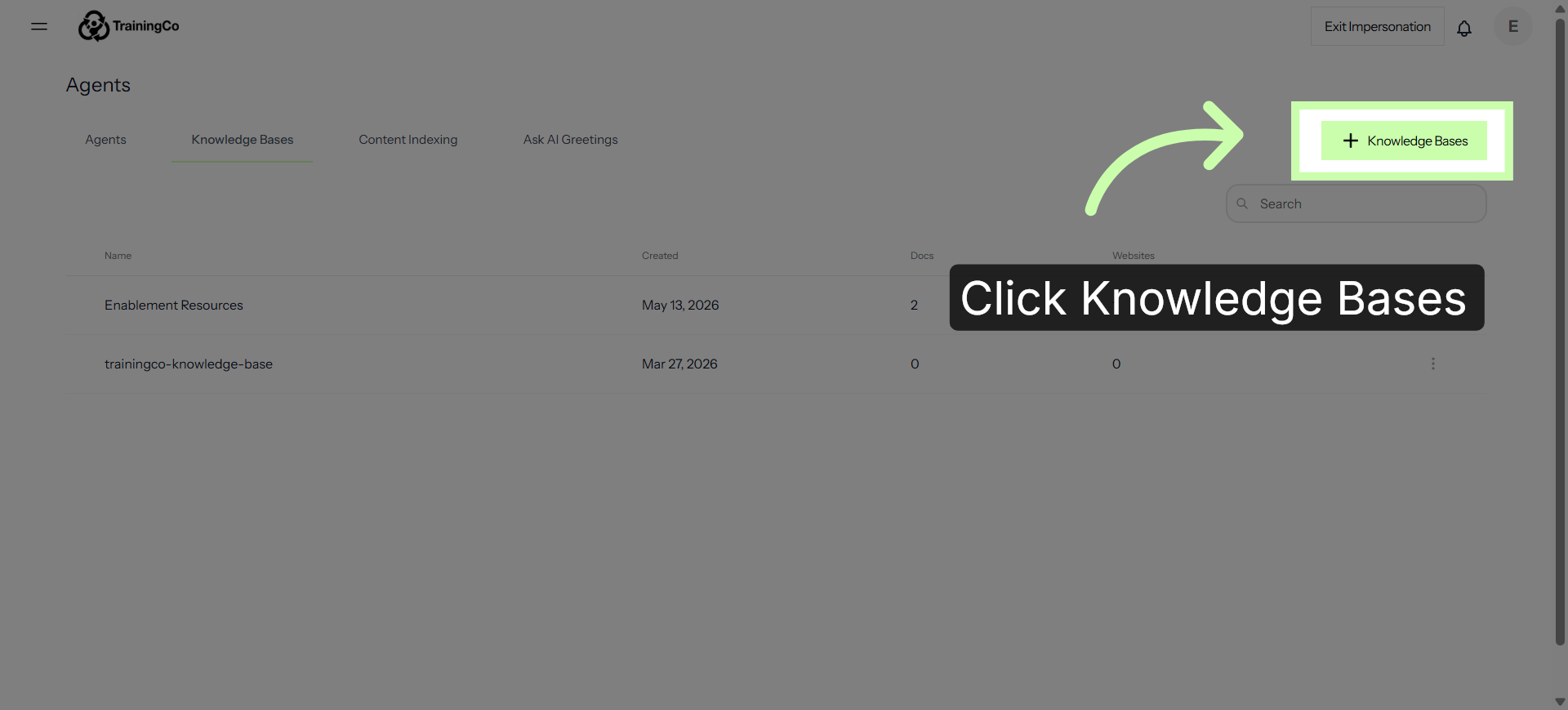
7. Add a New Knowledge Base
Click the + Knowledge Bases button to train a new knowledge base.
8. The Content Indexing Tab
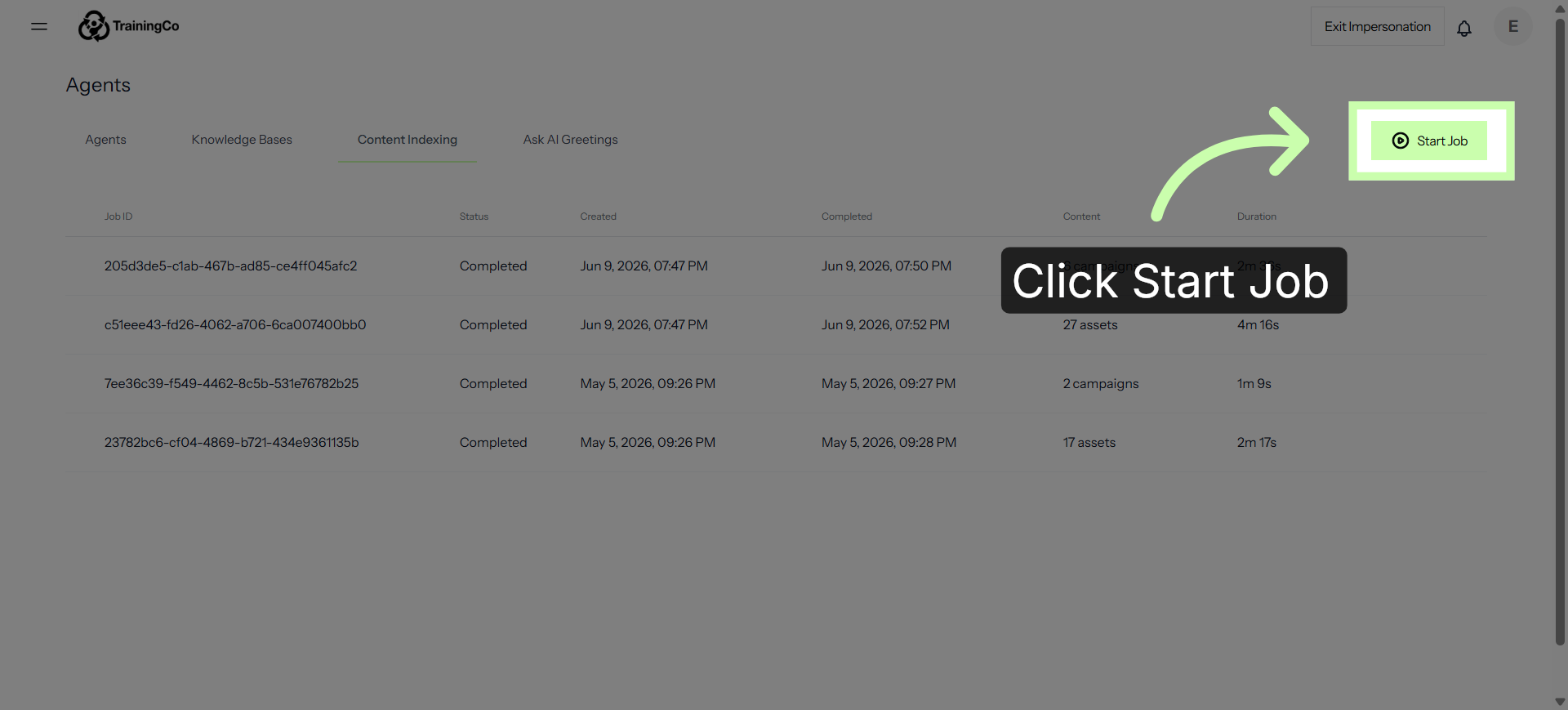
Then, we have Content Indexing. This handles your content matching. It processes and maps all your uploaded data, ensuring that when a query comes in, the platform can instantly scan and match the most accurate information to the user's request.
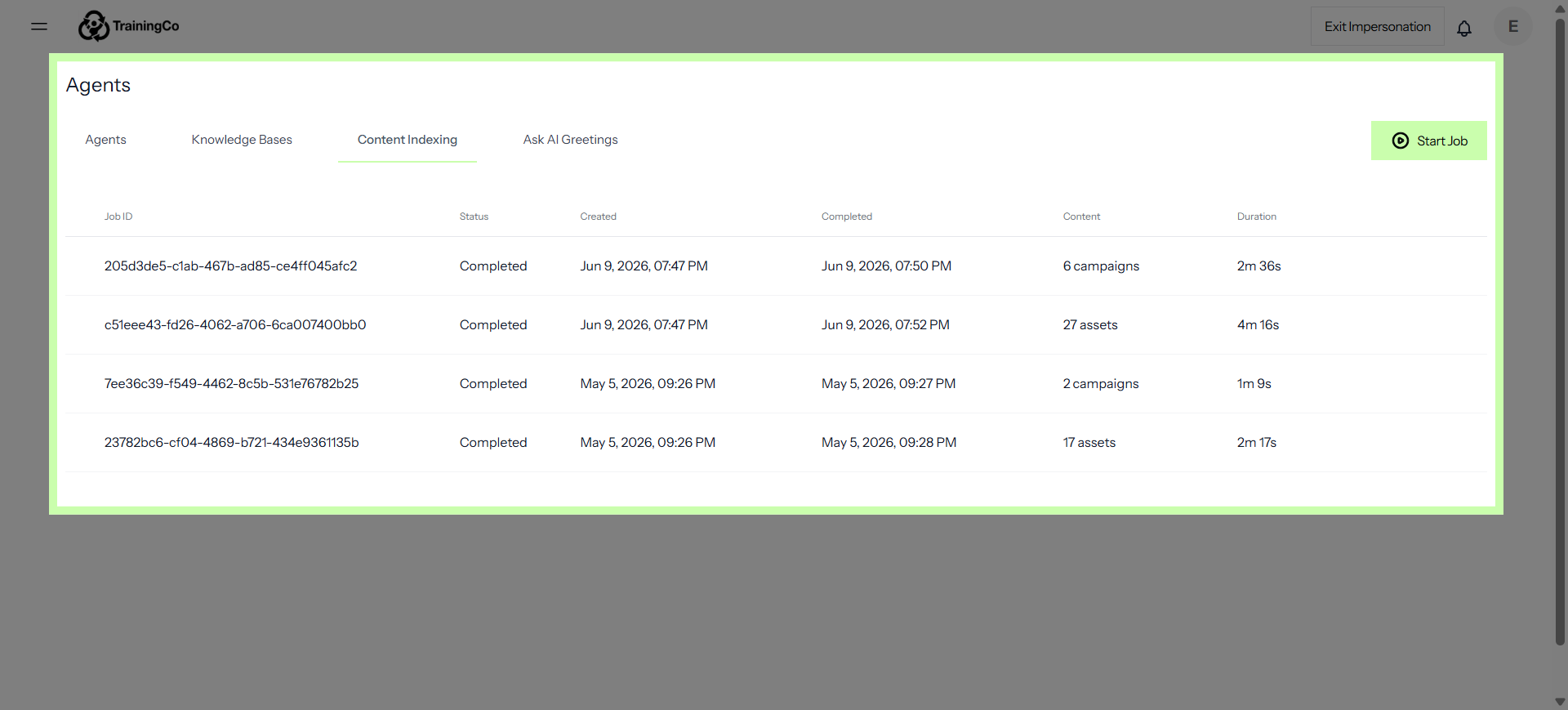
9. Update your Content Index
Your content index refreshes periodically as new content is added; however, you can always manually push updates by clicking Start Job.
10. The Ask AI Greetings Tab
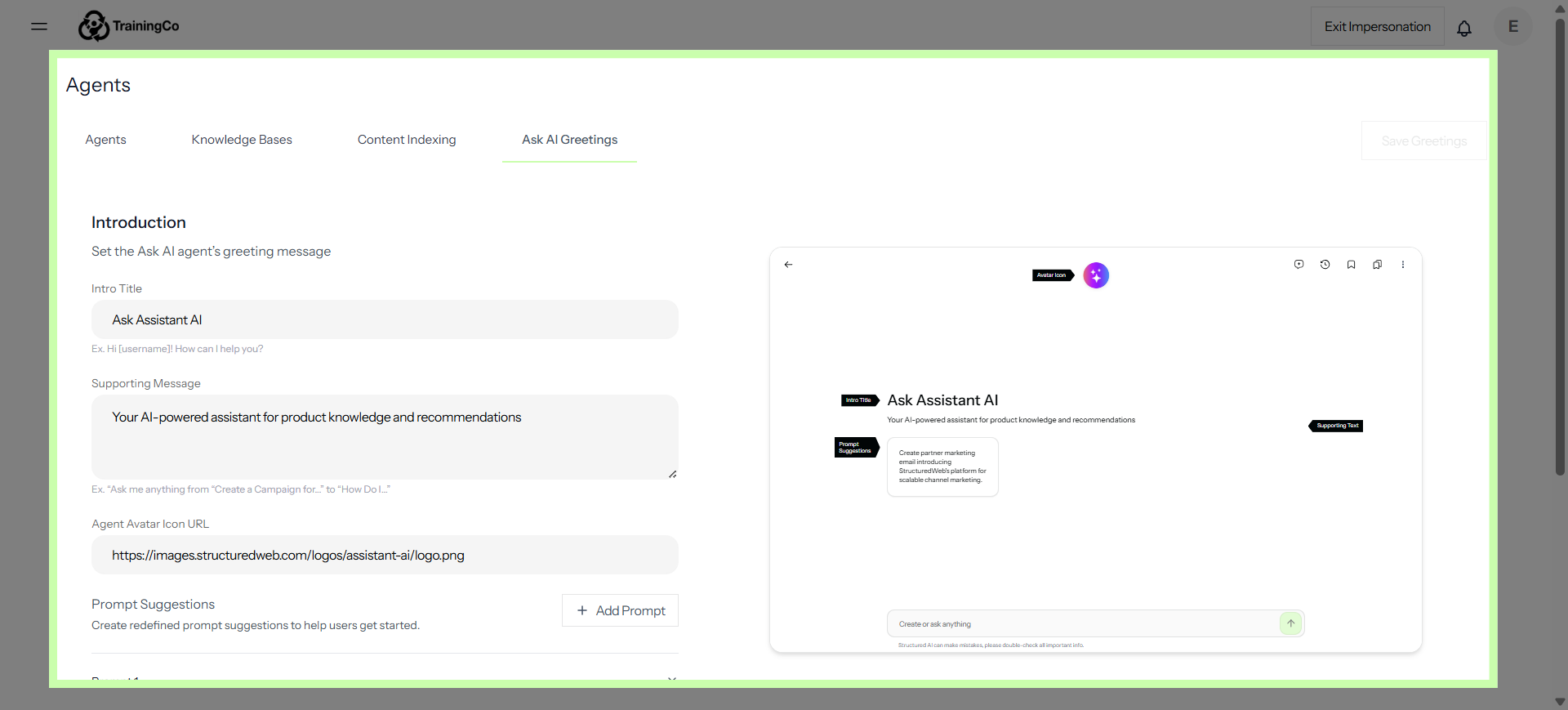
Finally, there’s Ask AI Greetings. This is where you customize your Ask AI user interface. It lets you control the partner-facing experience, allowing you to design the exact welcome messages and opening prompts users see when they first interact with your chat interface.
Together, these tabs give you complete control over how your AI is managed, trained, organized, and presented to your partners!