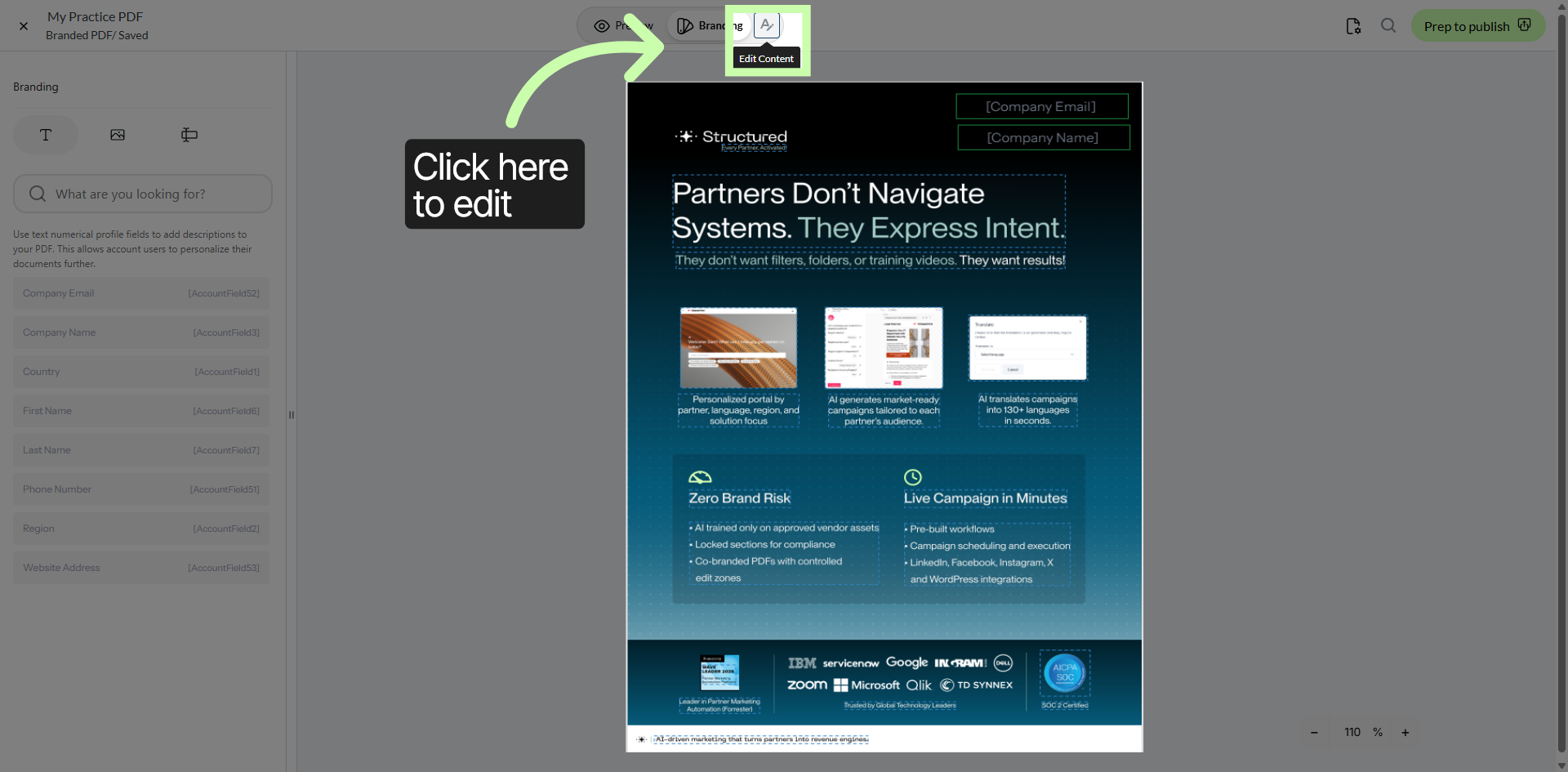
 Branded Documents - Phase 2: The Branding Editor
- Upload PDF documents into Structured AI.
- Access and use the PDF Editor to modify content.
- Apply edits to manage and refine document assets.
- Maintain and update PDFs for accurate, up-to-date content.
|
Before you begin — open your account This is a hands-on, learning-by-doing session. Open app.structured.ai in your browser and log in to your Tenant Account so you can follow along and apply each step in real time. |
|
Phase 1
Purpose & Framework
|
Start Training ➡ |
|
Phase 2
The Branding Editor
|
Current Phase ✔ |
|
Phase 3
Testing & Management
|
Start Training ➡ |
Follow Our Step-By-Step Training
1. Introduction
Custom Branded Documents are a highly efficient way to provide partners with ready-made marketing assets, like data sheets or whitepapers, that automatically feature their own company branding.
Let's continue with this training where you will gain comprehensive knowledge on how to efficiently manage your documents using the PDF Editor. This includes understanding various tools and features that allow you to organize, arrange, and handle your PDF files with ease. Additionally, you will learn how to apply edits effectively, such as modifying text, inserting images, adding annotations, and making other adjustments to enhance the content of your PDF documents.
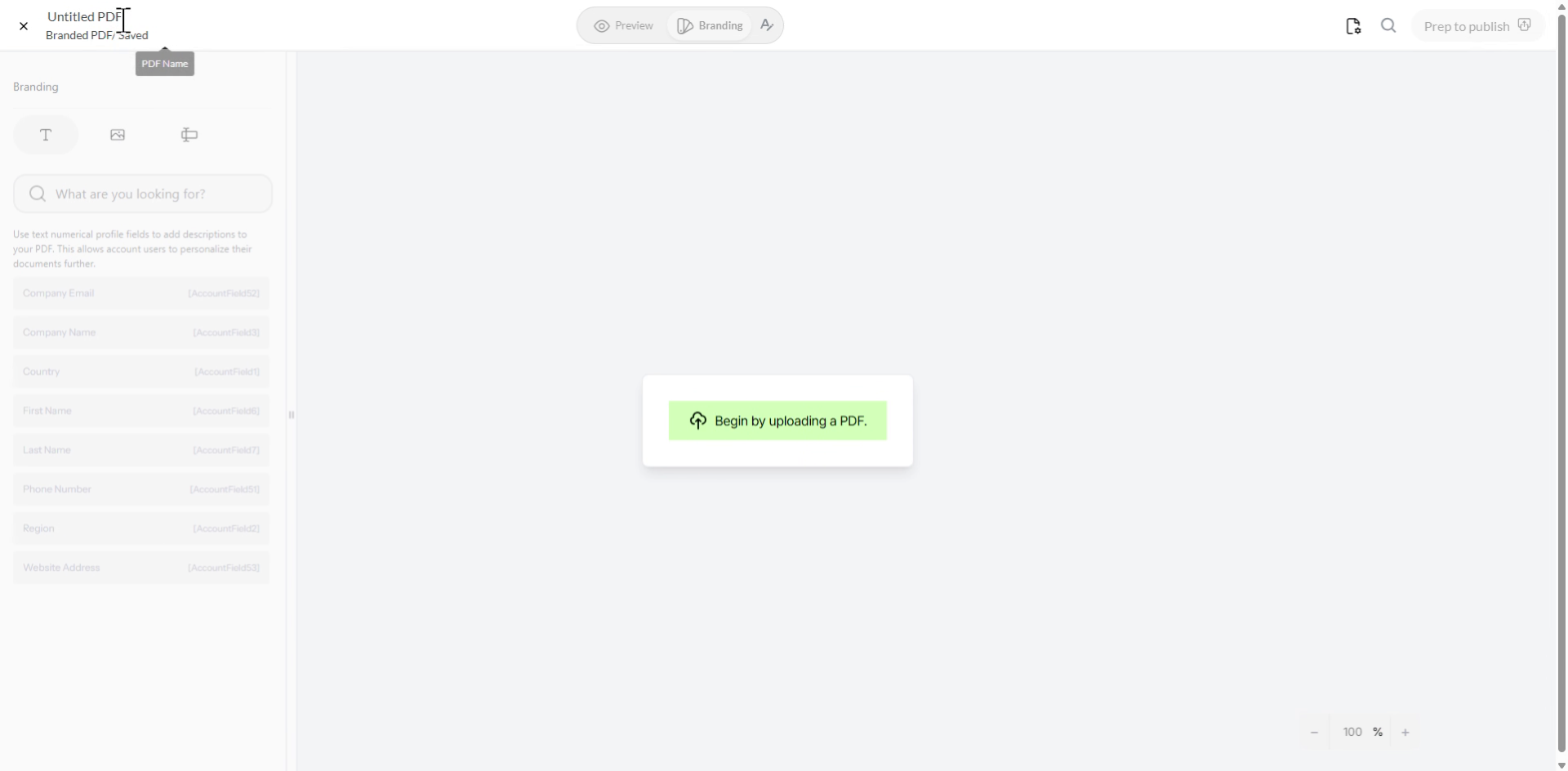
2. Naming Your Branded Document
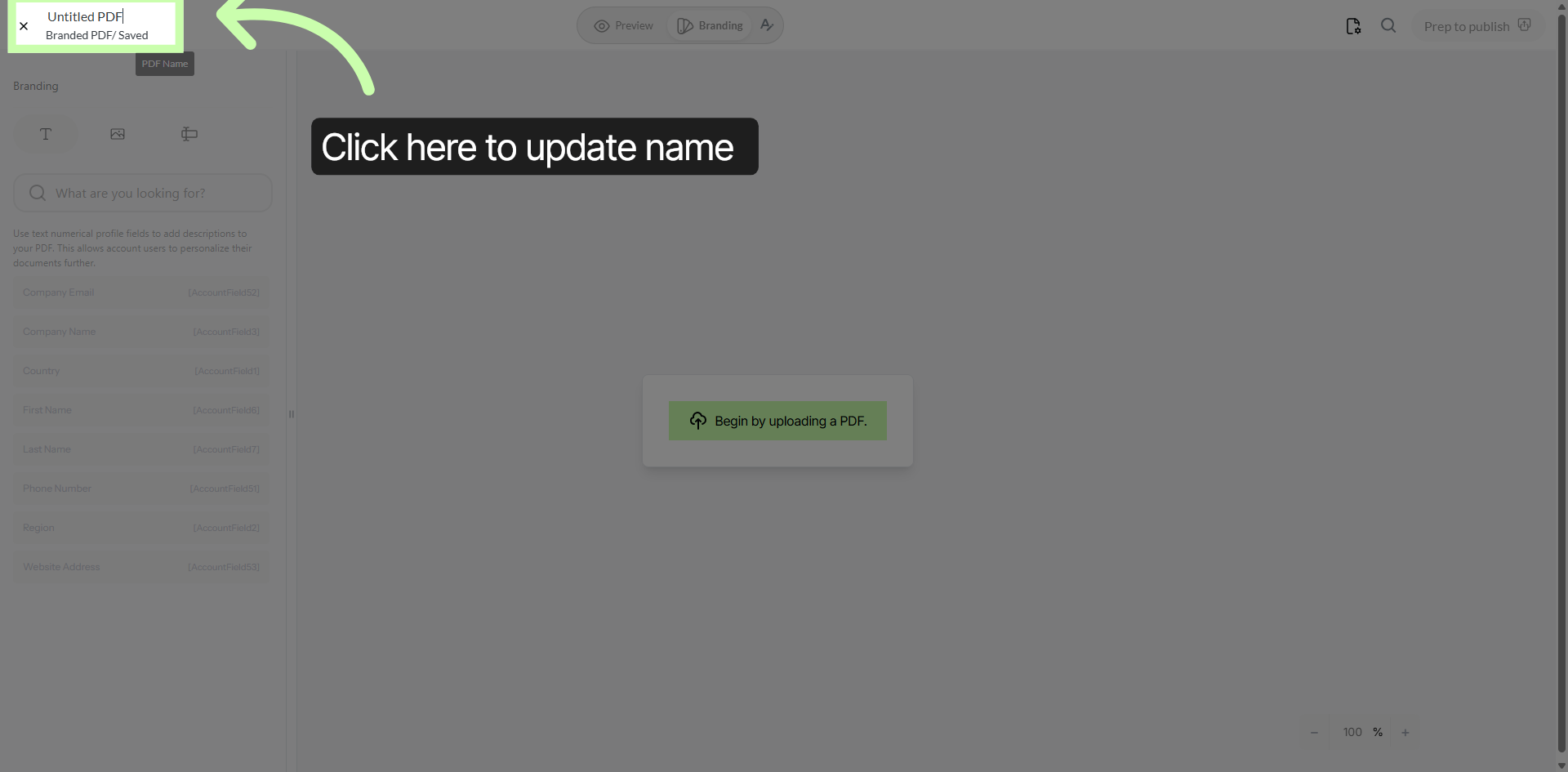
3. Update Name Entry Field
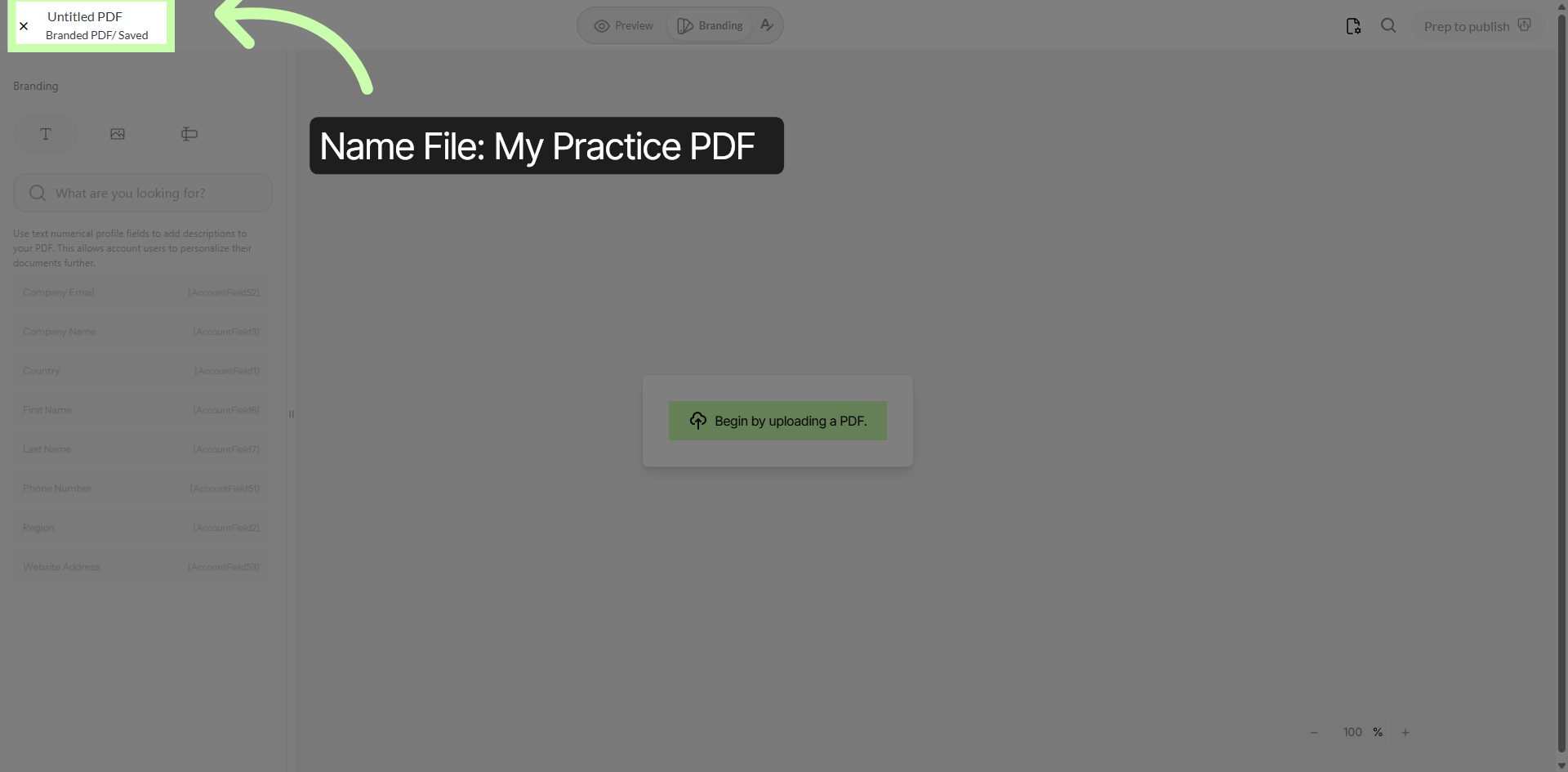
4. Begin PDF Upload
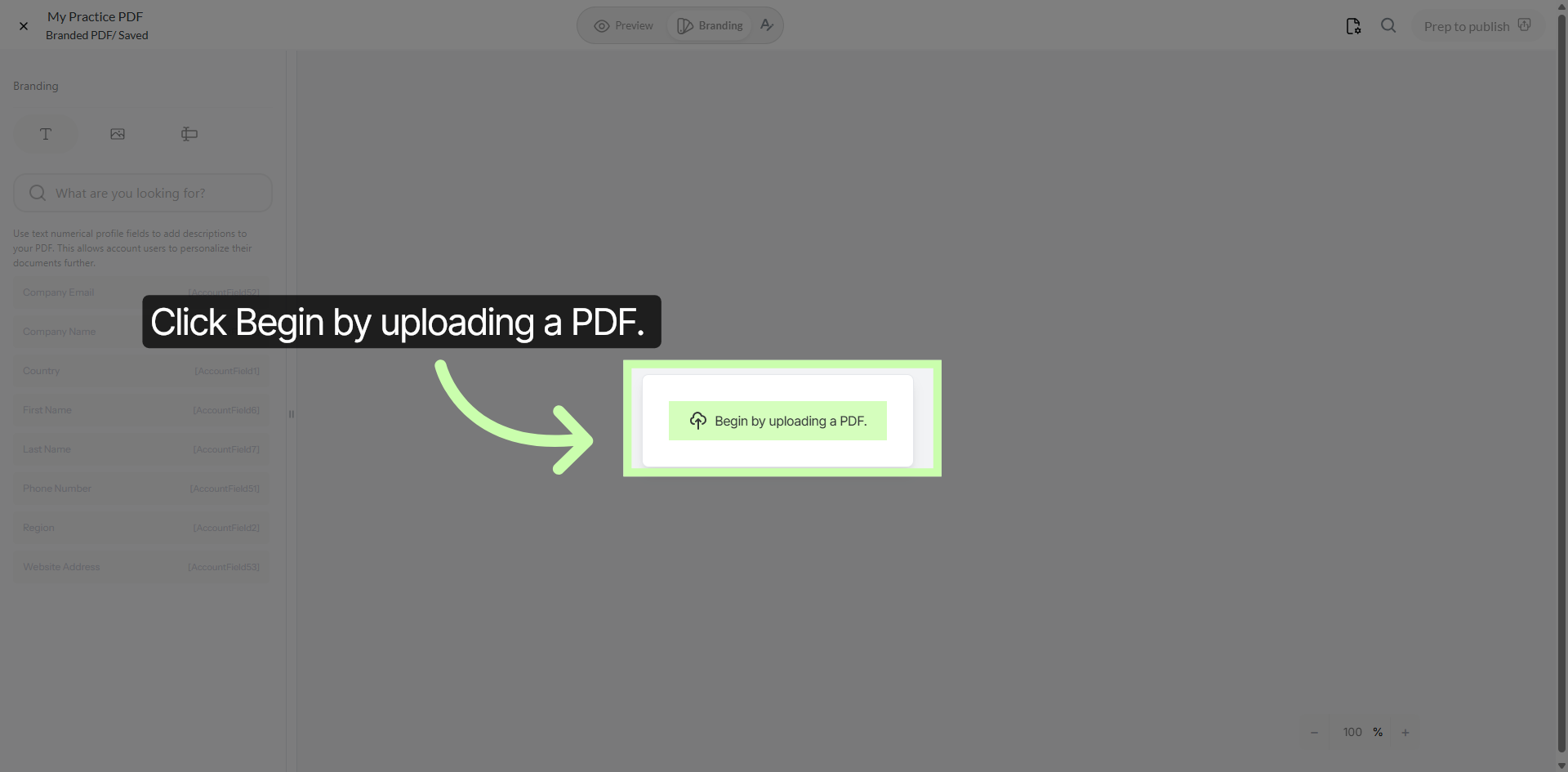
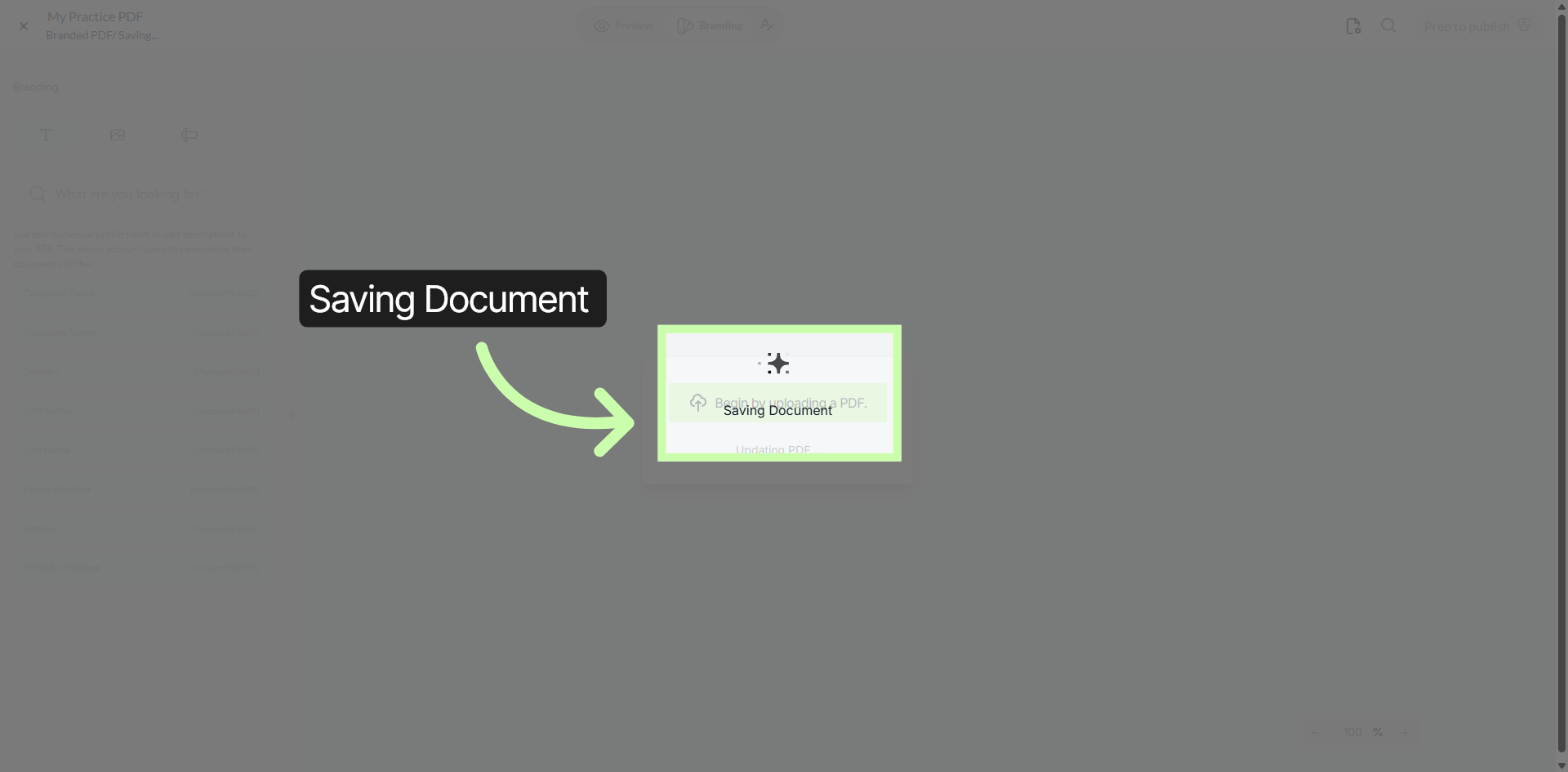
5. Save Document Progress
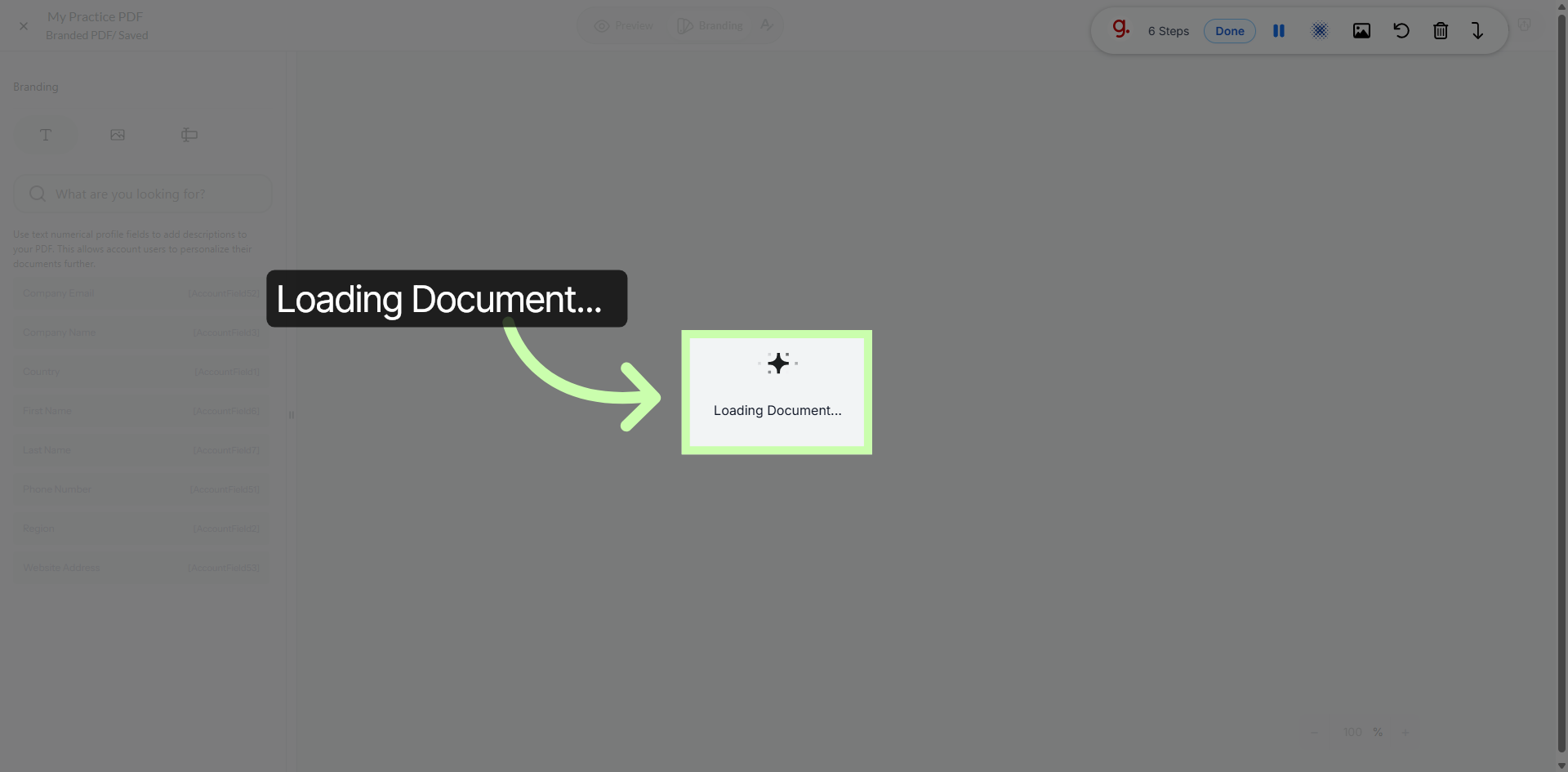
6. Load Document For Editing
7. Select Editing Tool
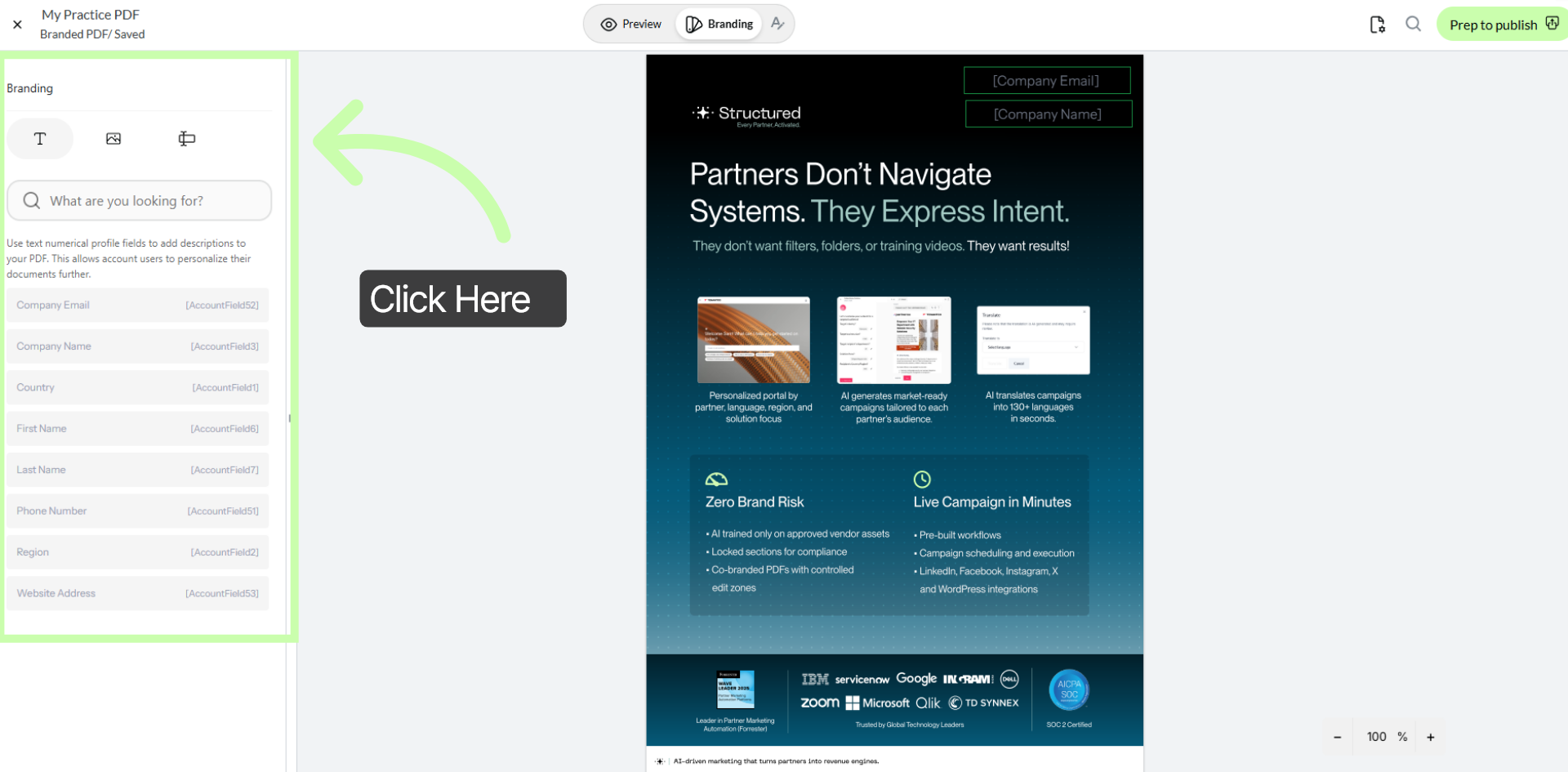
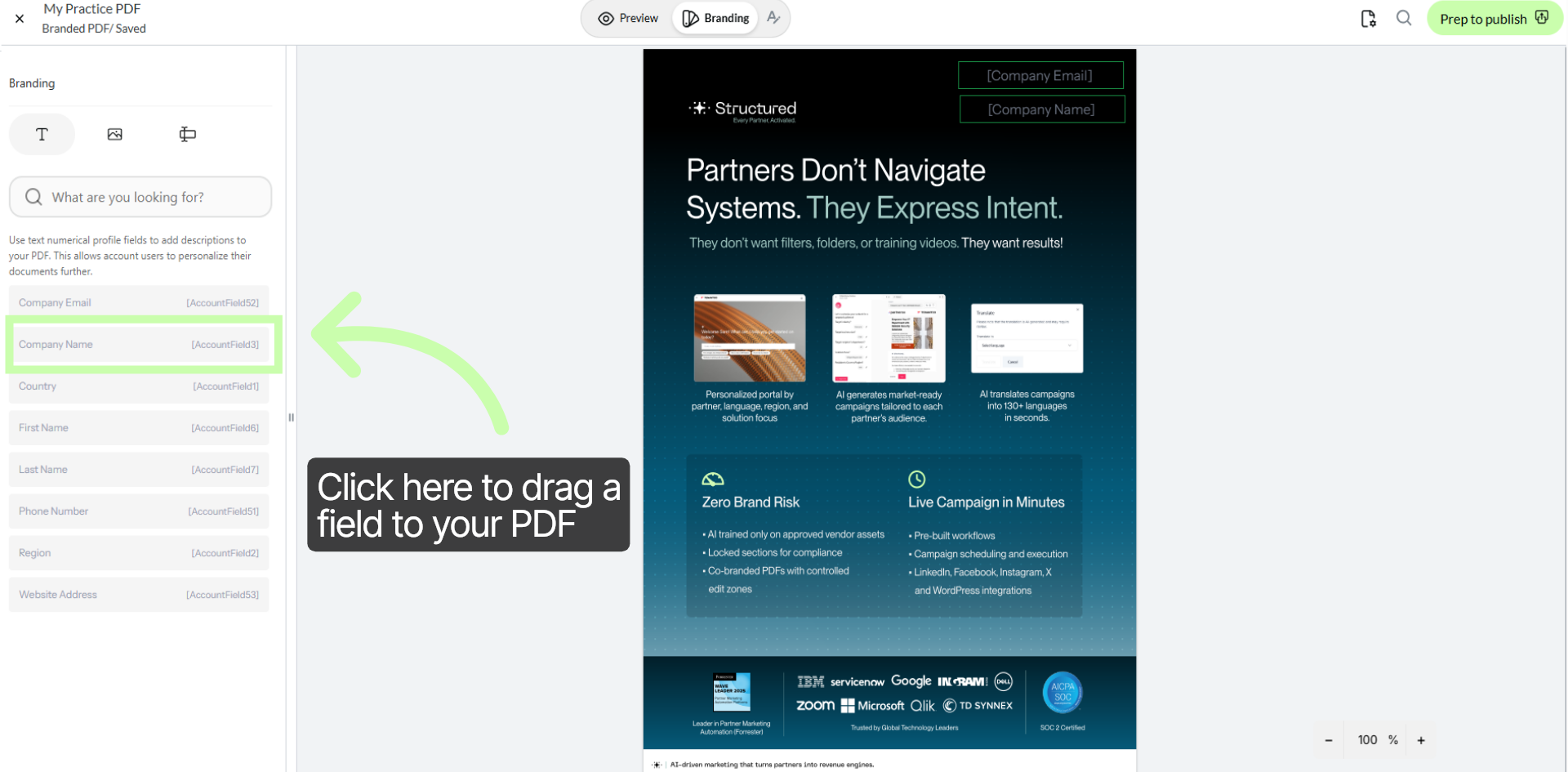
8. Drag Fields to your PDF
9. Minor Editing Options