
 Pipeline Setup (Stages & Statuses) - Phase 1: Purpose & Framework
Estimated Time
~15 minutes
Current Phase
Phase 1 of 2
What You'll Accomplish
- The purpose and structure of the pipeline setup and how it supports overall system functionality.
- The key concepts and objectives behind building and configuring a pipeline.
- The core components and workflow that make up the pipeline framework.
- How the pipeline operates within its environment to ensure effective data and process flow.
|
Before you begin — open your account This is a hands-on, learning-by-doing session. Open app.structured.ai in your browser and log in to your Tenant Account so you can follow along and apply each step in real time. |
Direct Links to the Next Phases in this Training Series
This module is part of a 2-part series. Each session builds on the
last, and reviewing them in order ensures you don't miss any critical
steps and get a complete understanding of the workflow.
|
Phase 1
Purpose & Framework
|
Current Phase ✔ |
|
Phase 2
Customizing Statuses
|
Start Training ➡ |
Follow Our Step-By-Step Training
1. Pipeline Definition And Reporting Stages
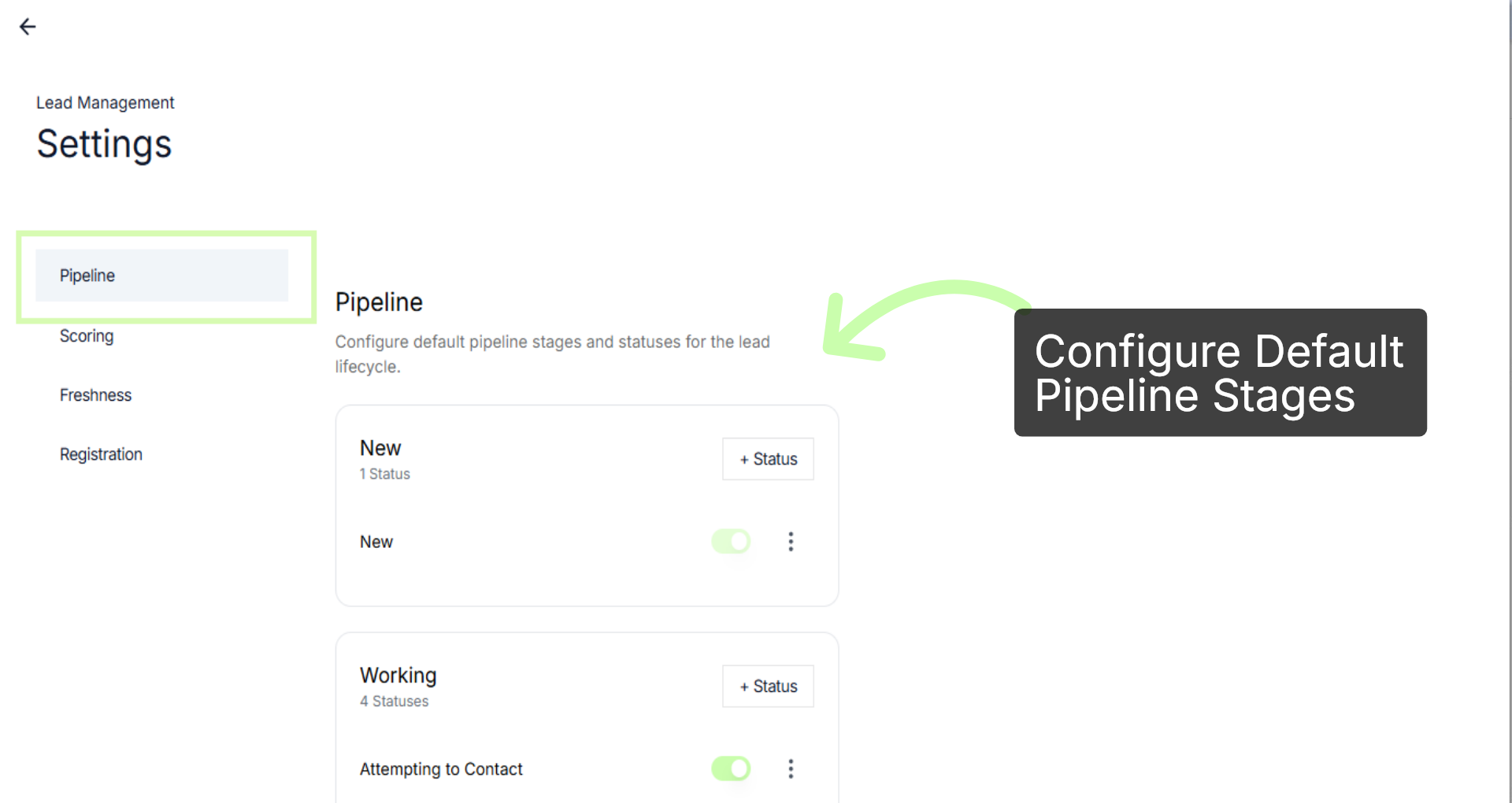
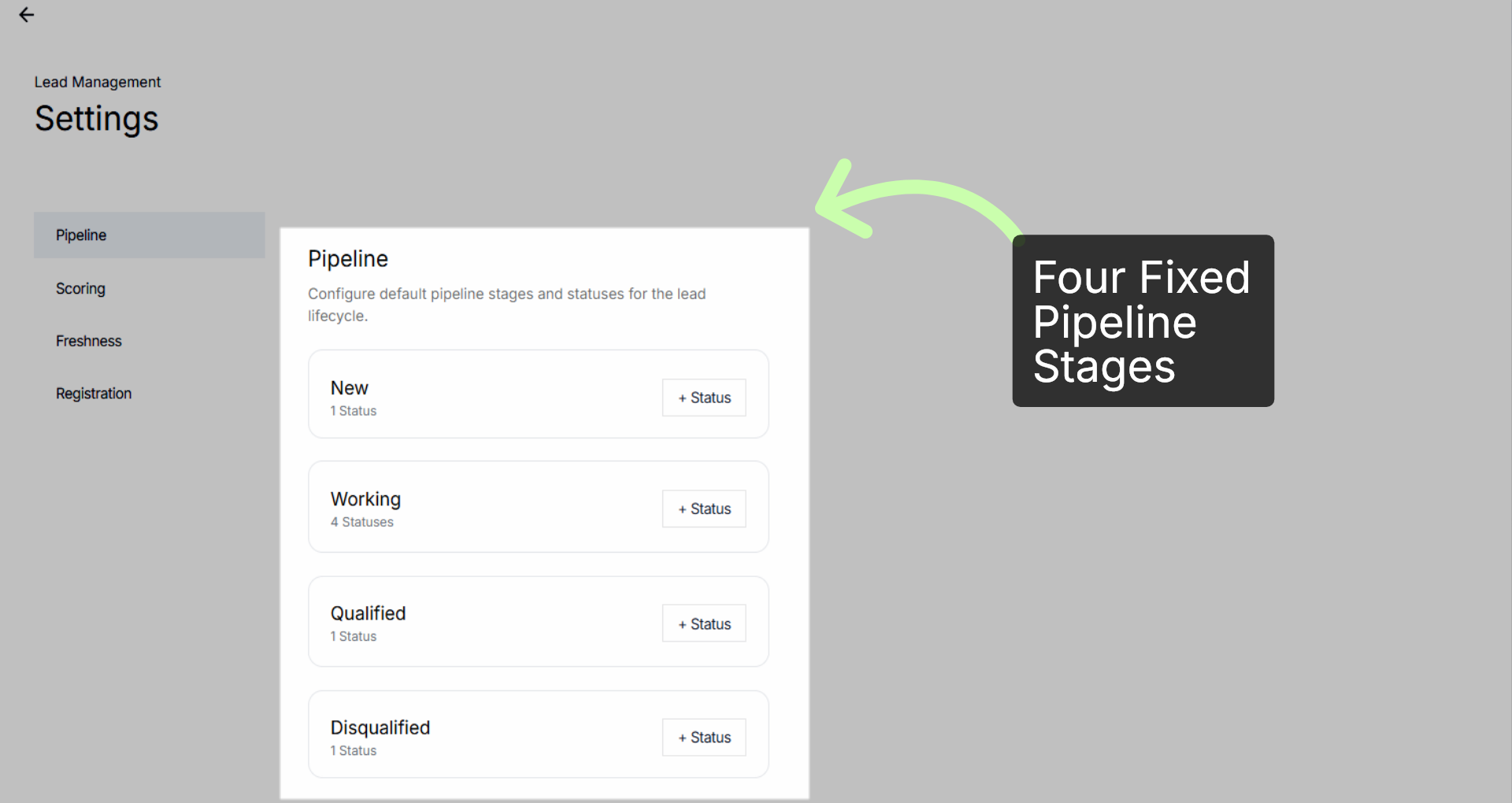
The pipeline is the progression path a lead follows from their first touch to a final outcome. To ensure universal reporting, the system uses four fixed stages that never change. These include: New, working, qualified, and disqualified.
The following video provides a detailed demonstration on how to customize stages effectively. It walks you through the entire process step-by-step, showing you various techniques and options available for tailoring stages to fit your specific needs.
Whether you are looking to modify existing stages or create new ones from scratch, the next phase will guide you through each aspect, enabling you to enhance your workflow and achieve better results.
You've Completed Phase 1 - Move to Phase 2 →