
 Creating your Email Campaign - Phase 1: Setup & Framework
- Configure your campaign framework
- Duplicate an email template
- Organize your draft folder
- Prepare for Phase 2: Drag & Drop Editor
|
Before you begin — open your account This is a hands-on, learning-by-doing session. Open app.structured.ai in your browser and log in to your Tenant Account so you can follow along and apply each step in real time. |
|
Phase 1
Setup & Framework
|
Current Phase ✔ |
|
Phase 2
Drag & Drop Editor
|
Start Training ➡ |
|
Phase 3
Conversion & Testing
|
Start Training ➡ |
Follow Our Step-By-Step Training
1. Introduction
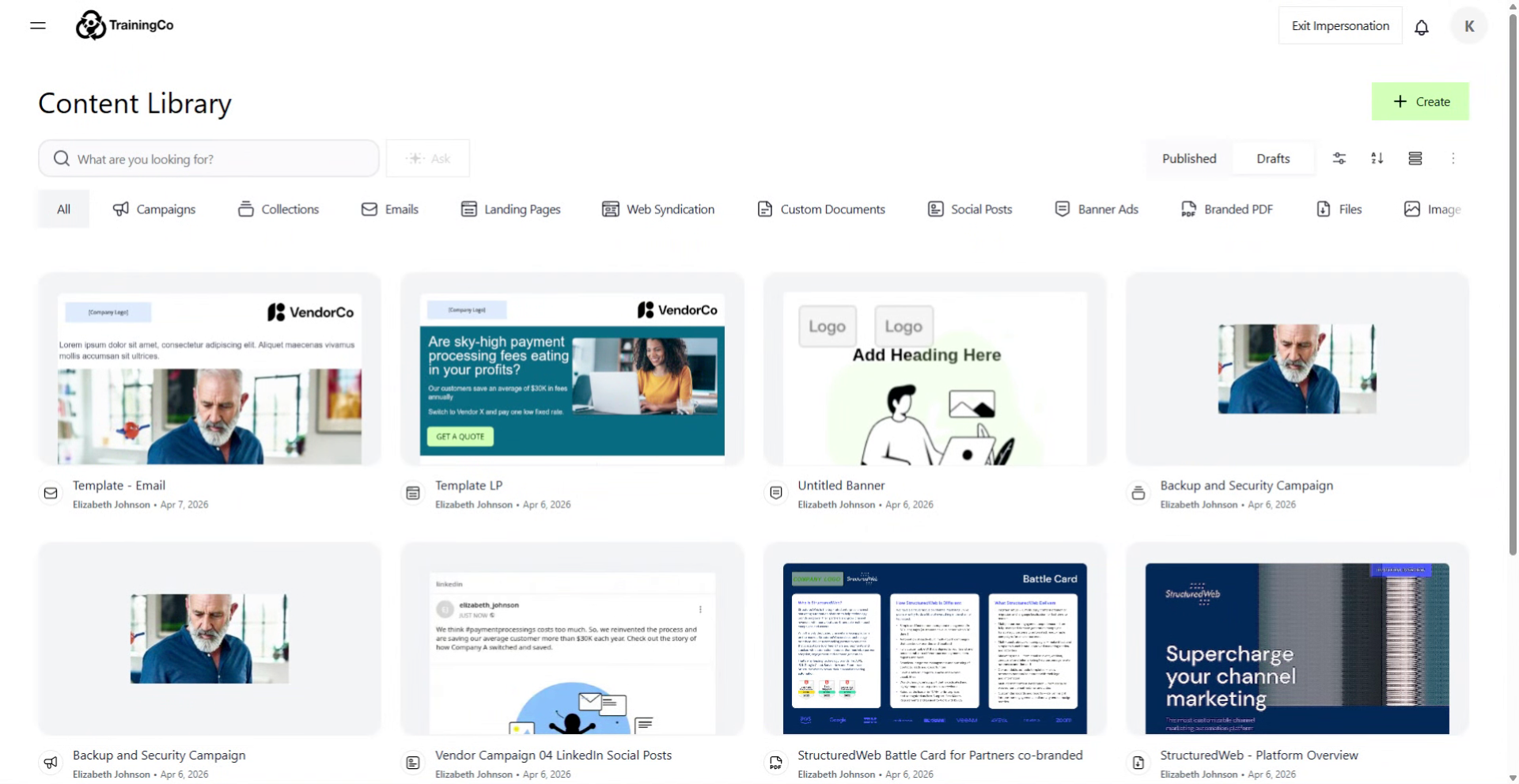
2. Access Content Library Menu
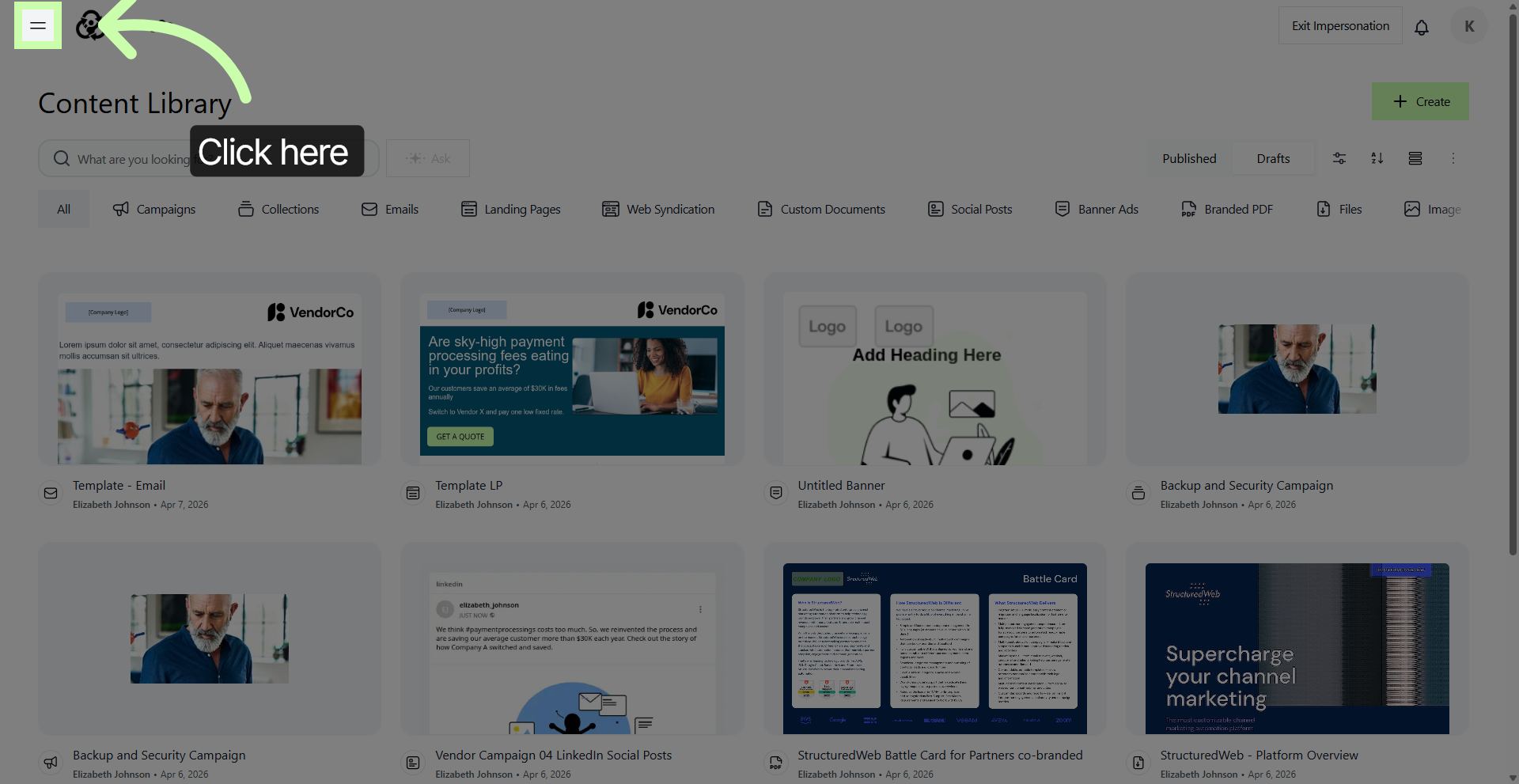
3. Open Content Library Section
To access the section where all your content assets are stored and managed, simply click on the Content Library. This area serves as a centralized hub, allowing you to easily organize, review, and manage all your digital content in one convenient location.
Whether you need to upload new materials, edit existing files, or categorize your assets for better accessibility, the Content Library provides all the necessary tools to streamline your content management process.
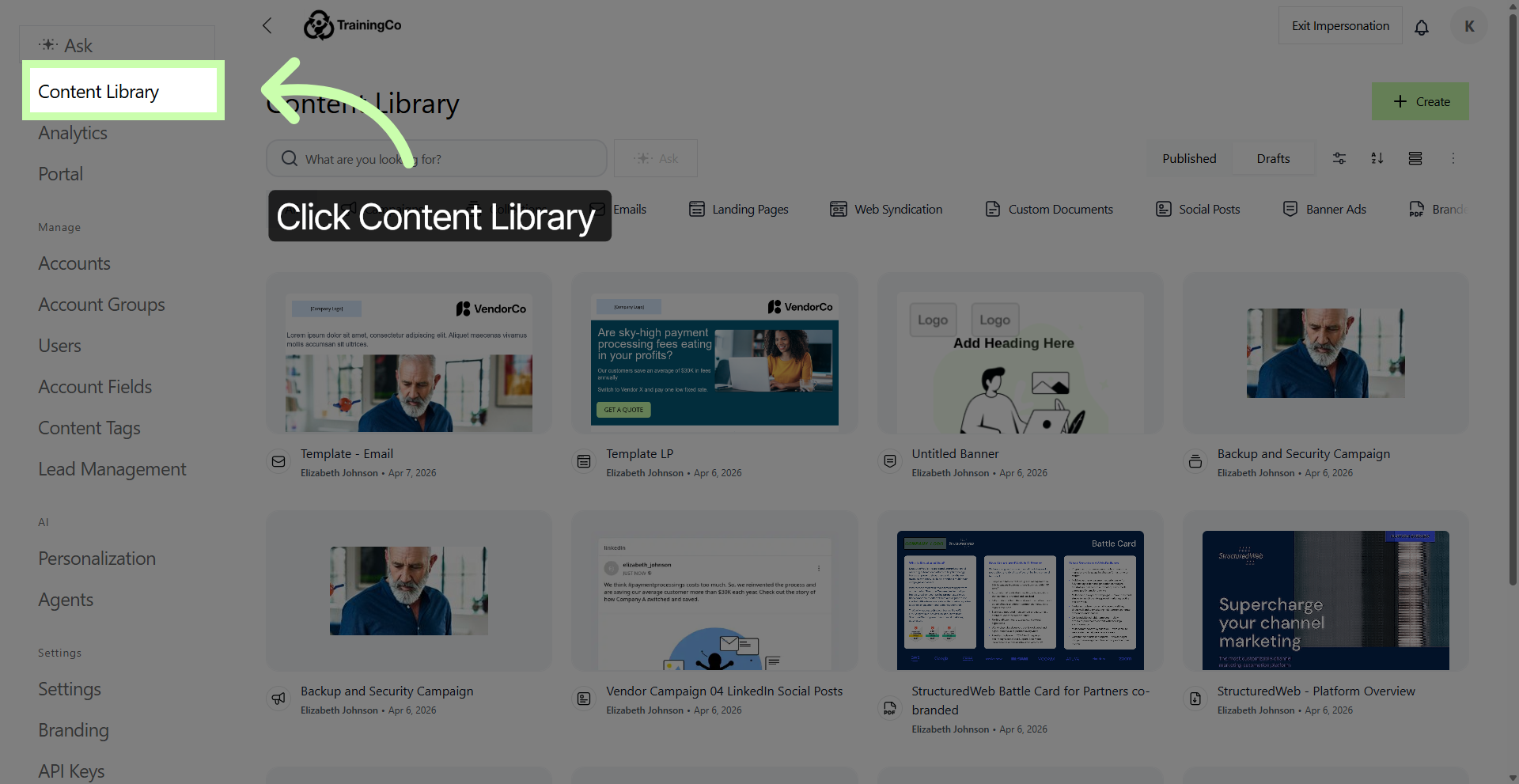
4. Select Emails Category
Click on Emails to display all content related to emails within the library. This allows you to easily access and review every email-related item available, streamlining your search and helping you find the information you need more efficiently.
5. Open Drafts Folder
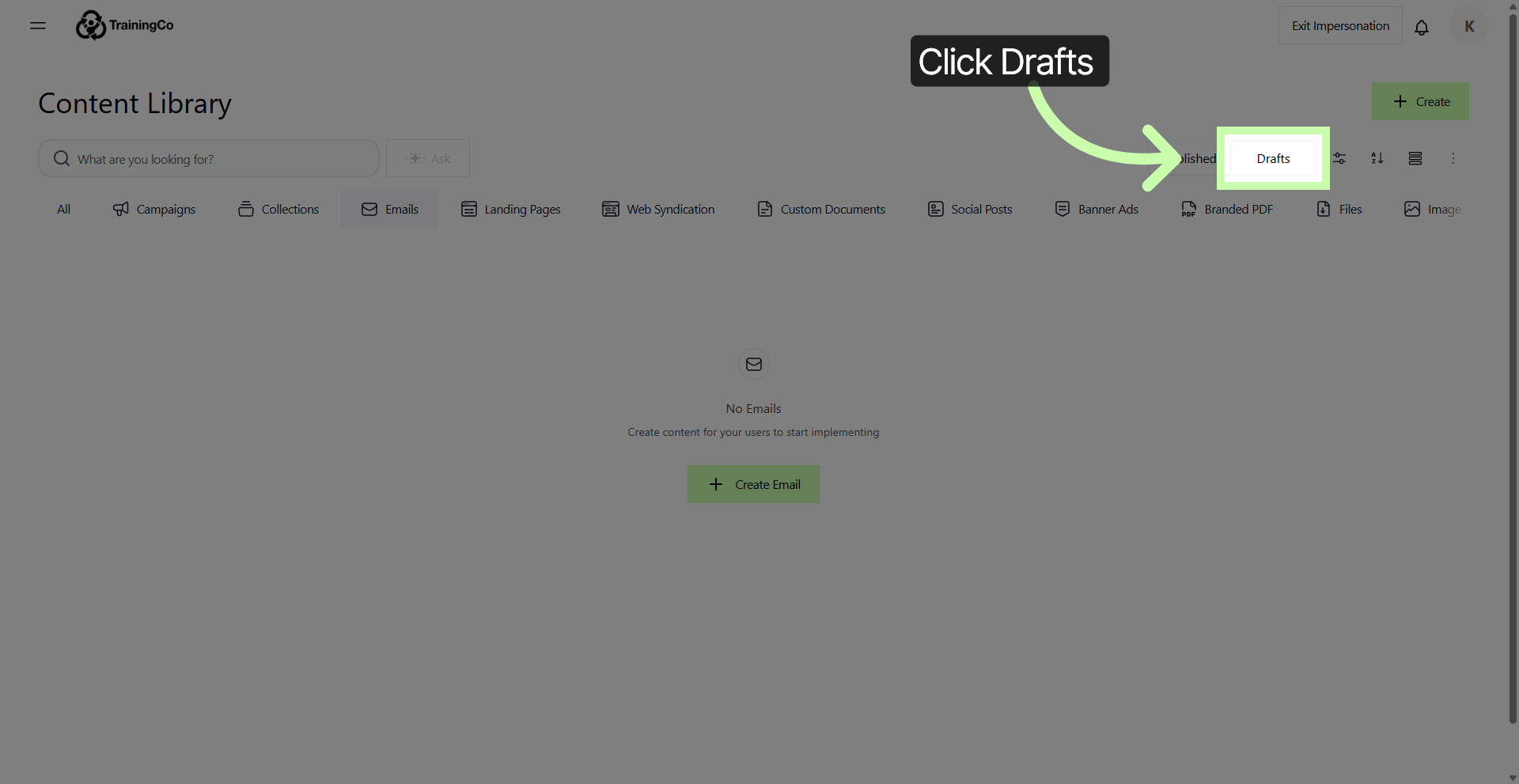
6. Access More Options Menu
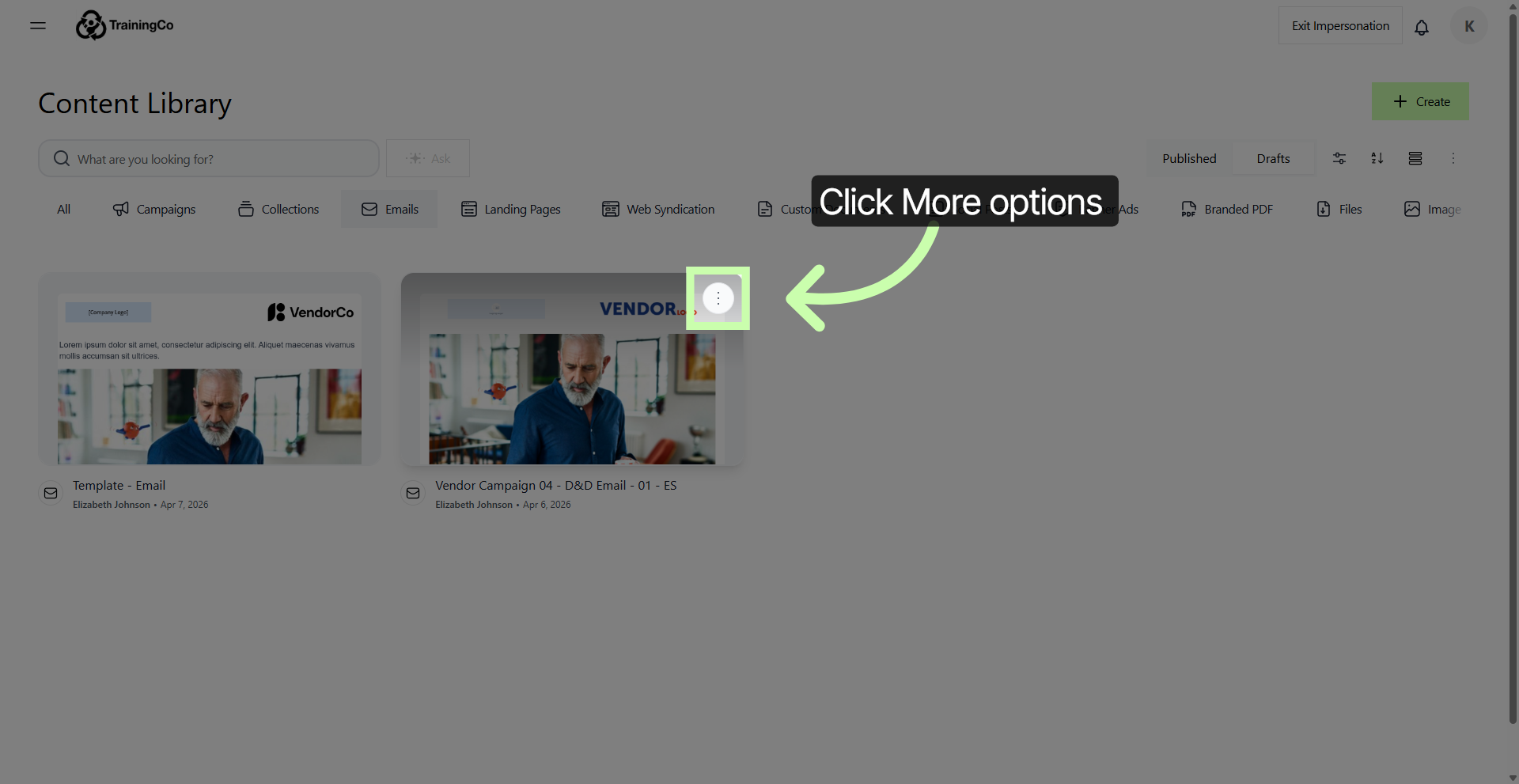
7. Duplicate Selected Email Draft
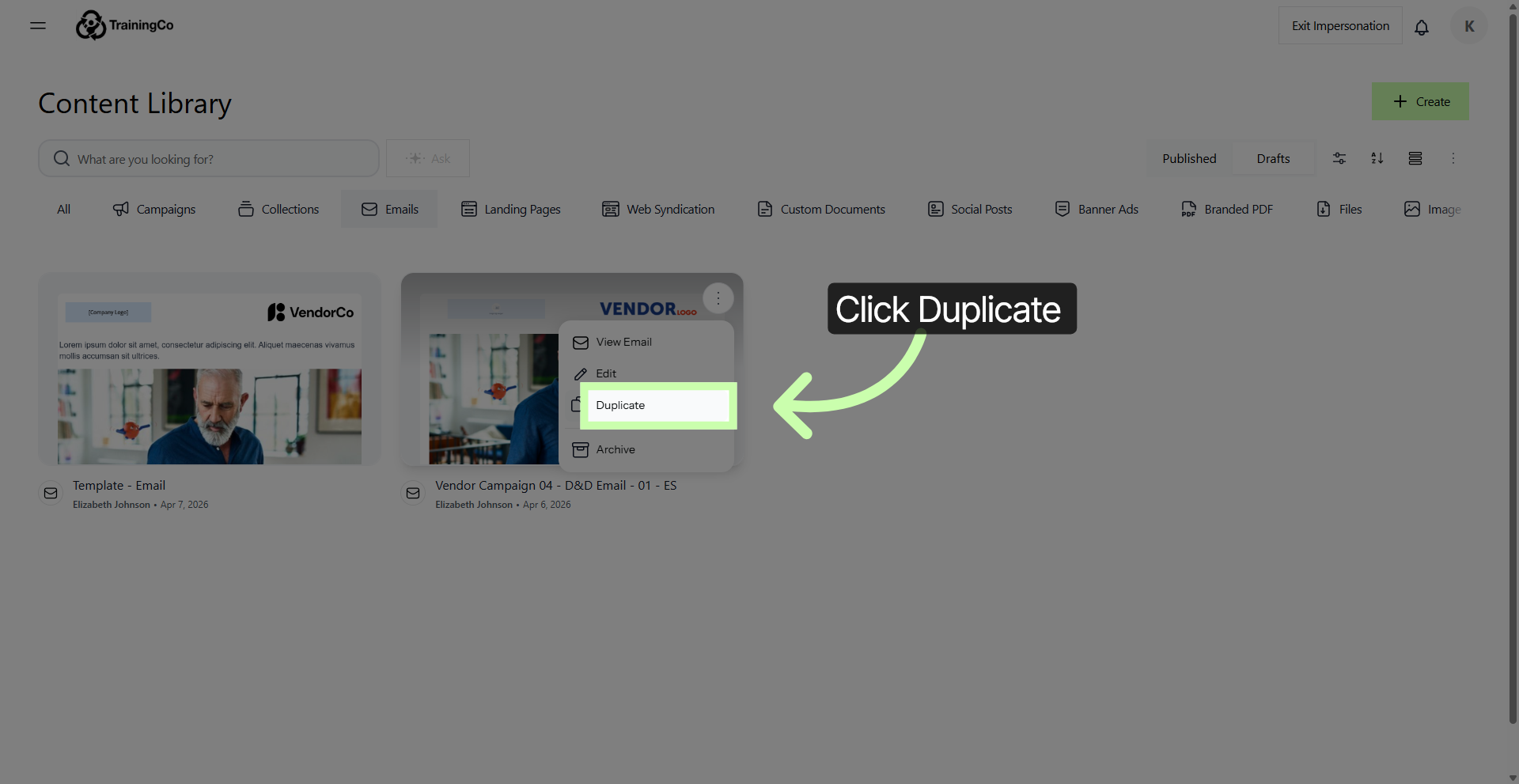
8. Open Duplicated Email
To personalize the name of your email, simply click inside the name entry field. By doing so, you can ensure that your email name is unique and tailored to your preferences.
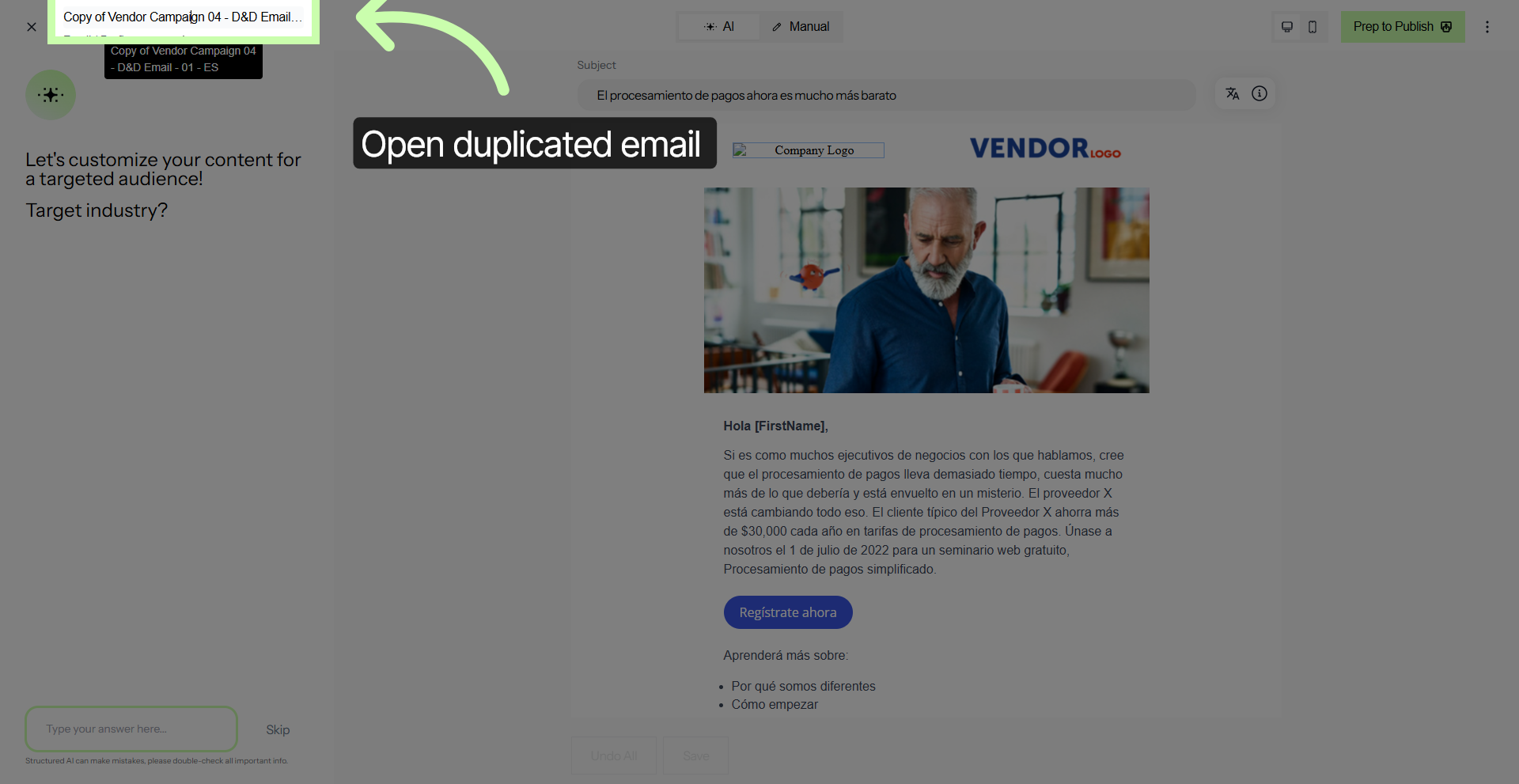
9. Enter Practice Email Name
10. Select Manual Editing Option
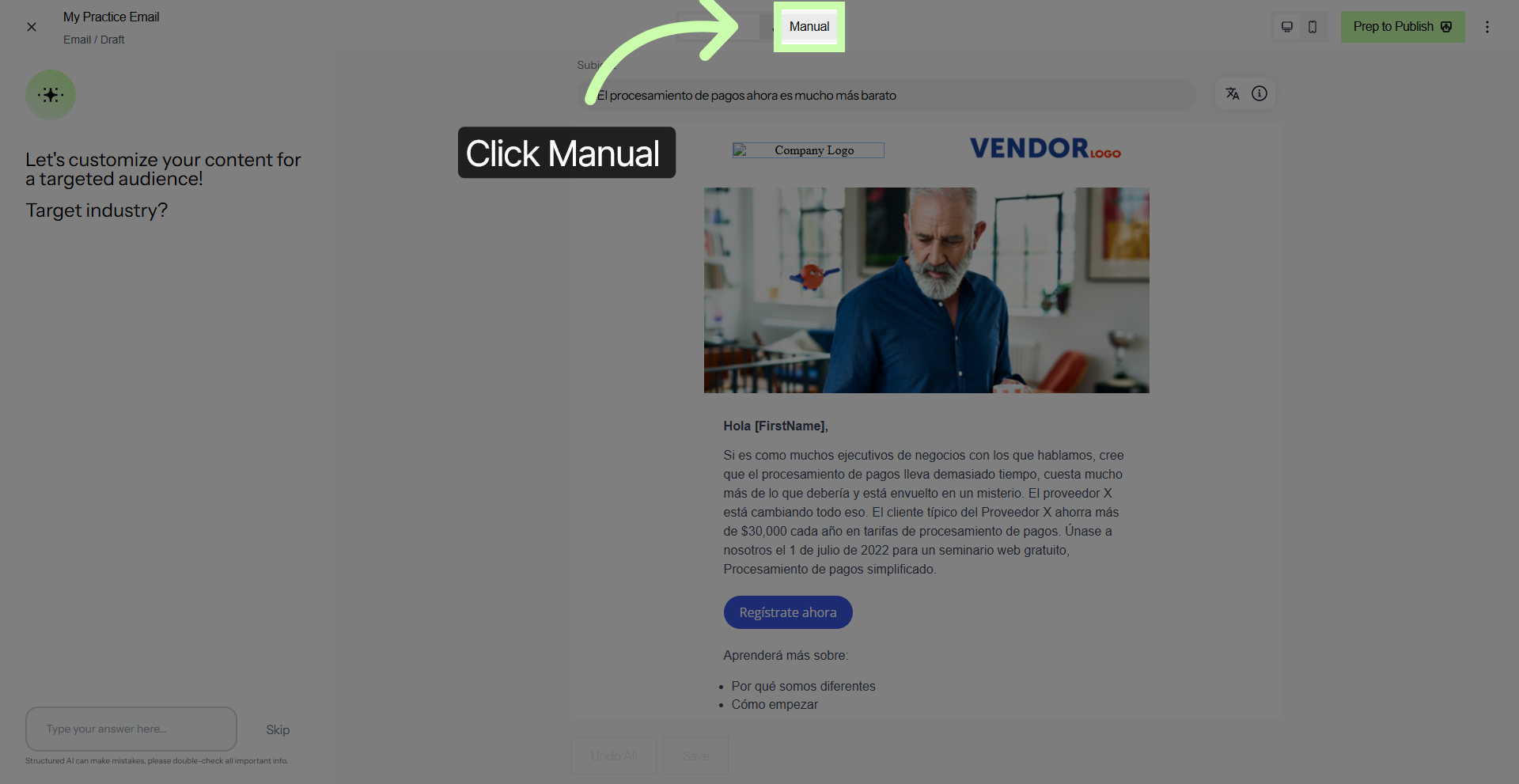
Nice work! You have successfully created a duplicate of an email draft within Structured AI. This feature is particularly useful because it allows you to preserve the original content intact while giving you the flexibility to prepare customized communications based on that draft.
By duplicating the draft, you can make specific adjustments or personalize the message for different recipients without altering the original version.
In Phase 2, we will focus on how to configure email content and properties by utilizing Structured AI technology. It is designed to help you understand the step-by-step process involved in setting up and customizing your email messages effectively.
You've Completed Phase 1 - Move to Phase 2 →