 Creating Your Social Campaign - Phase 2: Content & Scheduling
- Create social media posts using Structured AI tools and features.
- Customize post content to align with your audience and marketing goals.
- Utilize AI-powered capabilities to streamline content creation.
- Design engaging social posts that enhance your social media presence.
|
Before you begin — open your account This is a hands-on, learning-by-doing session. Open app.structured.ai in your browser and log in to your Tenant Account so you can follow along and apply each step in real time. |
|
Phase 1
Strategy & Setup
|
Start Training ➡ |
|
Phase 2
Content & Scheduling
|
Current Phase ✔ |
|
Phase 3
Testing & Management
|
Start Training ➡ |
Follow Our Step-By-Step Training
1. Introduction
In this training, you will gain comprehensive knowledge on how to prepare engaging and relevant content tailored to your target audience. This includes understanding the key elements that make content appealing and effective in conveying your message.
Additionally, you will learn how to carefully select the most appropriate platforms for your content distribution, taking into consideration factors such as audience demographics, platform features, and engagement potential.
Furthermore, you will develop skills to efficiently manage the details of each post, including scheduling, formatting, optimizing for visibility, and monitoring performance to ensure your content achieves the desired impact.
2. Start New Social Post
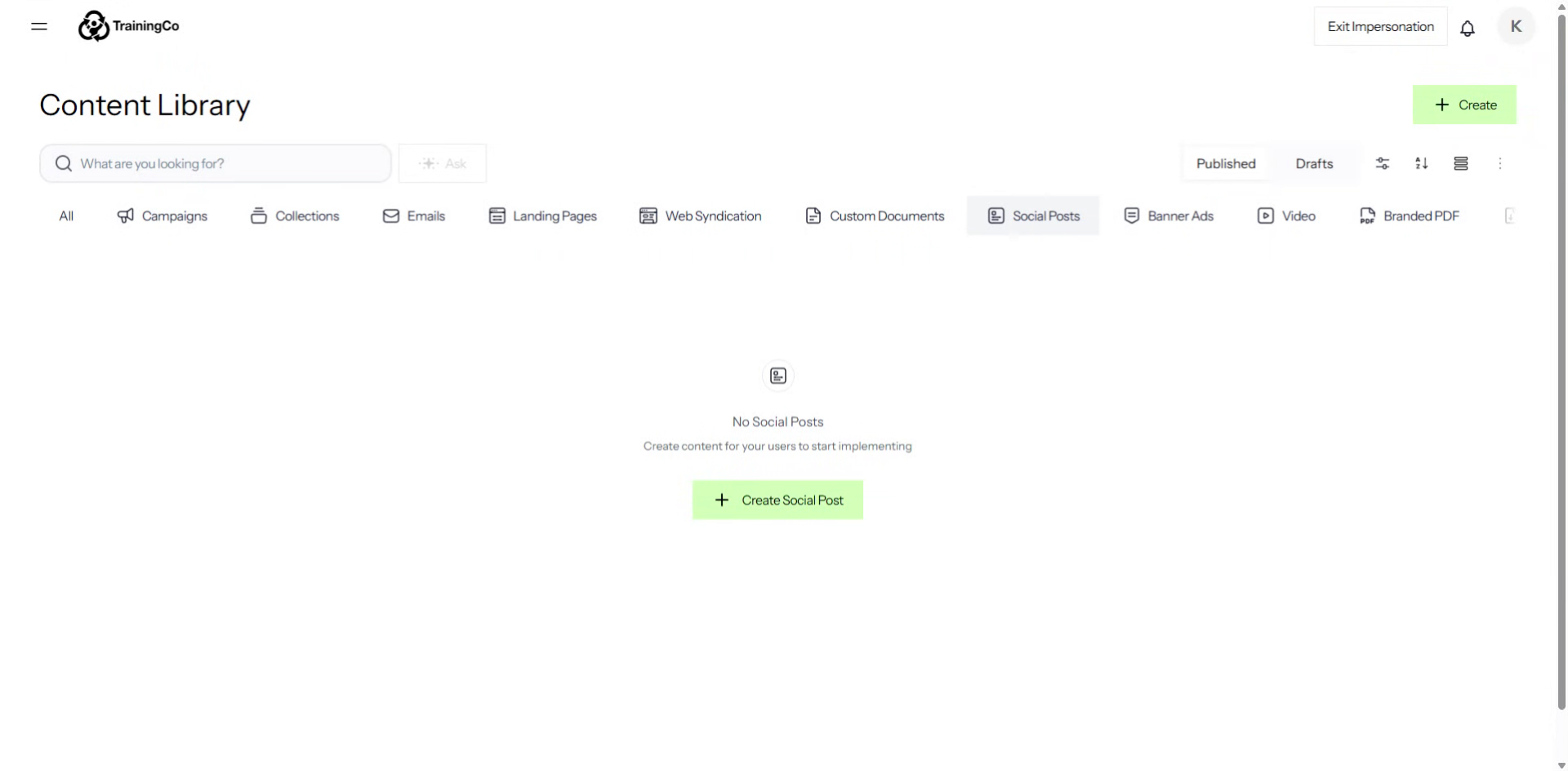
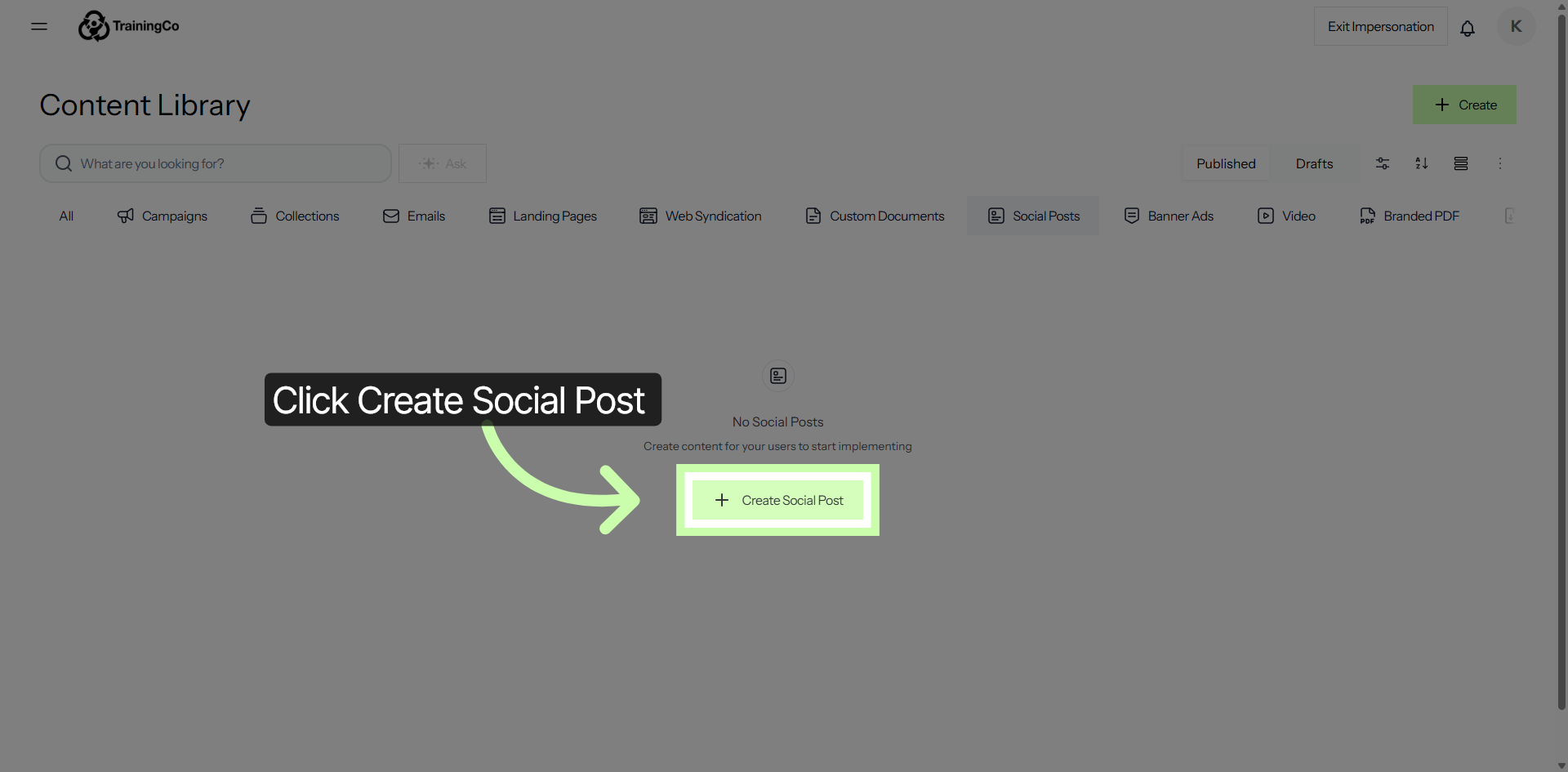
To start crafting a new social media post, simply click on the Create Social Post button located within the Content Library. This action will open the post creation interface, allowing you to begin writing and designing your content right away.
3. Access Post Title Input
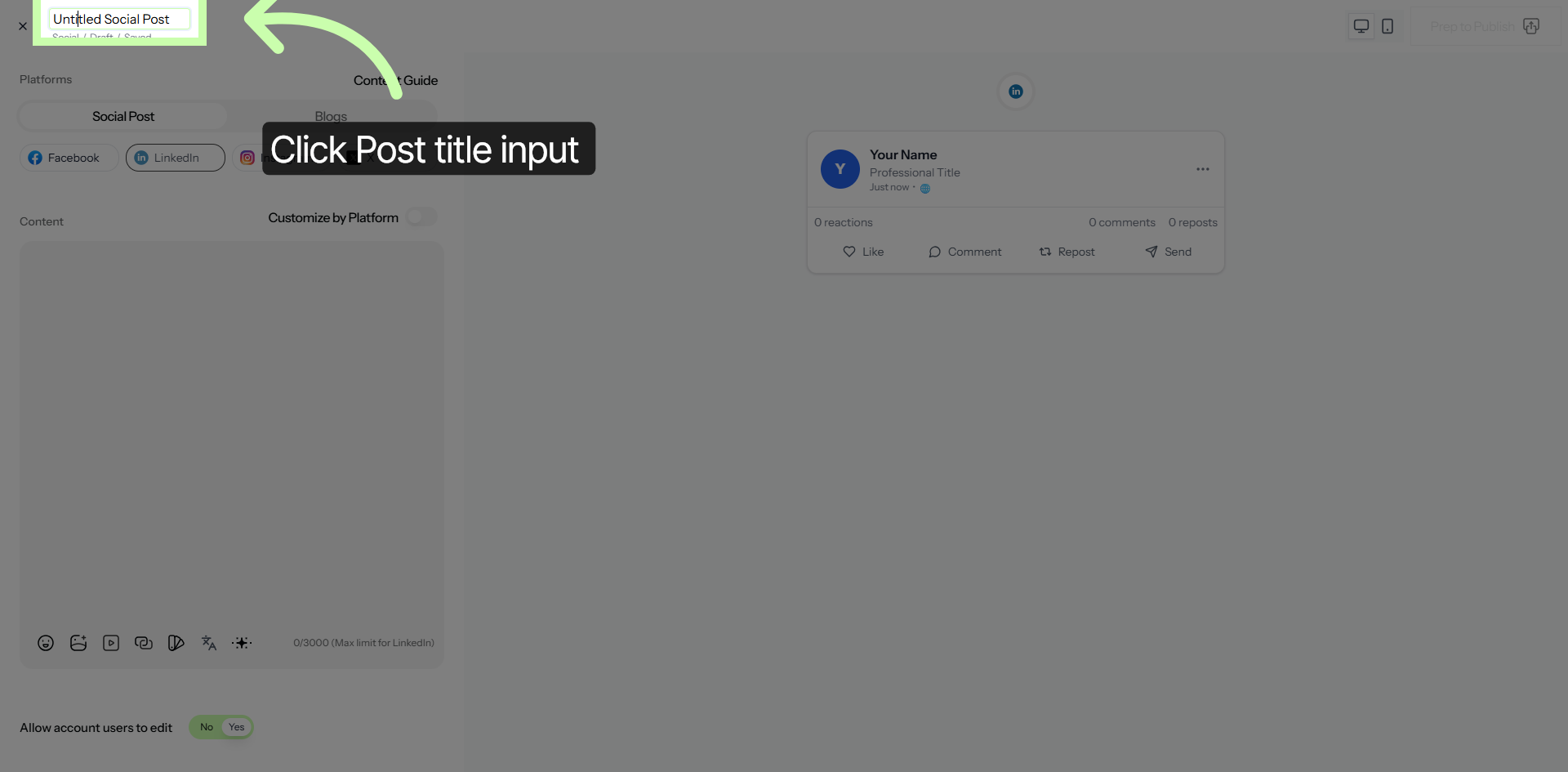
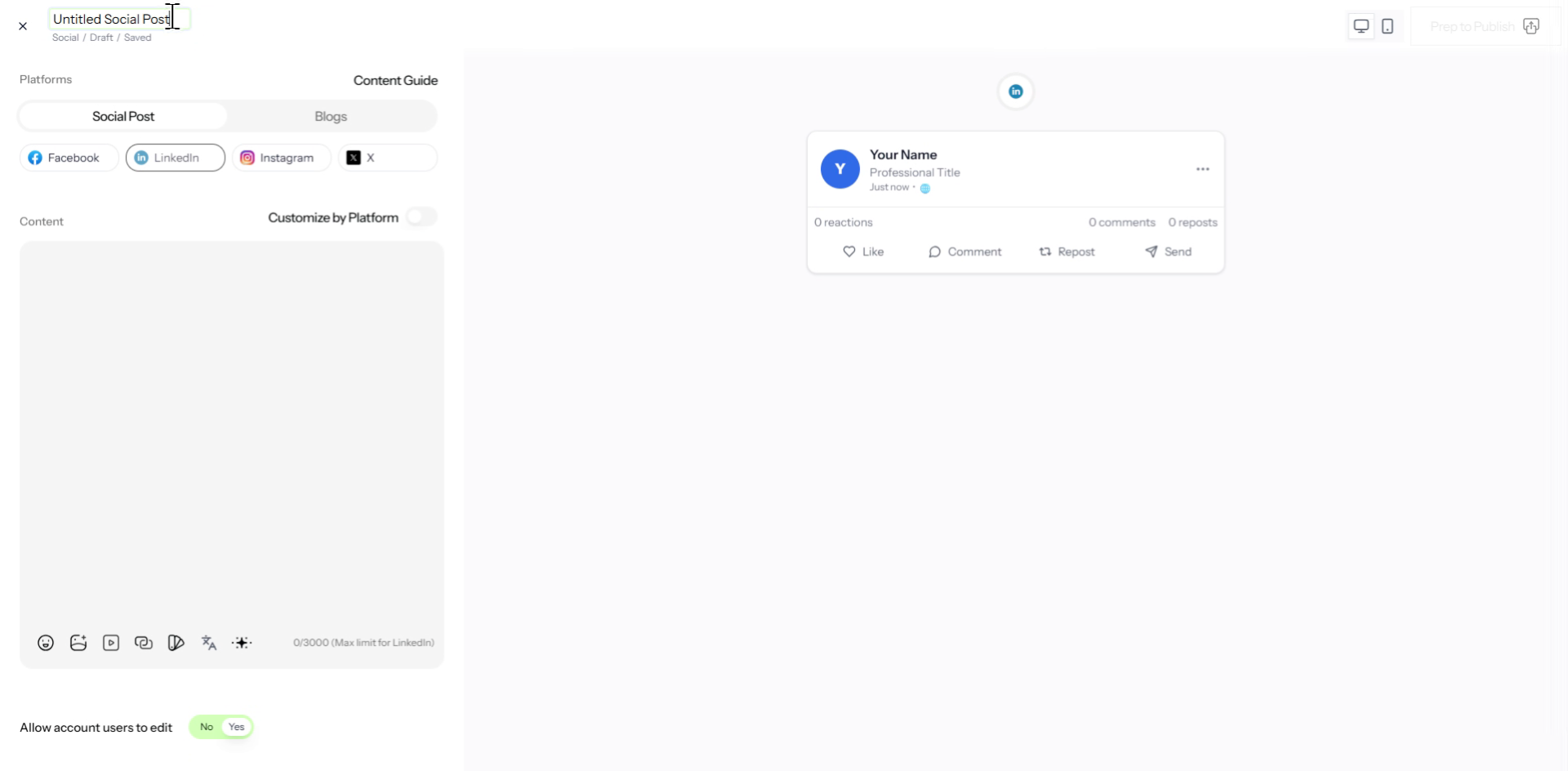
4. Enter Post Title
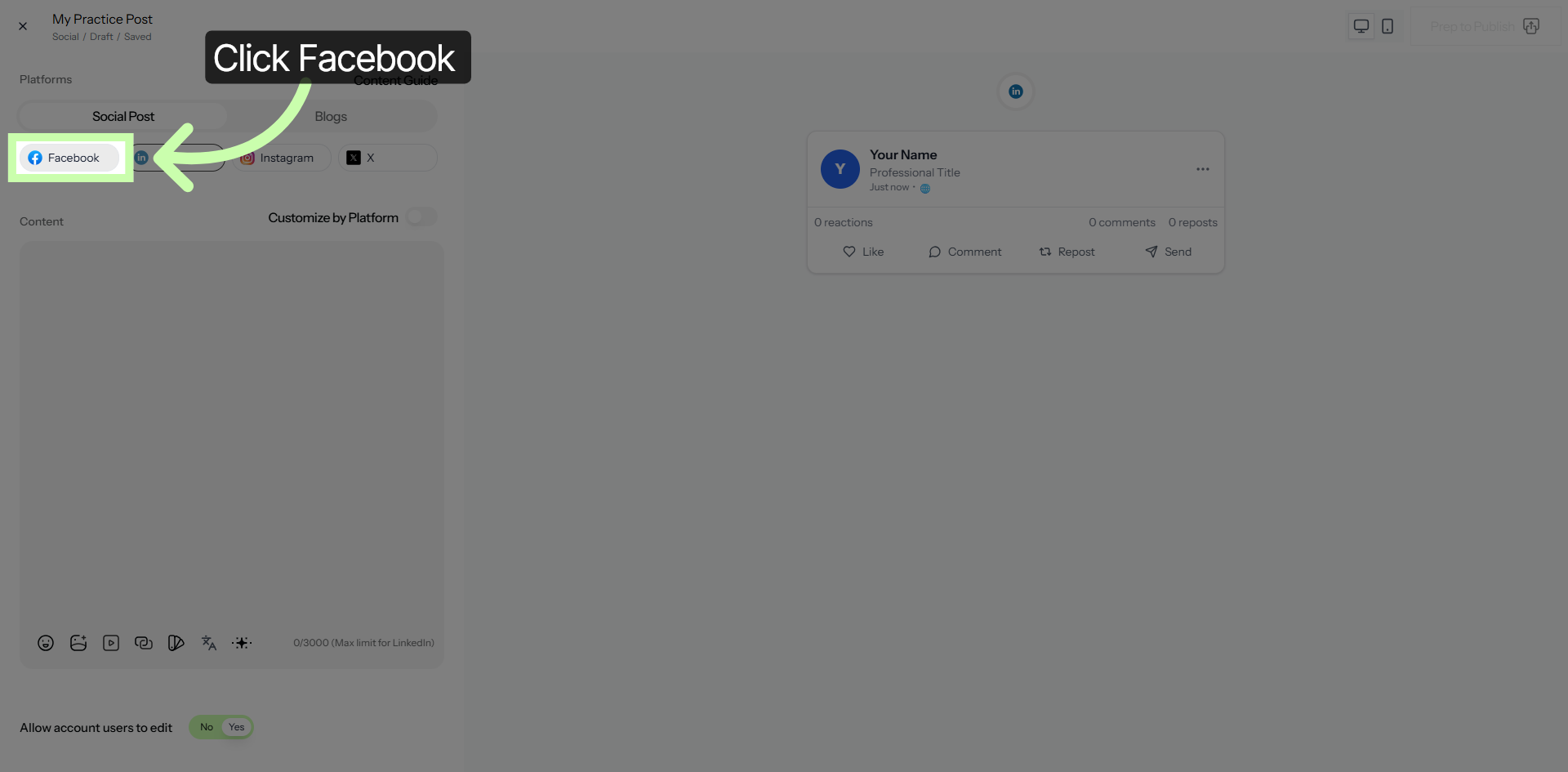
5. Select Facebook Platform
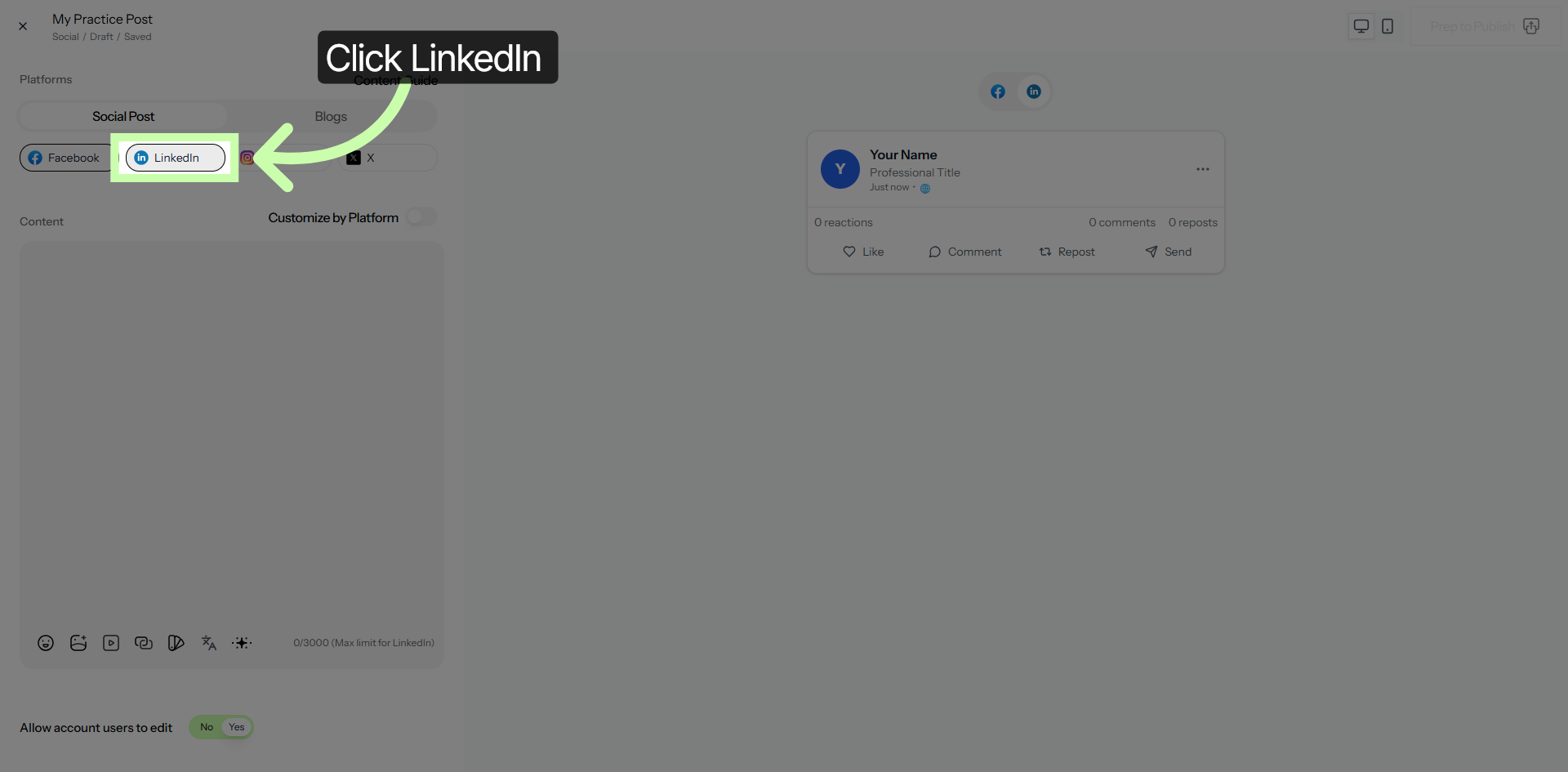
6. Select LinkedIn Platform
7. Select Instagram Platform
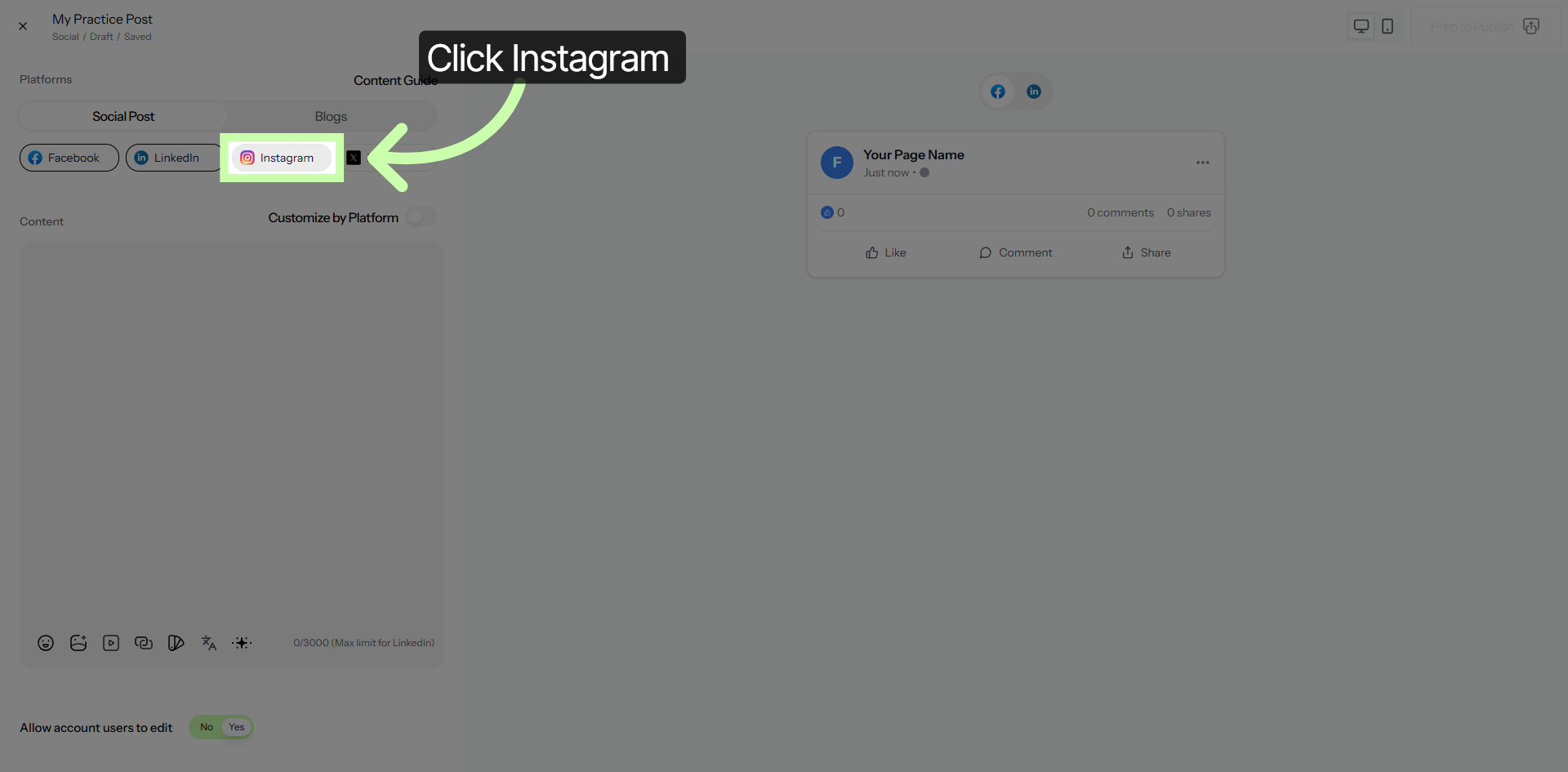
8. Close Platform Selection
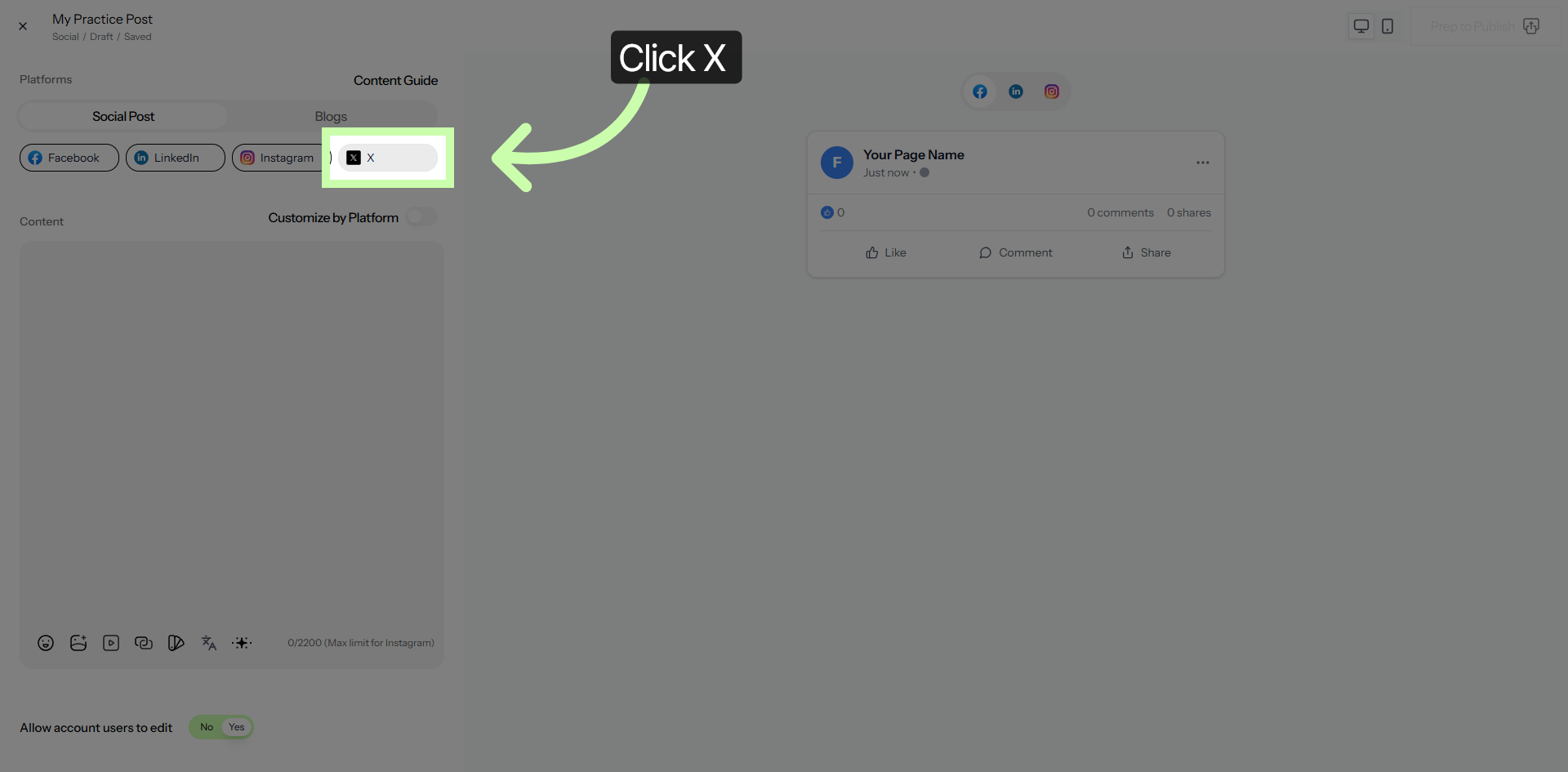
9. Access Content Area
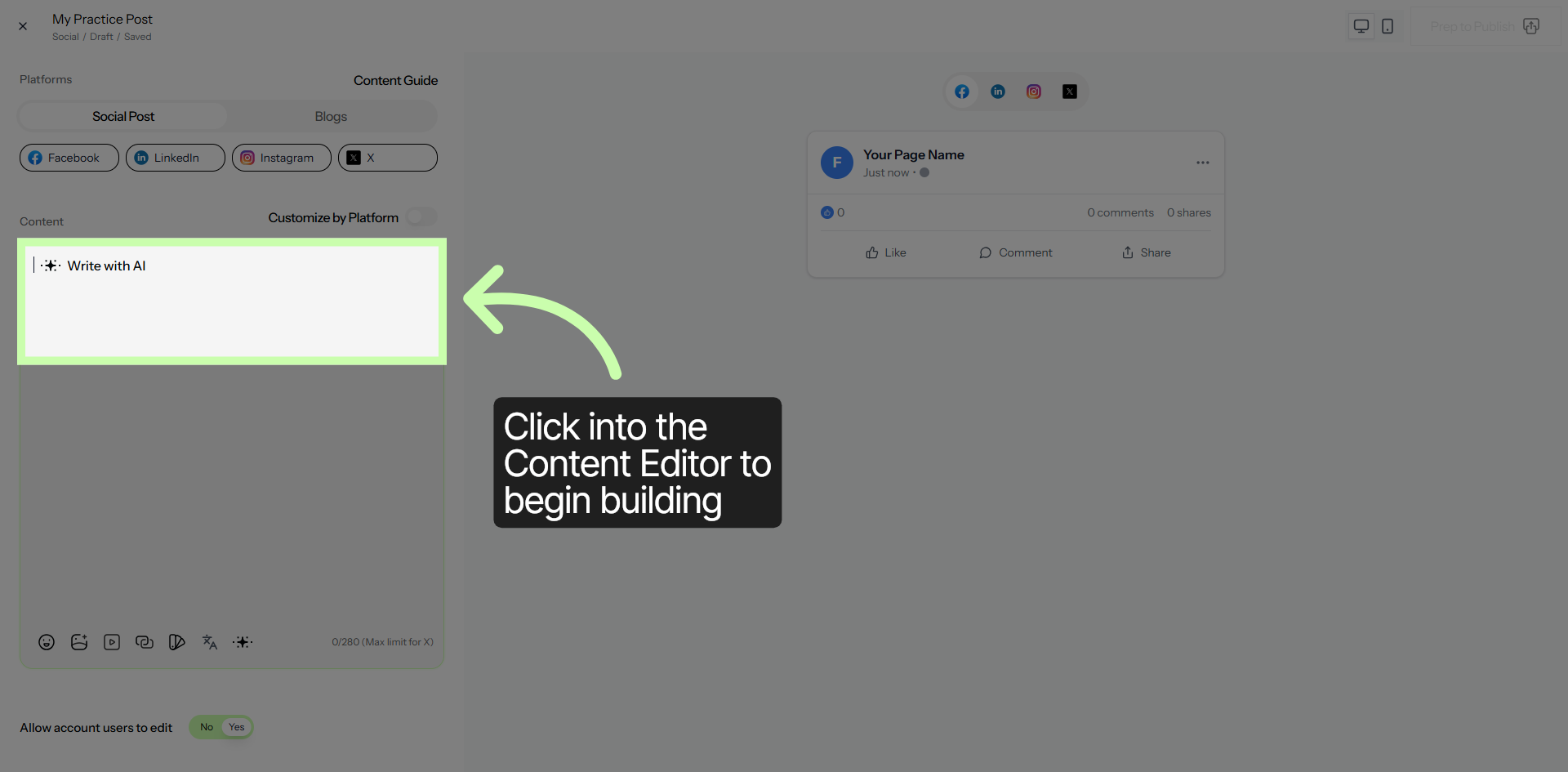
10. Select Marketing Workflow Text
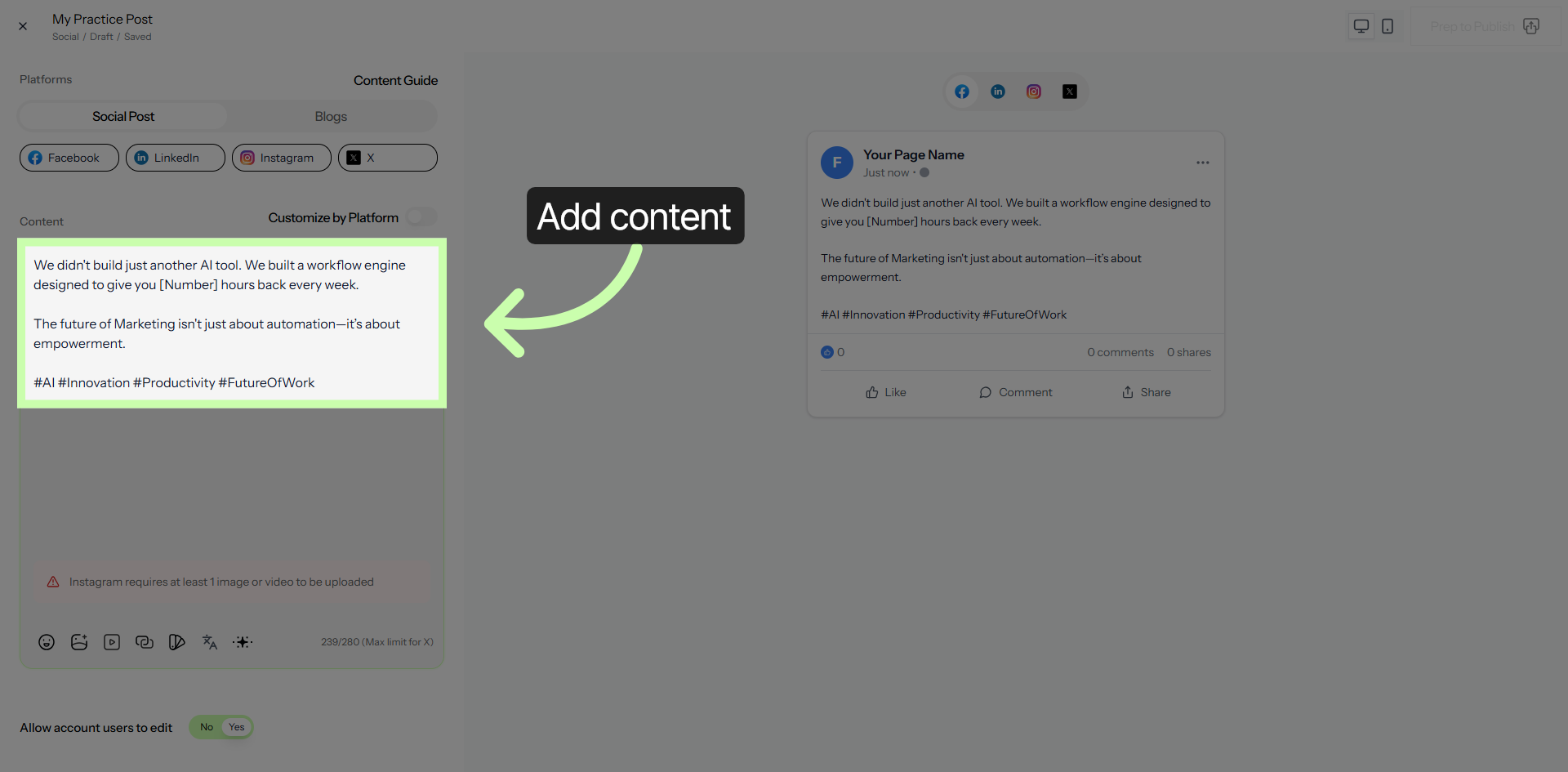
11. Focus Content Area
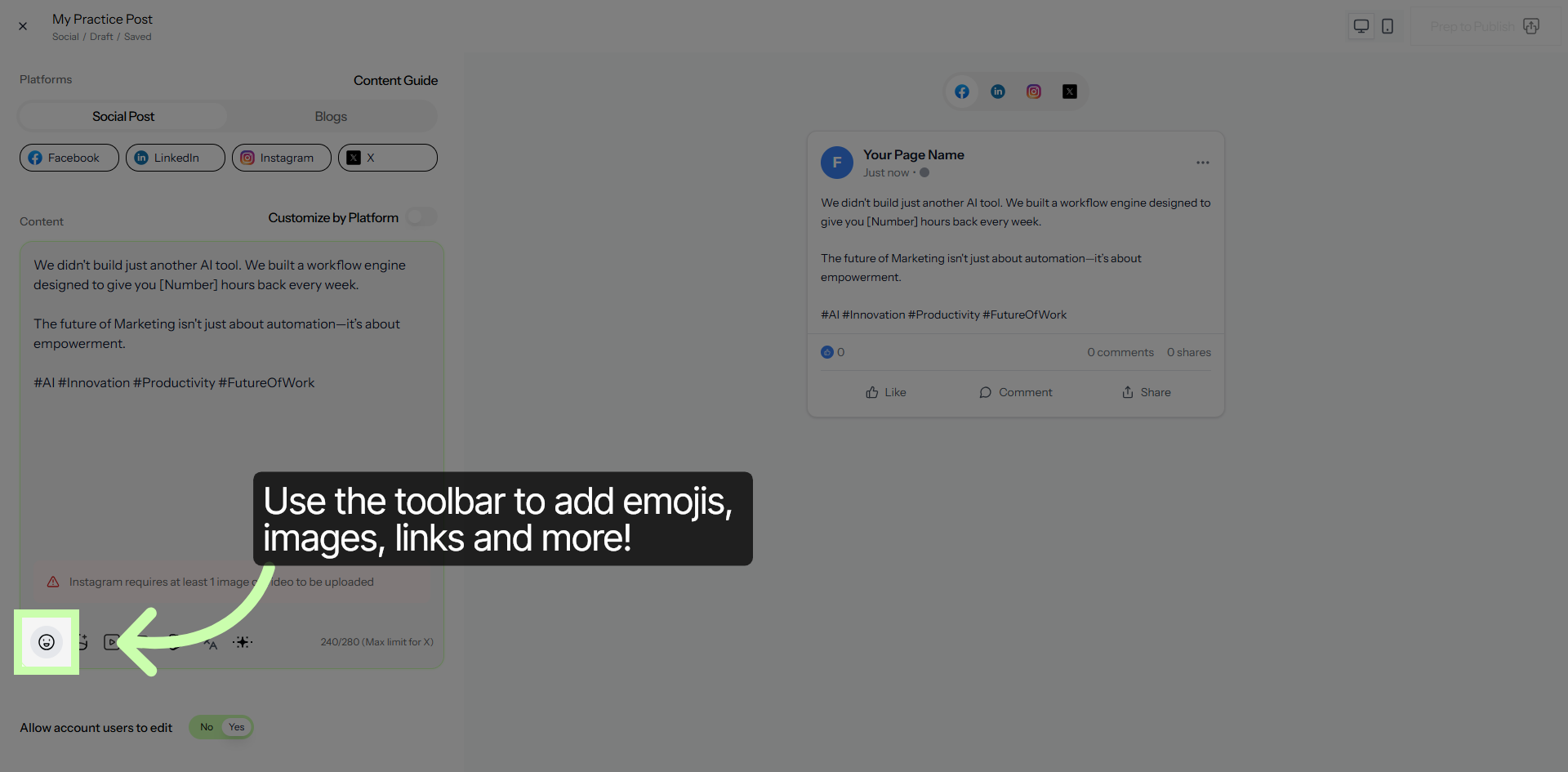
12. Focus Content Area
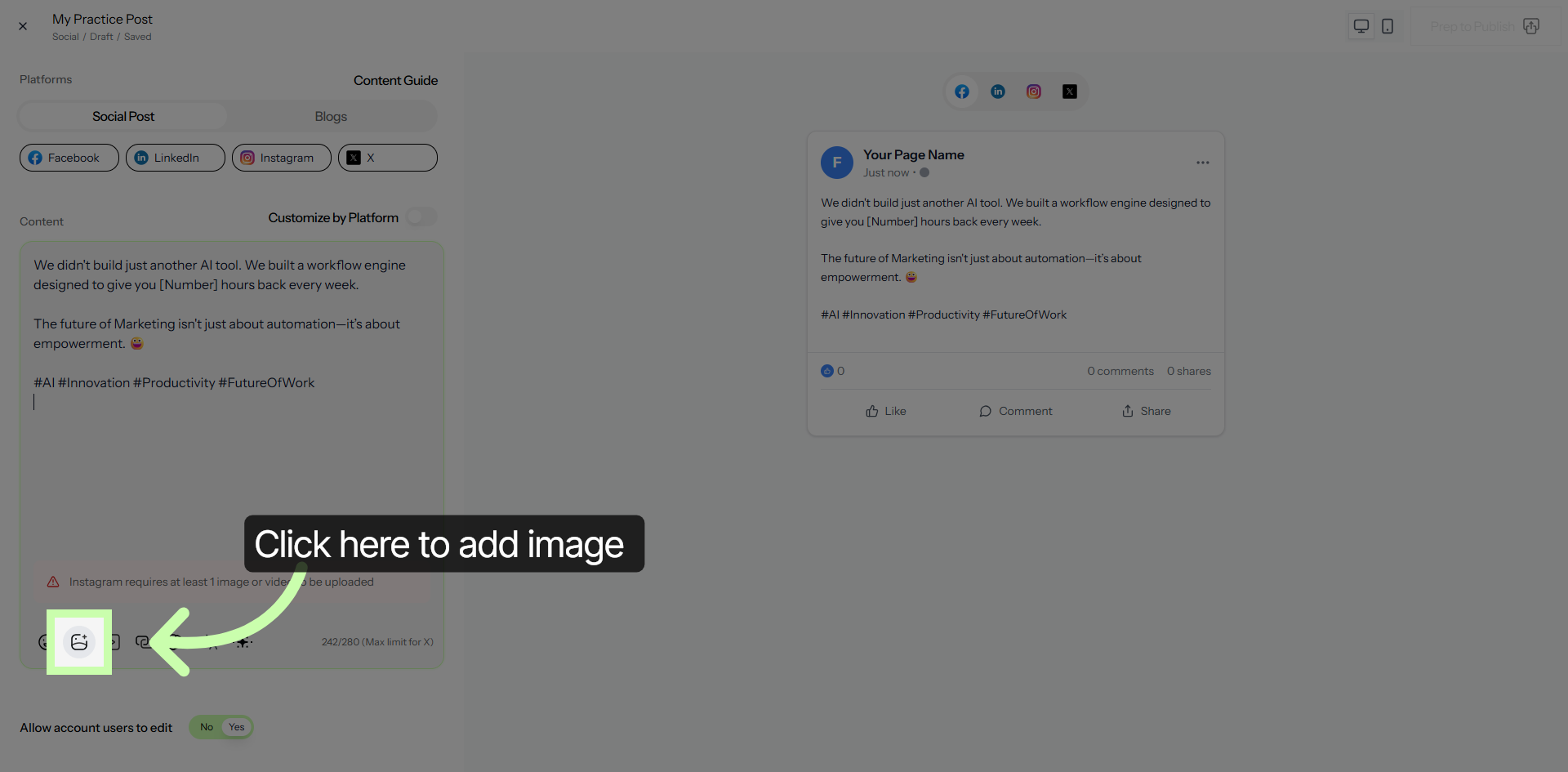
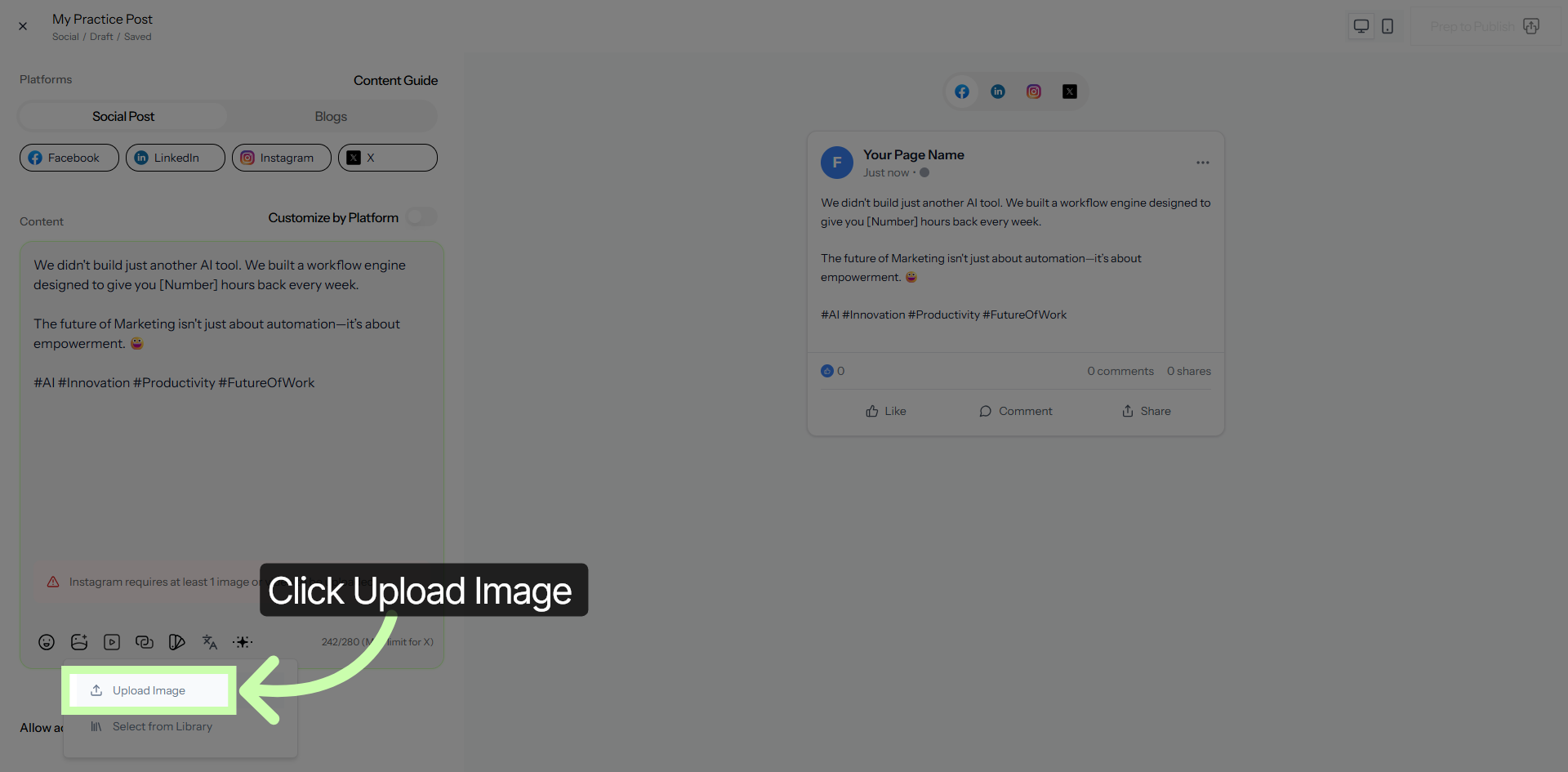
13. Upload Image to Post
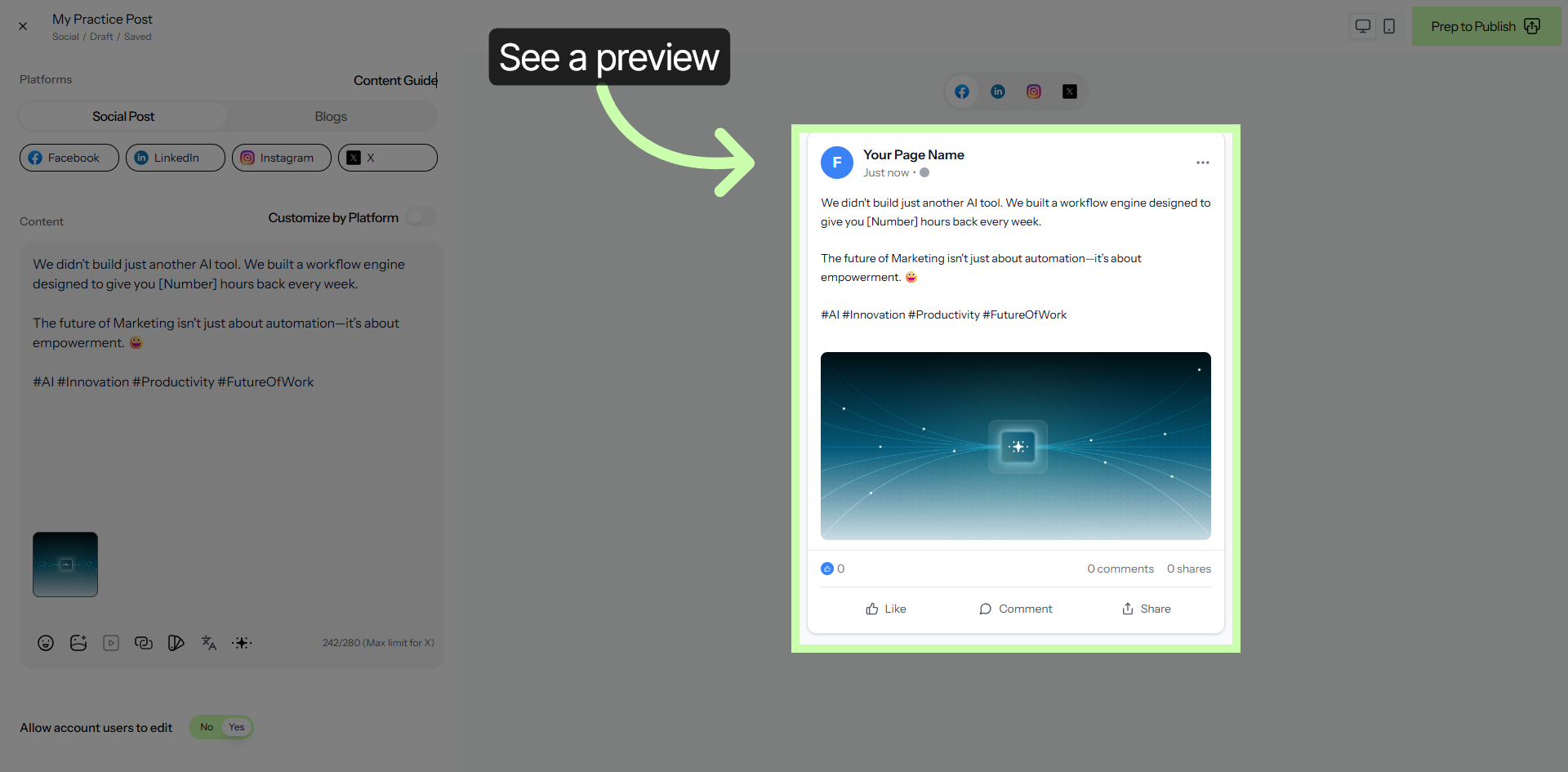
14. Select Your Page
15. Focus Content Area
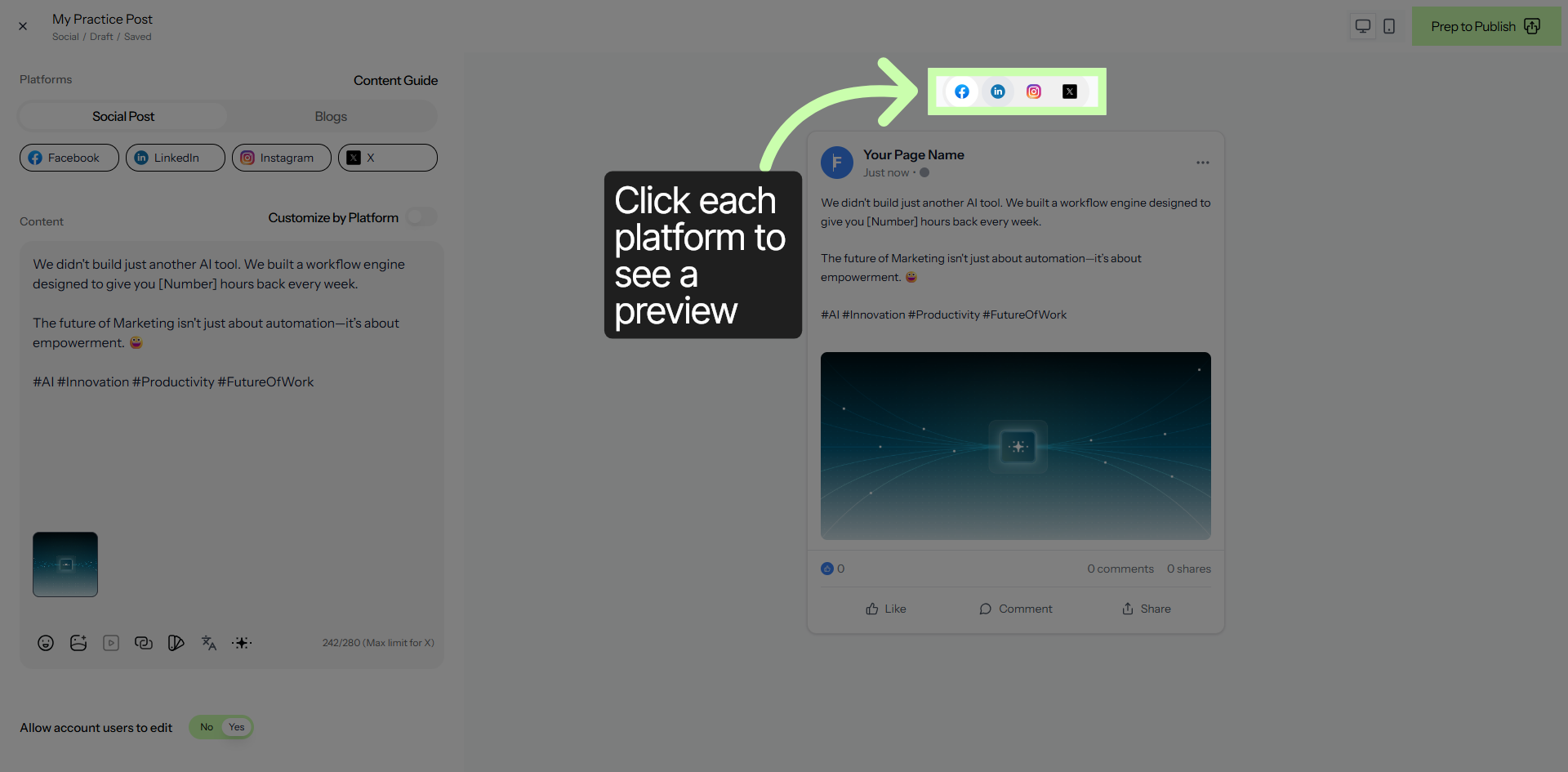
16. Focus Content Area
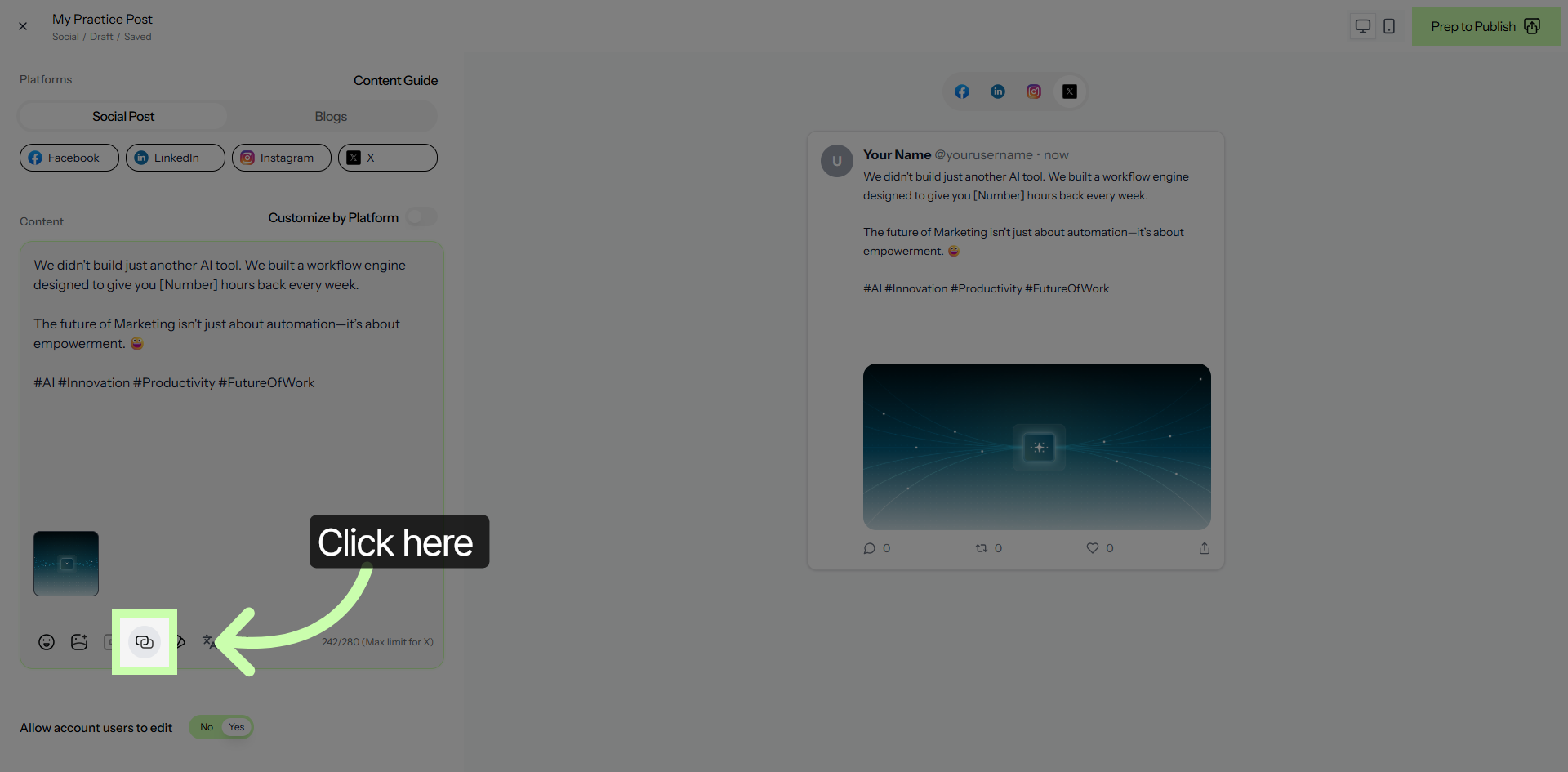
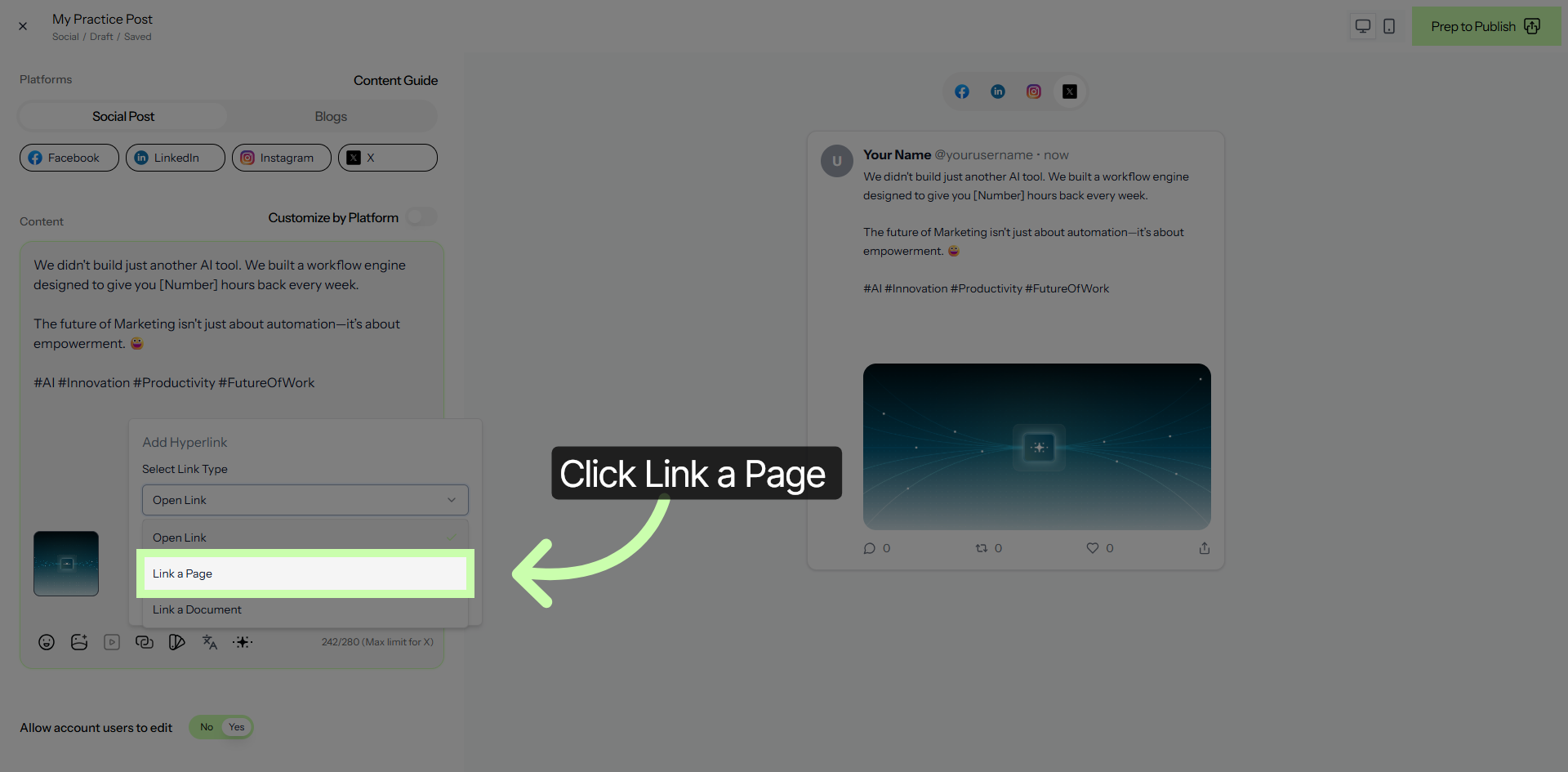
17. Choose Link a Page Option
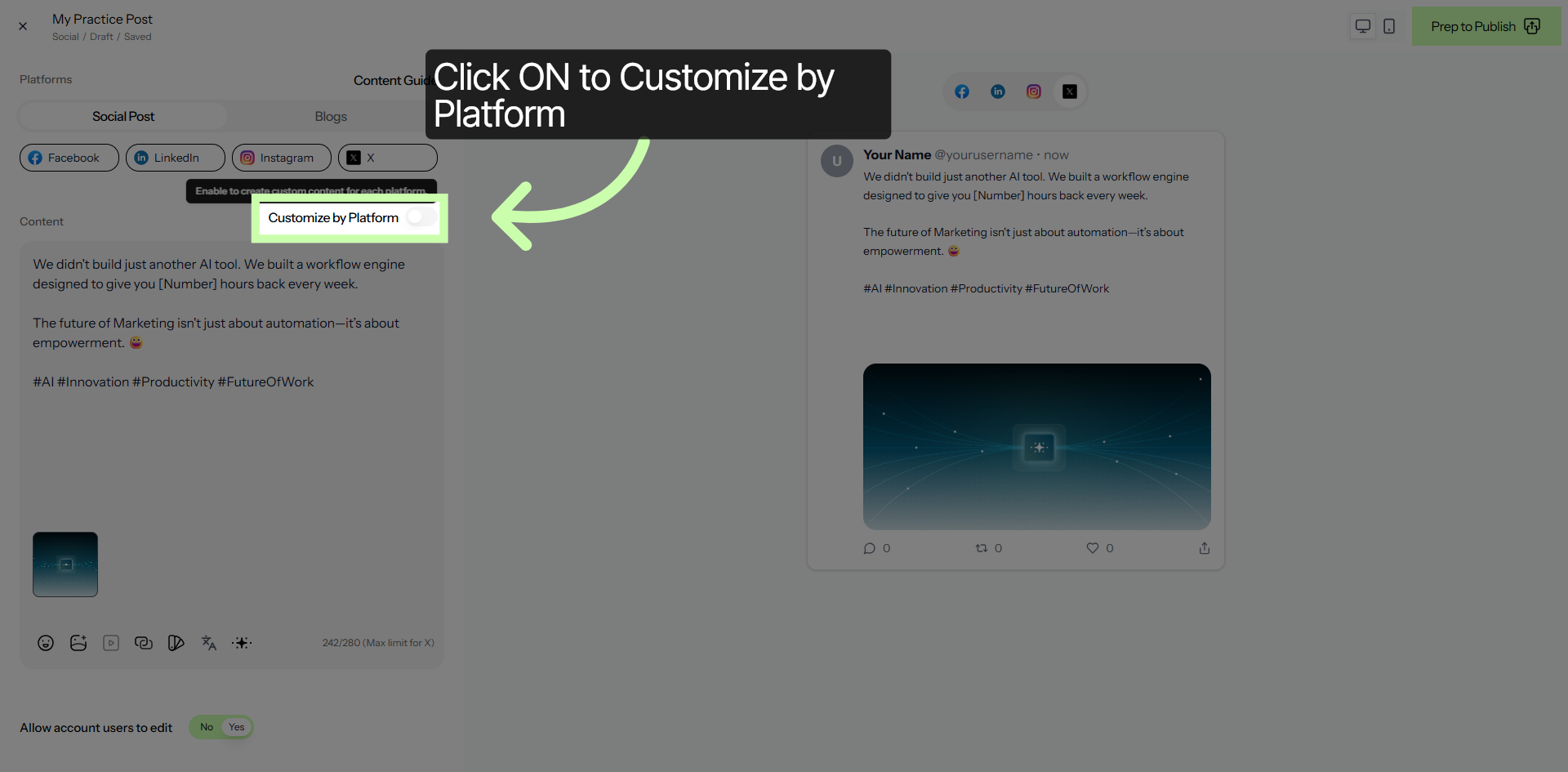
18. Customize Post by Platform
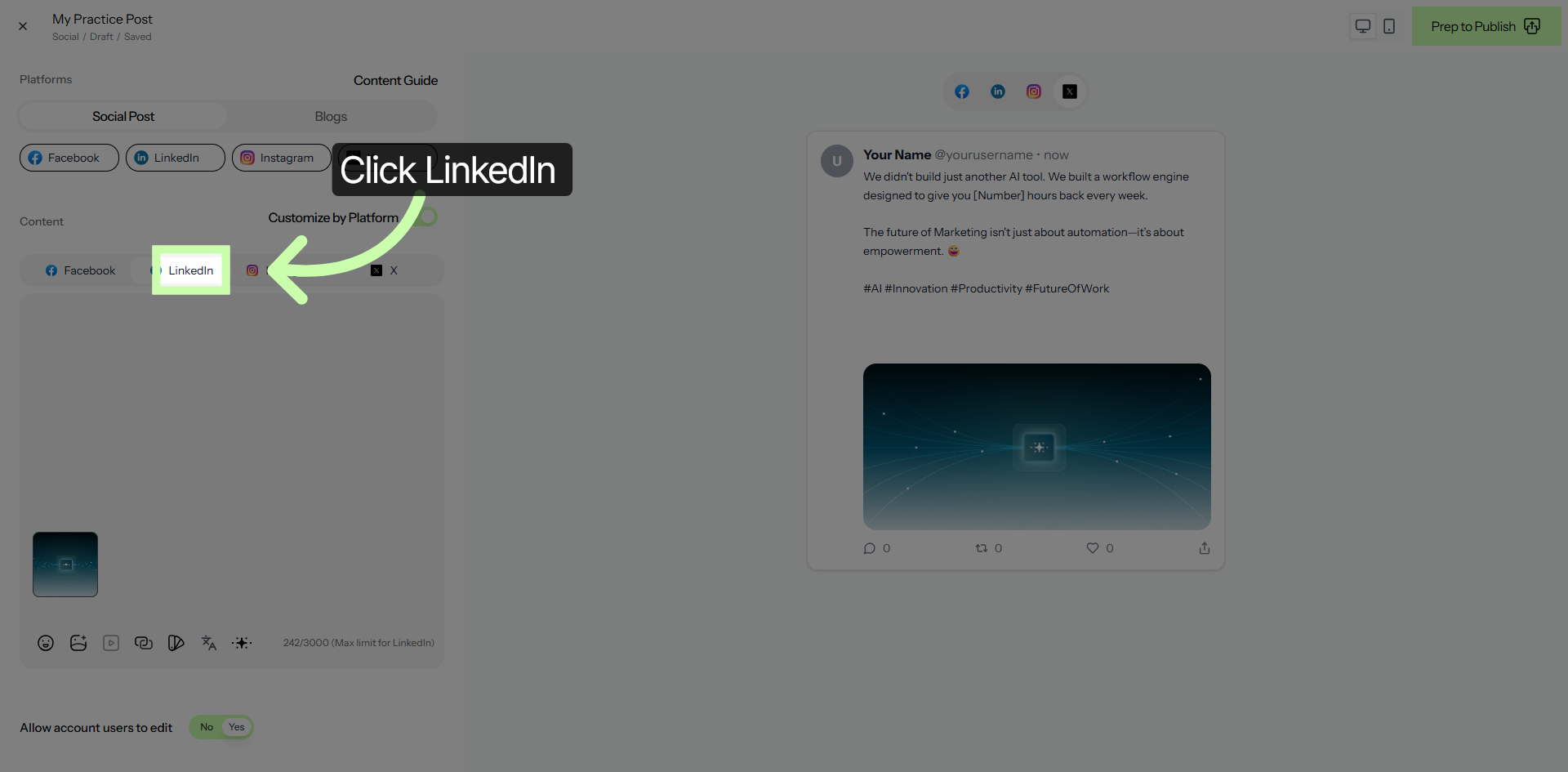
19. Select LinkedIn for Customization
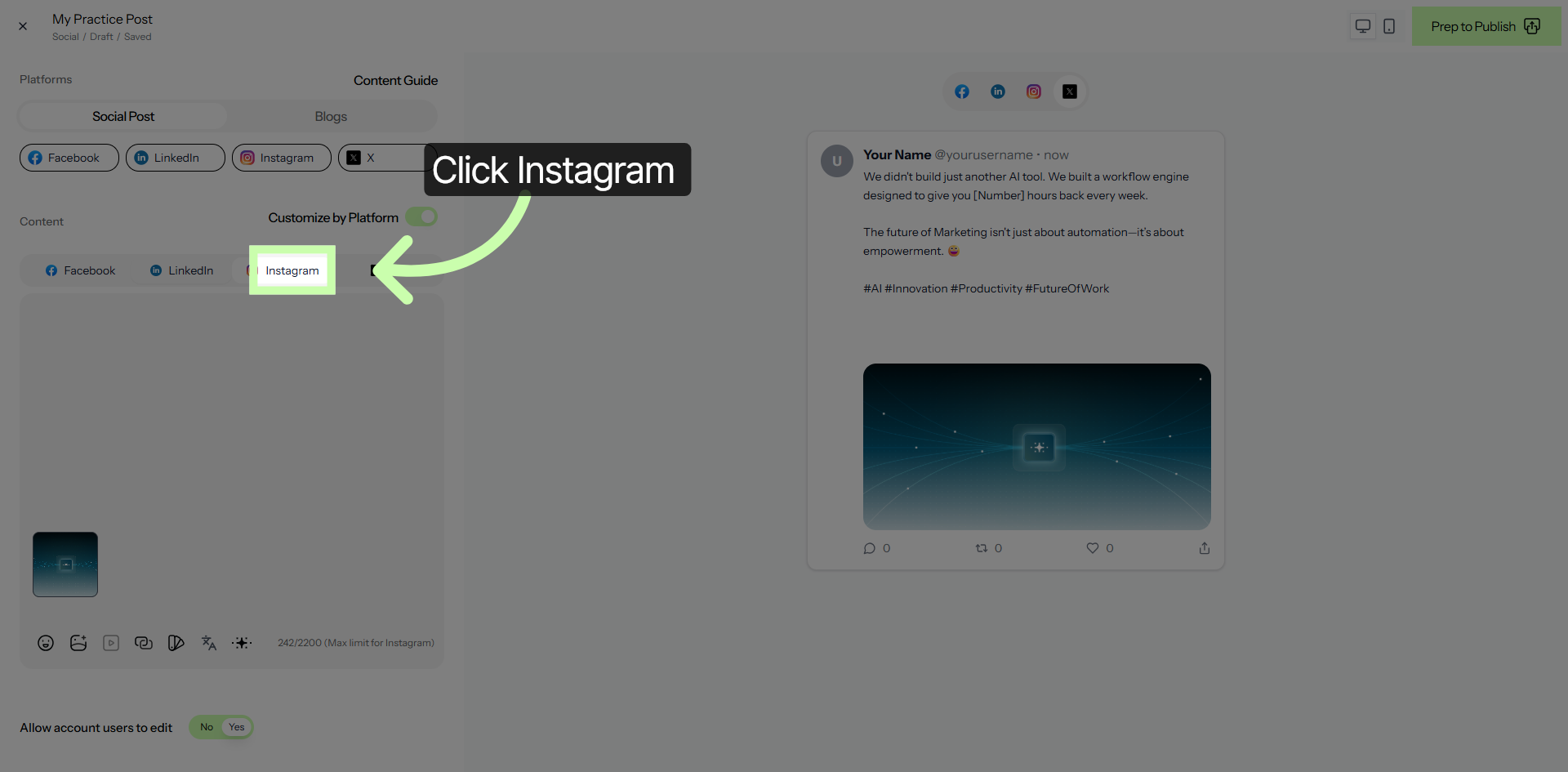
20. Select Instagram for Customization
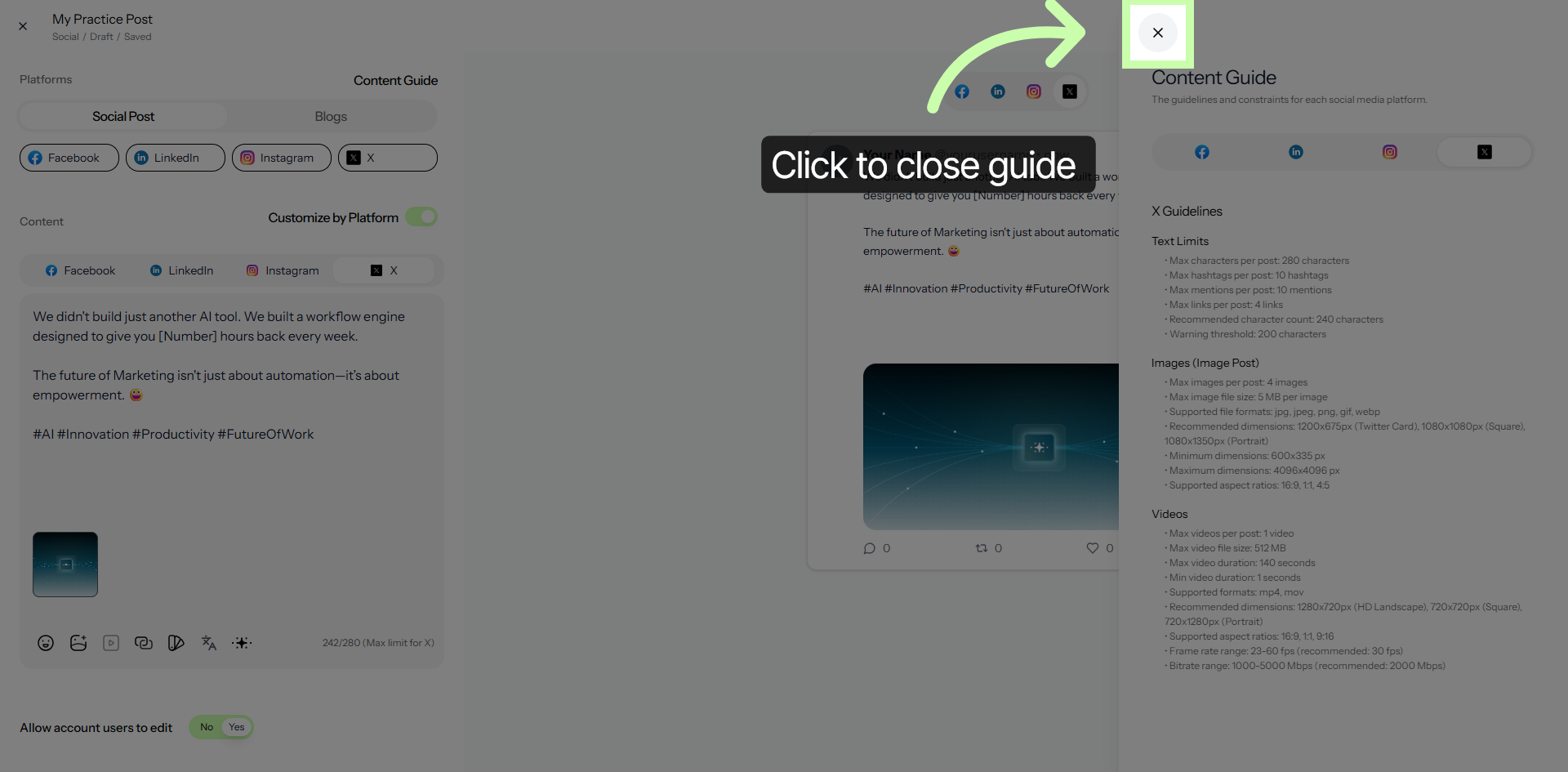
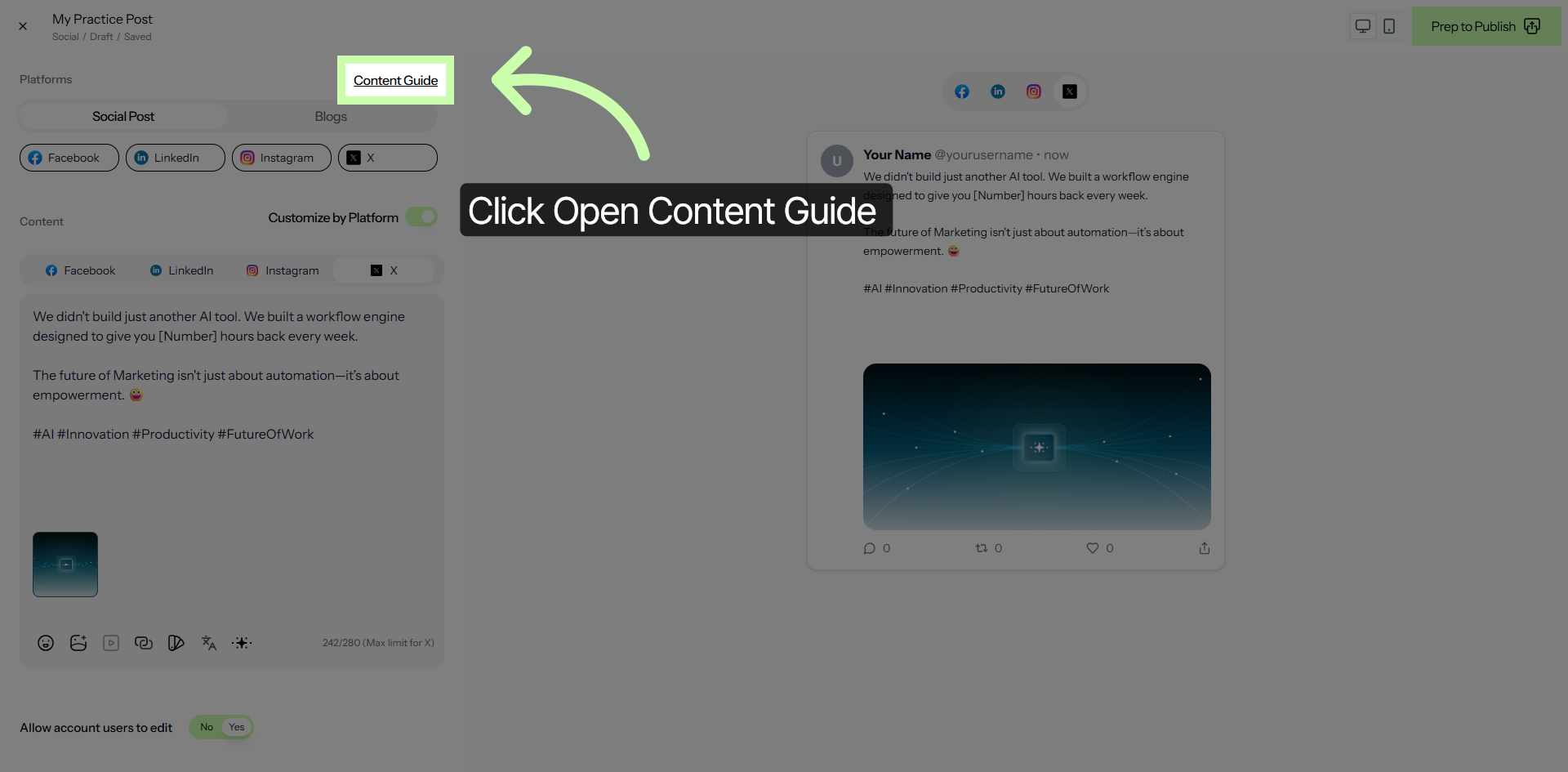
21. Open Content Guide
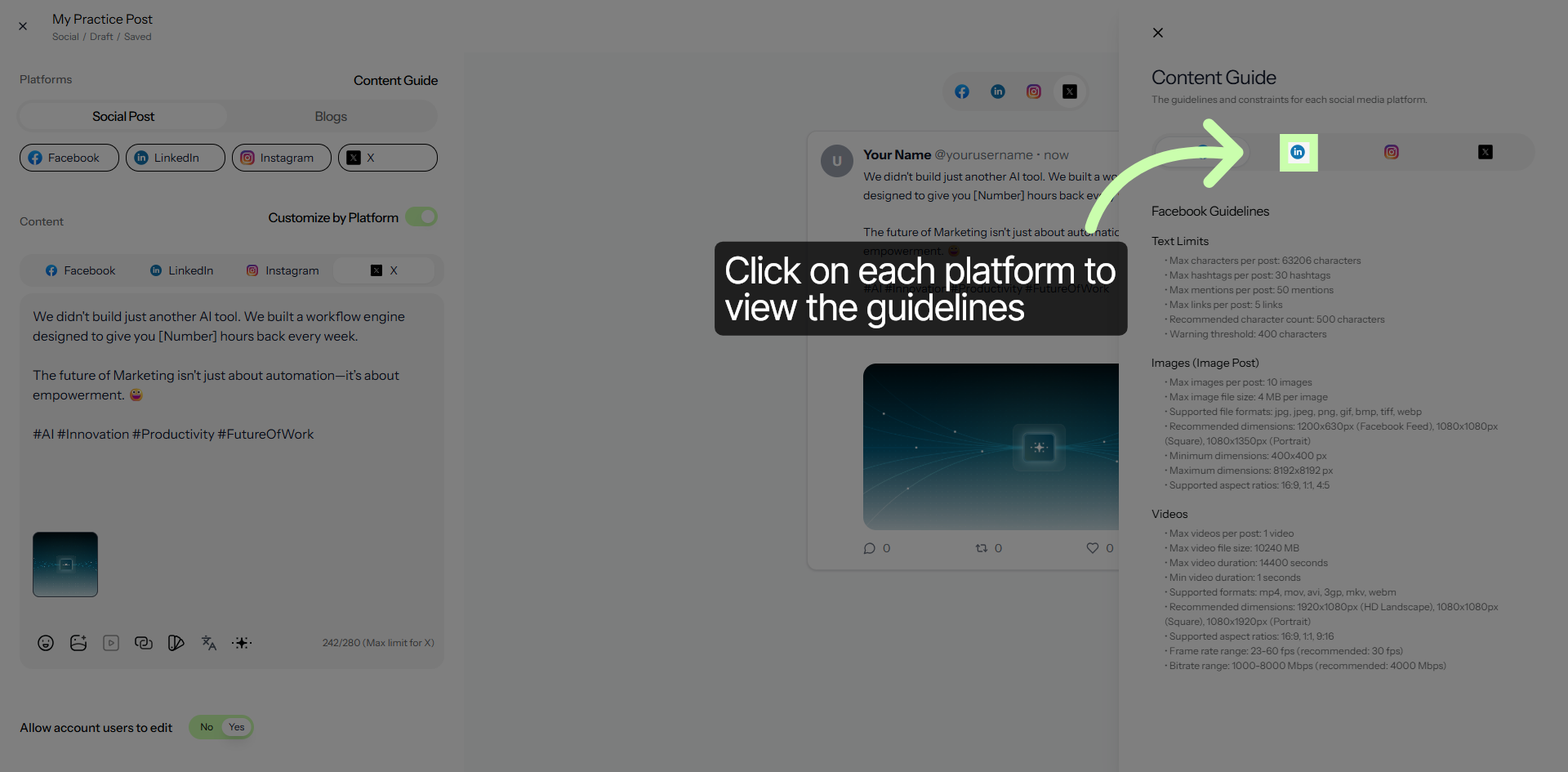
22. Focus Content Area
23. Close Content Guide