
 Creating Your Social Campaign - Phase 3: Testing & Management
- Configure social content using the Structured AI Social Editor.
- Utilize editor tools and features to enhance content creation and organization.
- Prepare social posts for publishing by reviewing and finalizing settings.
- Publish engaging social content efficiently and effectively.
|
Before you begin — open your account This is a hands-on, learning-by-doing session. Open app.structured.ai in your browser and log in to your Tenant Account so you can follow along and apply each step in real time. |
|
Phase 1
Strategy & Setup
|
Start Training ➡ |
|
Phase 2
Content & Scheduling
|
Start Training ➡ |
|
Phase 3
Testing & Management
|
Current Phase ✔ |
Follow Our Step-By-Step Training
1. Introduction
You will gain comprehensive knowledge on how to effectively prepare your social media posts, ensuring that each piece of content is well thought out and strategically planned before publishing. This includes understanding the best practices for creating engaging and relevant material that resonates with your target audience.
Additionally, you will learn how to customize your posts to suit different social media platforms and specific audience segments, allowing you to tailor your message for maximum impact.
Finally, you will be guided through the process of finalizing your posts, which involves reviewing, editing, and optimizing them to ensure they are polished, error-free, and ready to be shared with your followers in the most effective way possible.
2. Select Content Item
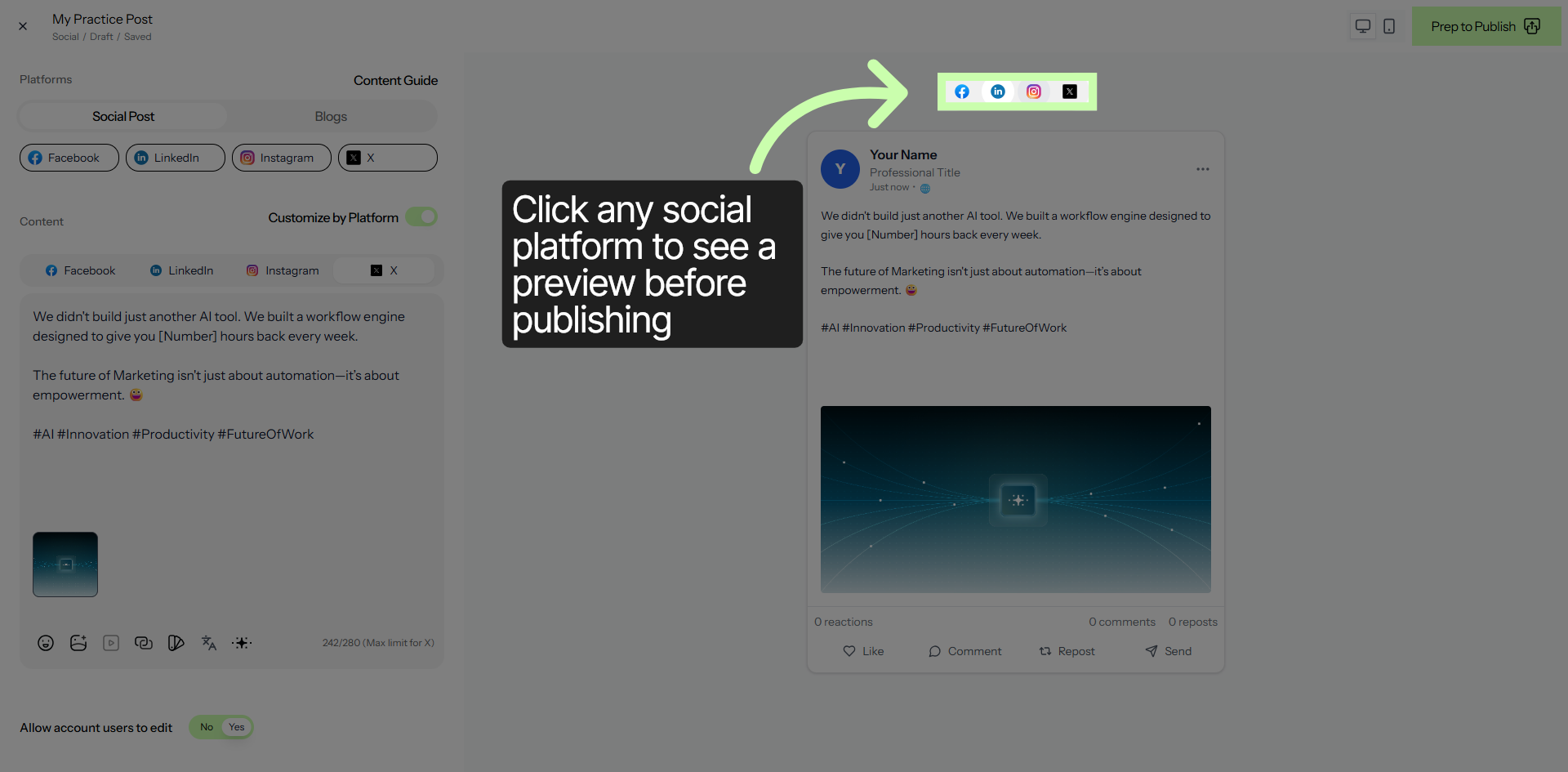
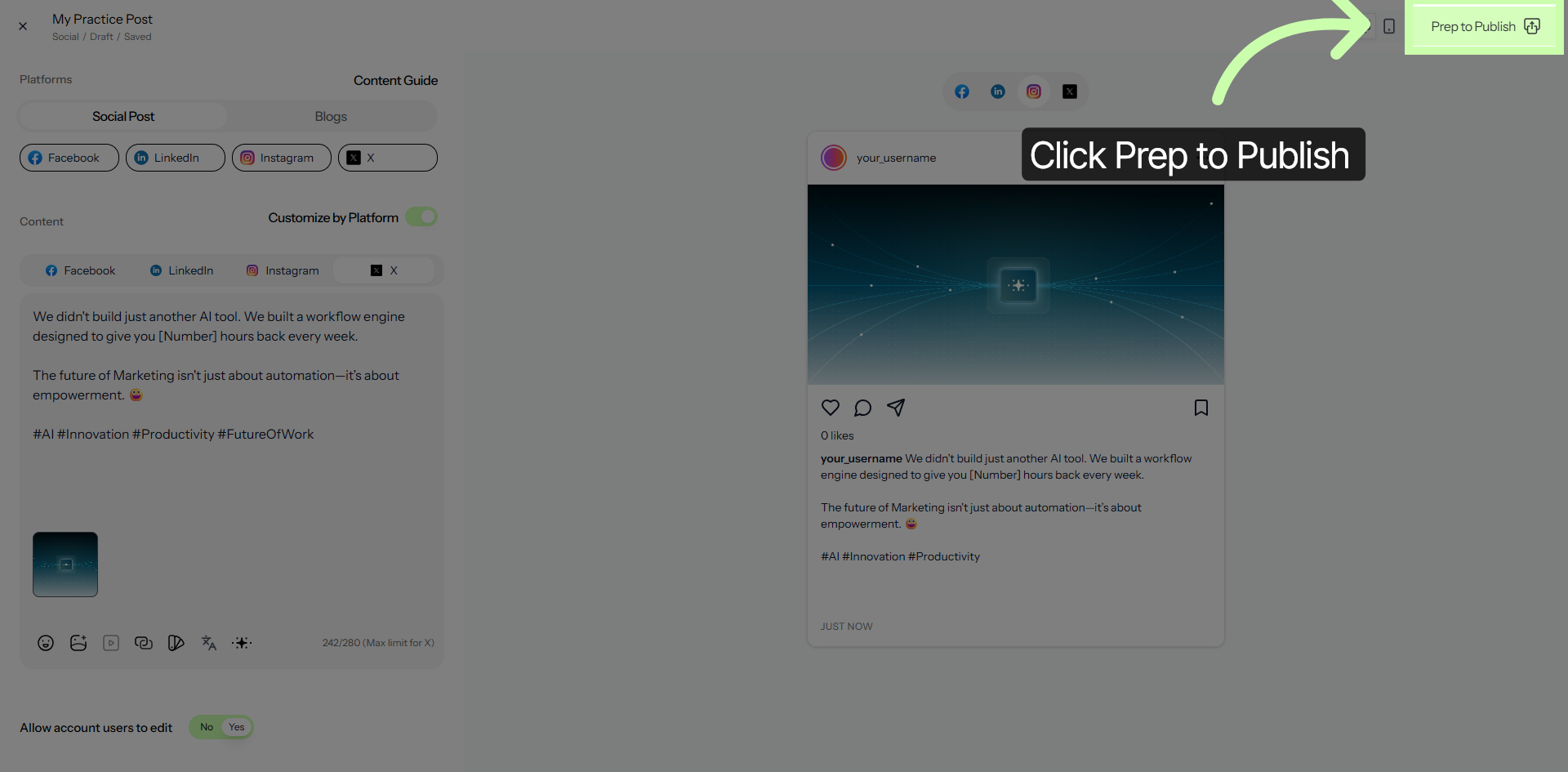
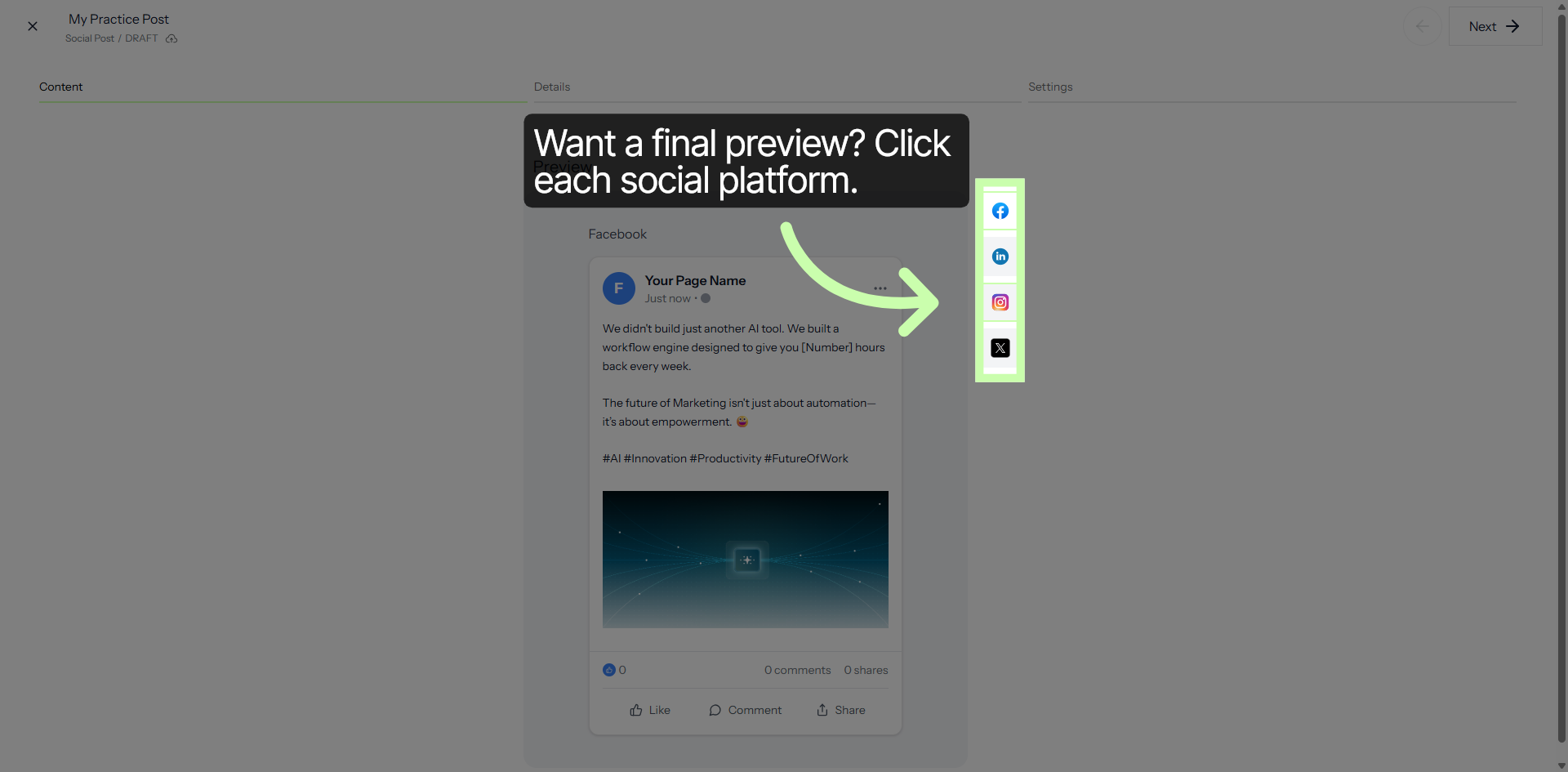
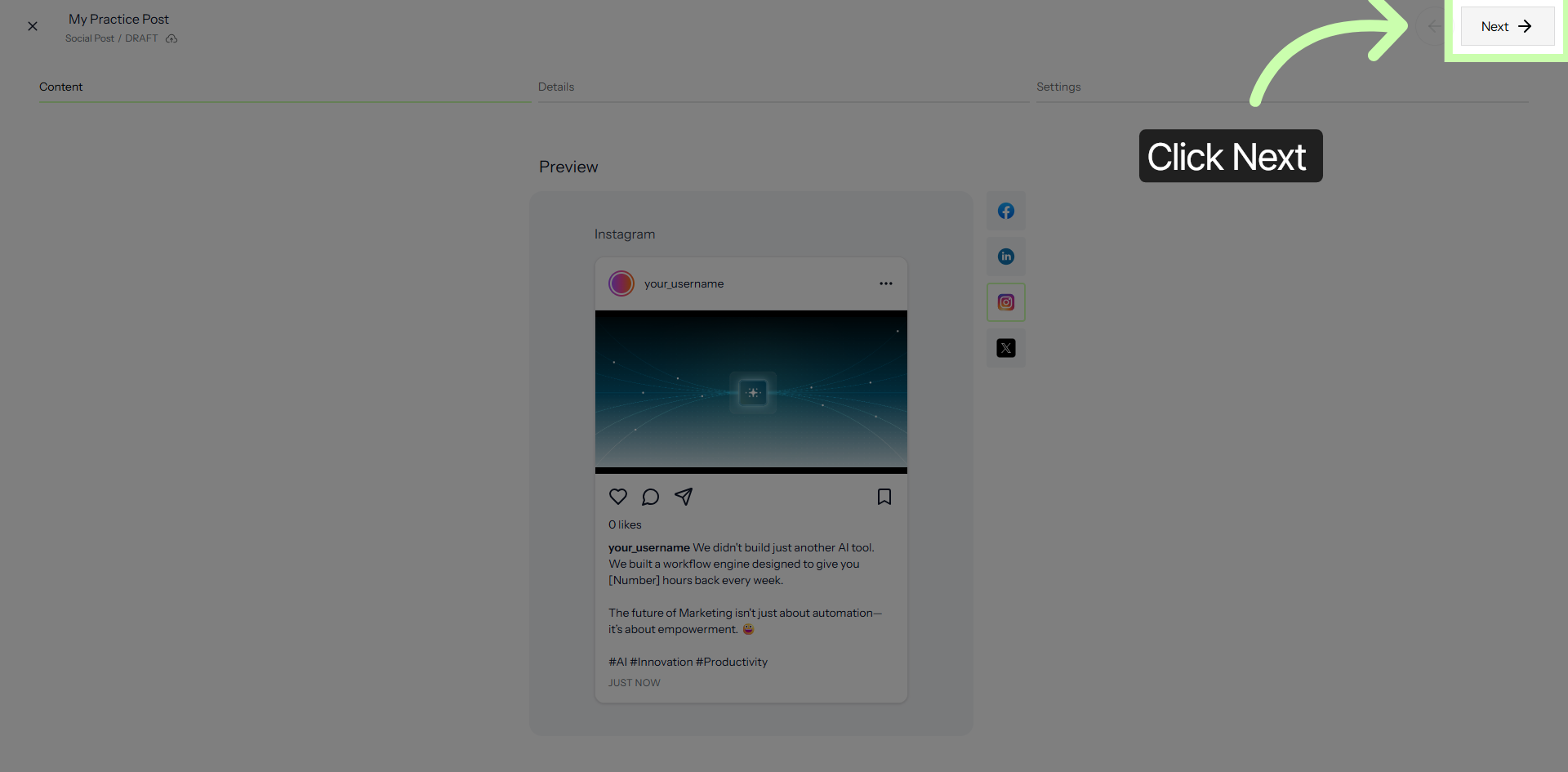
You can click on any of the social media platform buttons to view a preview of your content before you proceed with publishing it. This allows you to see exactly how your post will appear on each platform, ensuring that everything looks perfect and is formatted correctly before it goes live. Taking this step helps you avoid any potential mistakes and gives you the confidence that your content will be presented exactly as you intend.
3. Prepare Content for Publishing
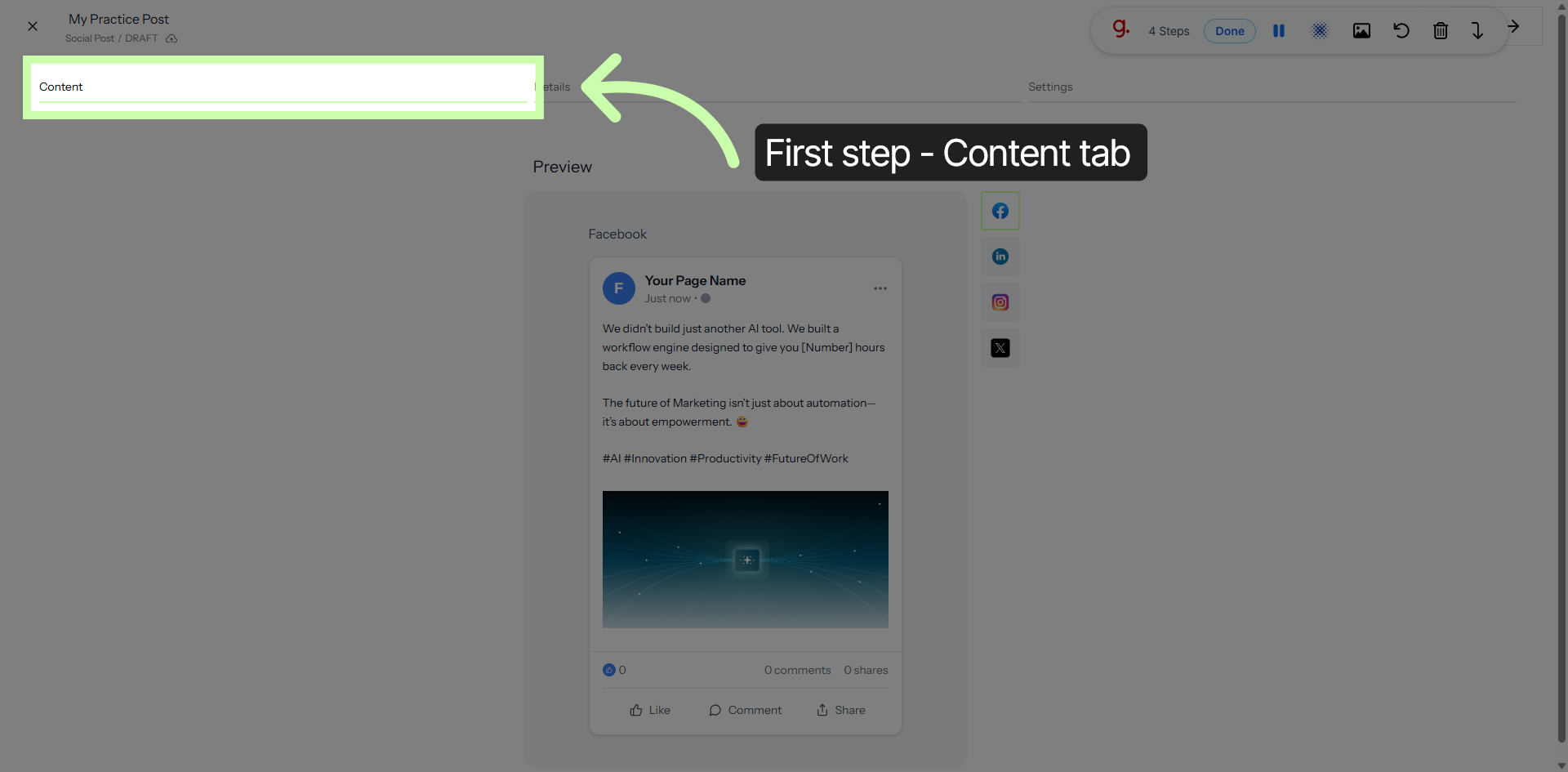
4. Switch to Content Tab
5. Edit Content Details
6. Proceed to Next Step
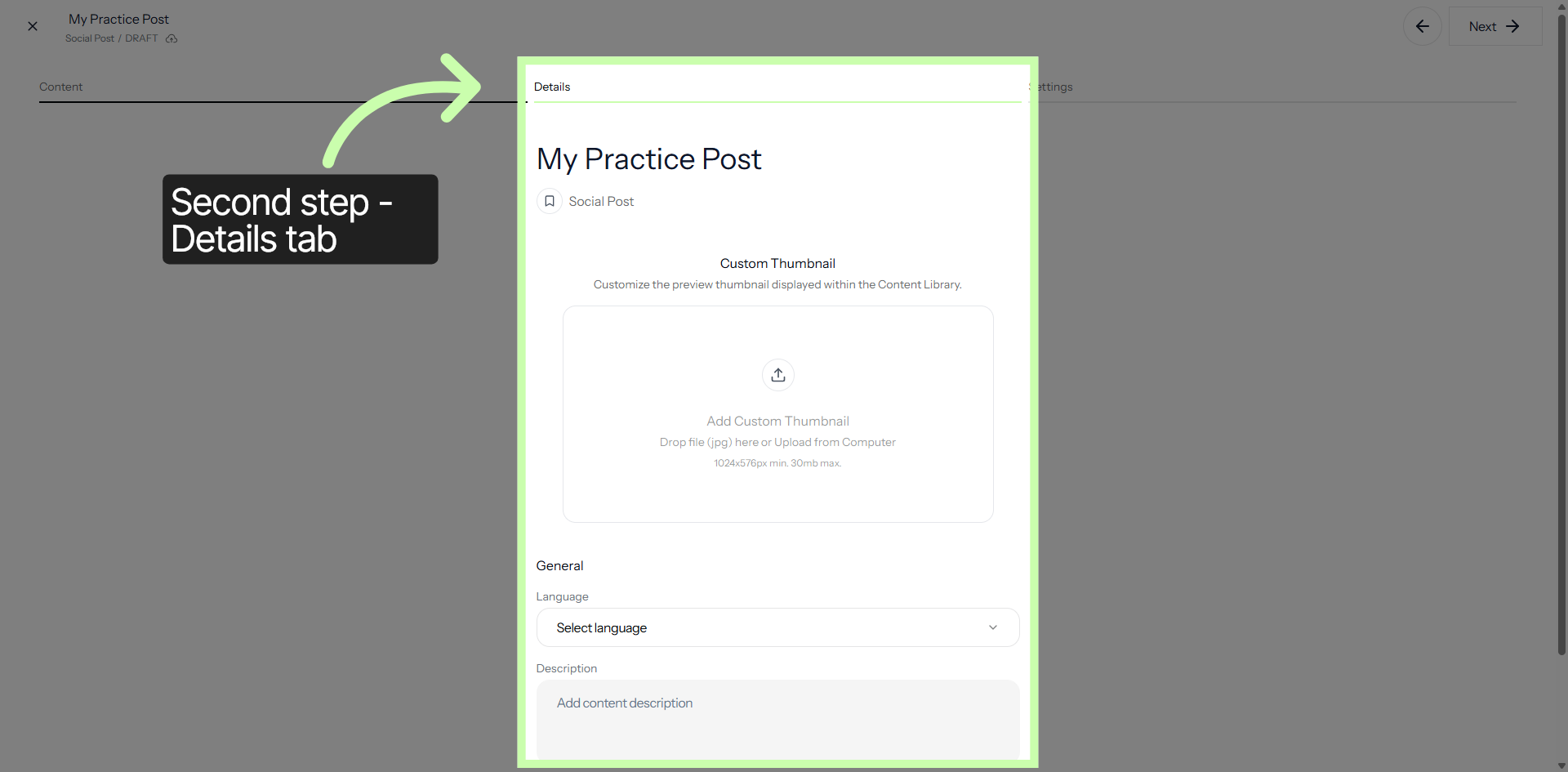
7. Switch to Details Tab
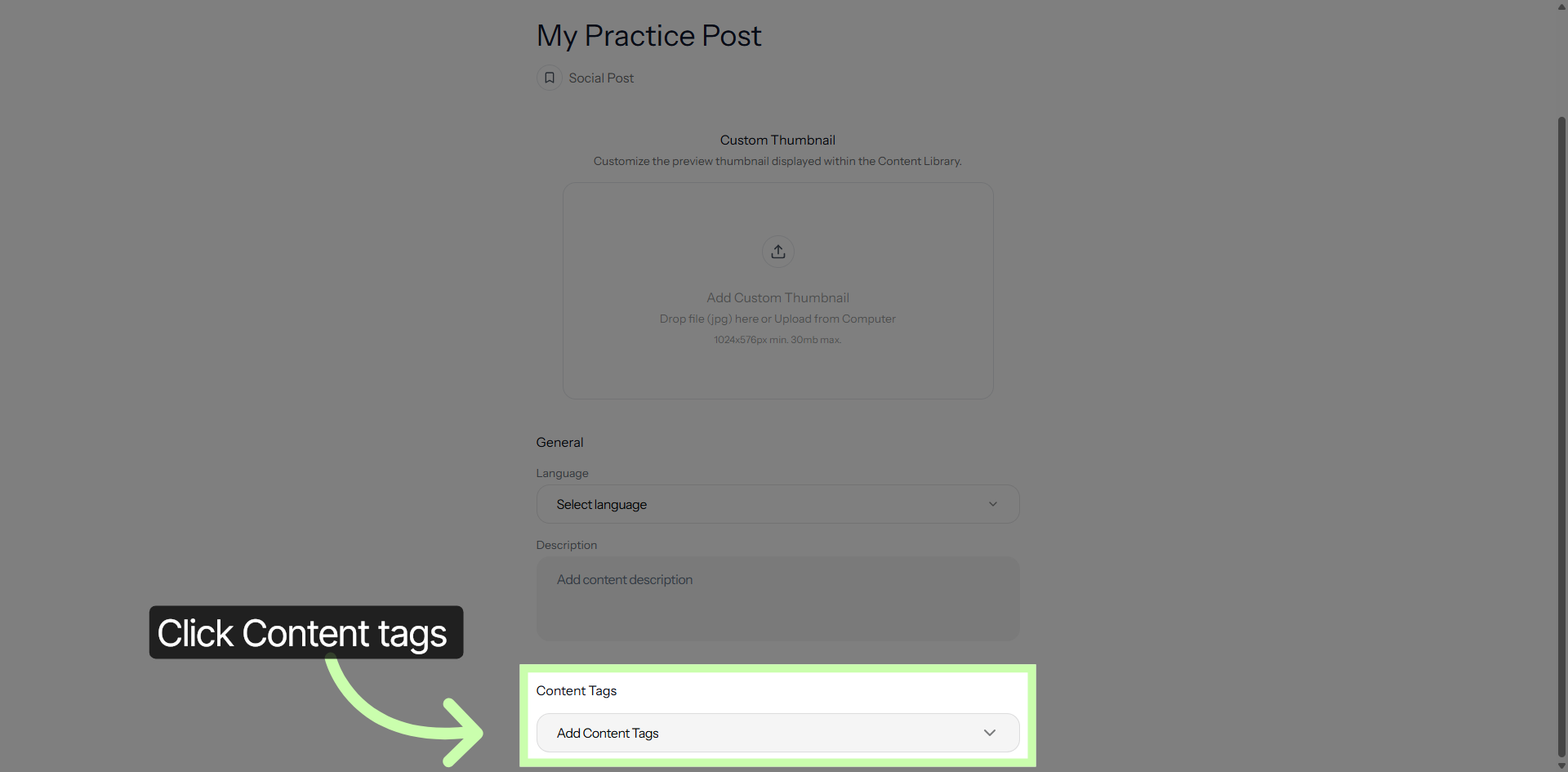
8. Open Content Tags
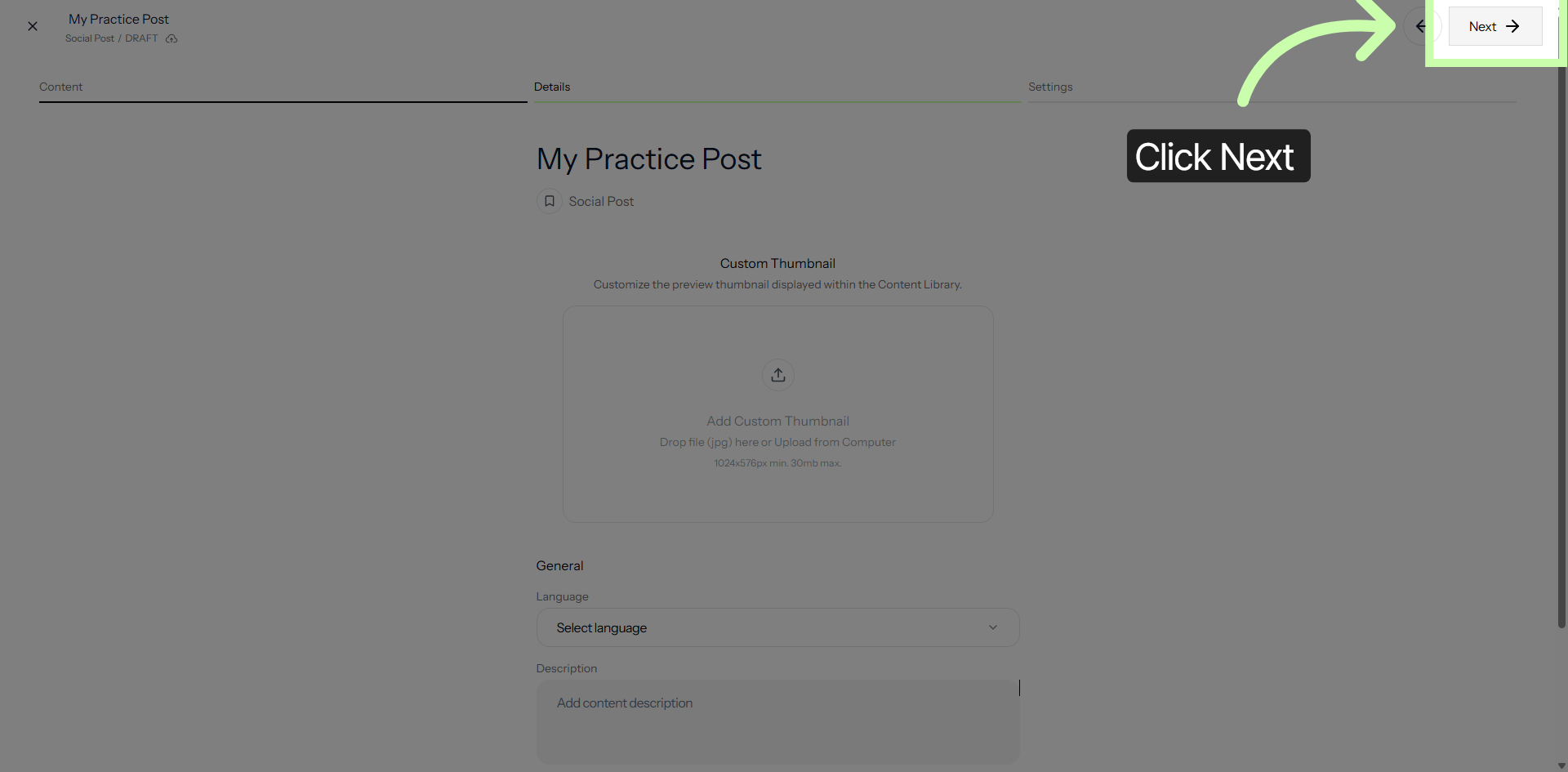
9. Continue to Next Configuration
10. Set Publish Dates
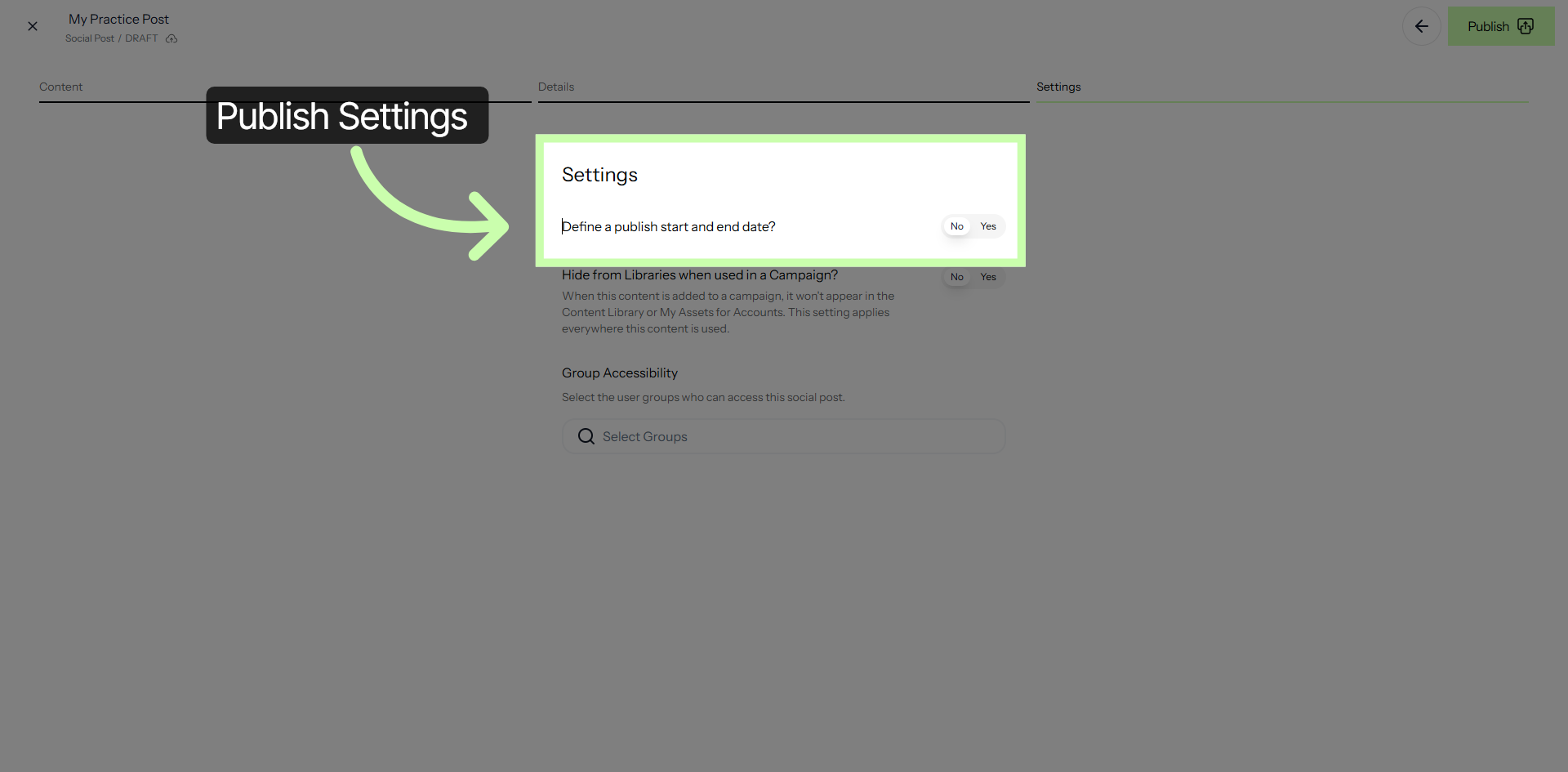
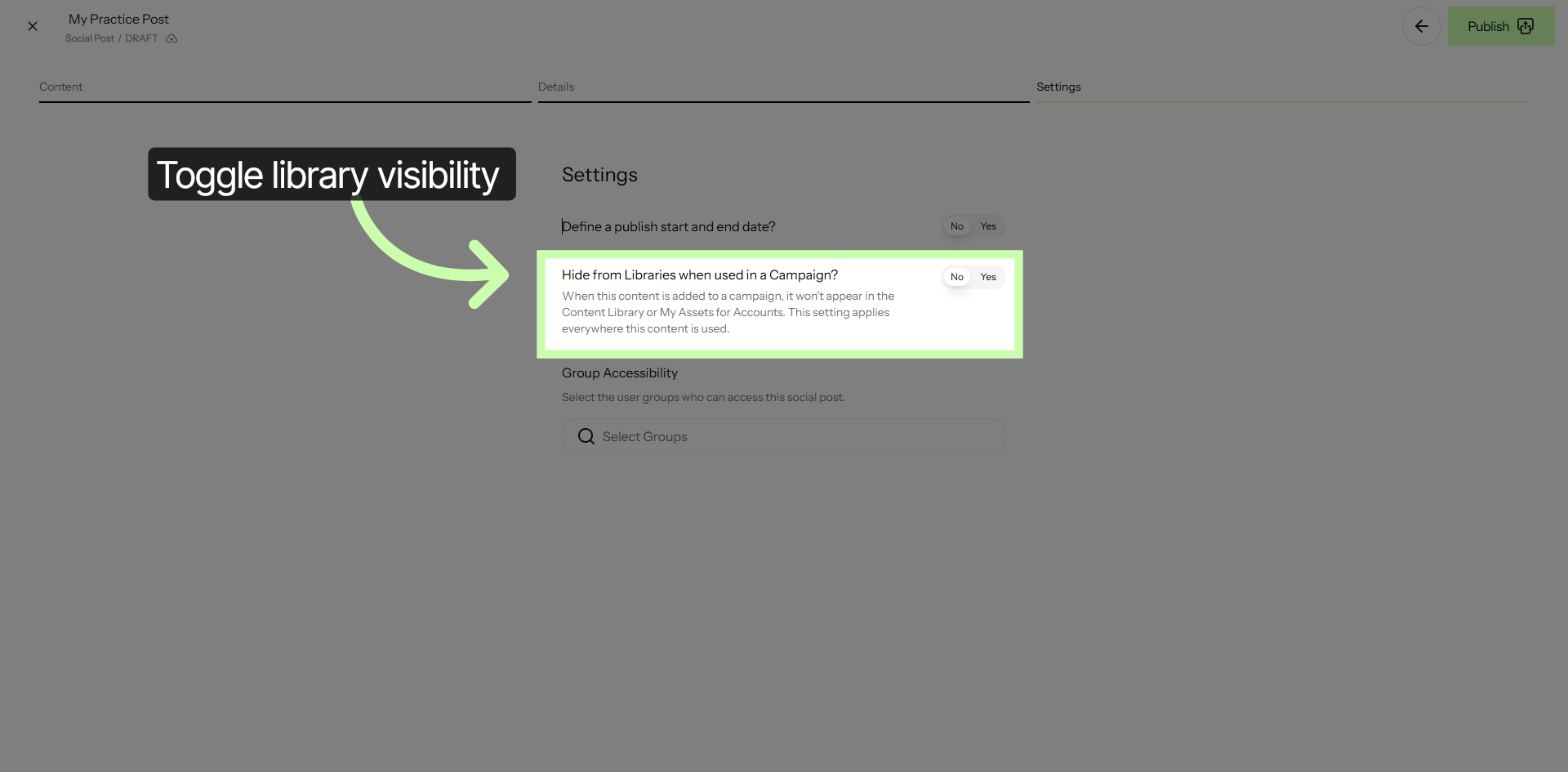
11. Manage Library Visibility
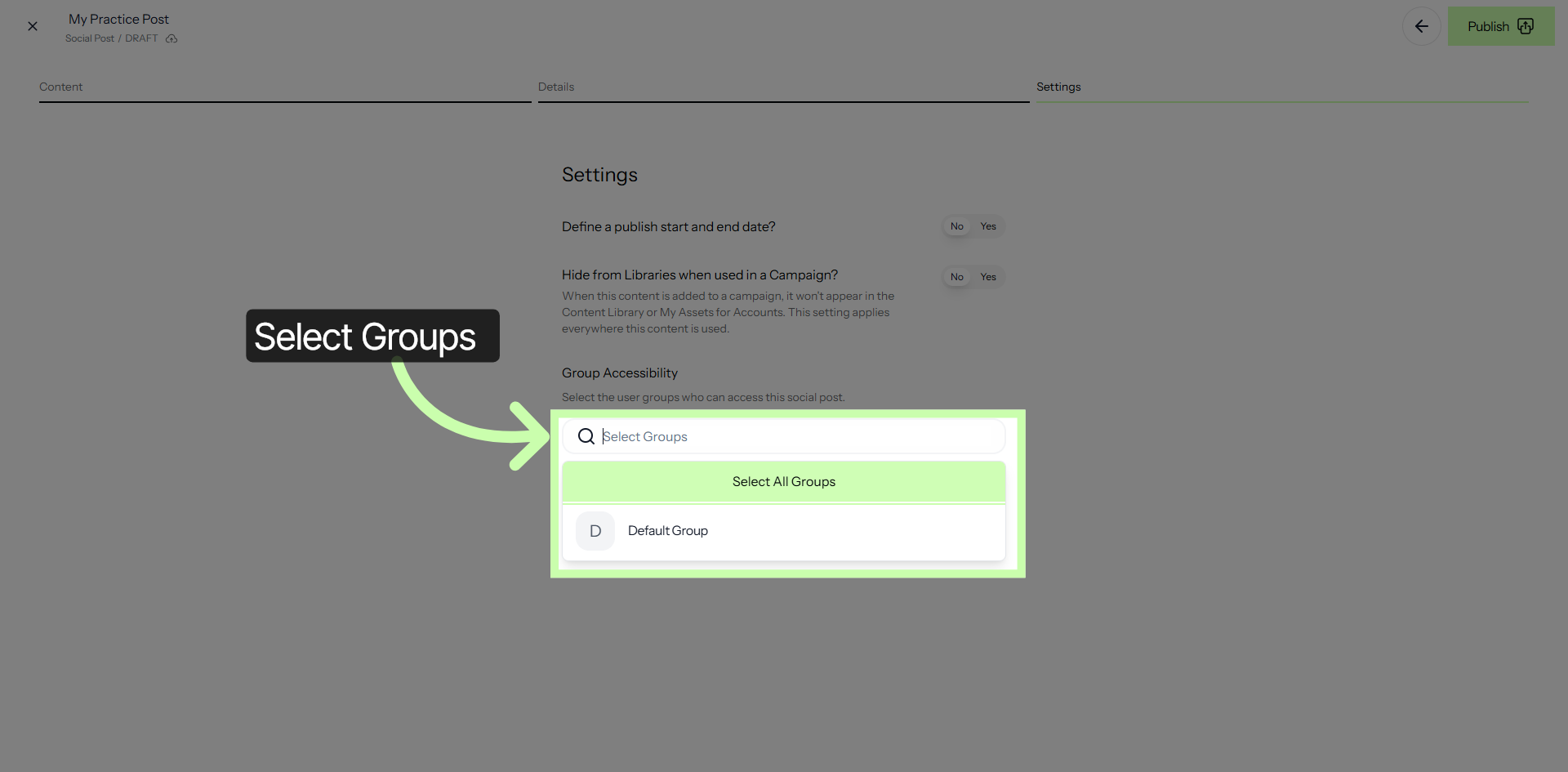
12. Search Group Accessibility
13. Publish Content
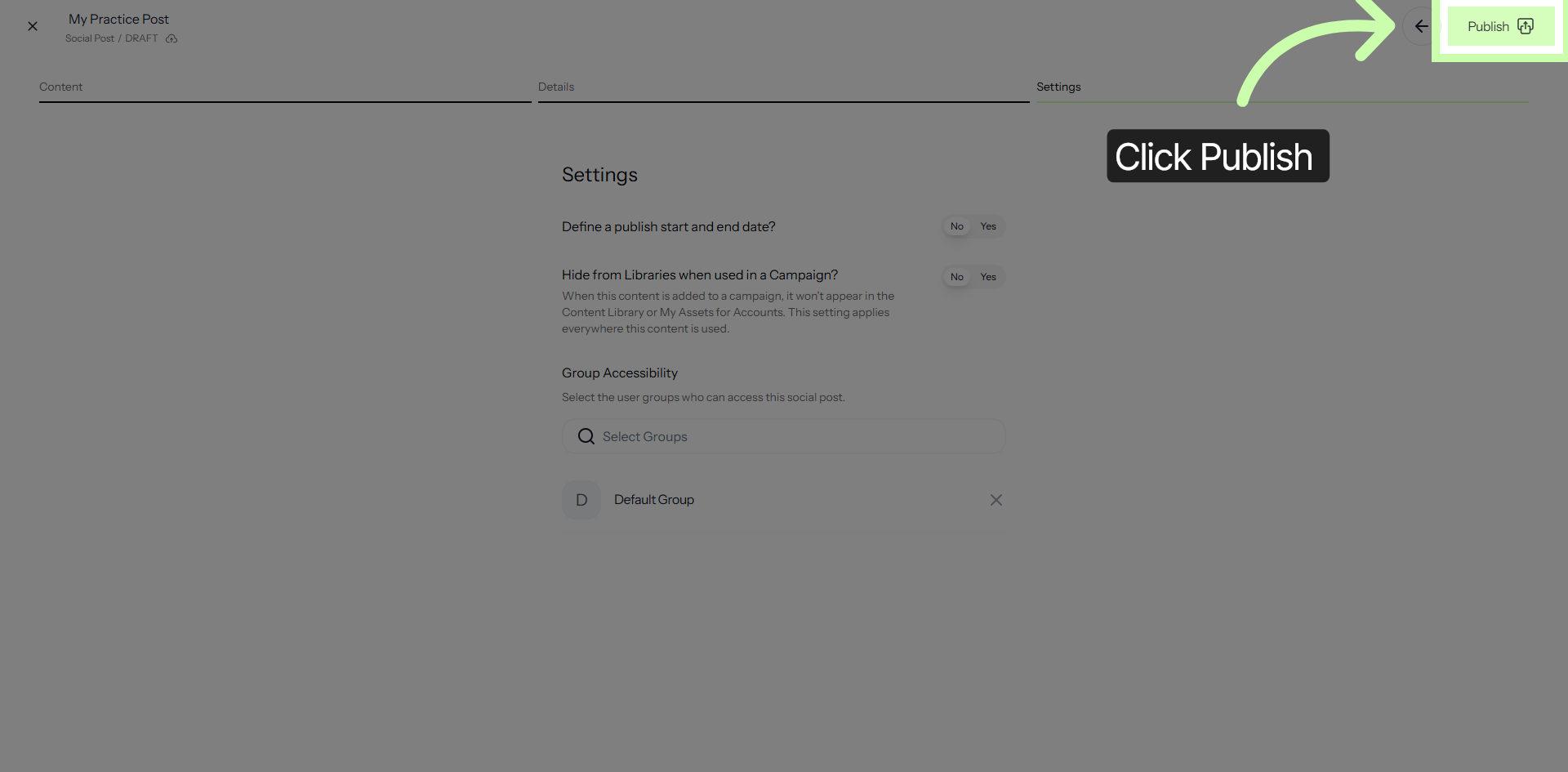
You have successfully completed the configuration and publication of your social media content by utilizing the Structured AI Social Editor. This accomplishment means your posts are now live and visible to your target audience across the selected social media platforms.
It is important to take some time to carefully review each of your published posts to ensure that they appear exactly as you intended, with the correct formatting, images, captions, and links. Additionally, after reviewing your published content, consider analyzing the engagement and performance metrics to determine how well your posts are resonating with your audience.