
 Lead Scoring & Qualification Tiers - Phase 2: Scoring & Decay Logic
- This tutorial explains how to configure lead scoring signals and decay logic.
|
Before you begin — open your account This is a hands-on, learning-by-doing session. Open app.structured.ai in your browser and log in to your Tenant Account so you can follow along and apply each step in real time. |
|
Phase 1
Purpose & Framework
|
Start Training ➡ |
|
Phase 2
Scoring & Decay Logic
|
Current Phase ✔ |
|
Phase 3
Qualification Tiers
|
Start Training ➡ |
Follow Our Step-By-Step Training
1. Introduction
In the Lead Scoring Signal Configuration process, you assign specific point values to various actions that leads take. This involves evaluating the significance of each action in the context of your sales or marketing goals and determining how much weight it should carry in the overall lead score.
By carefully assigning points to these actions, you can prioritize leads more effectively, focusing your efforts on those who demonstrate the highest level of engagement or interest. This approach helps in identifying the most promising prospects, enabling your sales team to allocate resources efficiently and increase the chances of successful conversions.
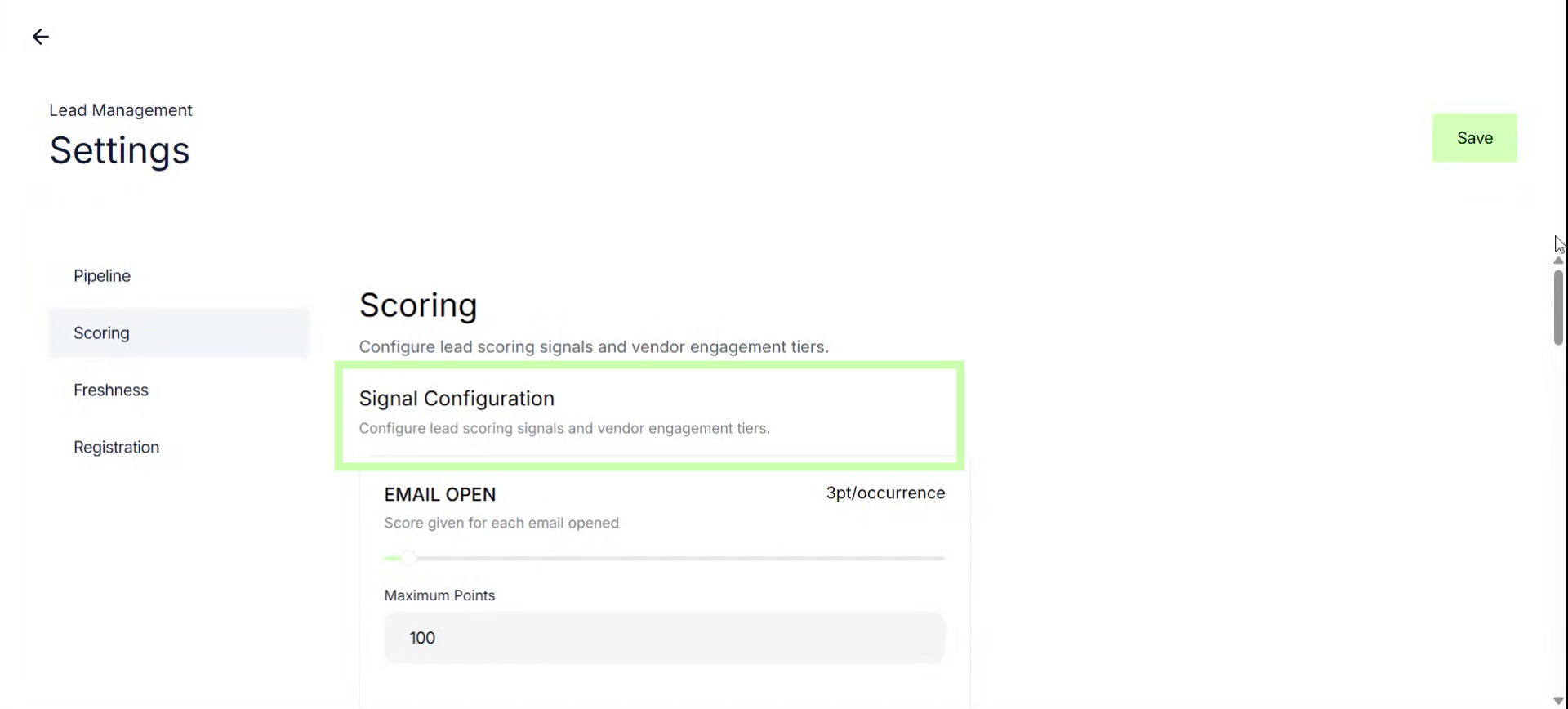
2. Adjust Slider for Email Opens
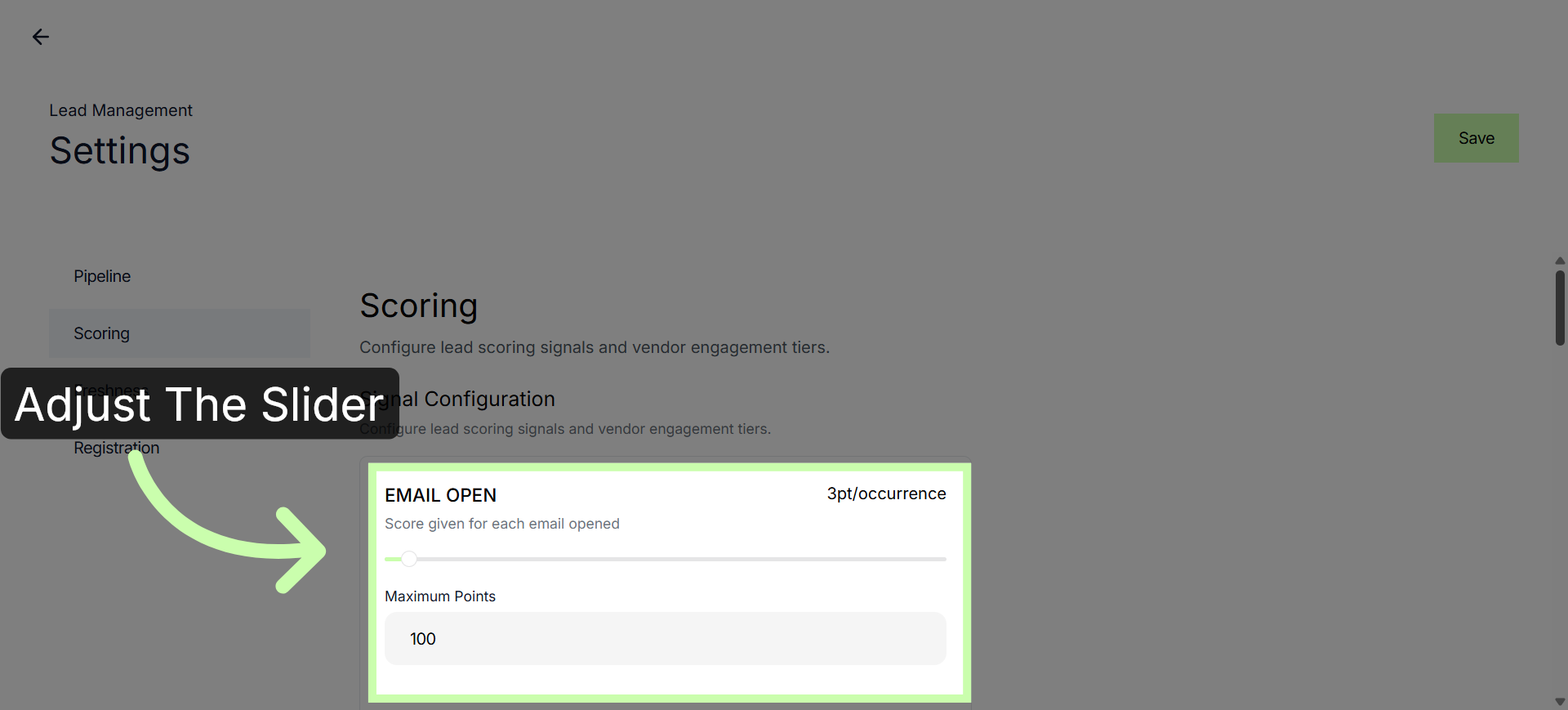
3.Adjust Slider for Email Clicks
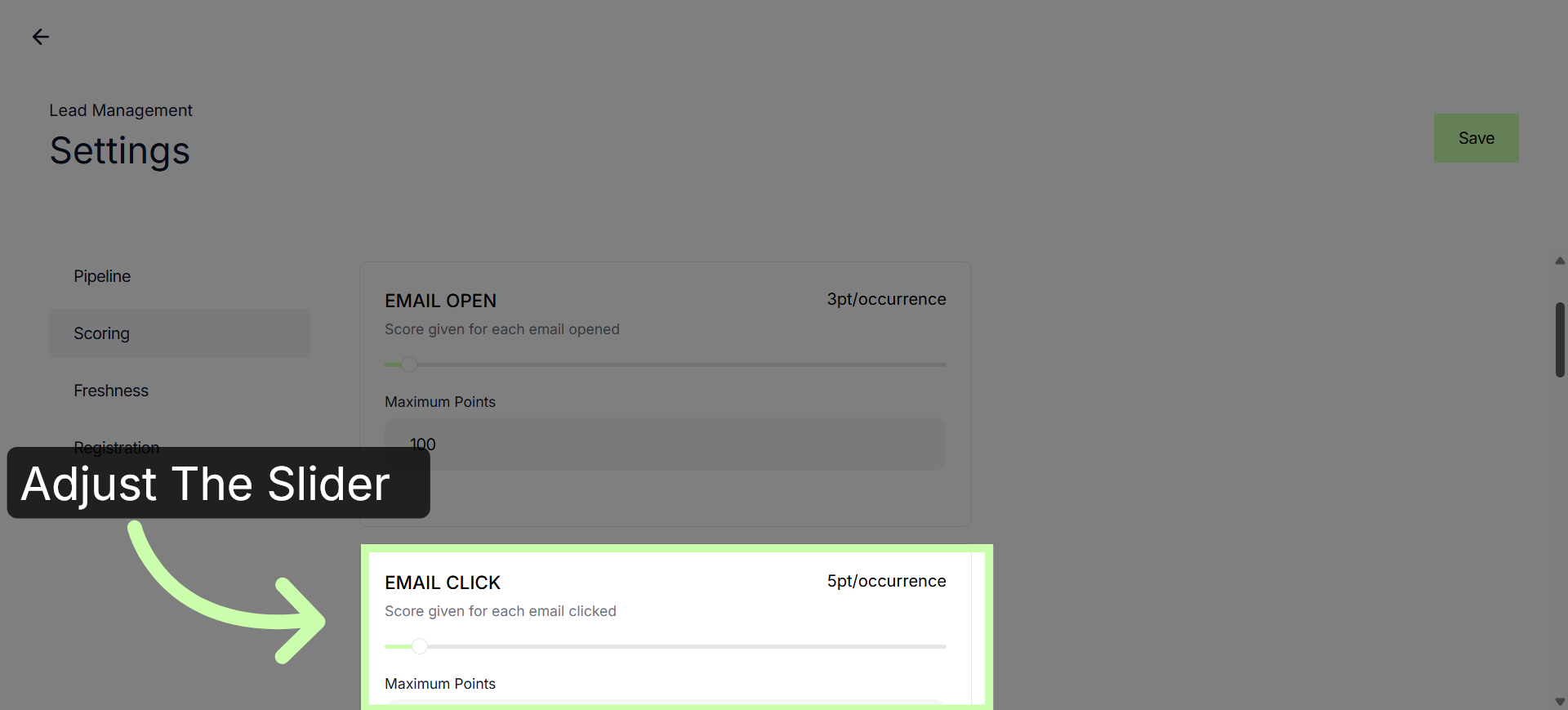
4. Adjust Slider for Page Visits
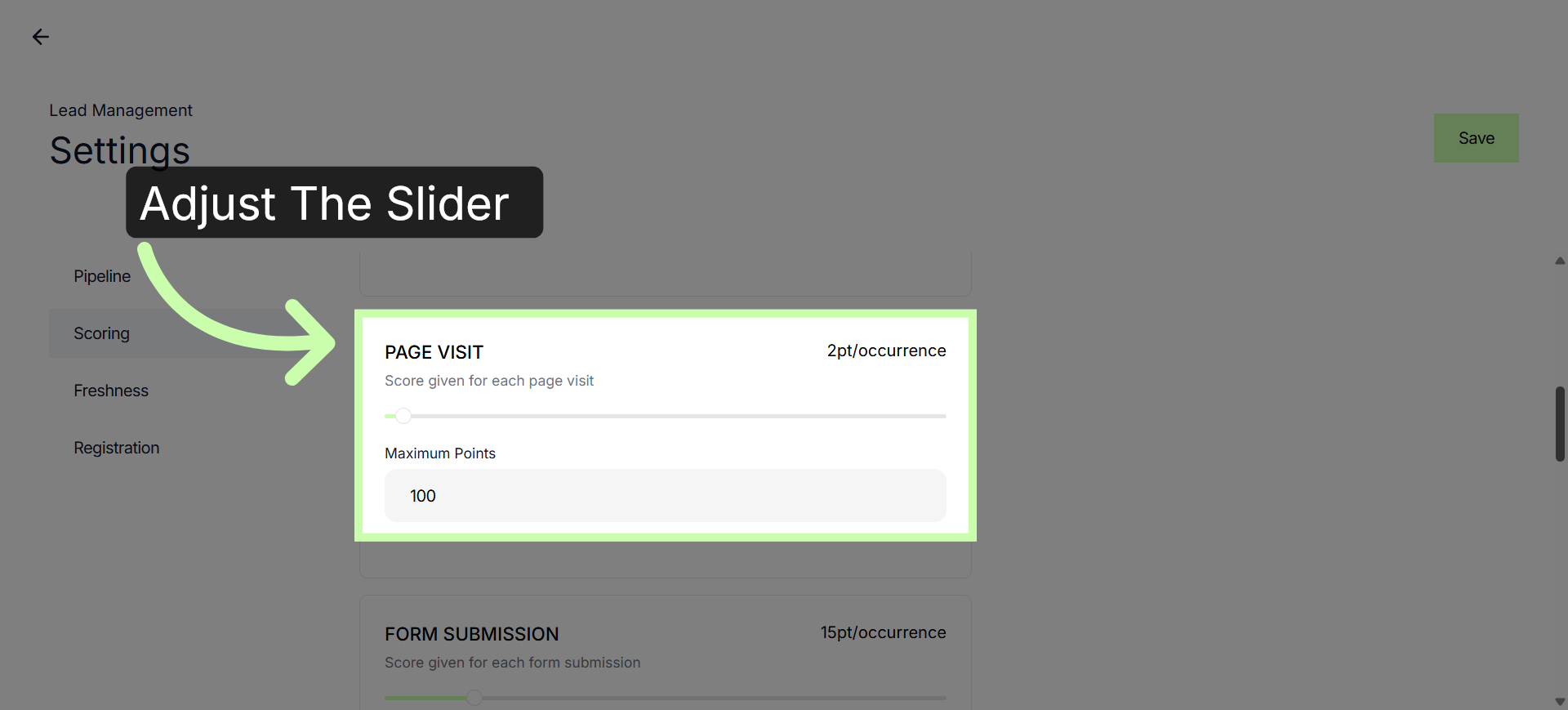
5. Modify Lead Scoring Parameters
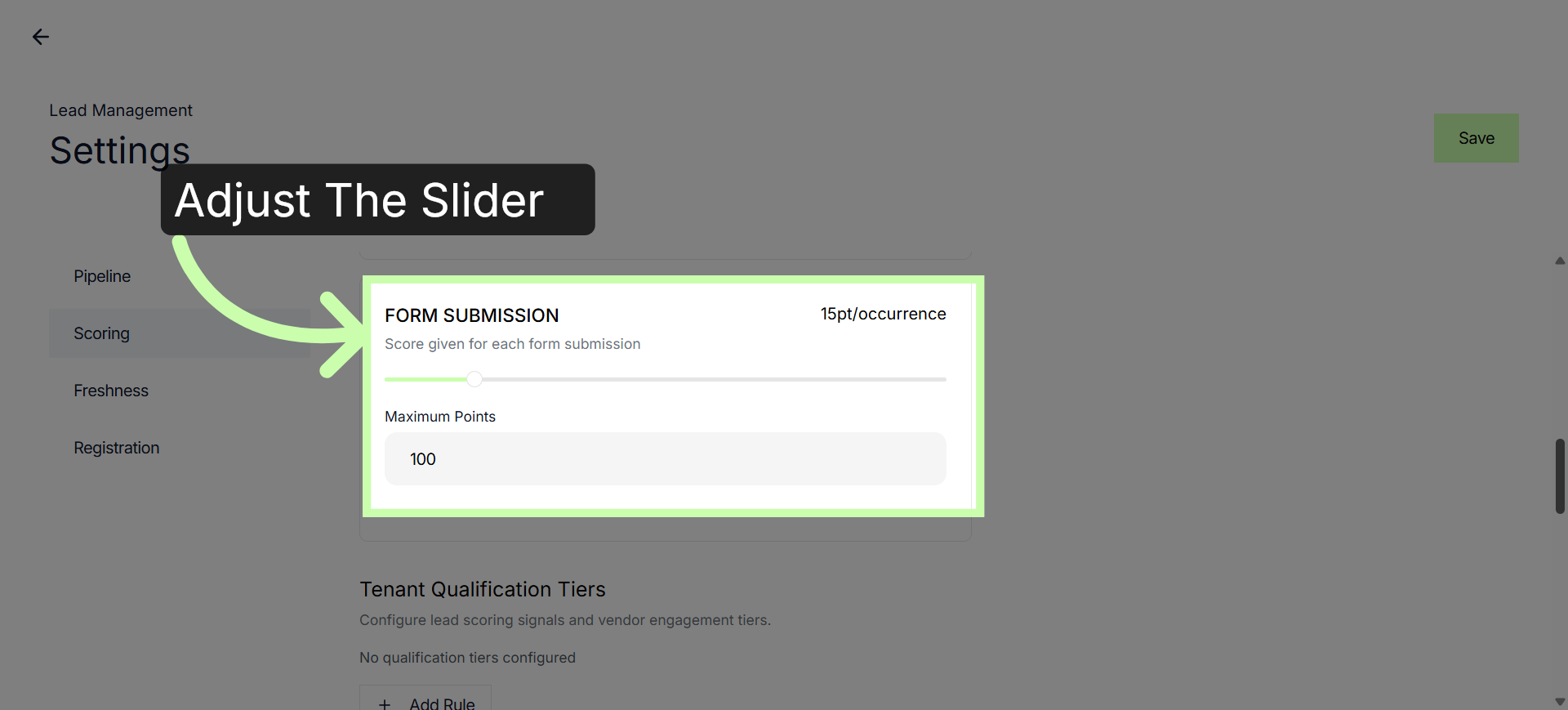
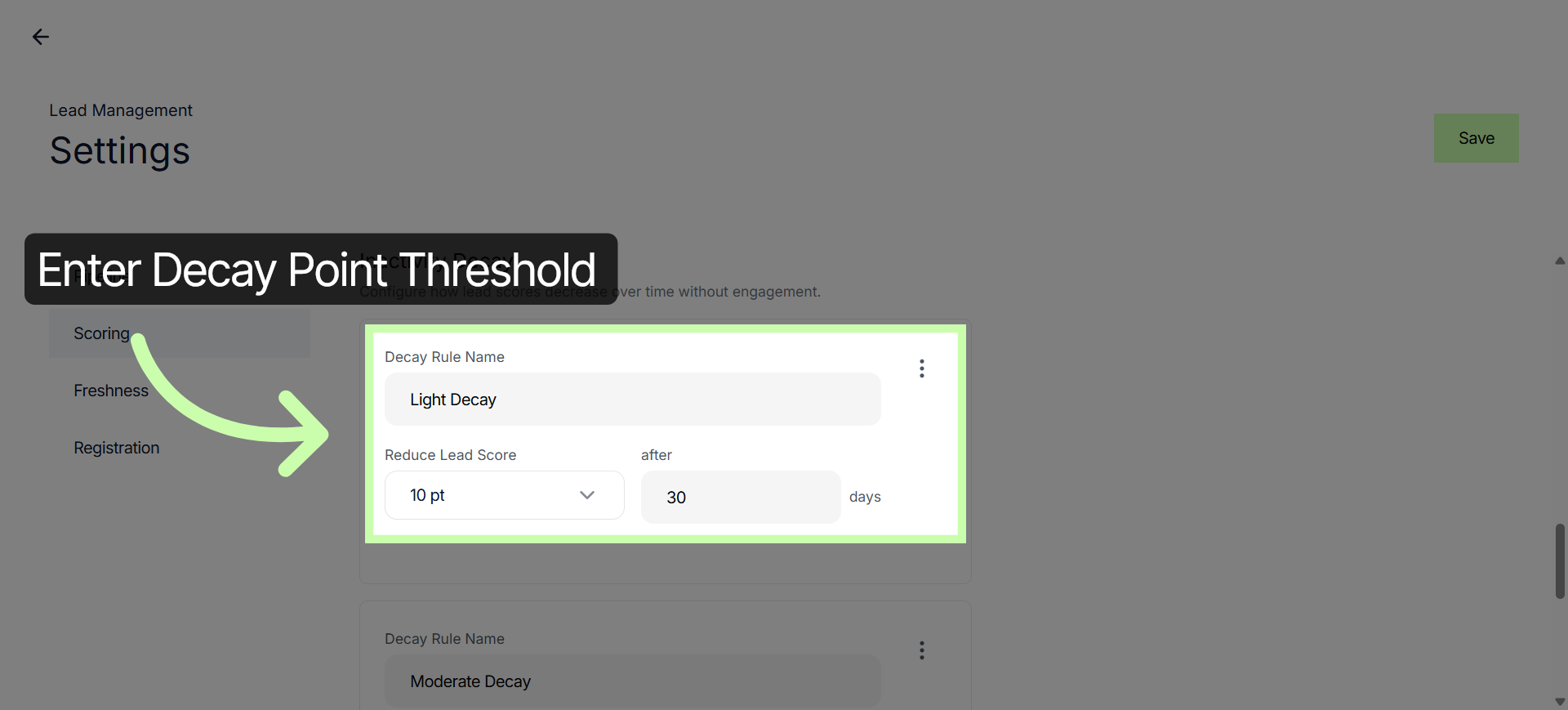
6. Adjust Lead Score Decay Rule
The upcoming video provides a detailed demonstration on how to set up qualification tiers effectively. It will guide you step-by-step through the entire process, explaining the necessary configurations and settings required to establish different levels of qualifications.