
 Managing Account Fields - Phase 1: Purpose & Framework
- The purpose and structure of Account Fields within the platform.
- How Account Fields store and manage key account-level data.
|
Before you begin — open your account This is a hands-on, learning-by-doing session. Open app.structured.ai in your browser and log in to your Tenant Account so you can follow along and apply each step in real time. |
|
Phase 1
Purpose & Framework
|
Current Phase ✔ |
|
Phase 2
Customizing & Adding Fields
|
Start Training ➡ |
|
Phase 3
Maintenance & Best Practices
|
Start Training ➡ |
Follow Our Step-By-Step Training
1. Introduction
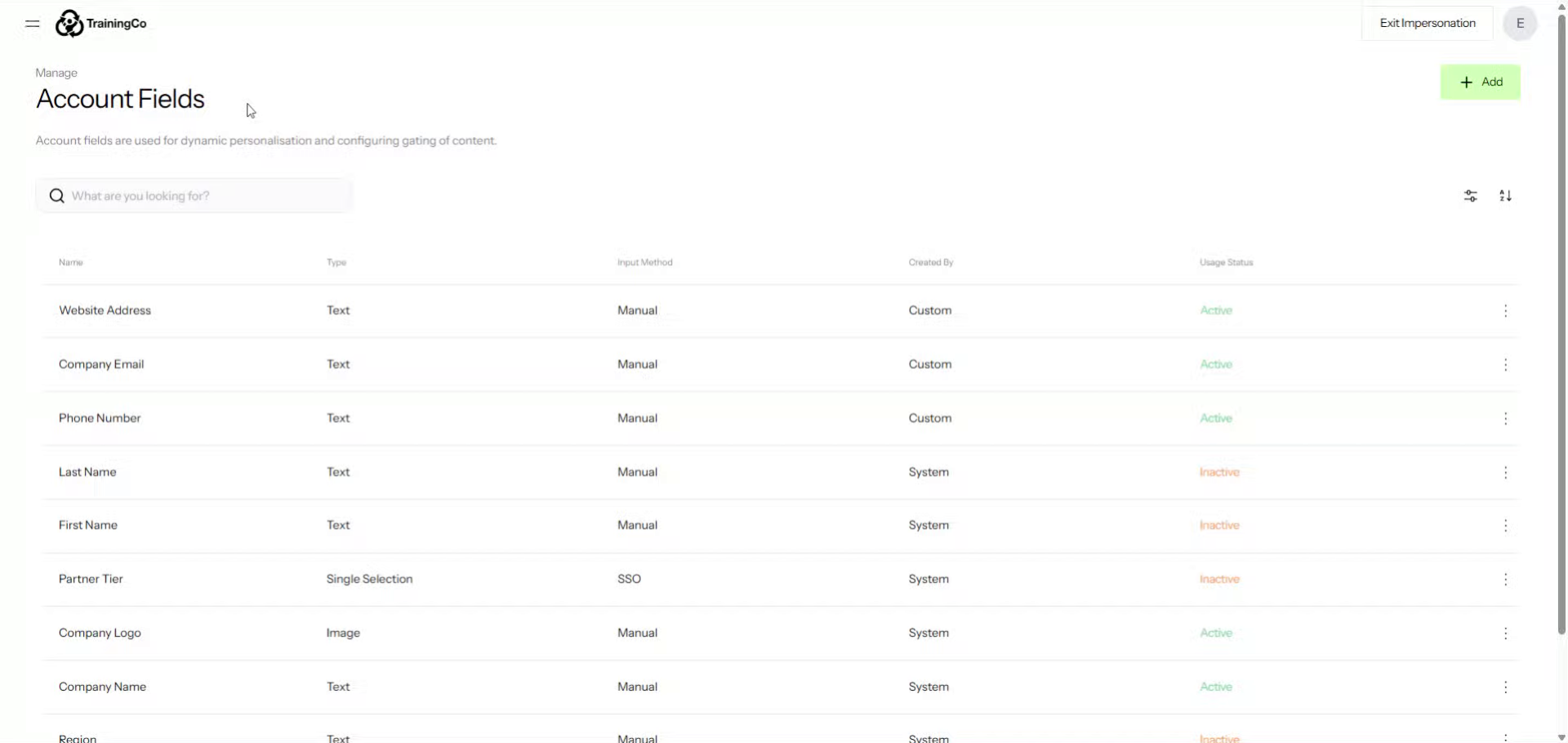
2. Access Account Fields Section
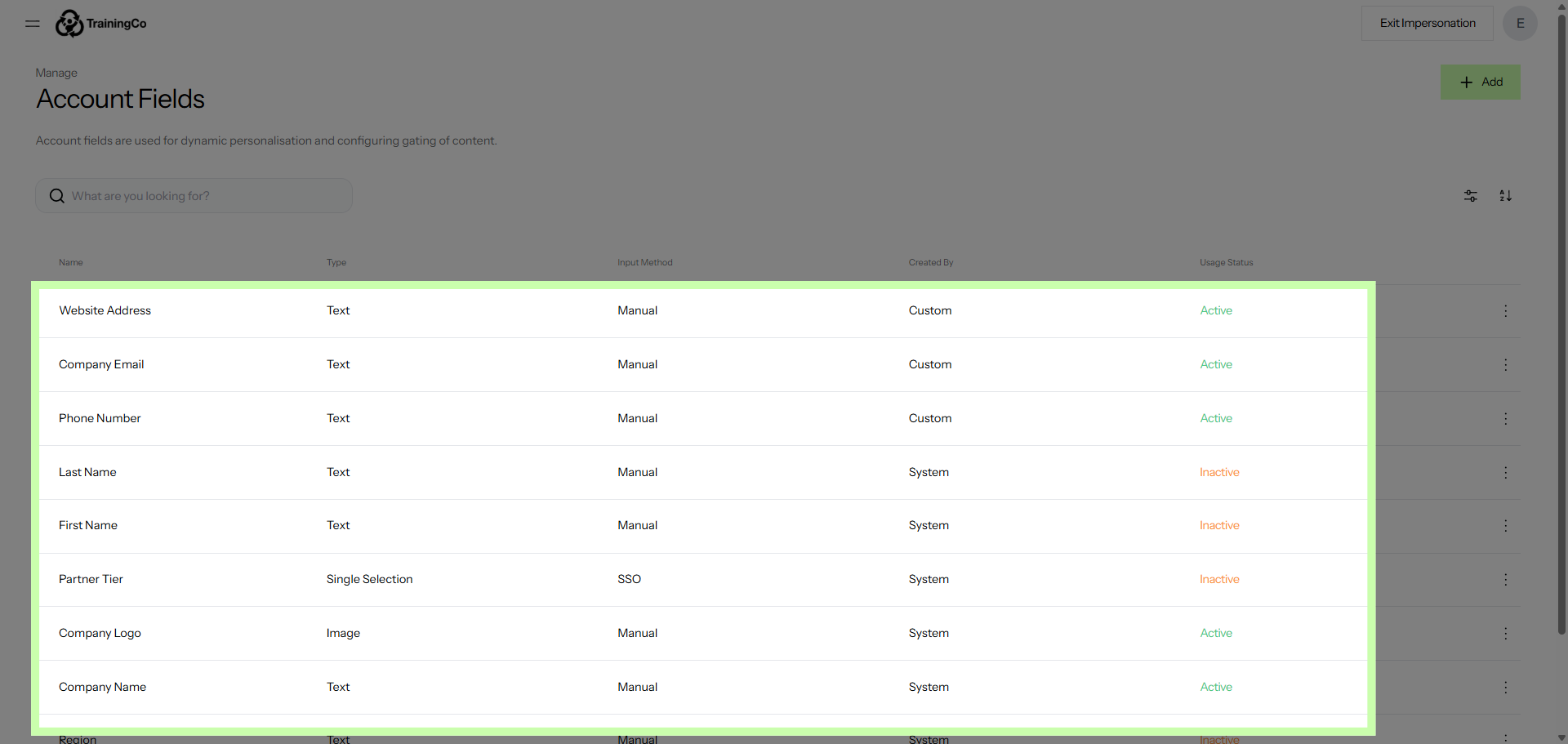
3. Select Company Logo Field
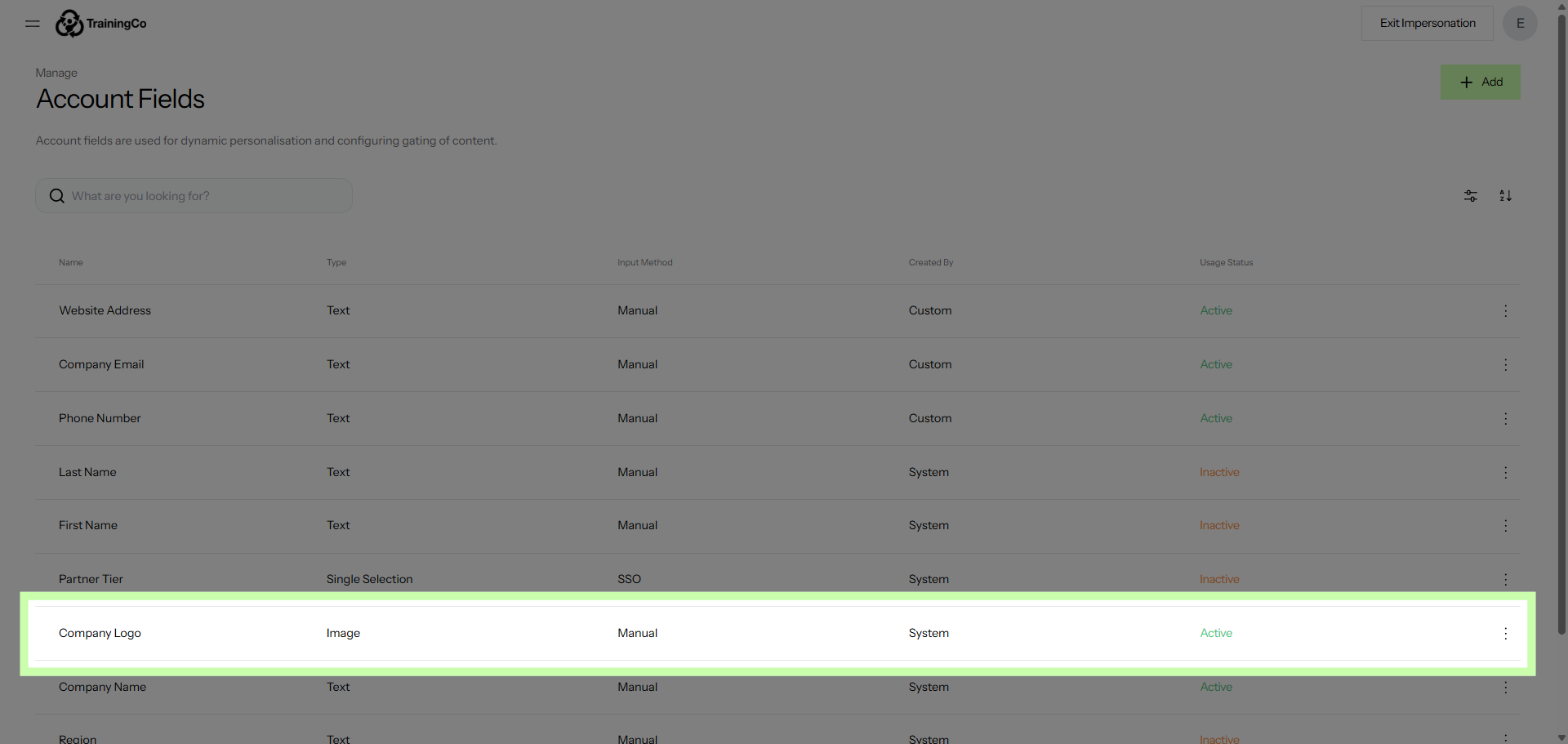
4. Open Company Name Field
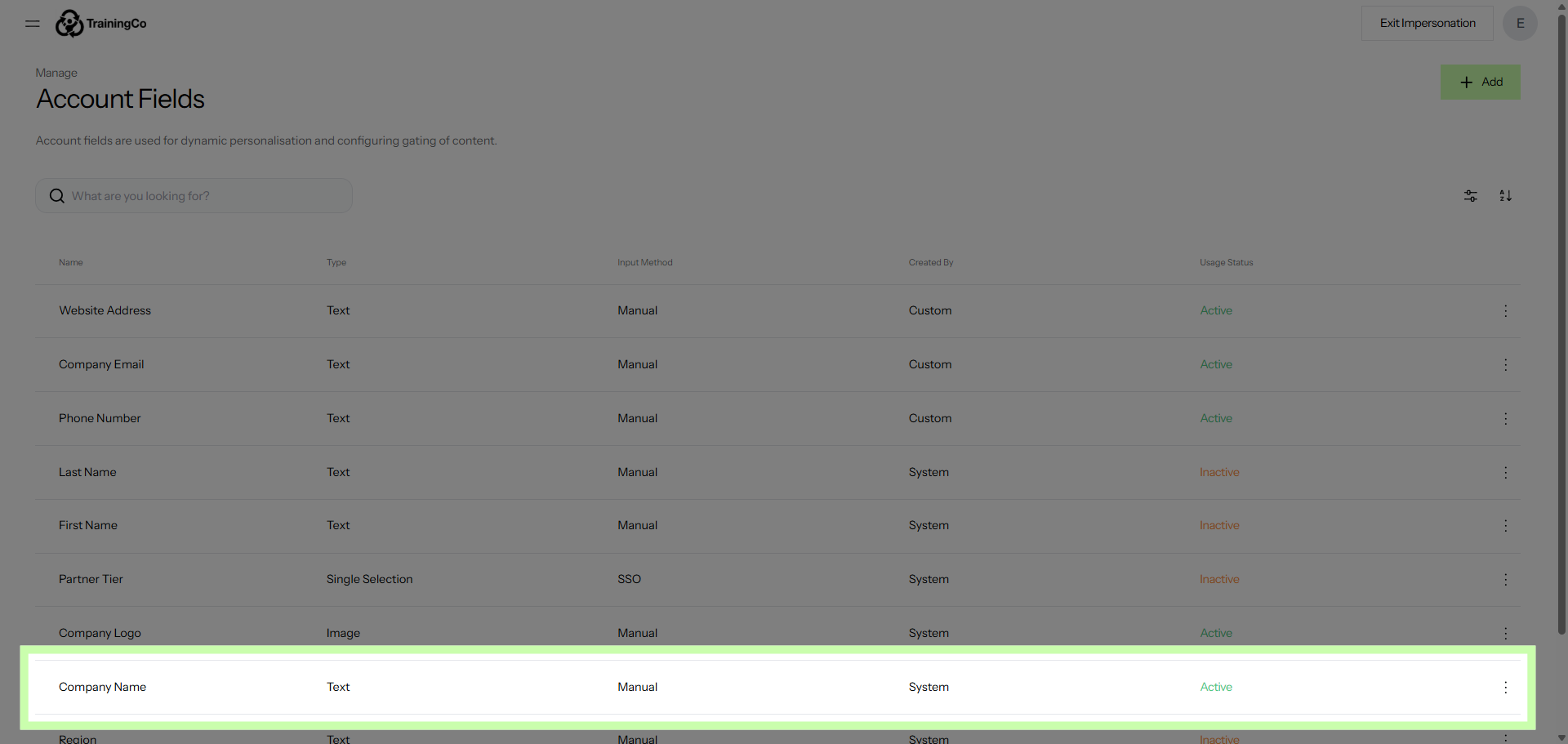
5. Choose Company Email Field
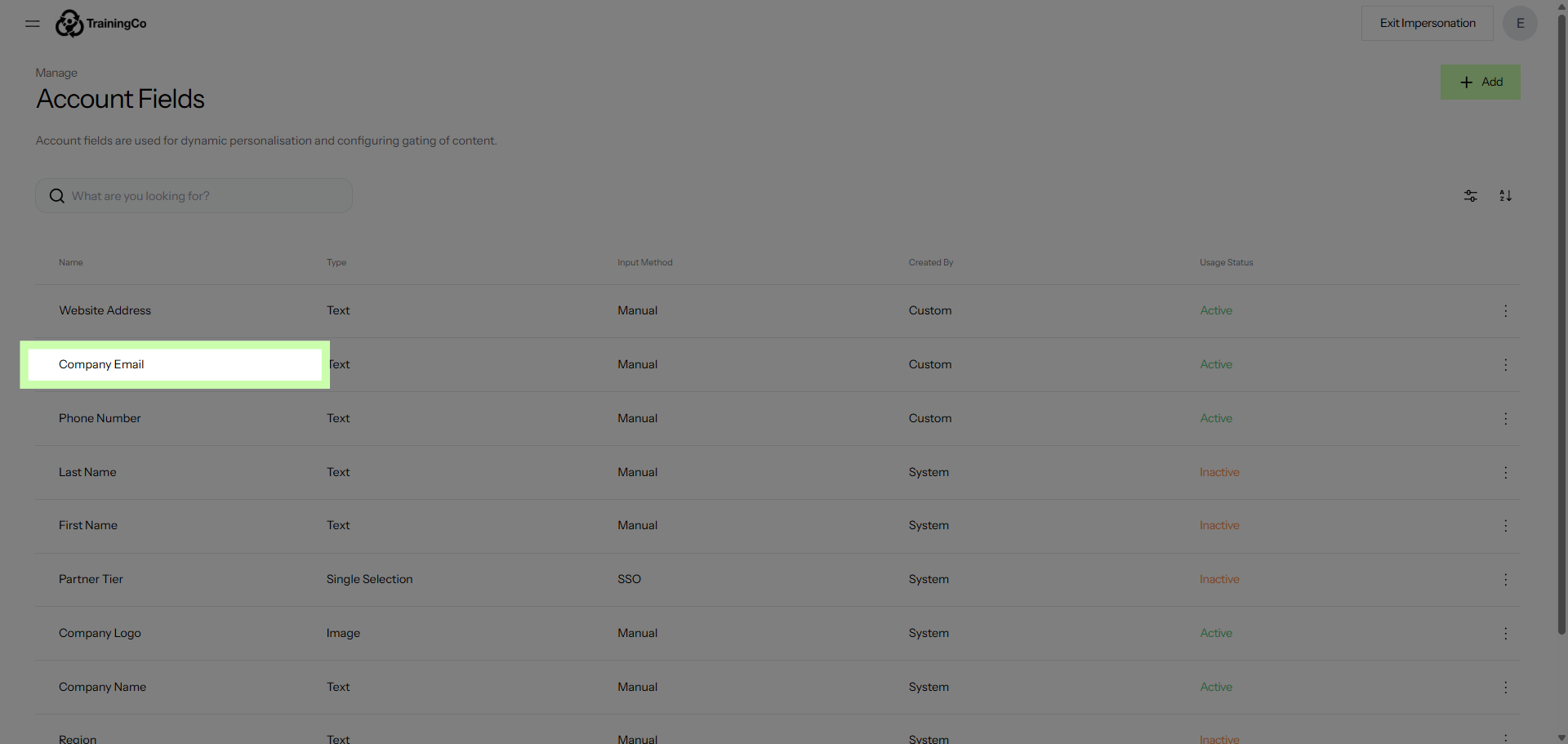
6. Choose Company Email Field
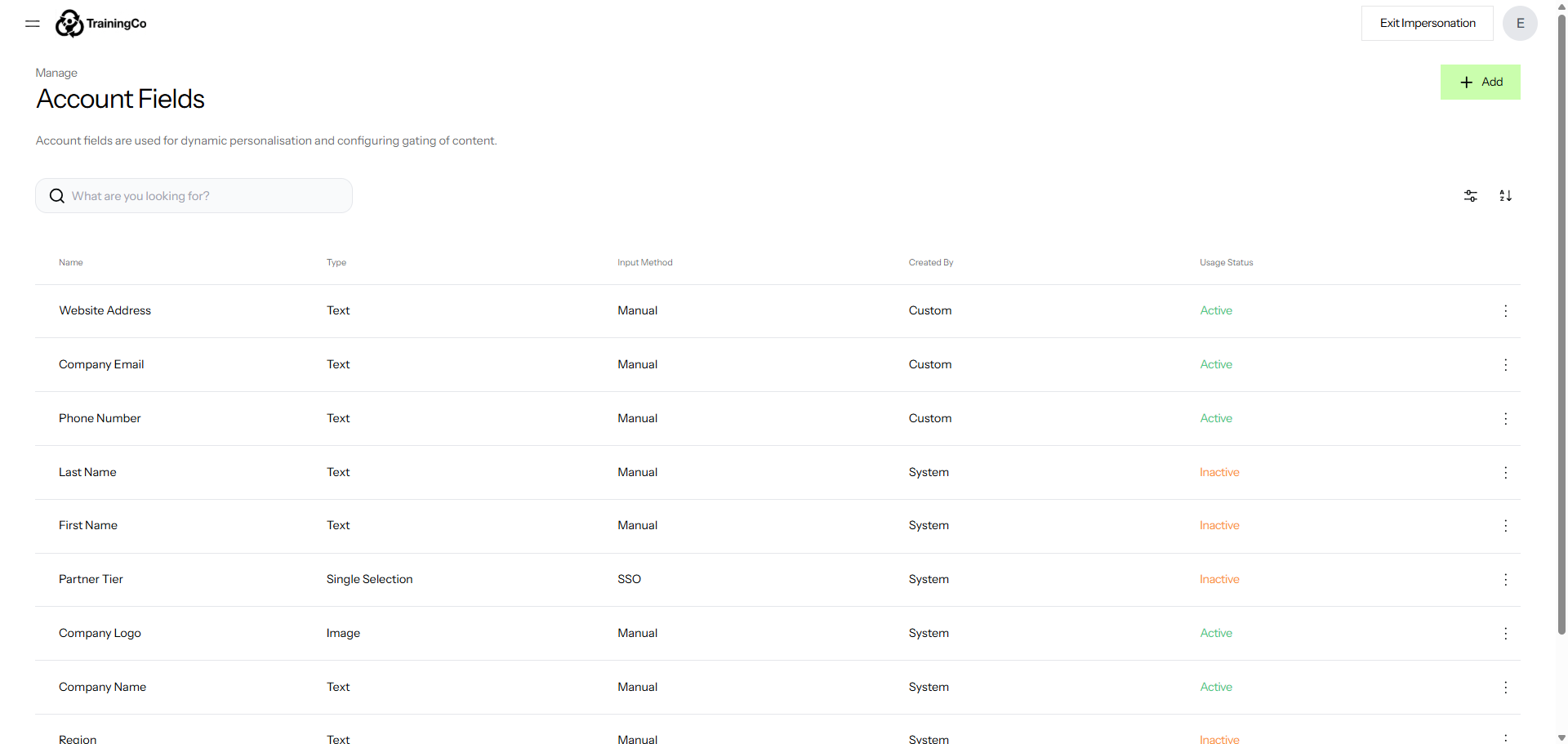
The following video provides a detailed demonstration on how to customize and assign fields effectively. It walks you through the entire process, showing you step-by-step instructions on how to modify field settings according to your specific needs.
Additionally, the video explains how to assign these customized fields to the appropriate sections or categories, ensuring that your data is organized in the most efficient way possible. By watching this tutorial, you will gain a comprehensive understanding of how to tailor fields to better suit your workflow and improve overall data management.