
 Adding Content Tags - Phase 1: Purpose & Framework
- This tutorial outlines the purpose & Framework of Content Tags.
|
Before you begin — open your account This is a hands-on, learning-by-doing session. Open app.structured.ai in your browser and log in to your Tenant Account so you can follow along and apply each step in real time. |
|
Phase 1
Purpose & Framework
|
Current Phase ✔ |
|
Phase 2
Building Tag Groups & Options
|
Start Training ➡ |
|
Phase 3
Maintenance & Activation
|
Start Training ➡ |
Follow Our Step-By-Step Training
1. Open Content Library Templates
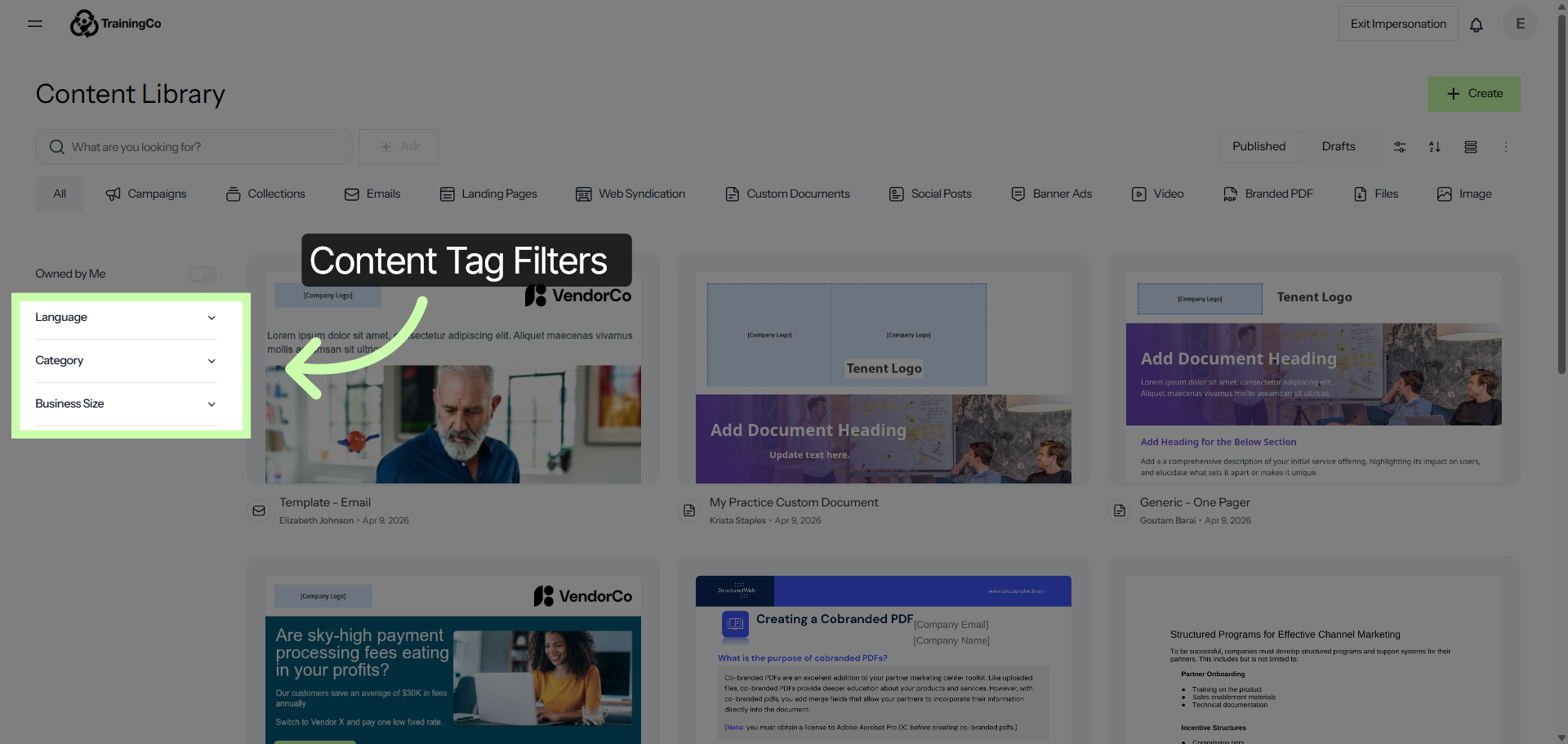
2. Open Content Tags Section
When you publish content, you have the ability to assign specific content tags to individual assets and campaigns.
This feature allows you to categorize and organize your content more effectively, making it easier to manage and retrieve later. By tagging each asset and campaign appropriately, you can enhance the overall workflow, improve searchability, and ensure that related materials are grouped together logically.
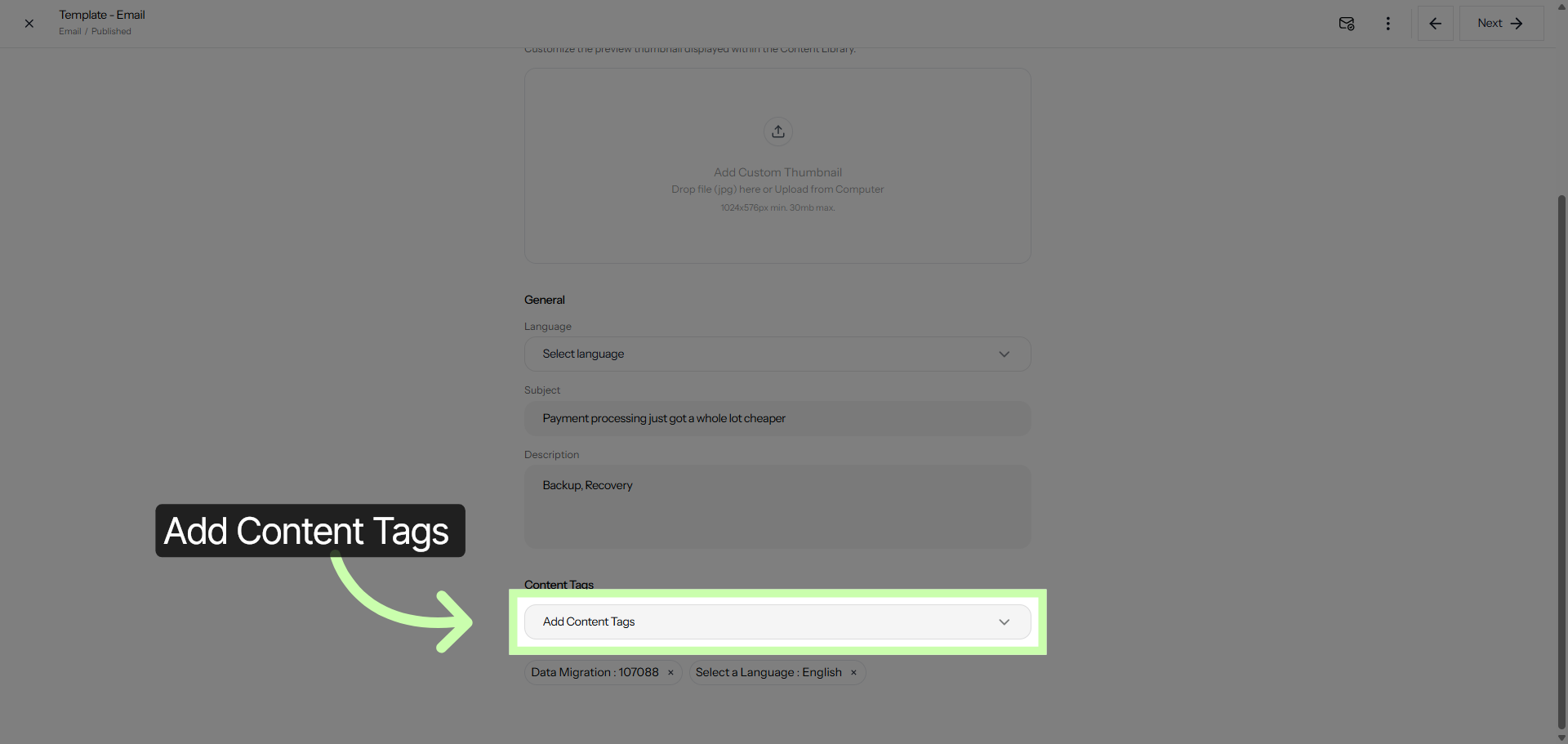
The following video provides a detailed demonstration on the process of adding content tags. It walks you through each step, explaining how to efficiently incorporate tags to organize and categorize your content.
By watching this tutorial, you will gain a clear understanding of the importance of content tags and how they can enhance the discoverability and management of your materials. Whether you are new to this process or looking to refine your skills, this video serves as a comprehensive guide to help you successfully add content tags.