
 Adding Content Tags - Phase 2: Building Tag Groups & Options
- This tutorial demonstrates how to create content tag groups.
|
Before you begin — open your account This is a hands-on, learning-by-doing session. Open app.structured.ai in your browser and log in to your Tenant Account so you can follow along and apply each step in real time. |
|
Phase 1
Purpose & Framework
|
Start Training ➡ |
|
Phase 2
Building Tag Groups & Options
|
Current Phase ✔ |
|
Phase 3
Maintenance & Activation
|
Start Training ➡ |
Follow Our Step-By-Step Training
1. Open Content Library
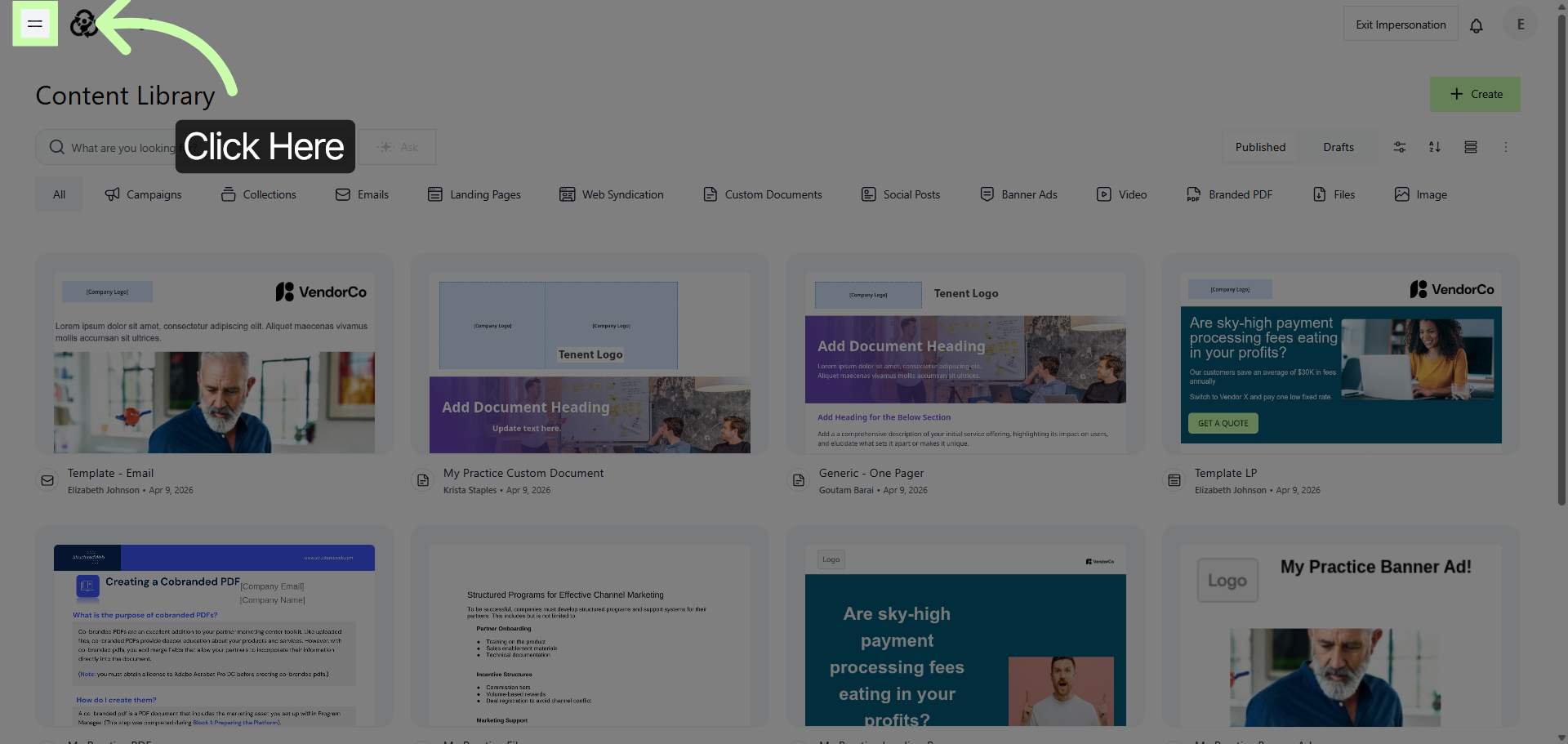
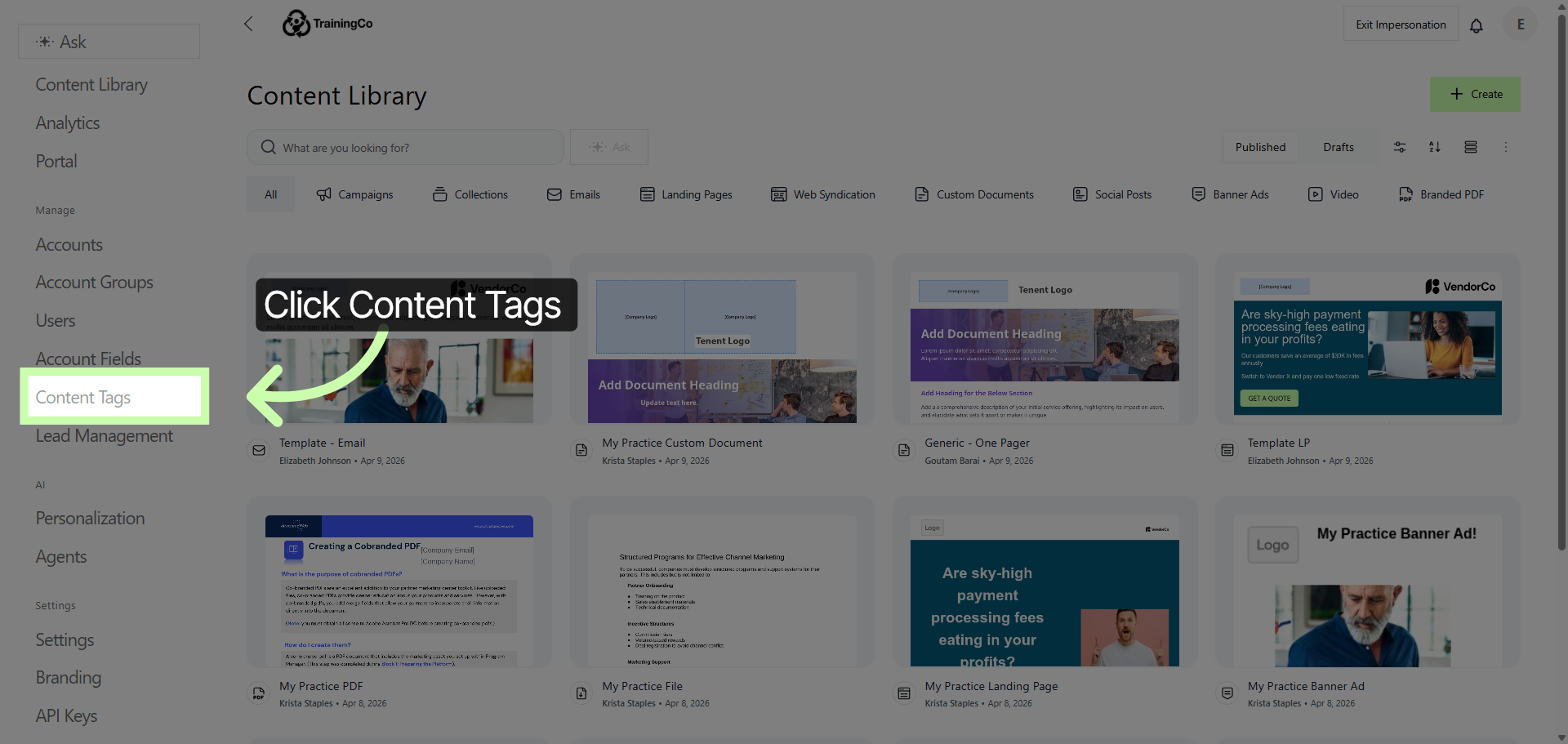
2. Access Content Tags Section
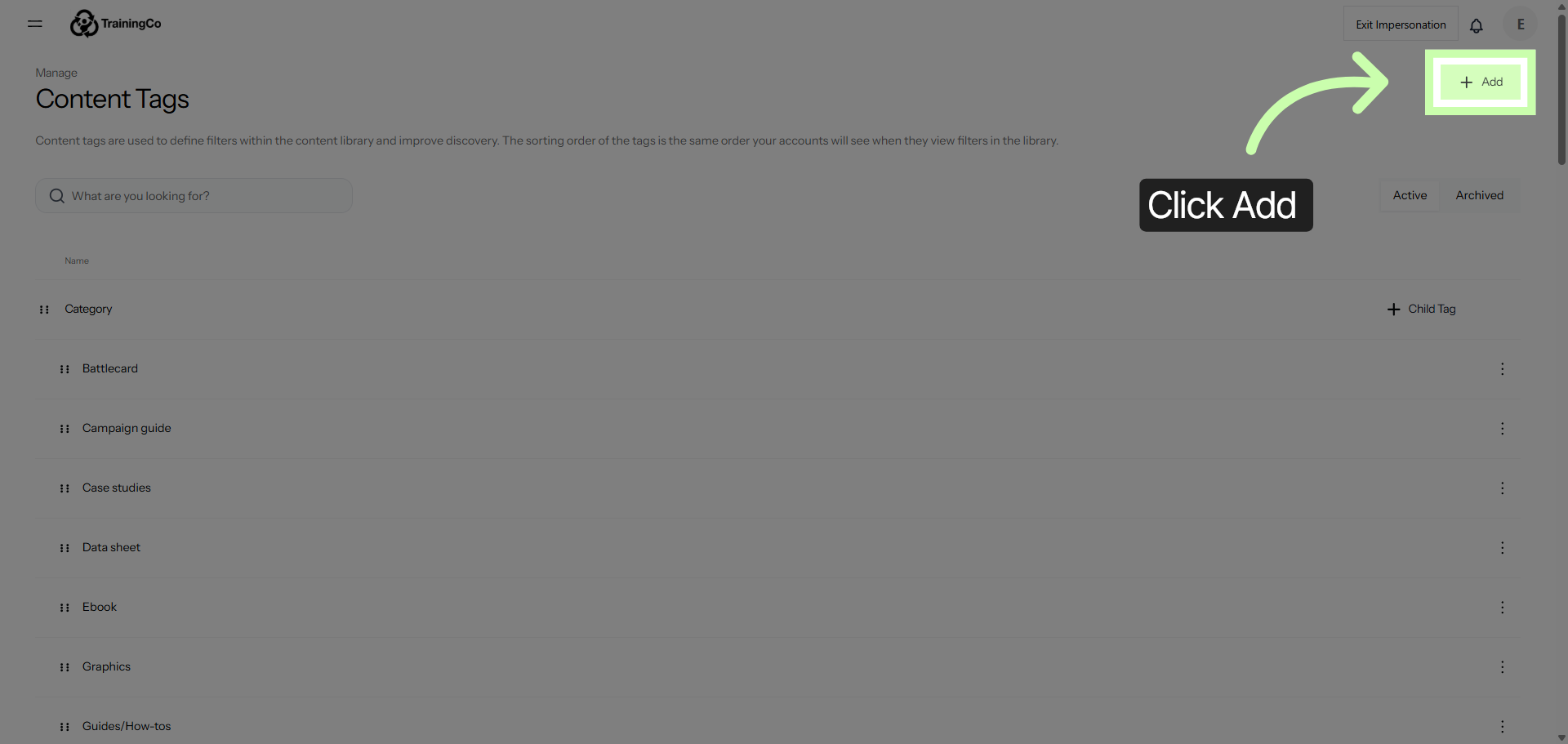
3. Add New Tag Group
4. Select Tag Group Name Field
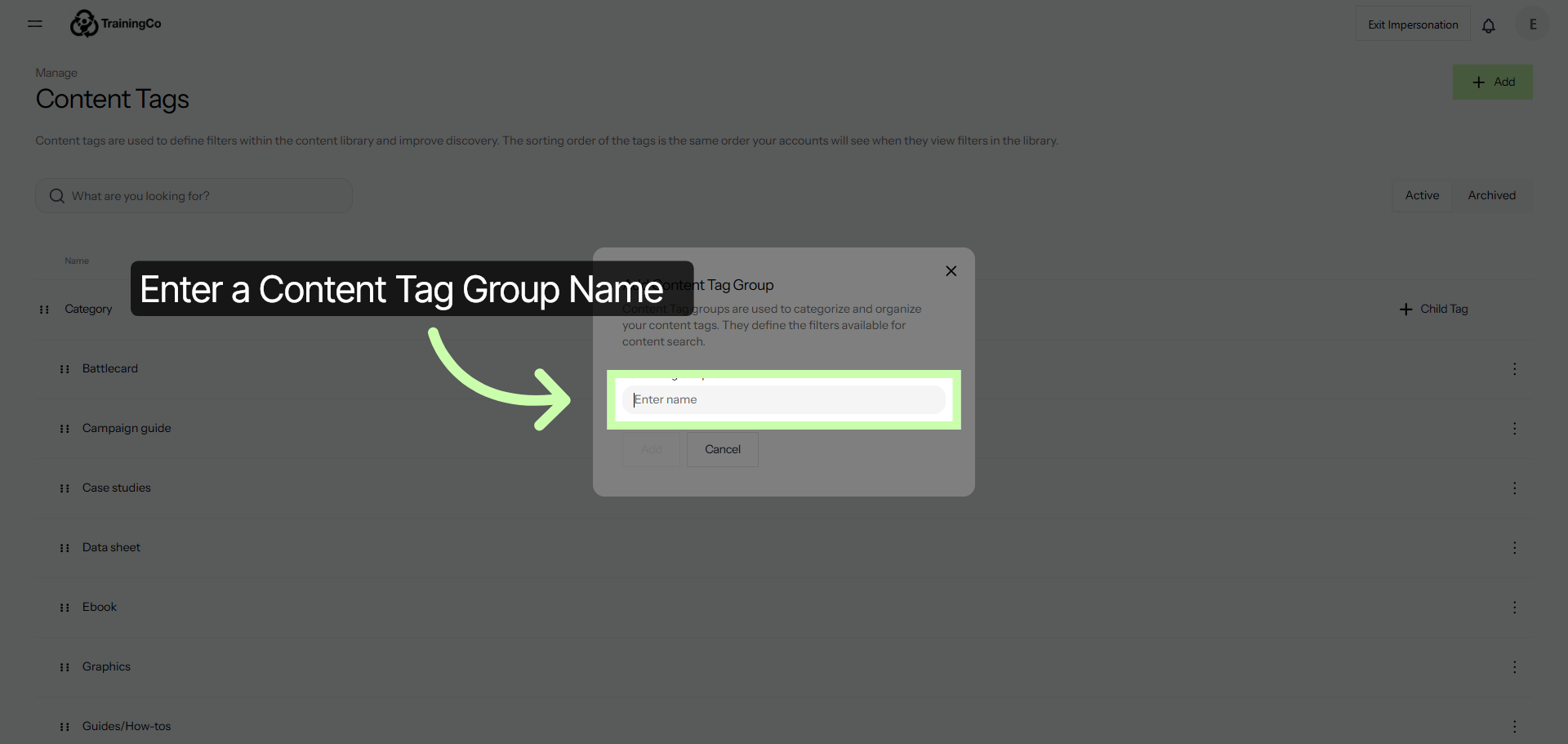
5. Enter Asset Type
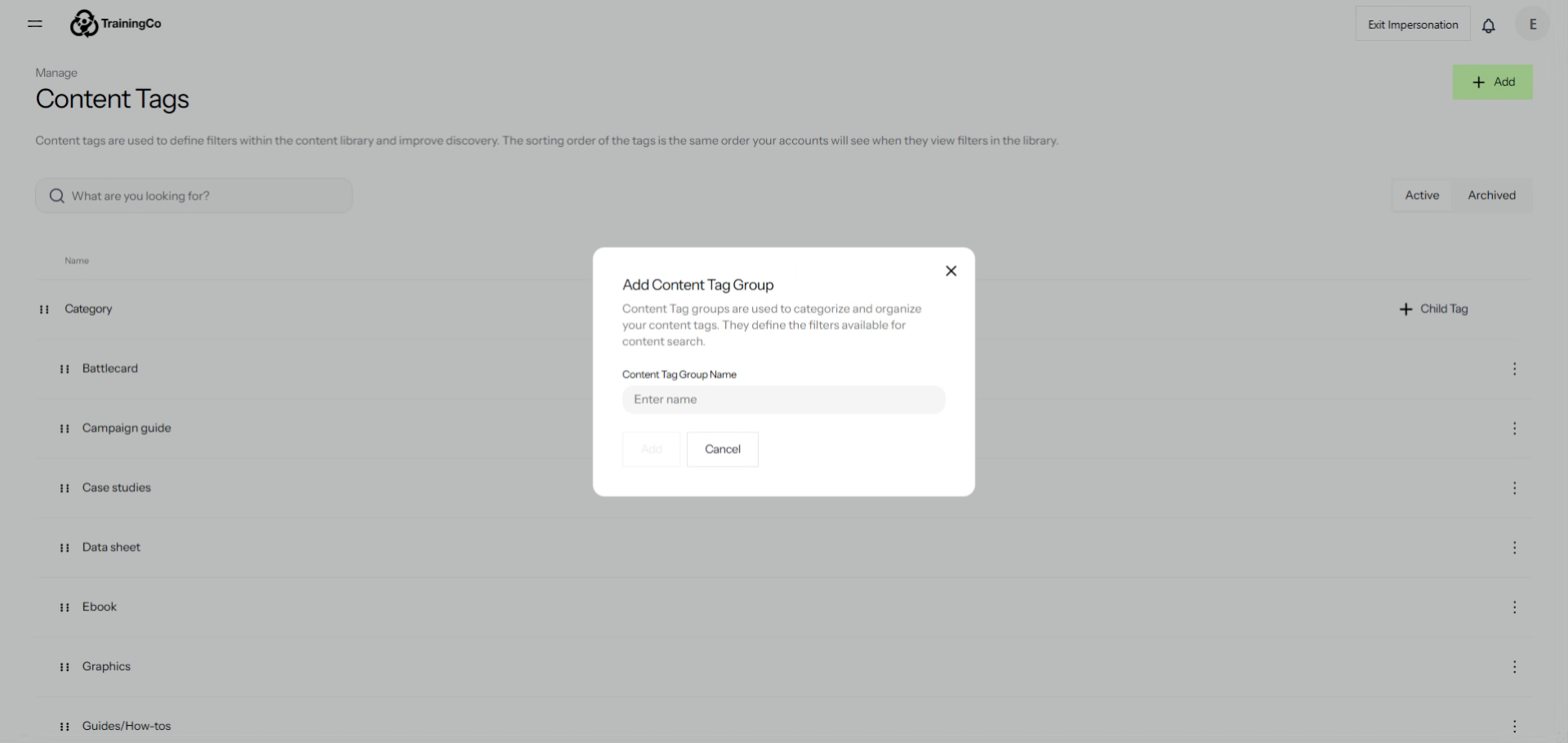
6. Confirm Tag Group Addition
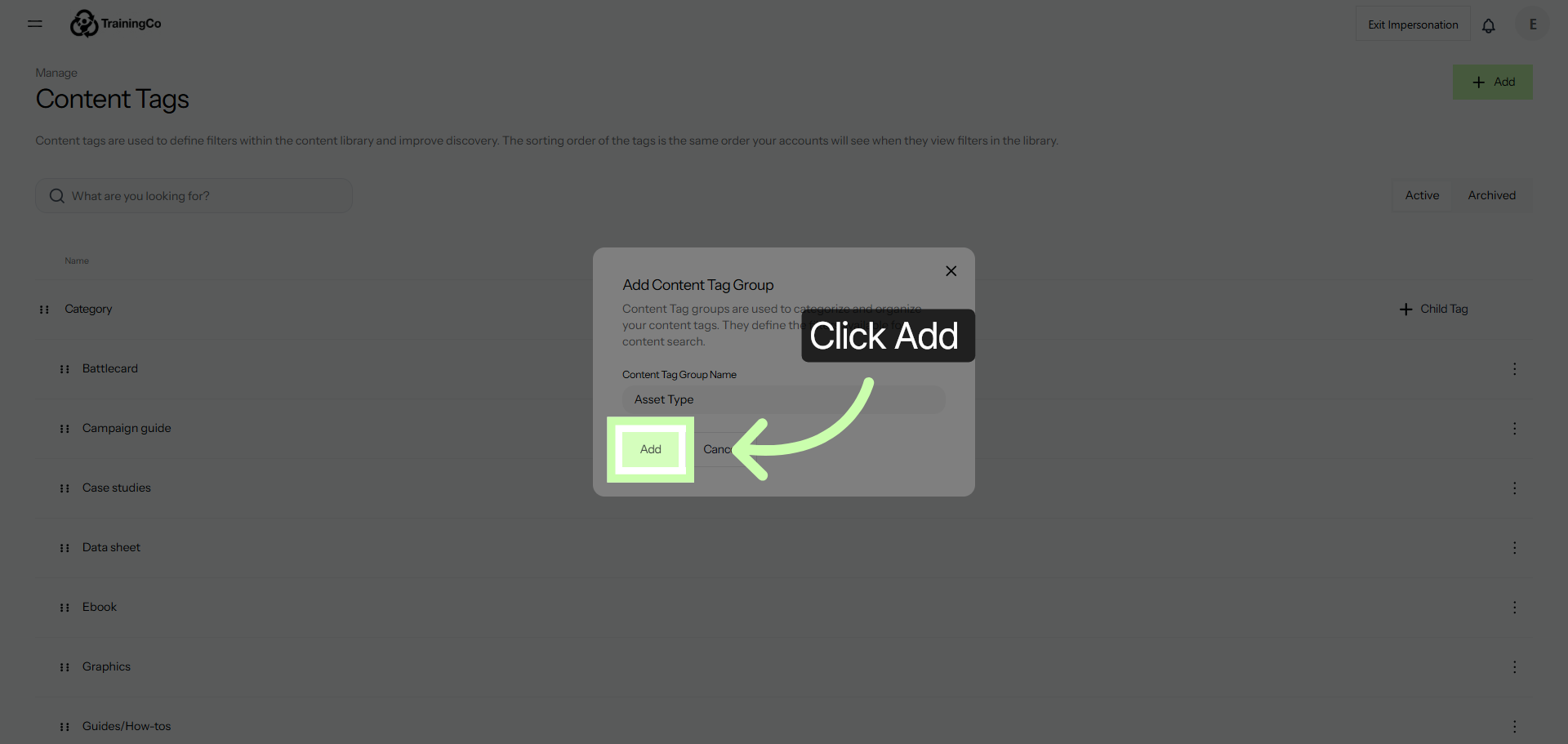
7. Add Child Tag
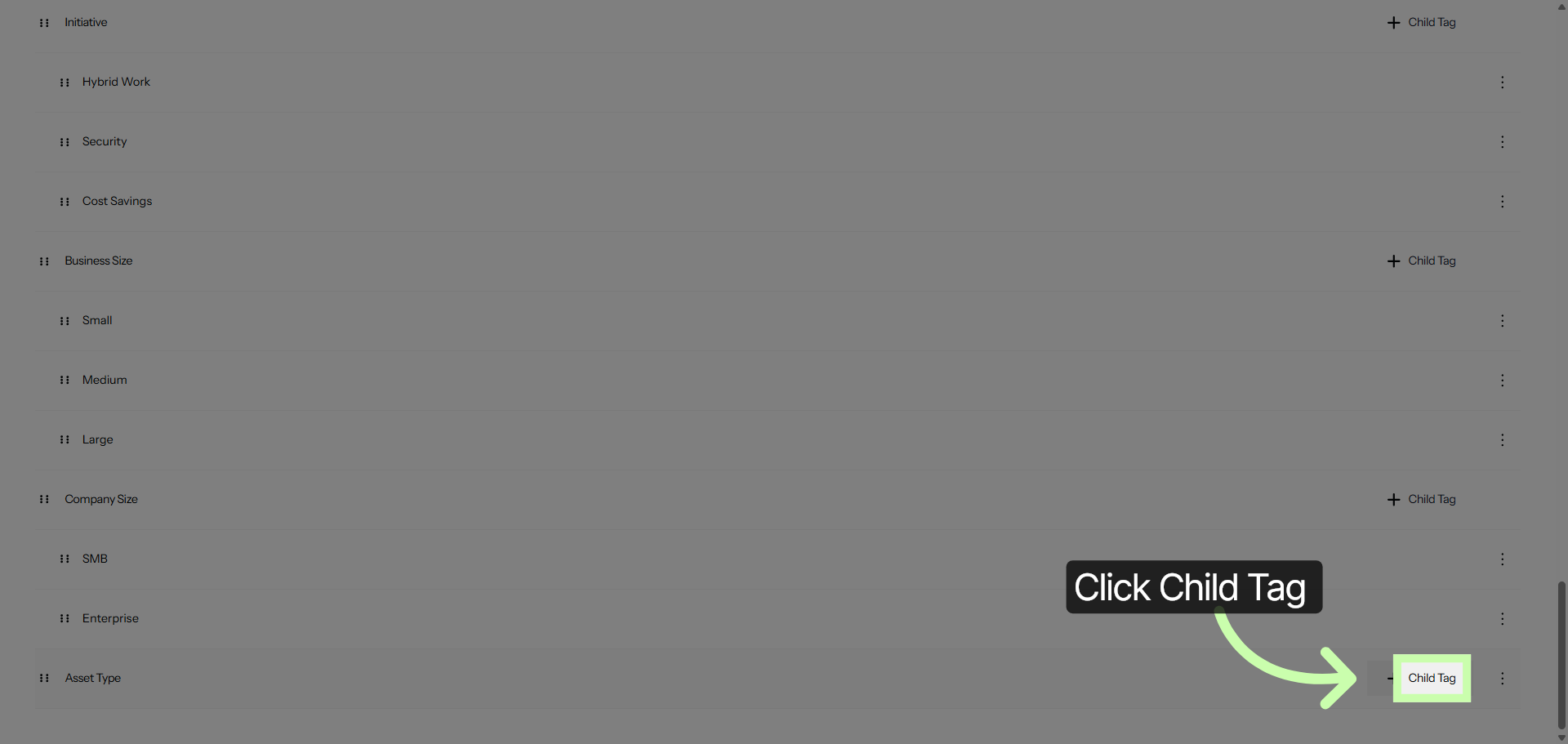
8. Specify Child Tag Name
9. Add Child Tag
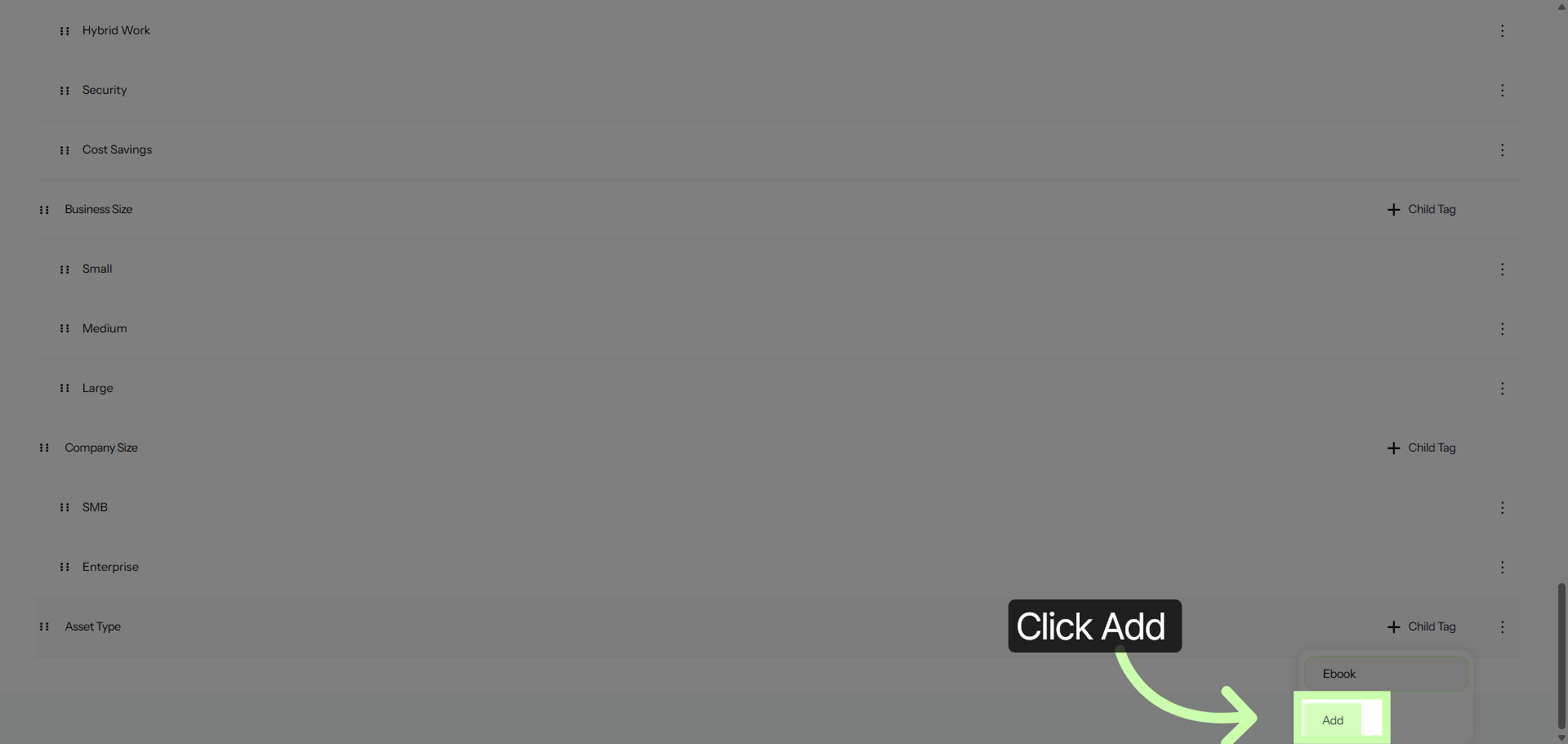
10. Add Another Child Tag
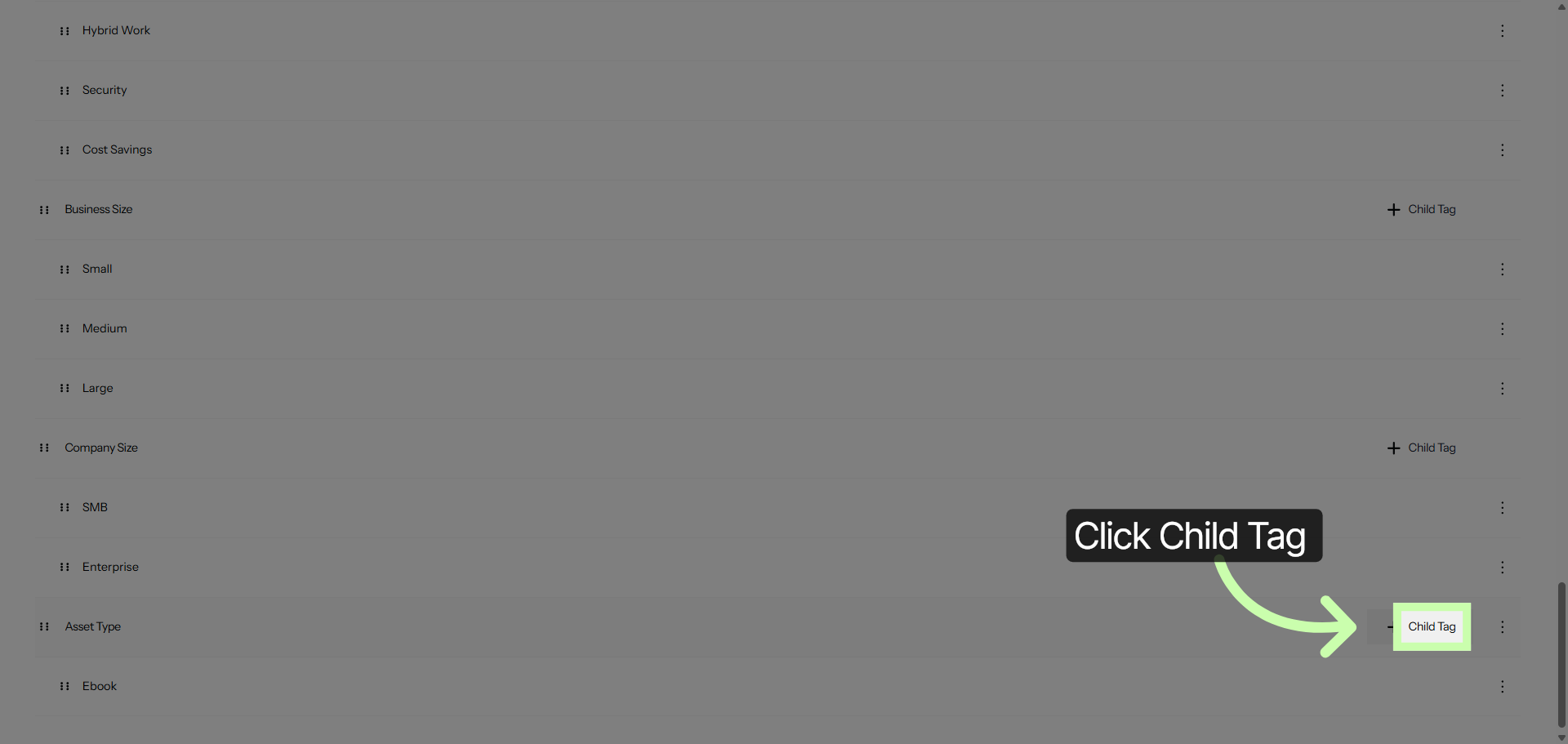
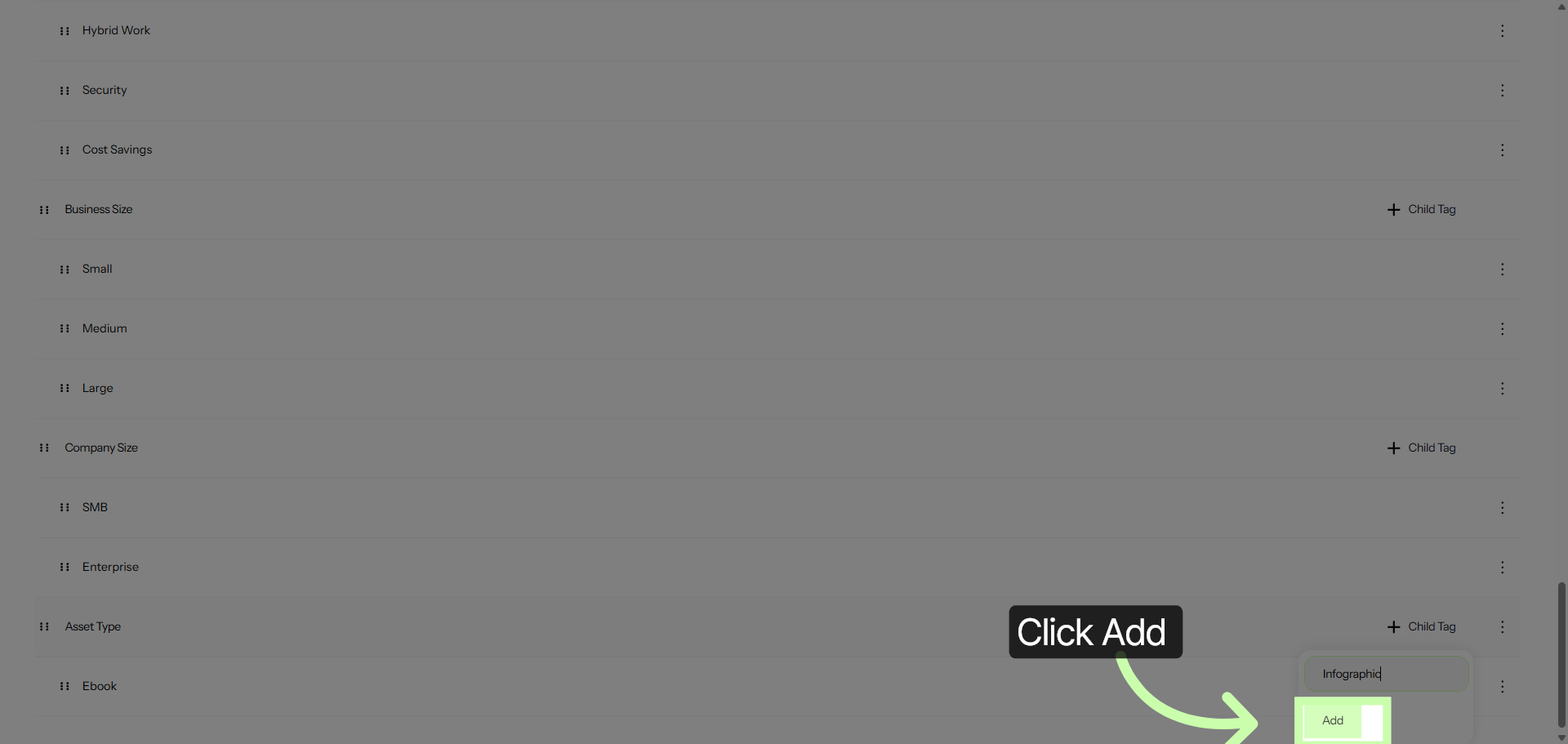
11. Specify Second Child Tag
12. Save Second Child Tag
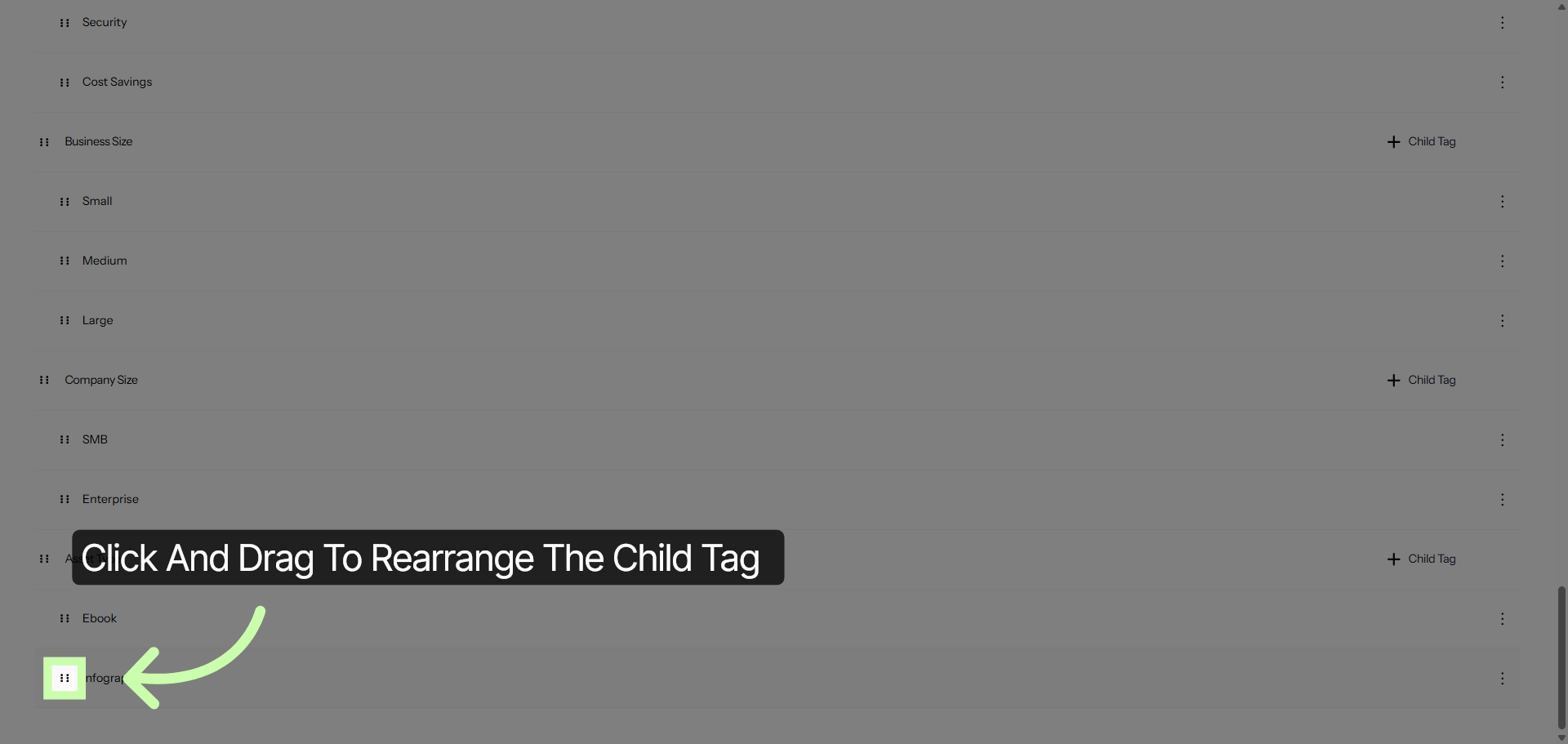
13. Finalize Tag Management
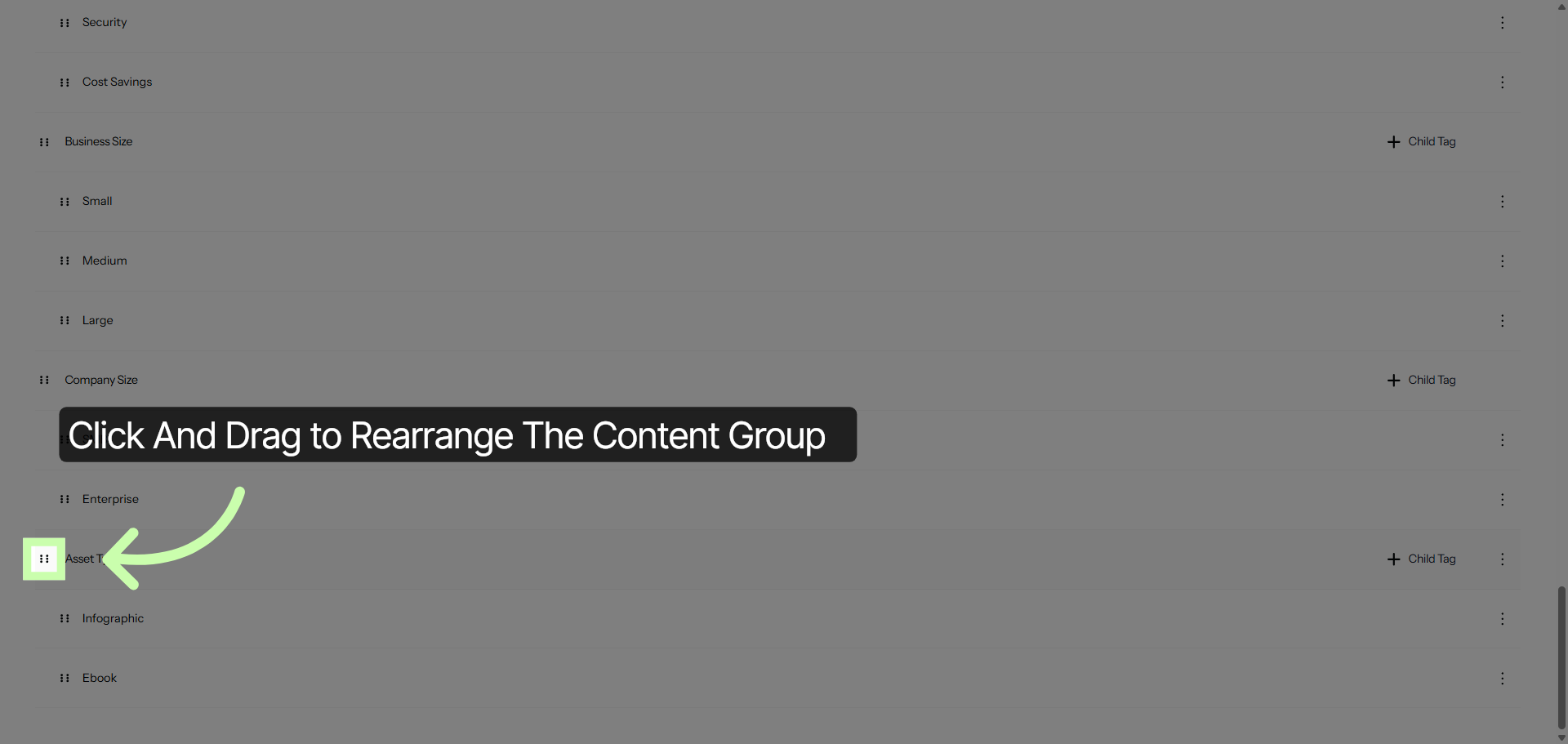
14. Exit Tags Section
The following video provides a detailed demonstration on how to effectively maintain your content tags. It guides you through the process step-by-step, ensuring that you understand how to organize and update your tags properly.
By following the instructions in the video, you will learn best practices for keeping your content tags accurate and up-to-date, which can help improve content management and retrieval. This tutorial is designed to help you maintain a clean and efficient tagging system that supports better content categorization and easier navigation.