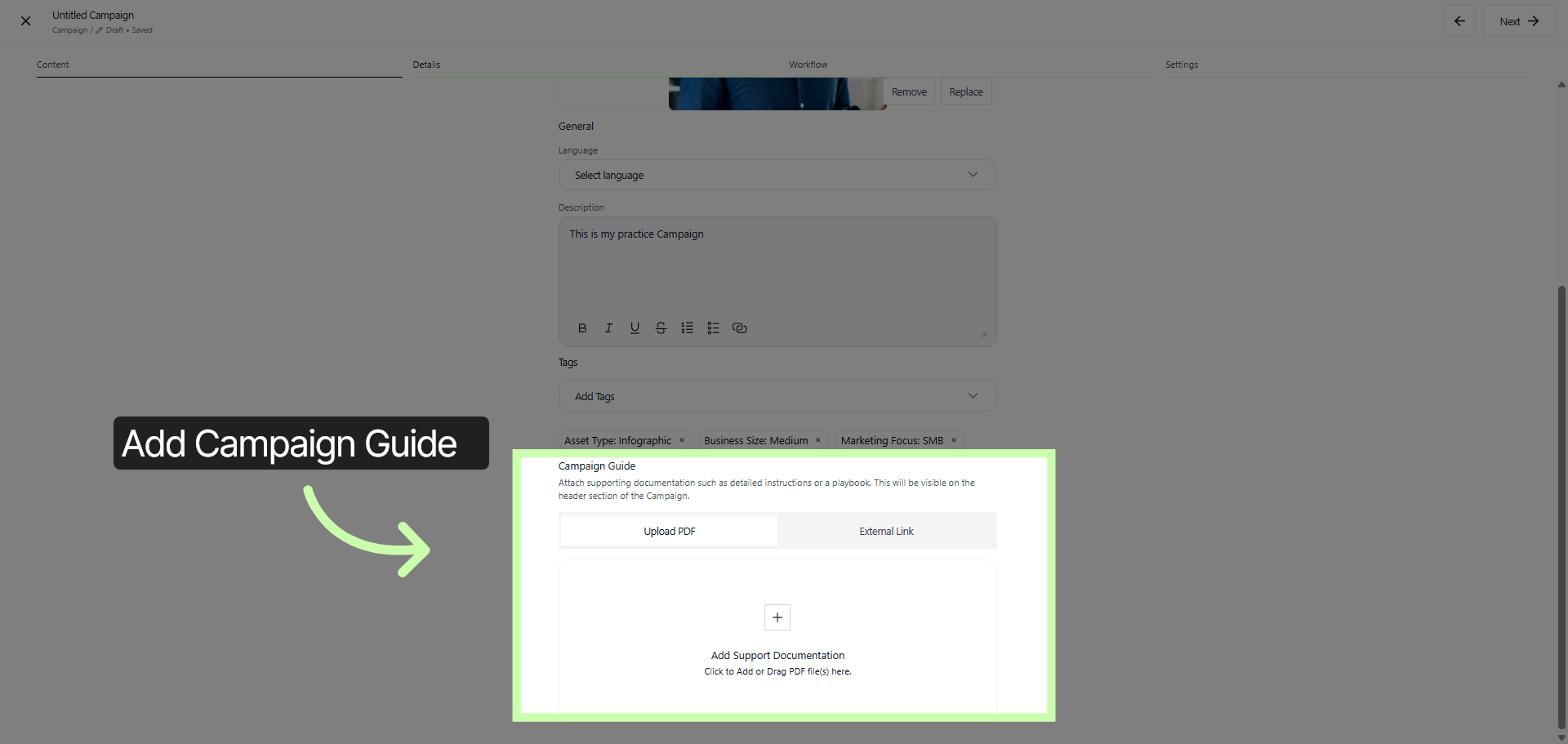
 Building Campaigns - Phase 2: Building the Campaign Structure
- How to construct a campaign structure step by step within the platform.
- How to organize and design campaign components for a clear and effective framework.
- How strategic campaign setup improves overall performance and impact.
- Practical techniques for building or refining well-structured and successful campaigns.
|
Before you begin — open your account This is a hands-on, learning-by-doing session. Open app.structured.ai in your browser and log in to your Tenant Account so you can follow along and apply each step in real time. |
|
Phase 1
Purpose & Framework
|
Start Training ➡ |
|
Phase 2
Building the Campaign Structure
|
Current Phase ✔ |
|
Phase 3
Final Details & Activation
|
Start Training ➡ |
Follow Our Step-By-Step Training
1. Introduction
Let's begin the process of assembling your campaign. This is an exciting step where we lay the foundation for a successful marketing or promotional effort. We'll carefully plan and organize all the essential elements to ensure your campaign is impactful and reaches the right audience effectively.
2. Start Campaign Creation
To begin the process, navigate to the Content Library. This is the central location where you can manage and organize all your content resources.
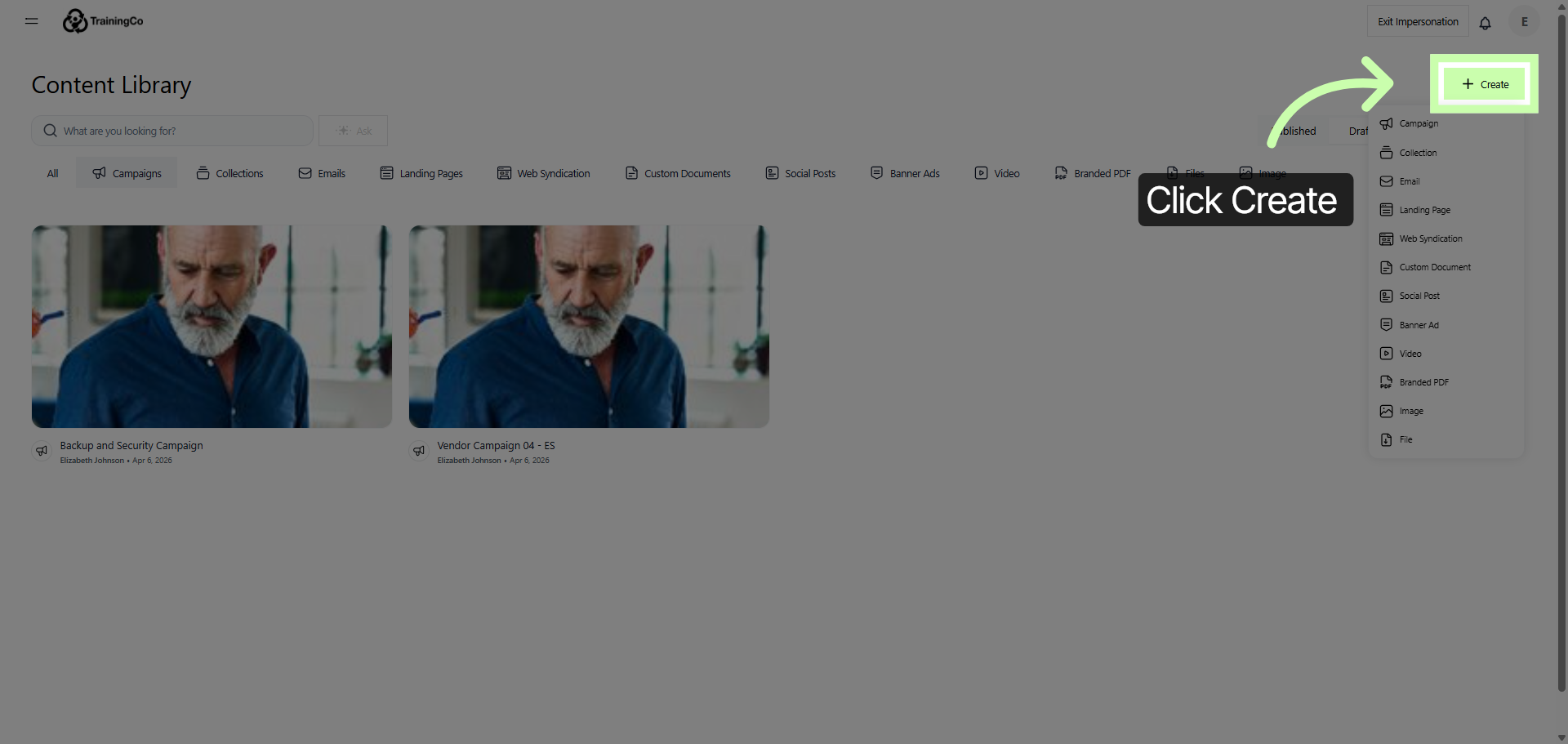
After arriving at the Content Library, search for the option that says Create. This feature allows you to start generating new content or projects within the platform.
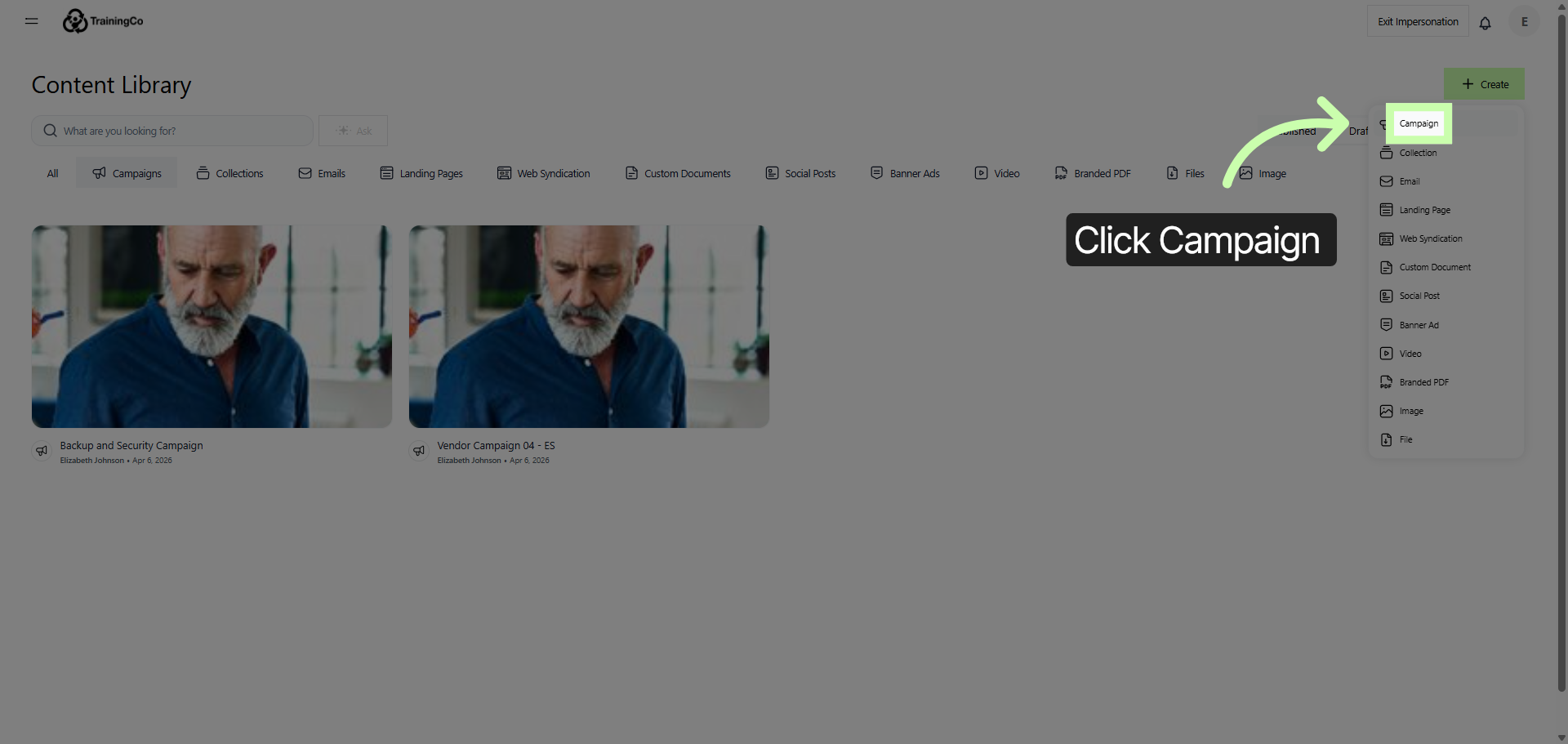
3. Select Campaign Type
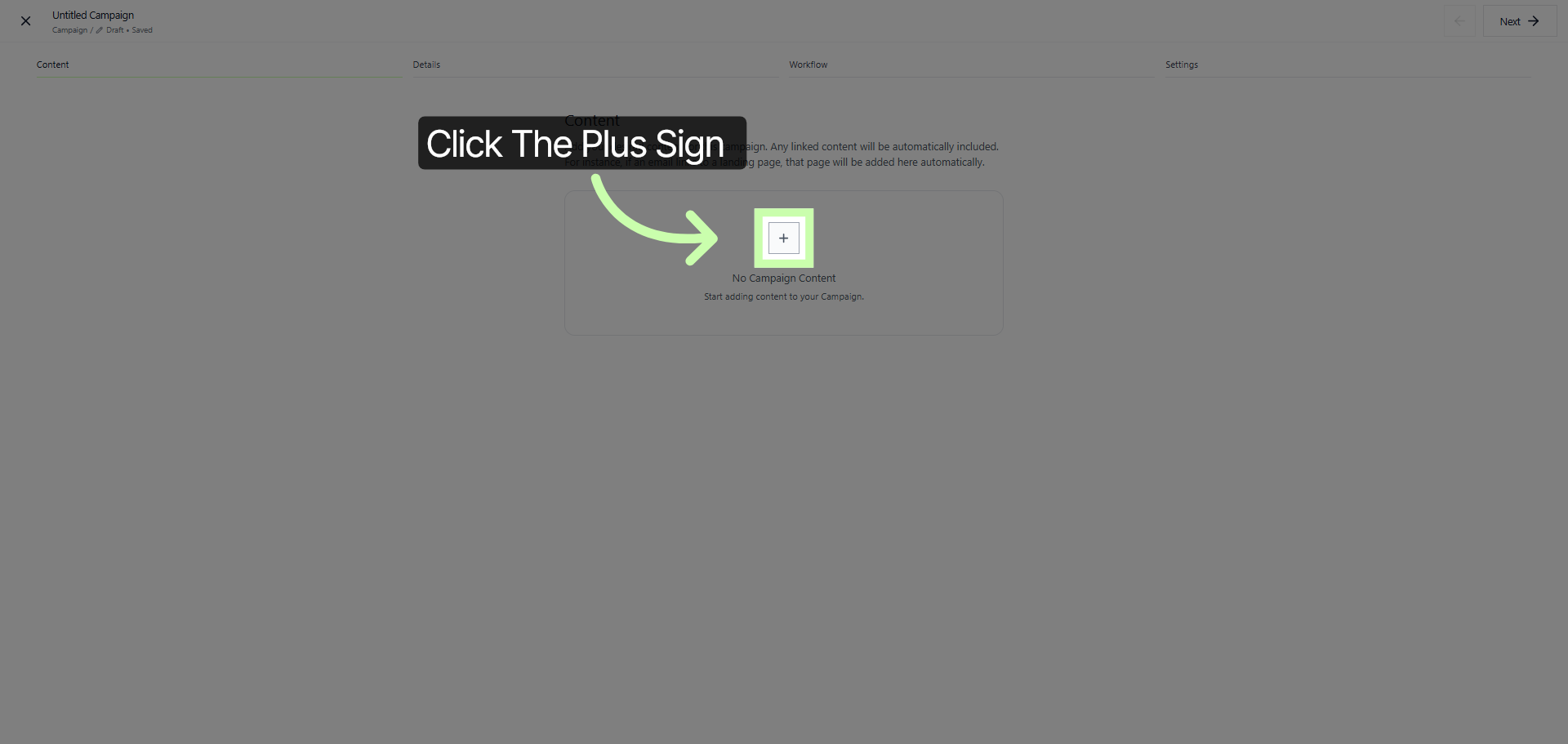
4. Add Content To Campaign
Click the plus sign to start the process of adding your content to your campaign. This action will allow you to begin building and customizing your campaign by including the necessary elements and information.
This step is essential for creating a comprehensive and engaging campaign that effectively communicates your message to your target audience.
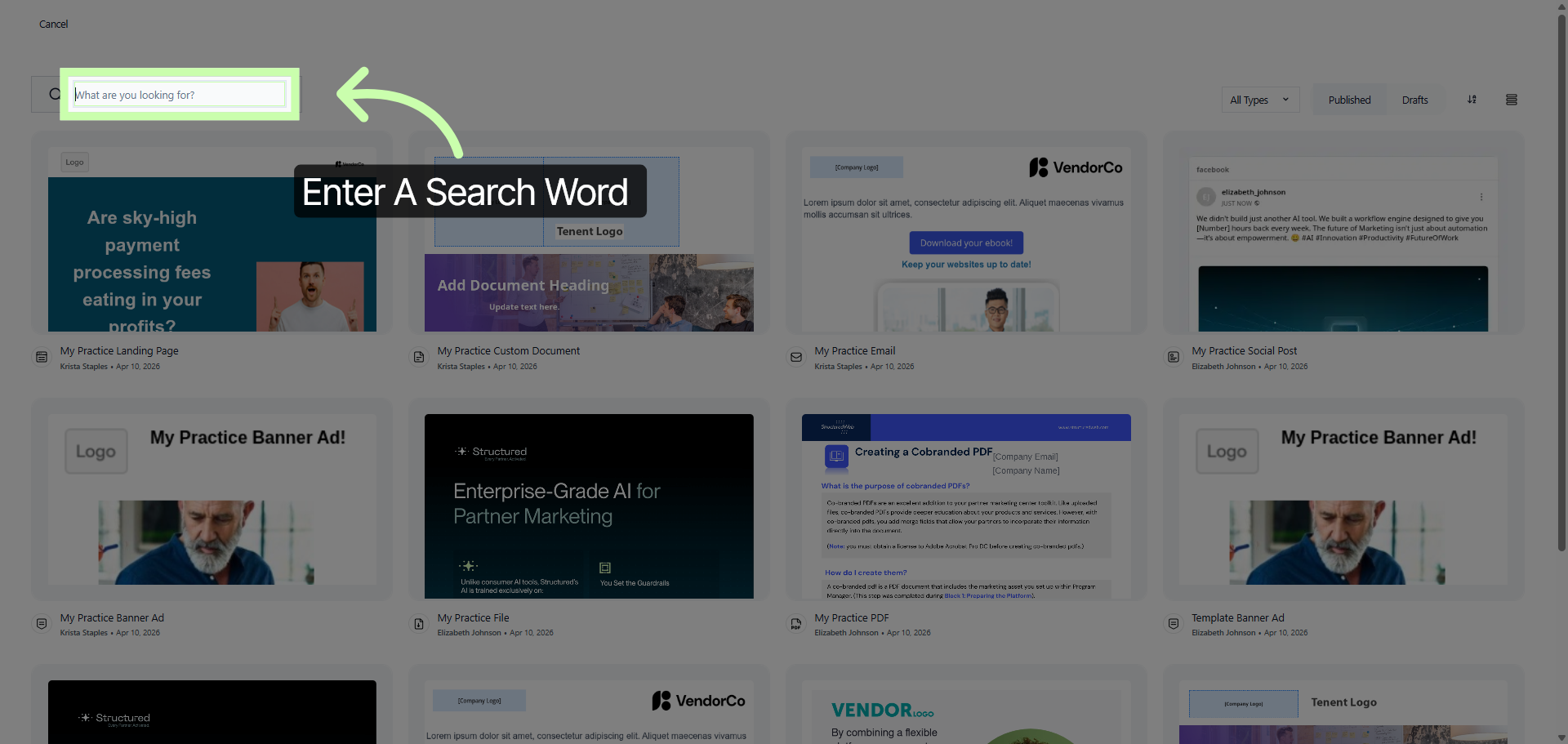
5. Open Search Field
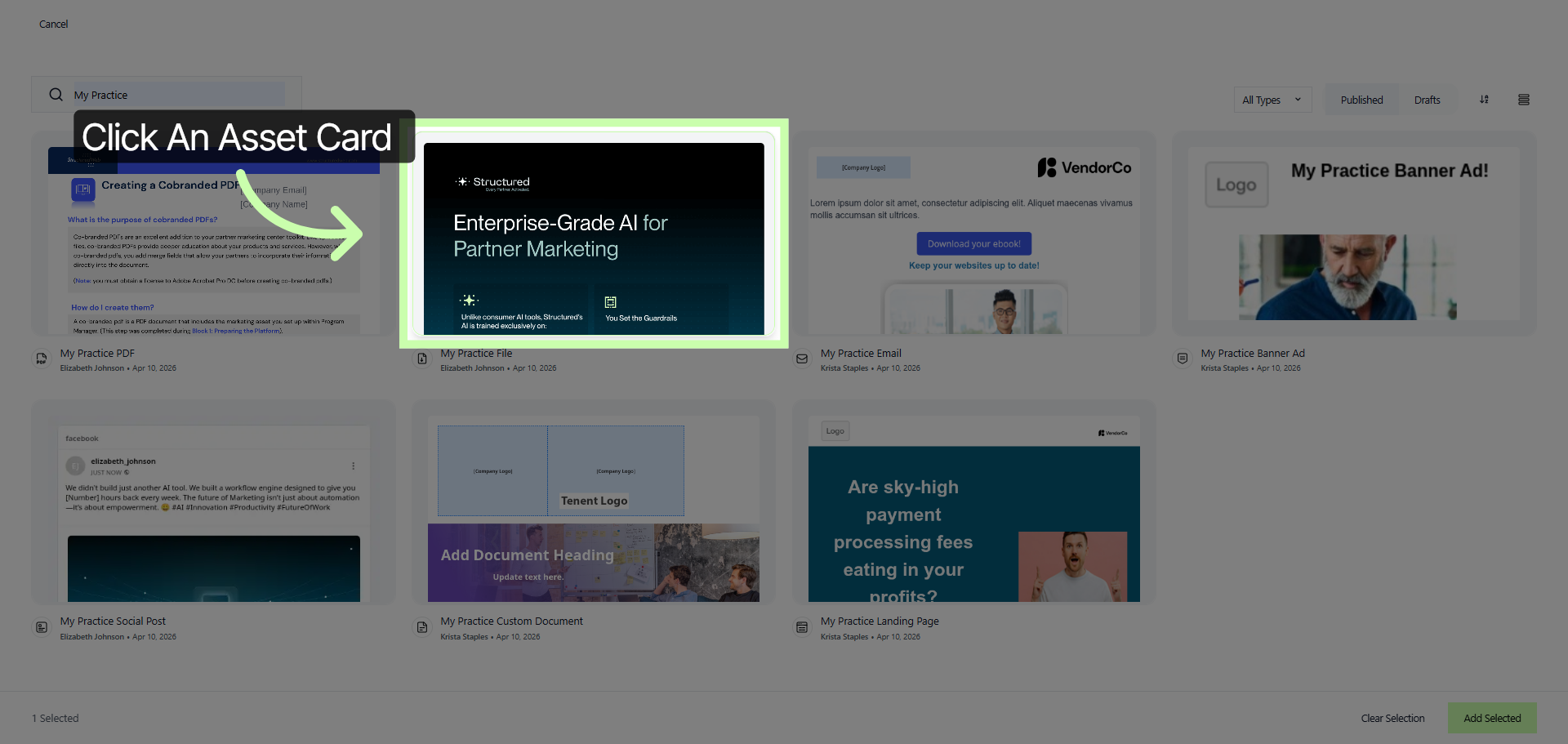
6. Select First Content Item
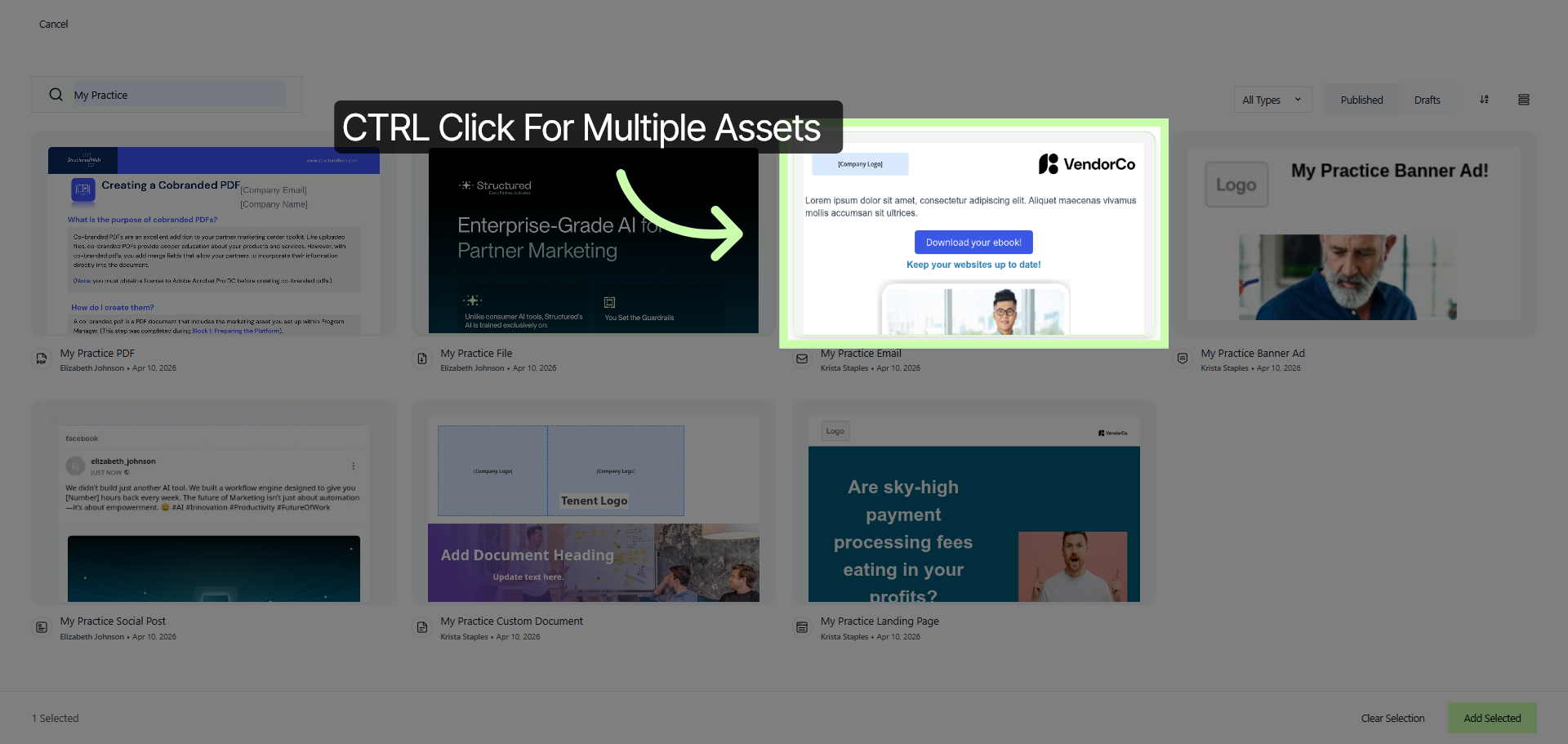
7. Select Second Content Item
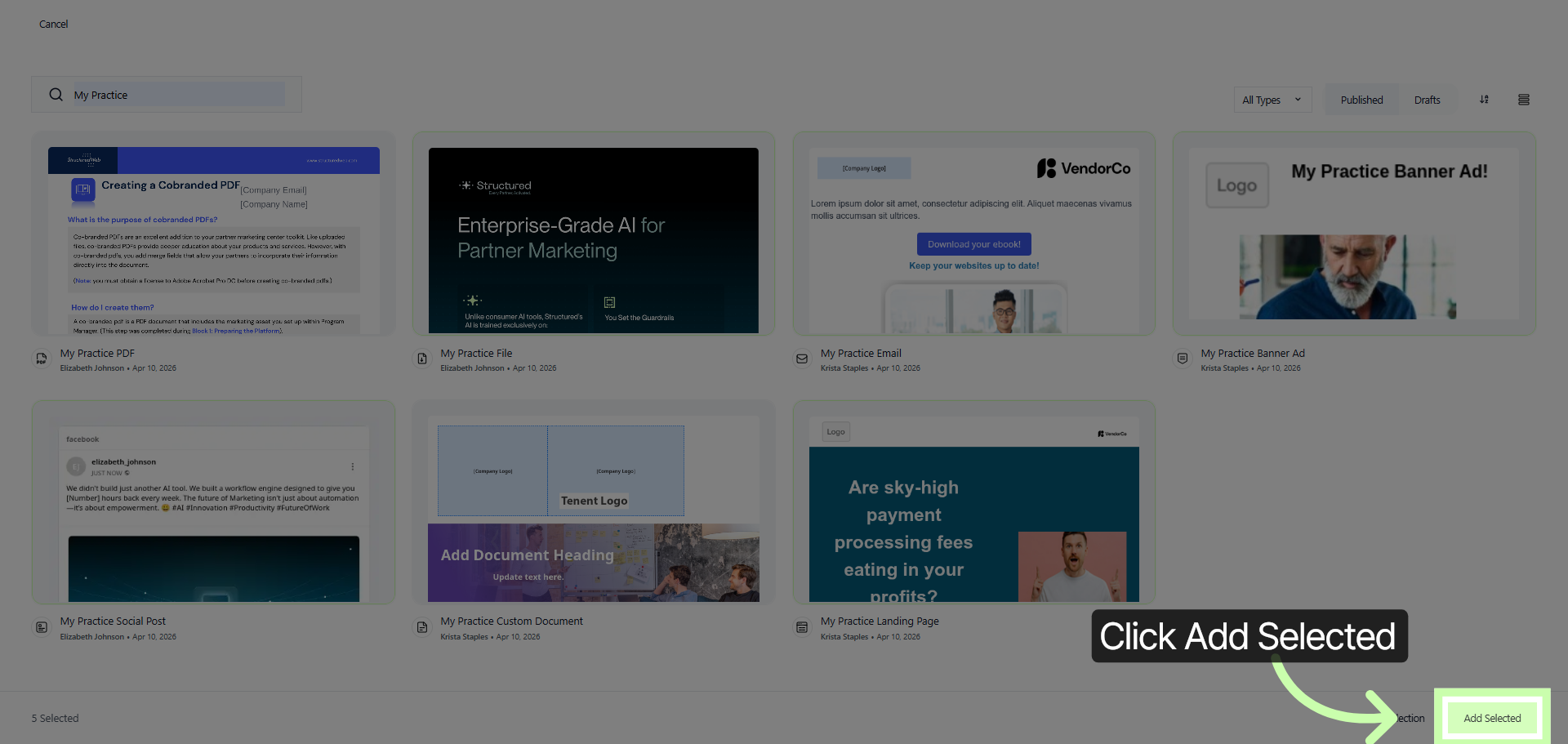
8. Add Selected Content
After you have carefully chosen all the assets that you want to include in your campaign, proceed by clicking on the Add Selected button. This action will ensure that all the selected items are added to your campaign, allowing you to move forward with your campaign setup efficiently and effectively.
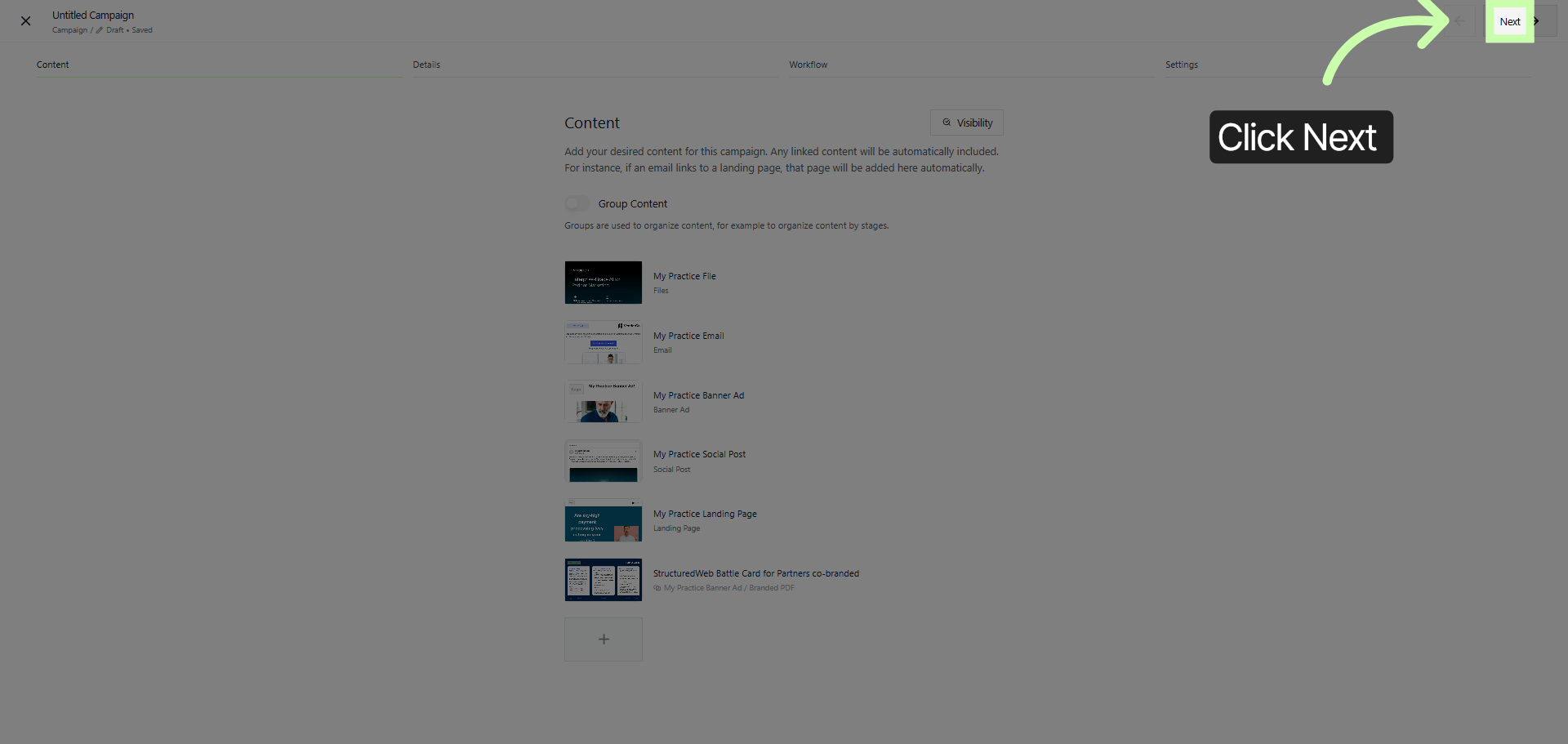
9. Proceed To Next Step
To continue navigating through the sequence stepper, please click on the Next button. This action will allow you to move forward to the subsequent steps in the sequence, ensuring a smooth and guided progression through the process.
10. Change Cover Media
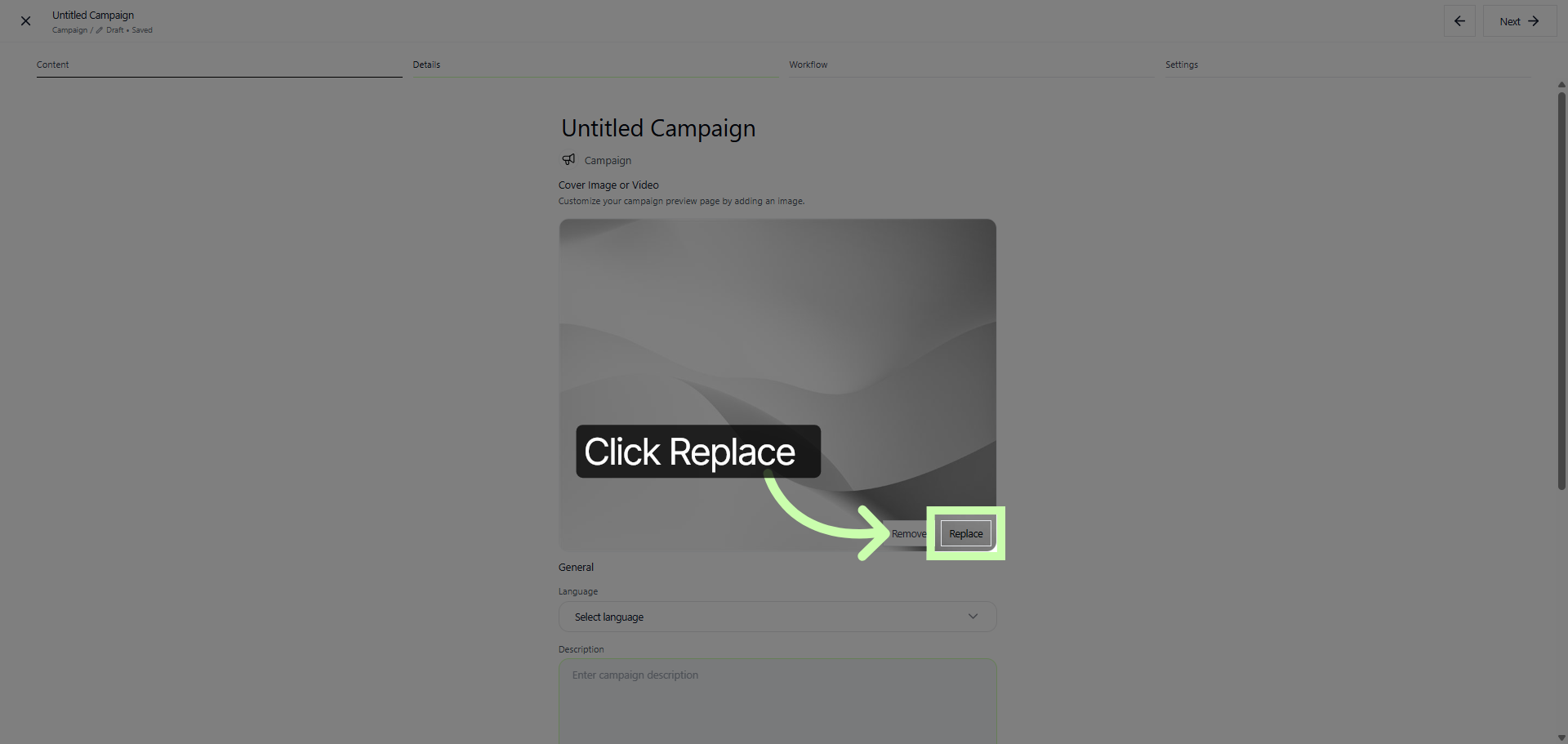
11. Select New Cover Media
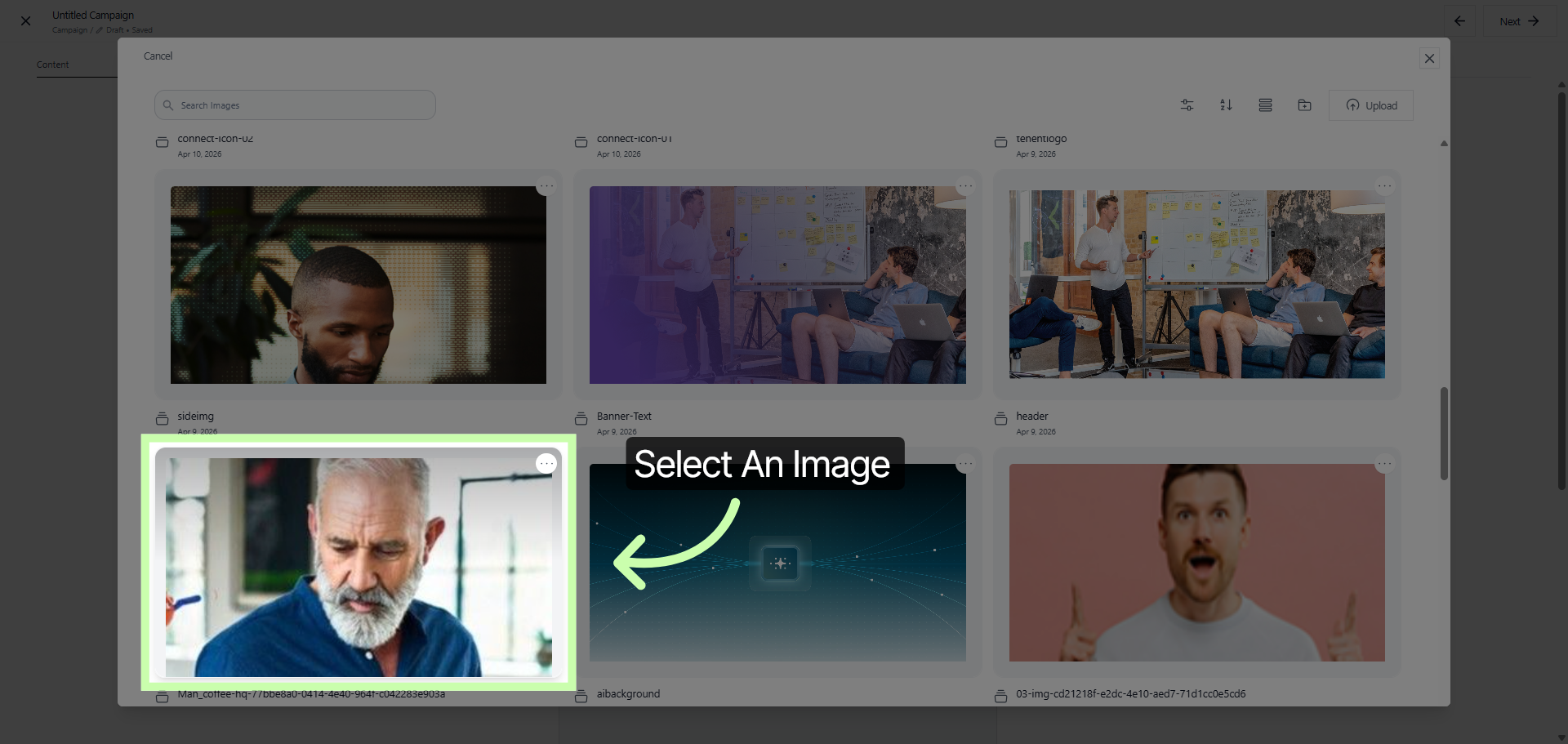
12. Add Selected Cover Media
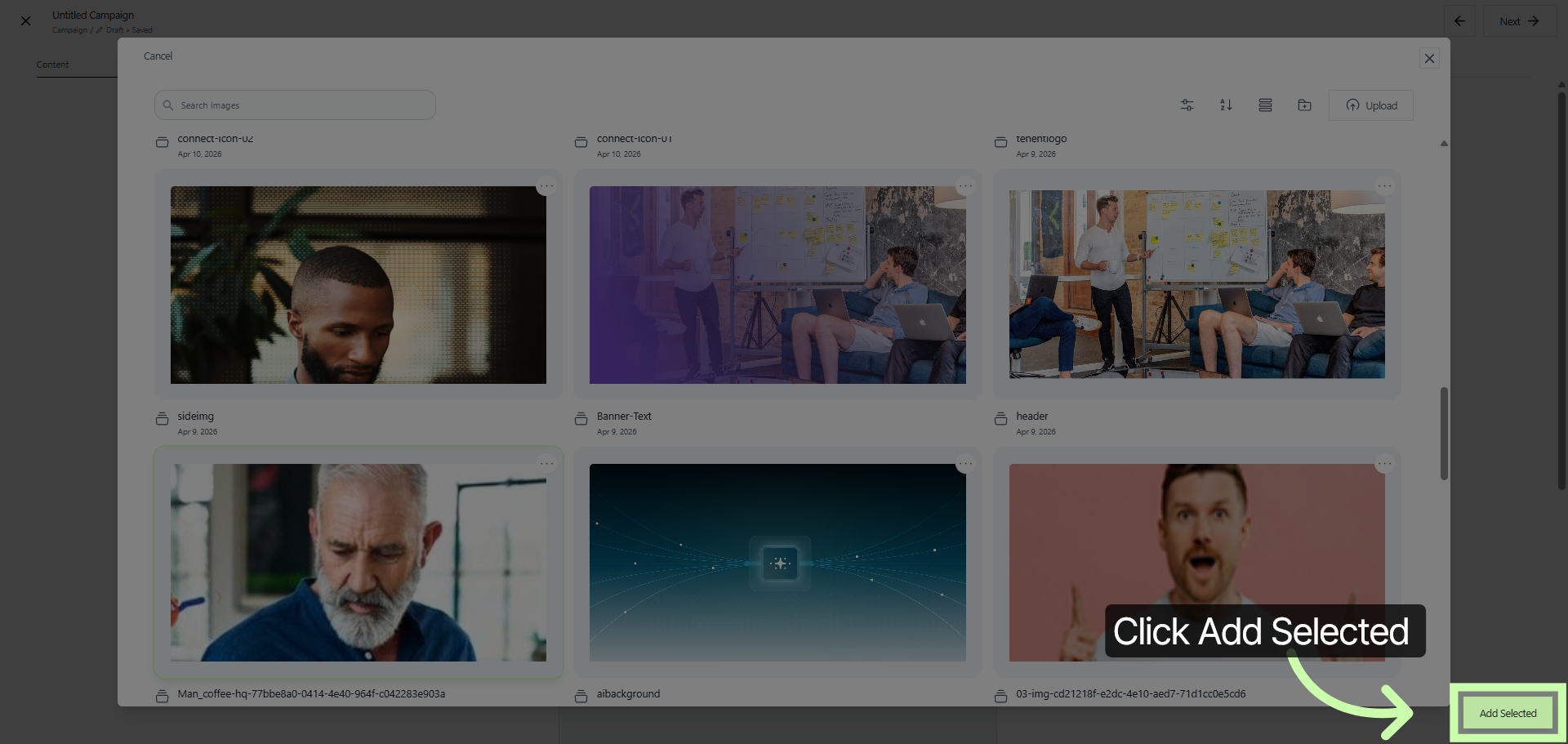
13. Confirm Cover Media Selection
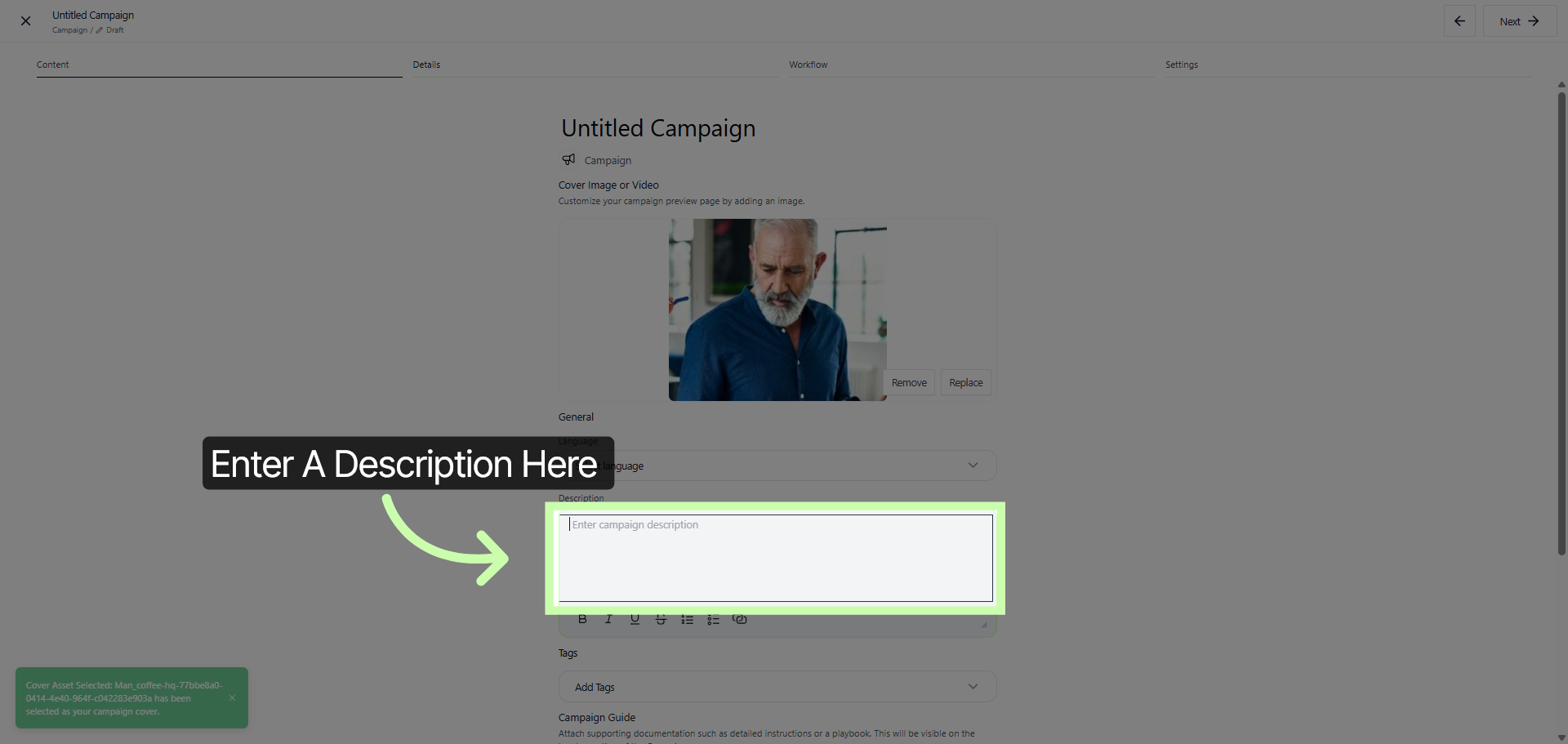
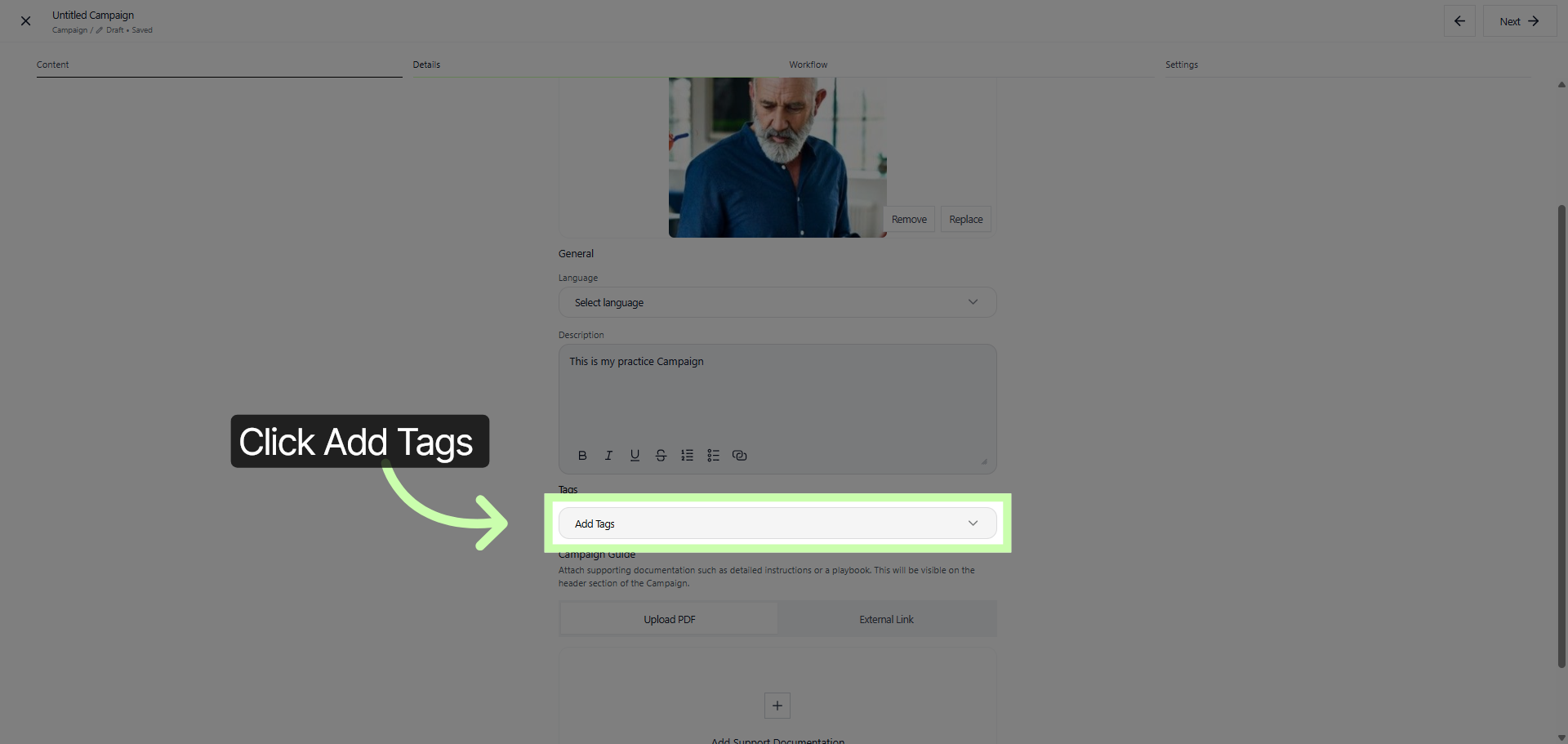
Please provide a clear and detailed campaign description that will assist our partners in fully understanding the campaign's purpose, its primary goals, and the outcomes we aim to achieve. This description should clearly outline the campaign's objectives, the target audience, and the key messages we want to communicate.
Additionally, it should explain the expected impact and how success will be measured, ensuring that all partners are aligned and can effectively contribute to the campaign's success.
14. Open Tagging Options
15. Review Campaign Details