
 Managing Users - Phase 1: Purpose & Framework
- The purpose and structure of User Management within the platform.
- How User Management supports controlling access and organizing users effectively.
- The core framework used to manage users across accounts and roles.
- How proper user management improves security, consistency, and operational control.
|
Before you begin — open your account This is a hands-on, learning-by-doing session. Open app.structured.ai in your browser and log in to your Tenant Account so you can follow along and apply each step in real time. |
|
Phase 1
Purpose & Framework
|
Current Phase ✔ |
|
Phase 2
Adding New Users
|
Start Training ➡ |
|
Phase 3
Suspensing Users
|
Start Training ➡ |
Follow Our Step-By-Step Training
1. Introduction
2. Purpose
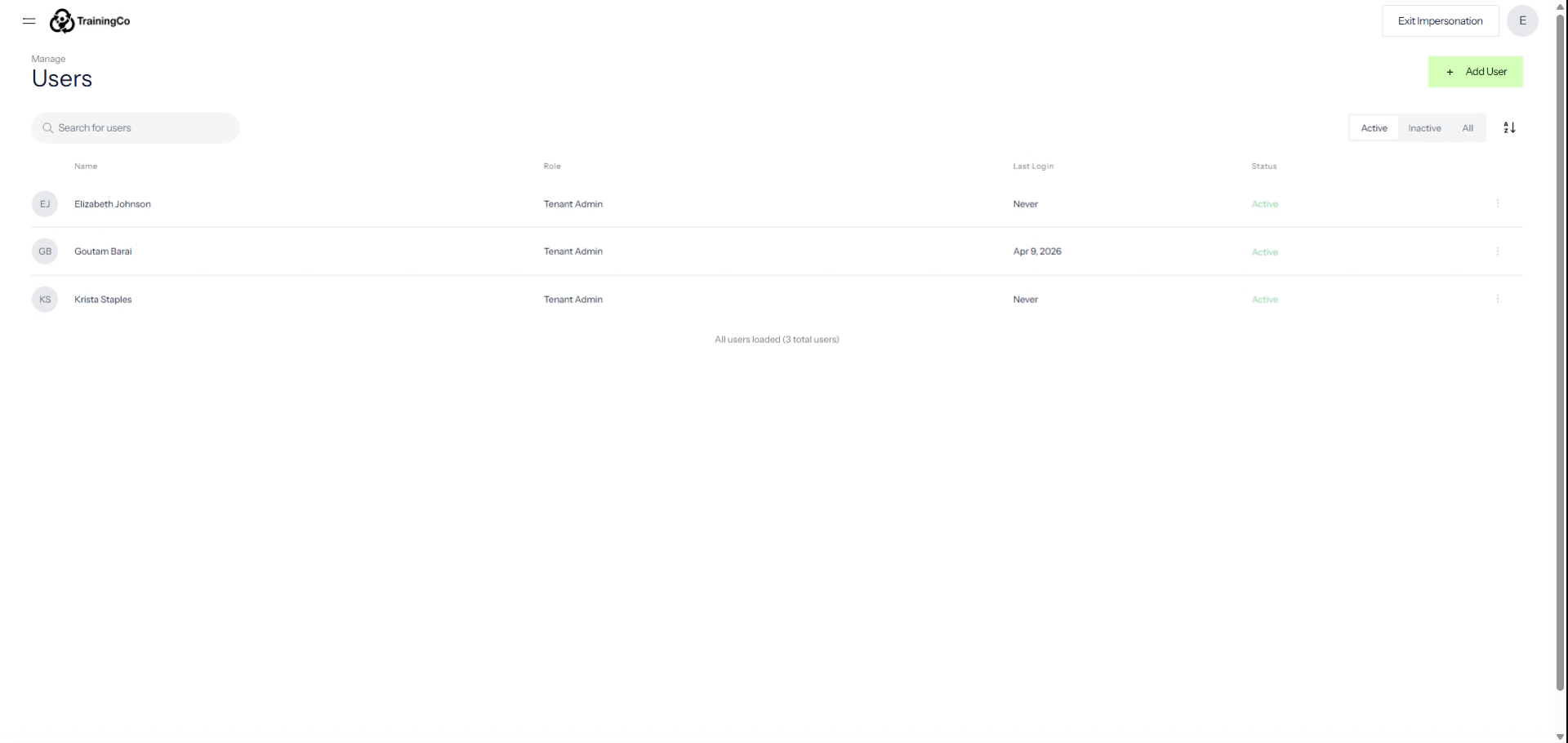
Ensuring that the appropriate access permissions are set up is crucial for enabling your team to collaborate effectively. When each team member has the right level of access, they can seamlessly share information, contribute to projects, and communicate without unnecessary barriers.
This not only improves productivity but also helps maintain security by preventing unauthorized access to sensitive data. By carefully managing access rights, you create an environment where teamwork thrives and tasks are completed more efficiently.
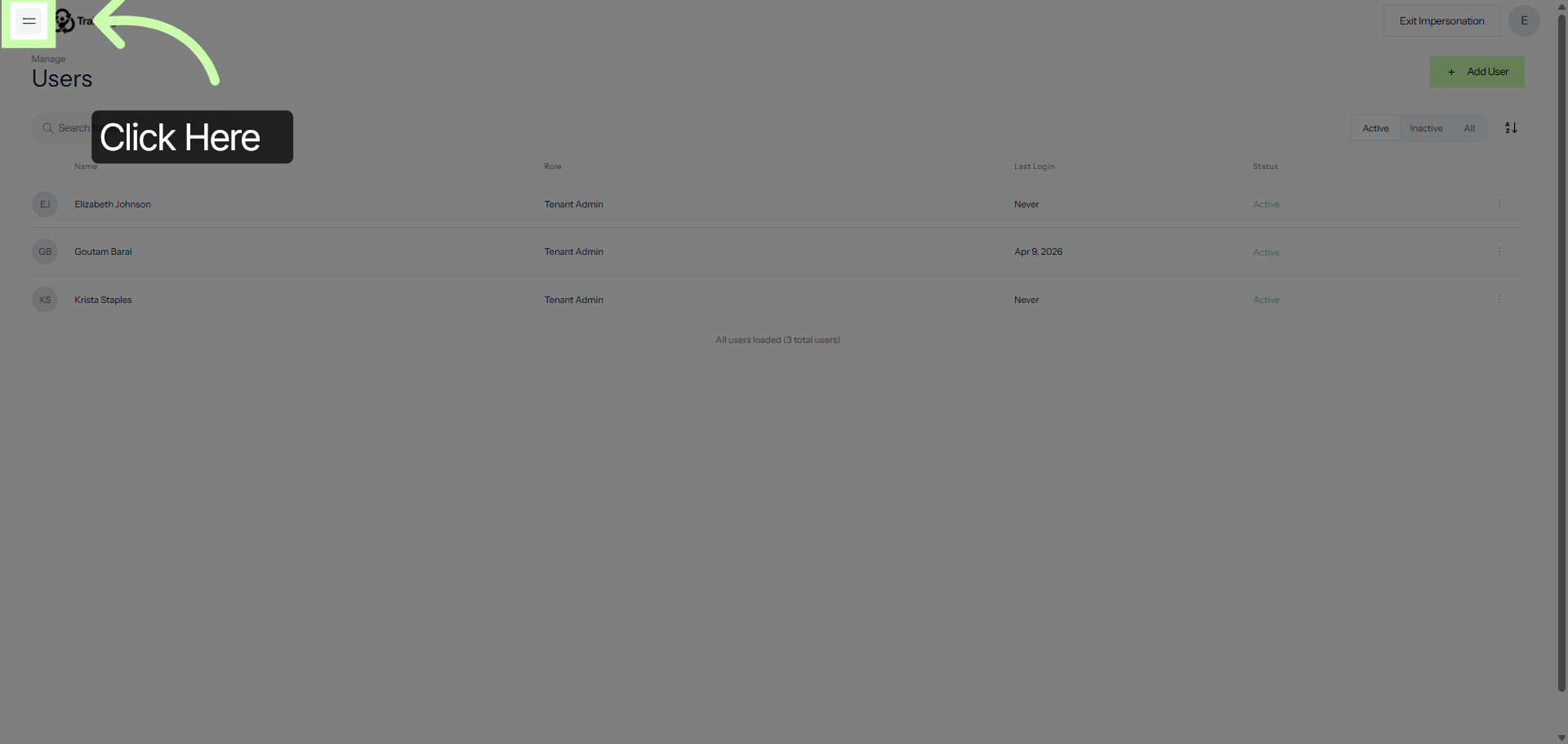
3. Open Navigation Menu
Please navigate to and select the main menu to access the primary navigation options available within the platform. This action will open the main menu, allowing you to explore various sections and features that are organized for easy access.
4. Access Users Section
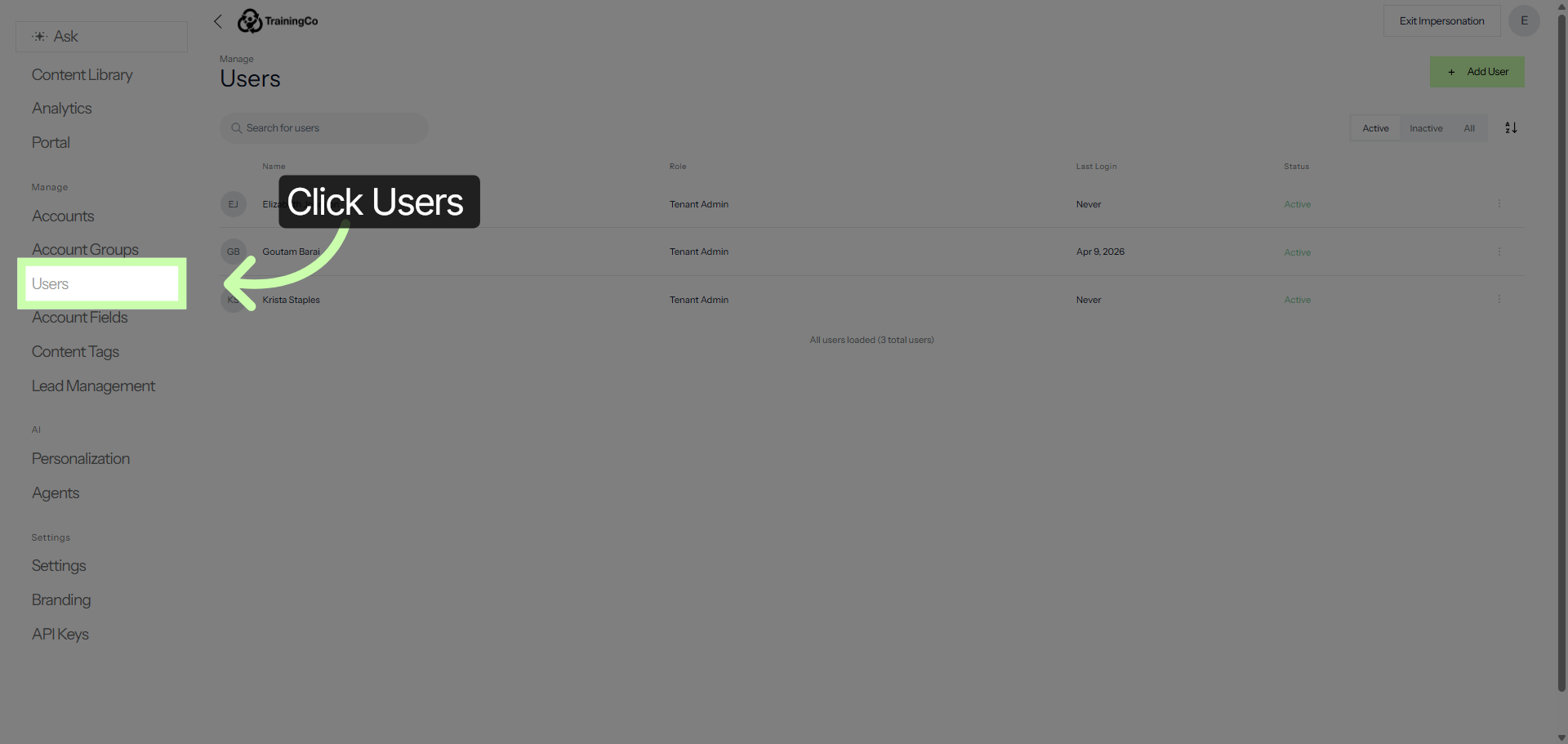
The following video provides a detailed demonstration on the process of adding new users to the system. It walks you through each step, ensuring that you understand how to correctly input user information, set appropriate permissions, and finalize the addition of new users efficiently and accurately.
This tutorial is designed to help both beginners and experienced users navigate the user management interface with ease.