
Estimated Time
~15 minutes
What You'll Accomplish
- This tutorial introduces you to Lead Management.
|
Before you begin — open your account This is a hands-on, learning-by-doing session. Open app.structured.ai in your browser and log in to your Account so you can follow along and apply each step in real time. |
 Follow Our Step-By-Step Training
1. Introduction
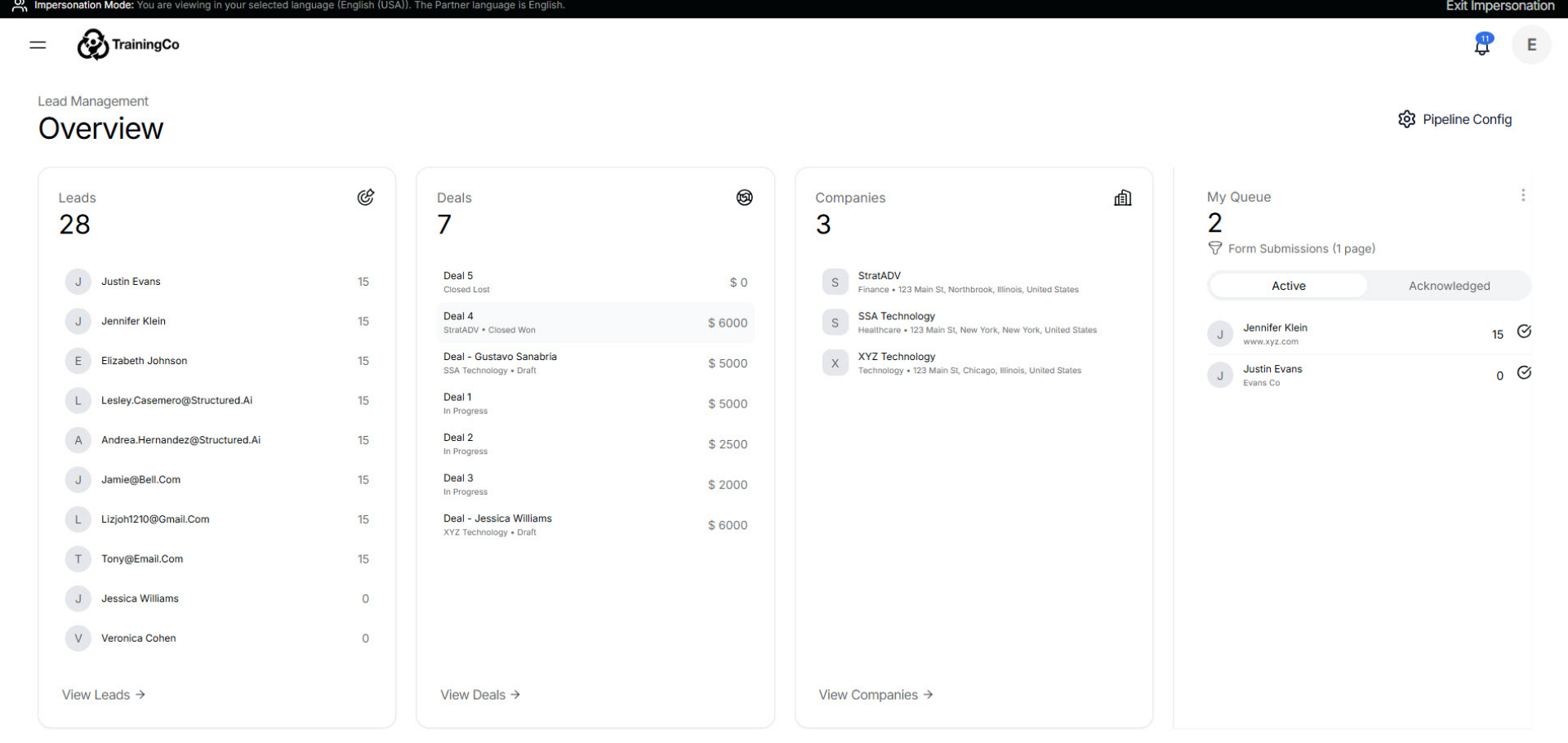
Success in lead management isn't just about data - it’s about context.
2. Lead Management Workspace
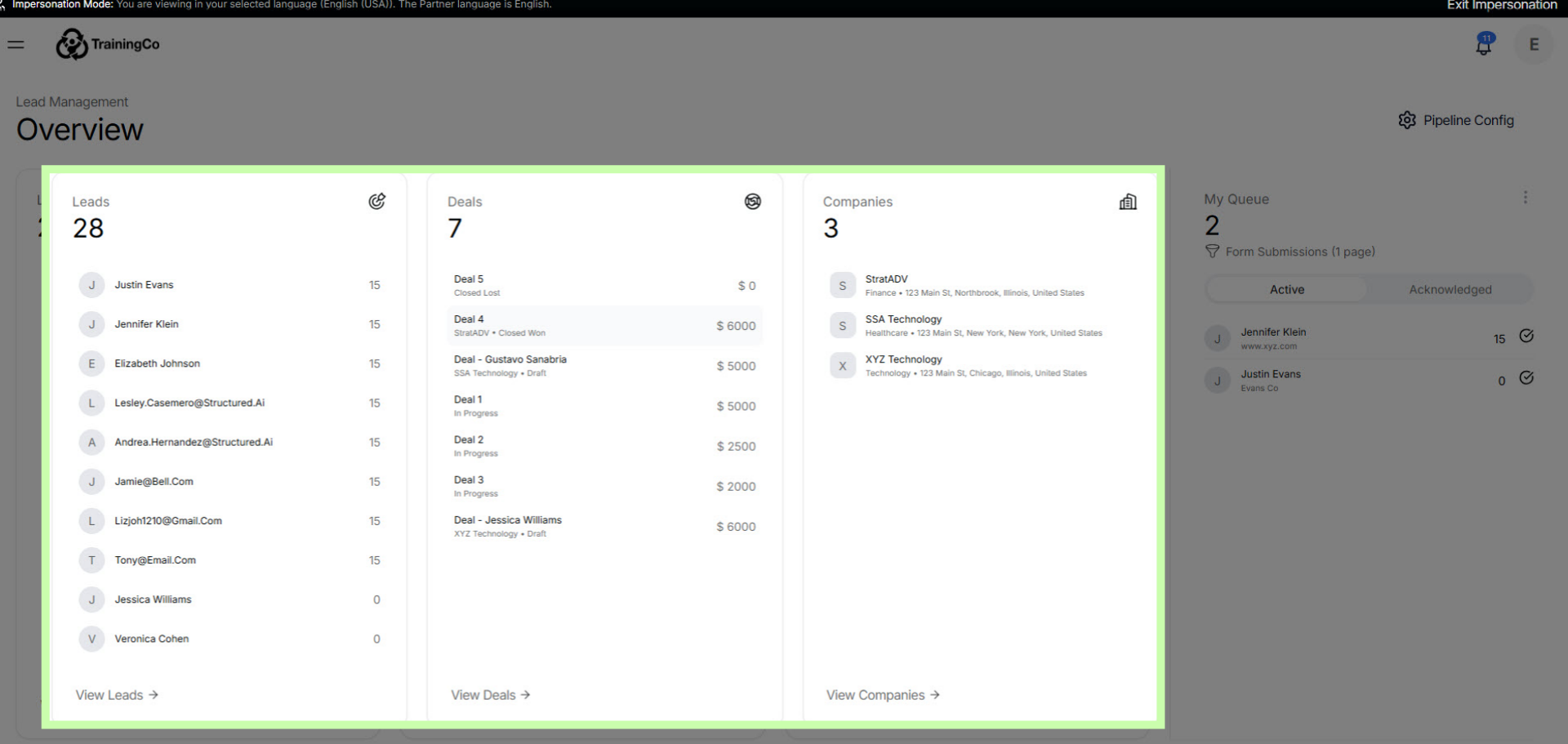
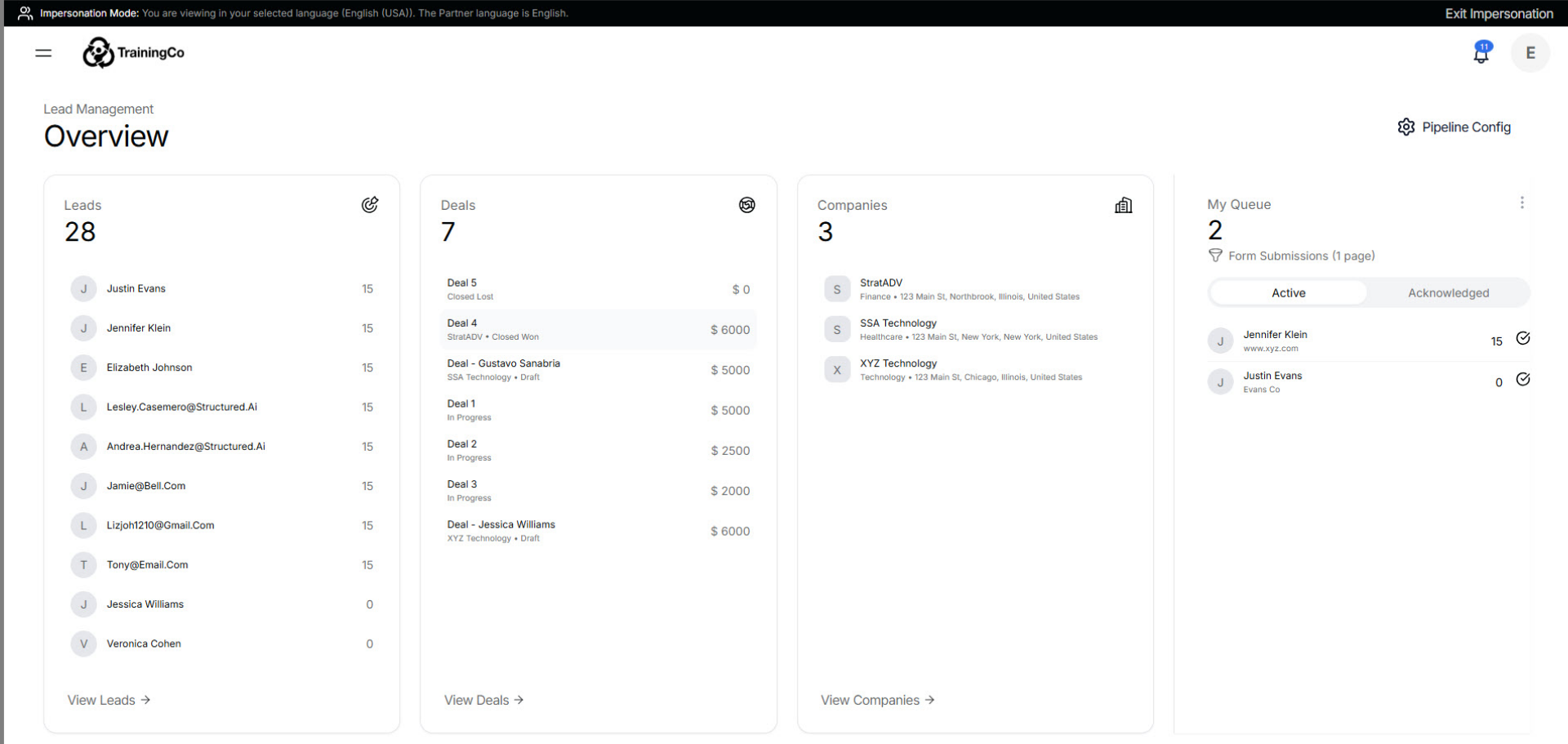
Your workspace is built on three deeply interconnected pillars: Leads, Deals, and Companies. Think of it as a 360-degree view of your business.
3. Expand The Sidebar
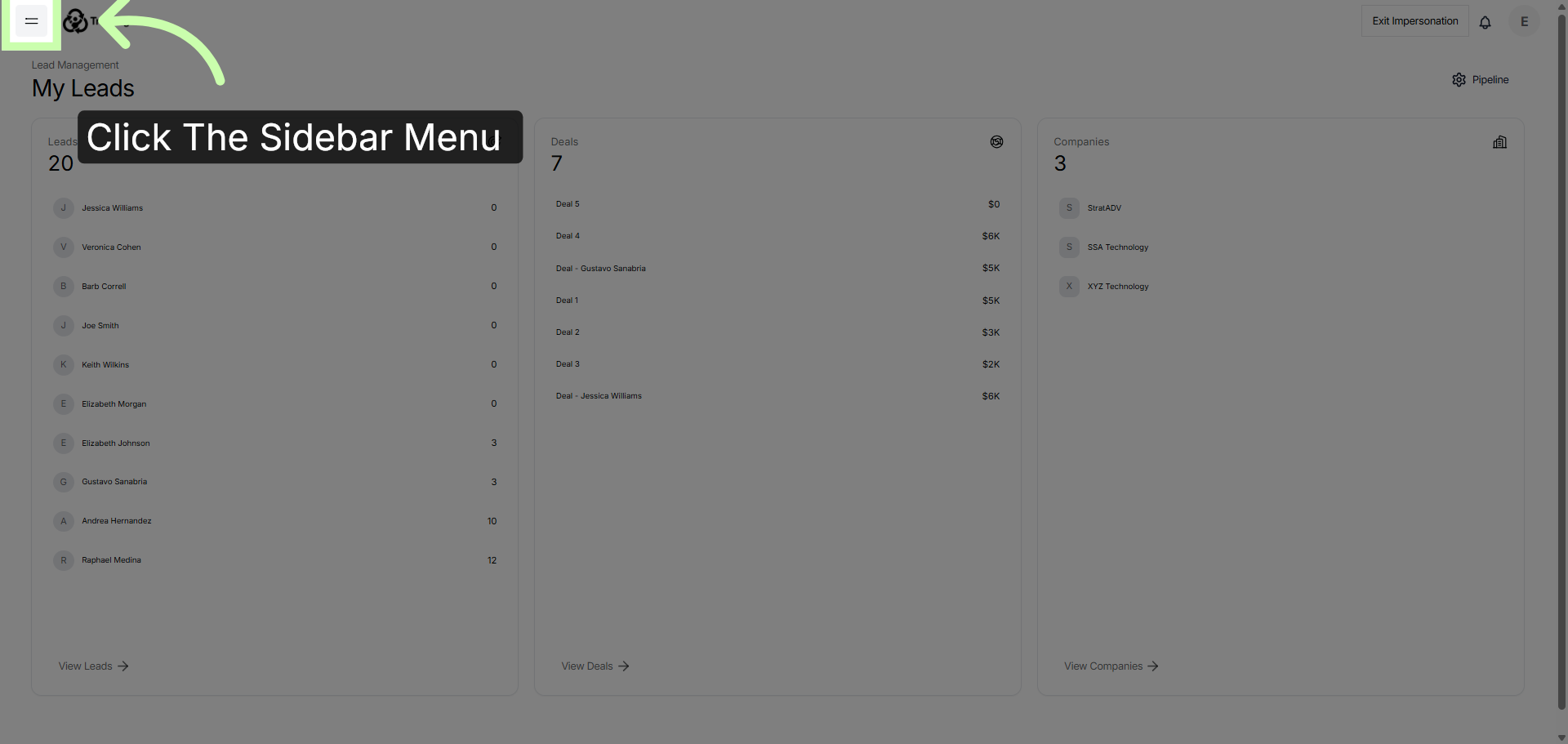
To access Lead Management, click the side bar menu.
4. Click Lead Management
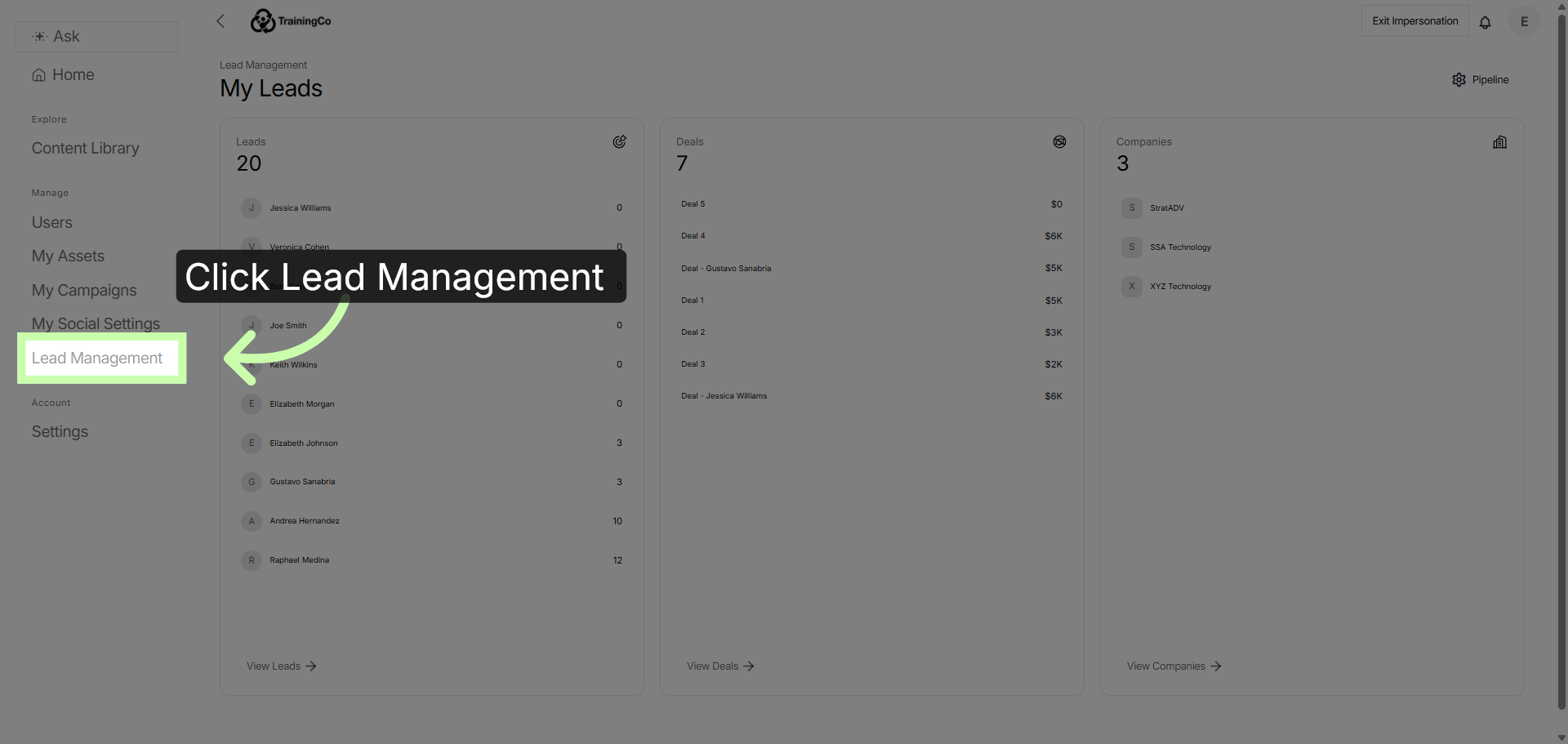
Then click Lead Management.
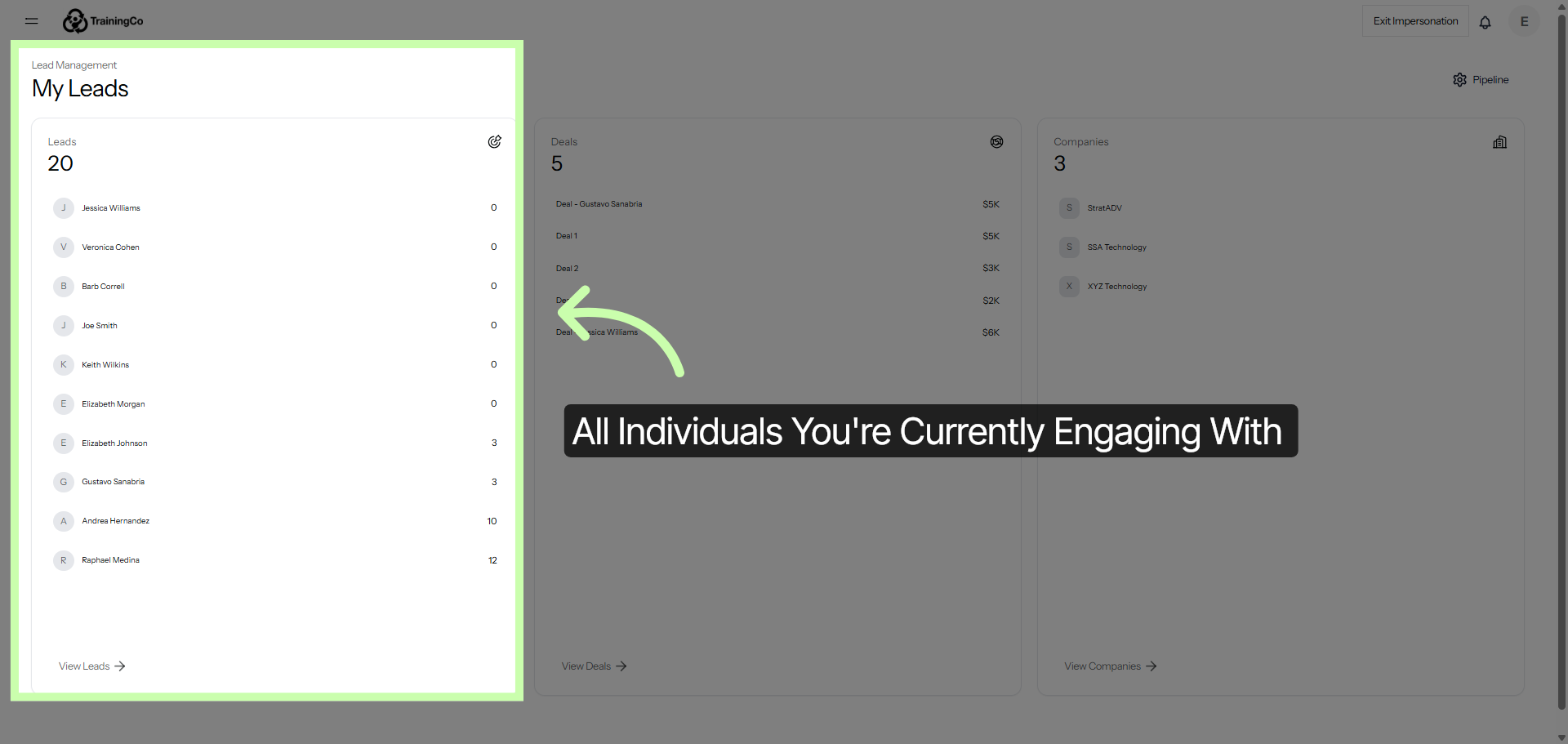
5. Leads Section
Leads represent the individuals you're engaging with right now.
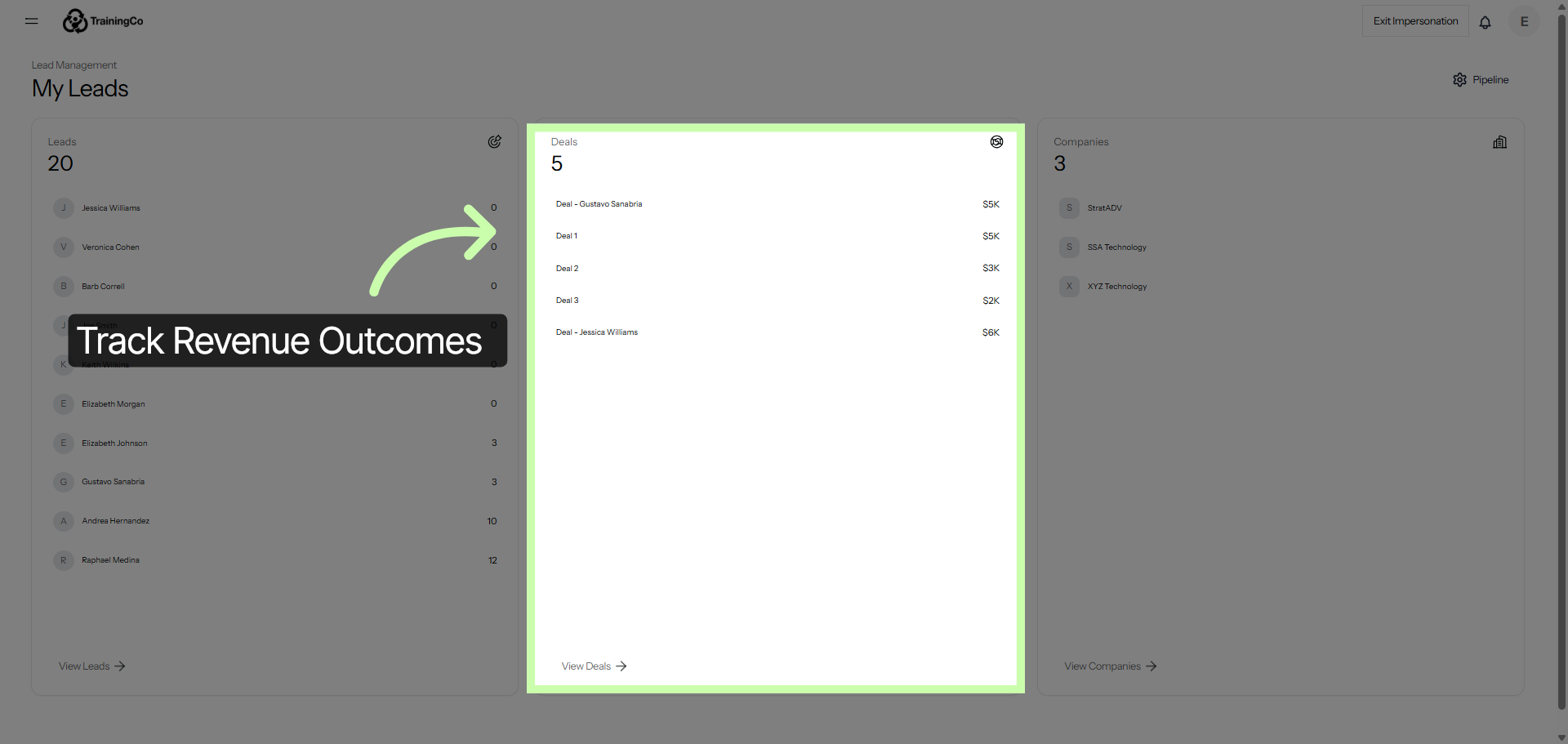
6. Deals Section
Deals track your actual revenue outcomes.
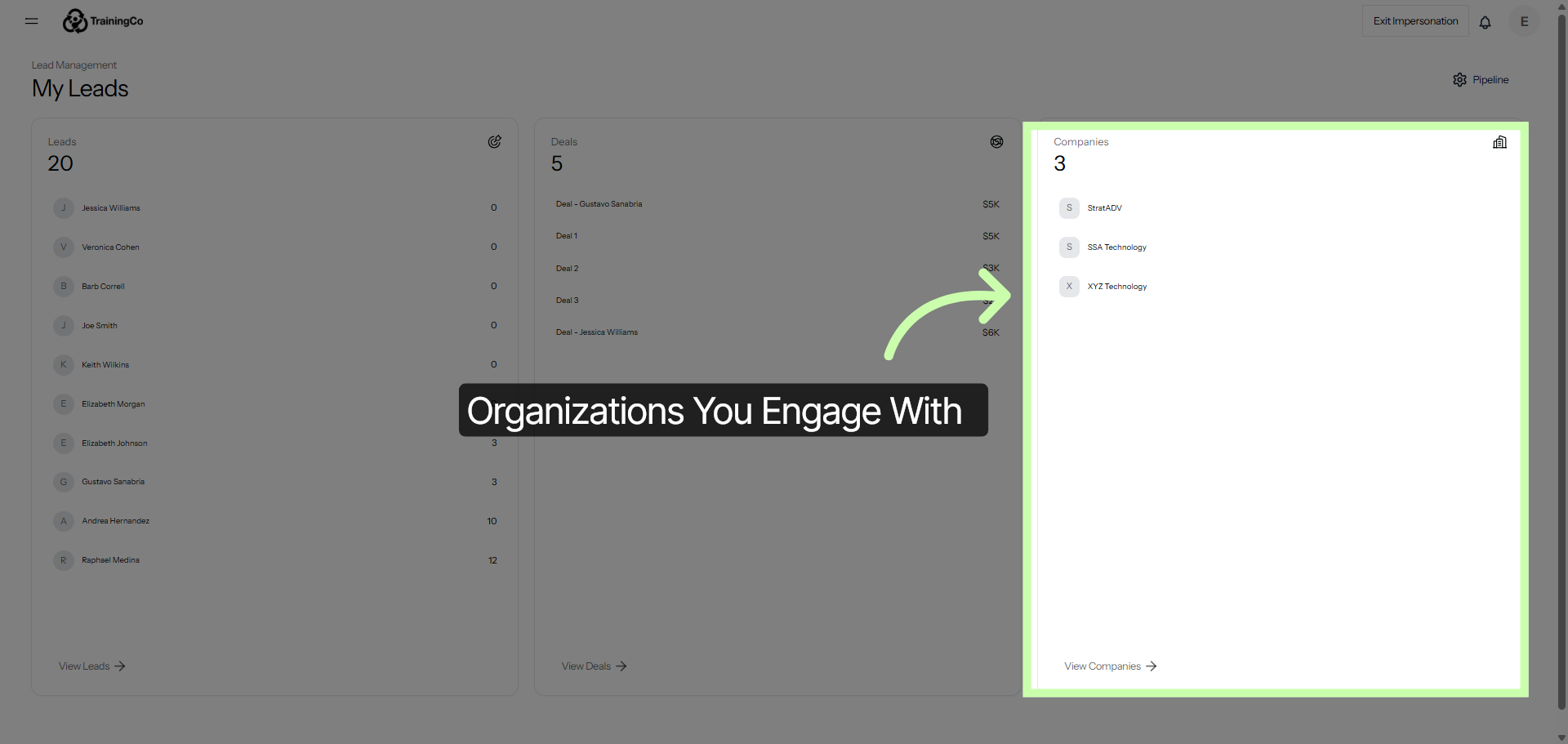
7. Companies Section
Companies represent organizations you’re engaging with and can be linked to individual leads.
8. My Leads Page
Because they’re all linked, you can jump from a lead's activity to a company’s total pipeline in one click.
Whether you’re an AE looking at the big picture or a rep working a daily list, everything stays in sync. Next, learn how to customize your pipeline.
You've Completed this Training - Move to the Next Training →