
Estimated Time
~15 minutes
What You'll Accomplish
- This tutorial guides you through closing deals.
|
Before you begin — open your account This is a hands-on, learning-by-doing session. Open app.structured.ai in your browser and log in to your Account so you can follow along and apply each step in real time. |
 Follow Our Step-By-Step Training
1. Introduction
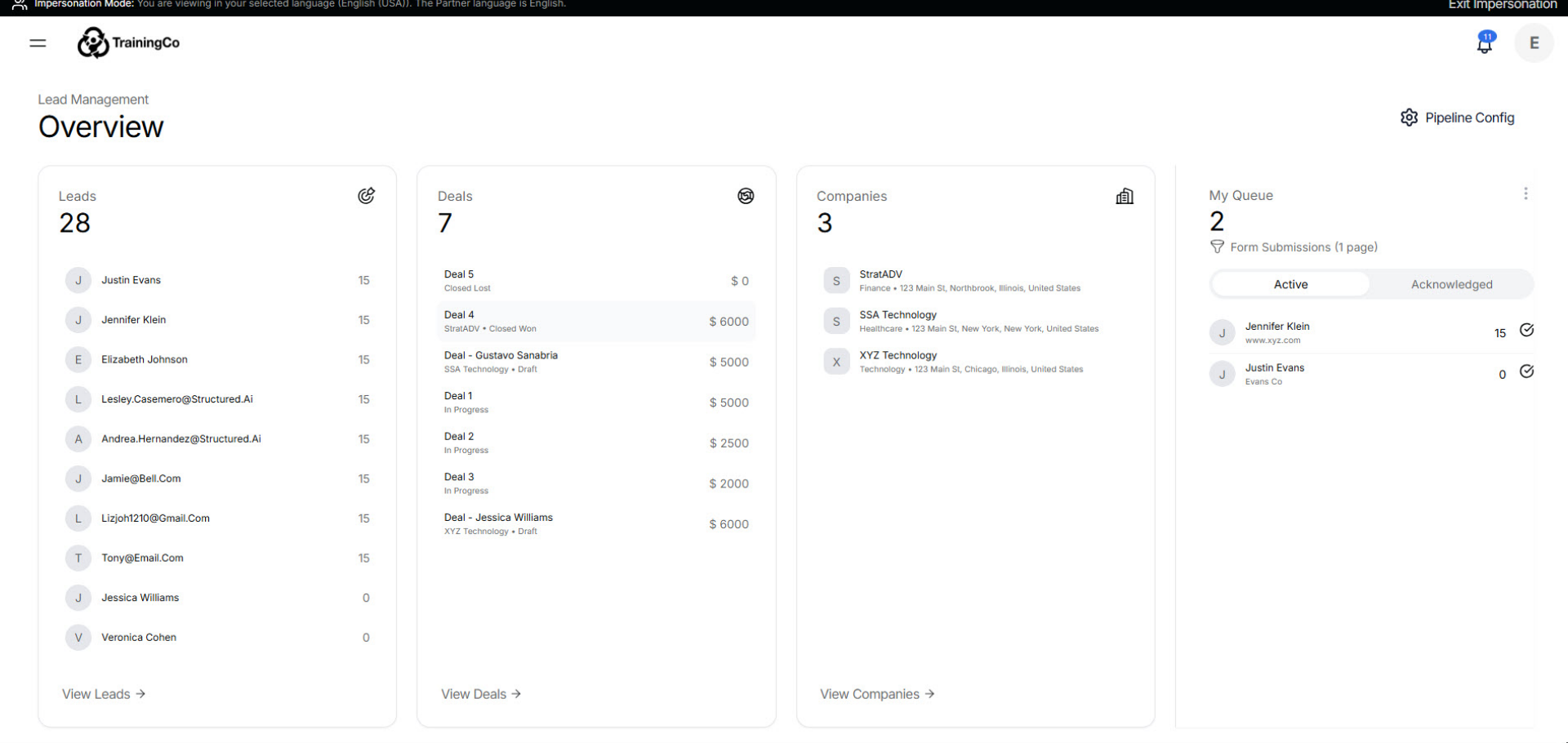
When you’re ready to focus on revenue, head over to the Deals view.
2. Access Deals Overview
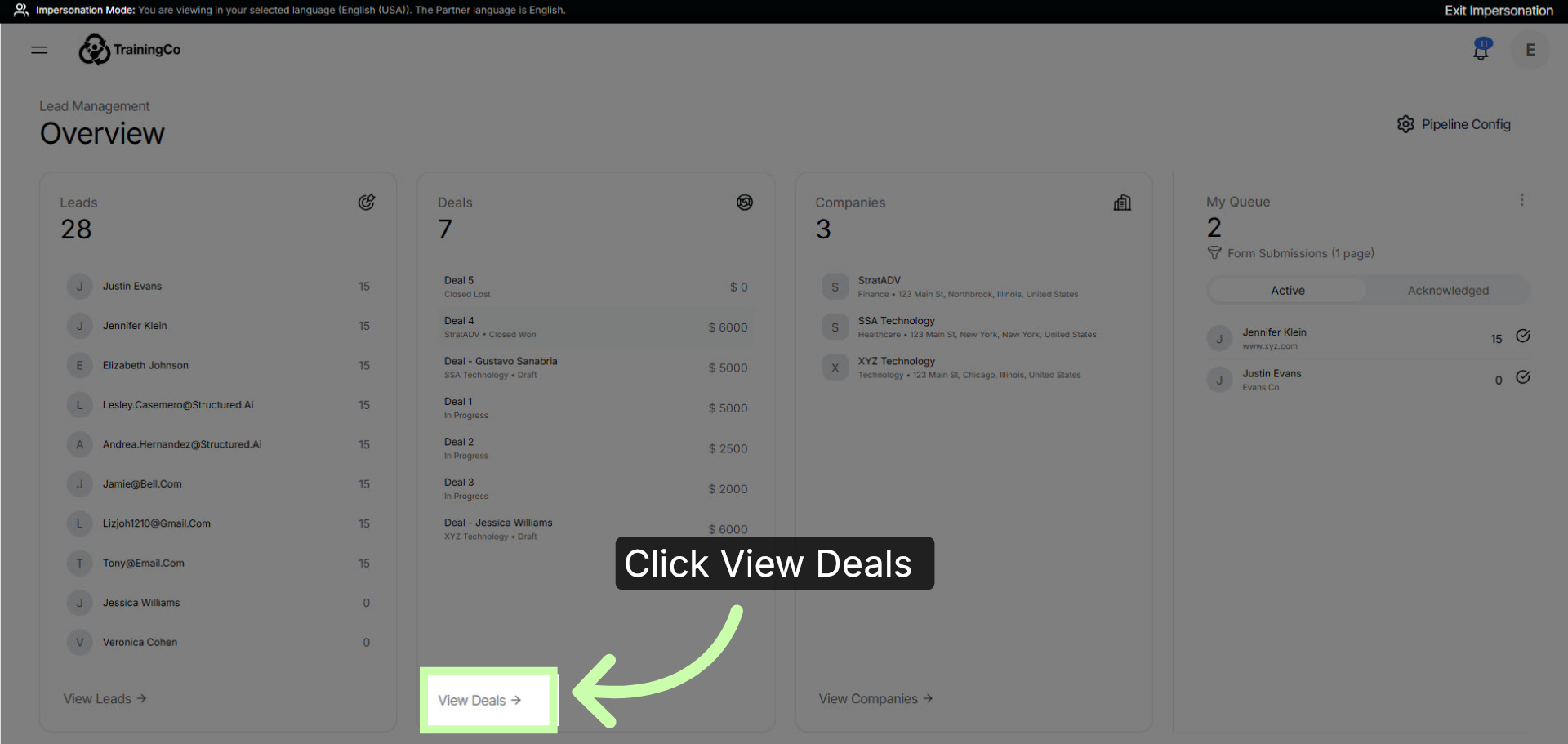
To start, click View Deals.
3. Filter Deals In Progress
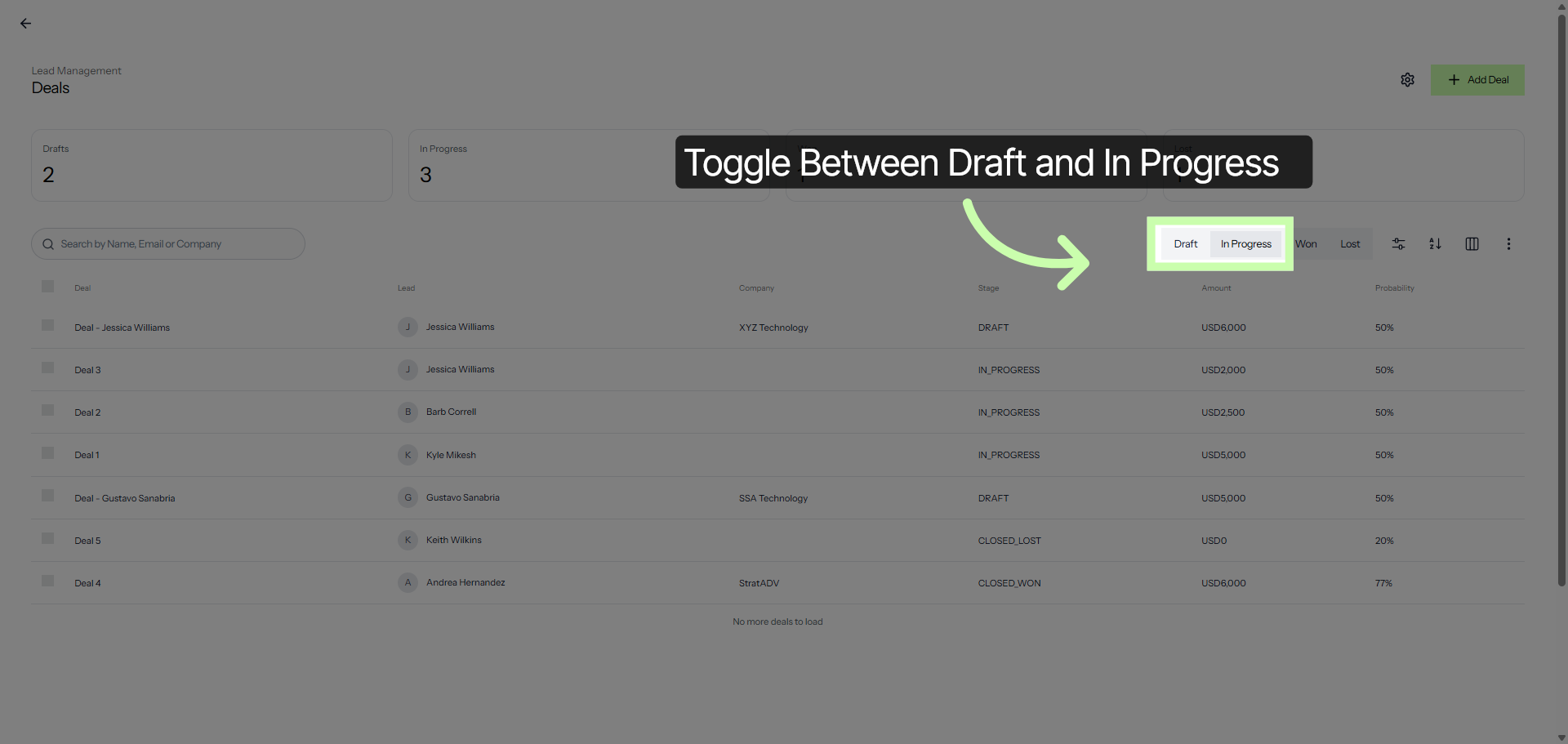
Track counts across every stage: from Draft and In Progress.
4. View Won Deals
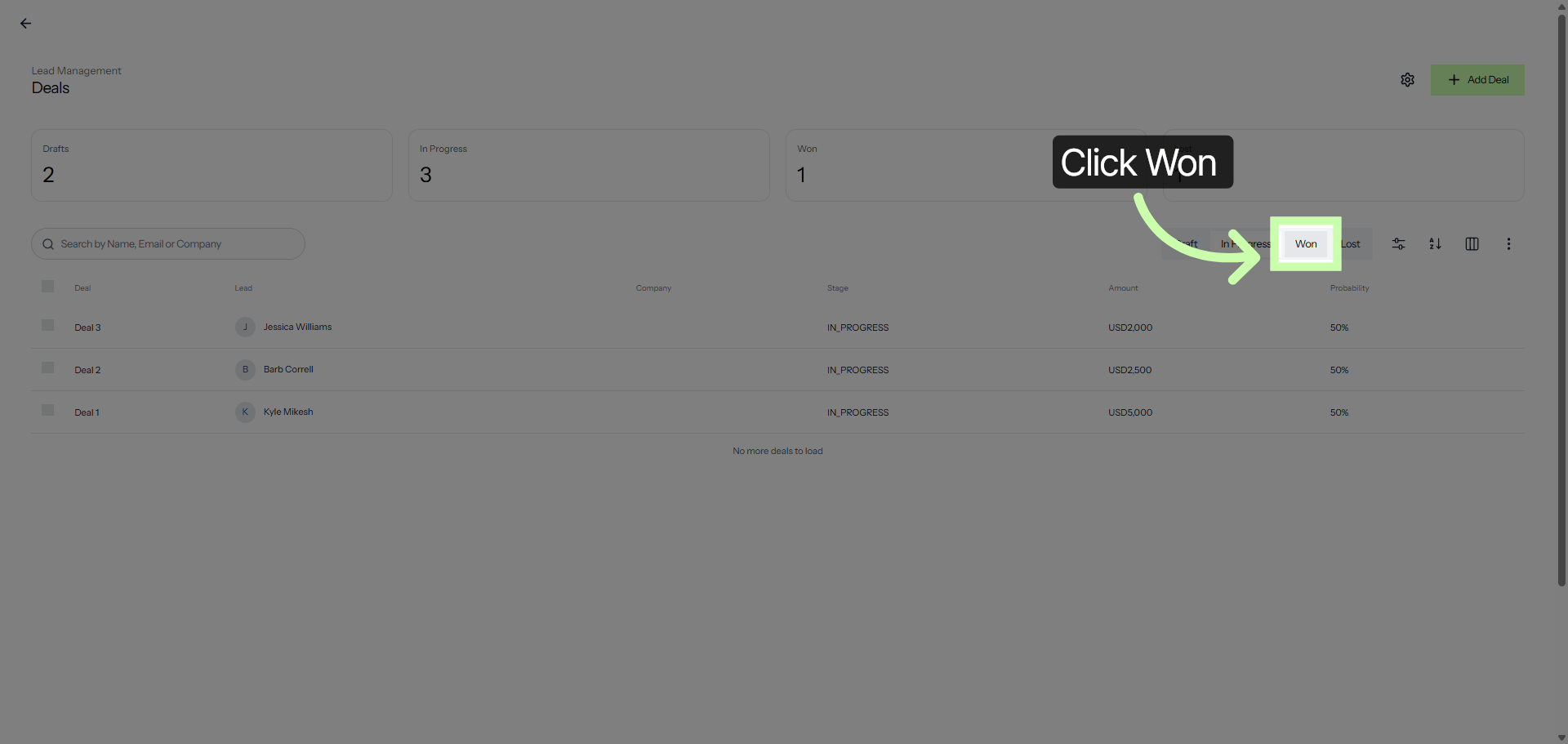
...to deals that are won.
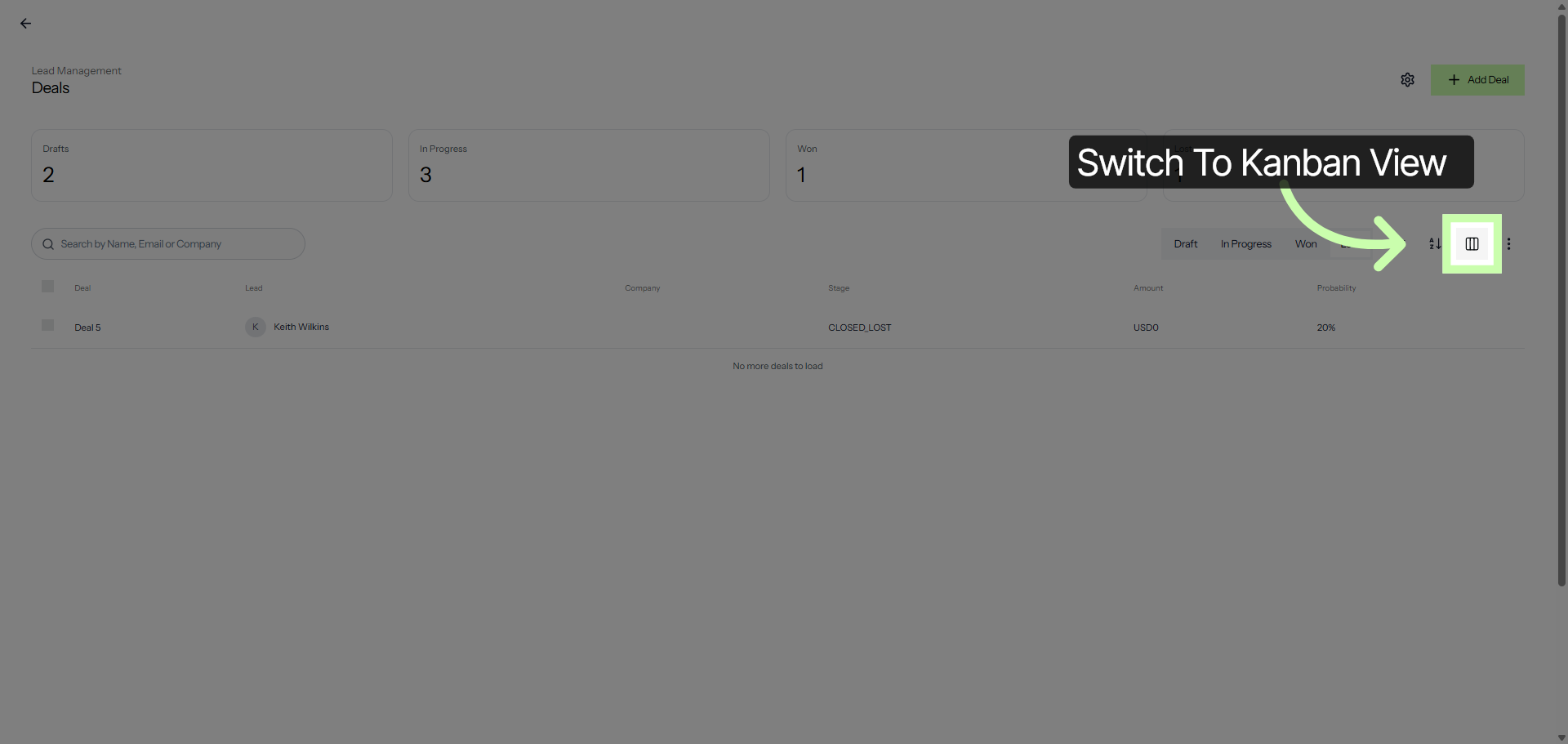
5. Switch To Kanban View
Click the visual Kanban board to see exactly where your opportunities stand!
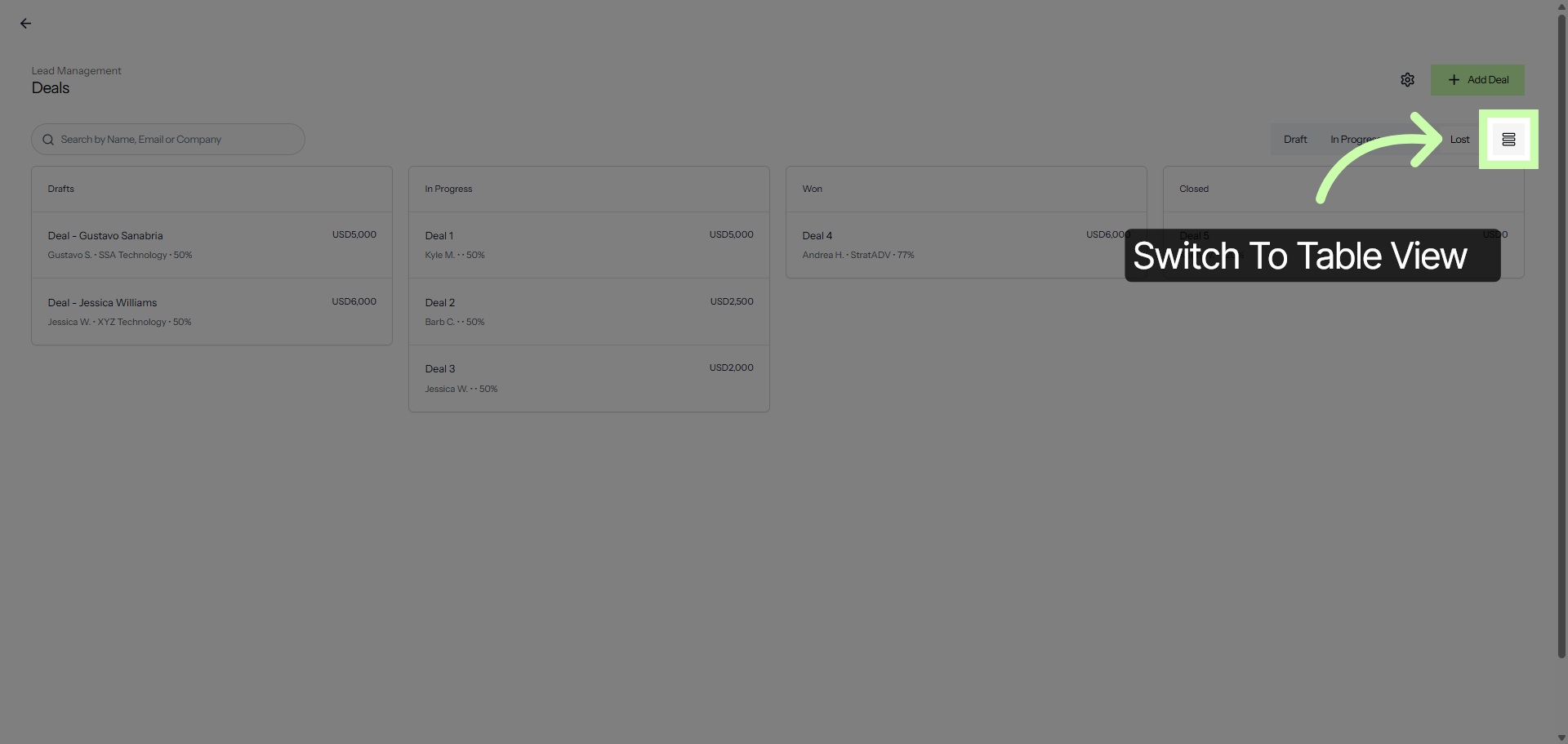
6. Switch To Table View
Or go back to table view.
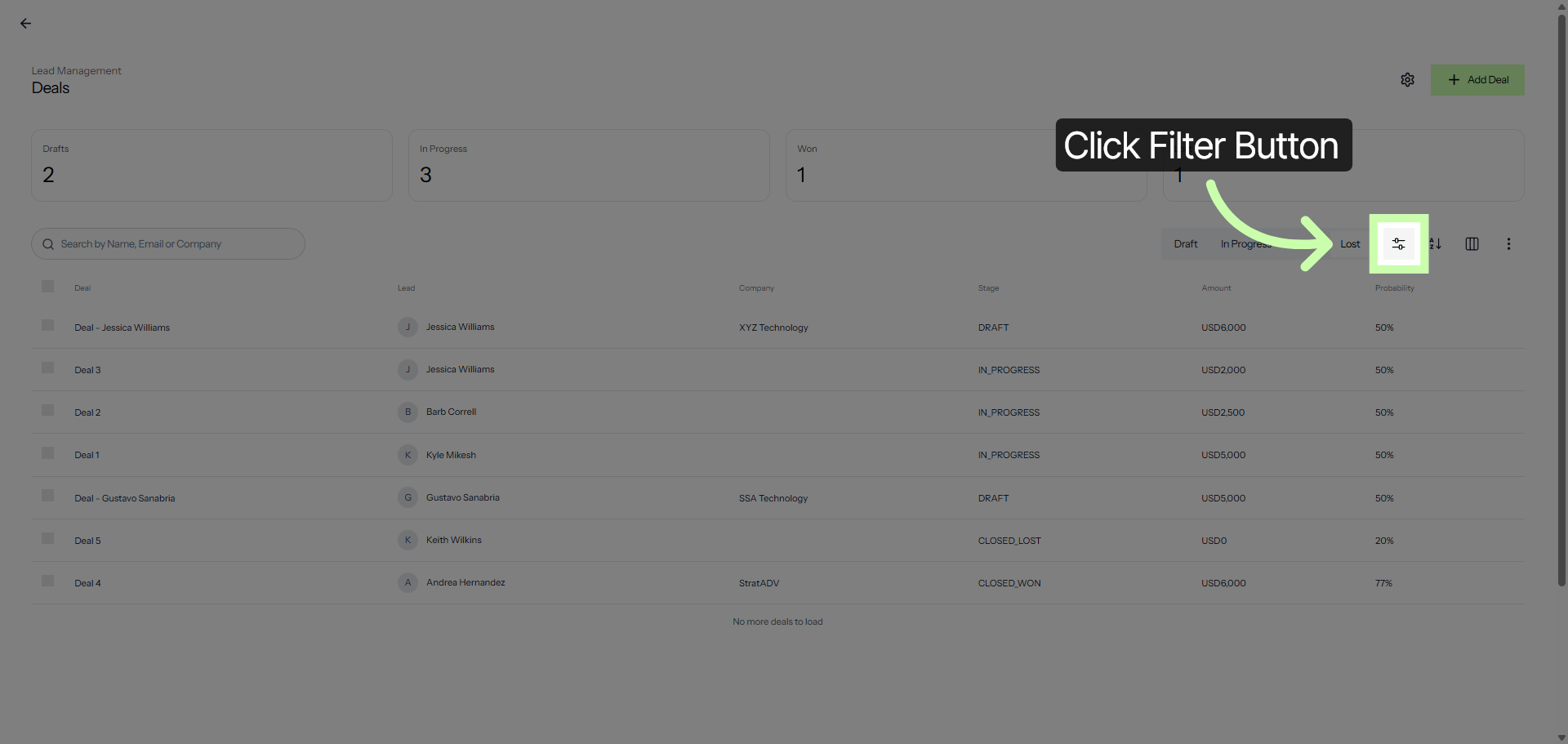
7. Open Deal Filters
Click the filter button to add some filters.
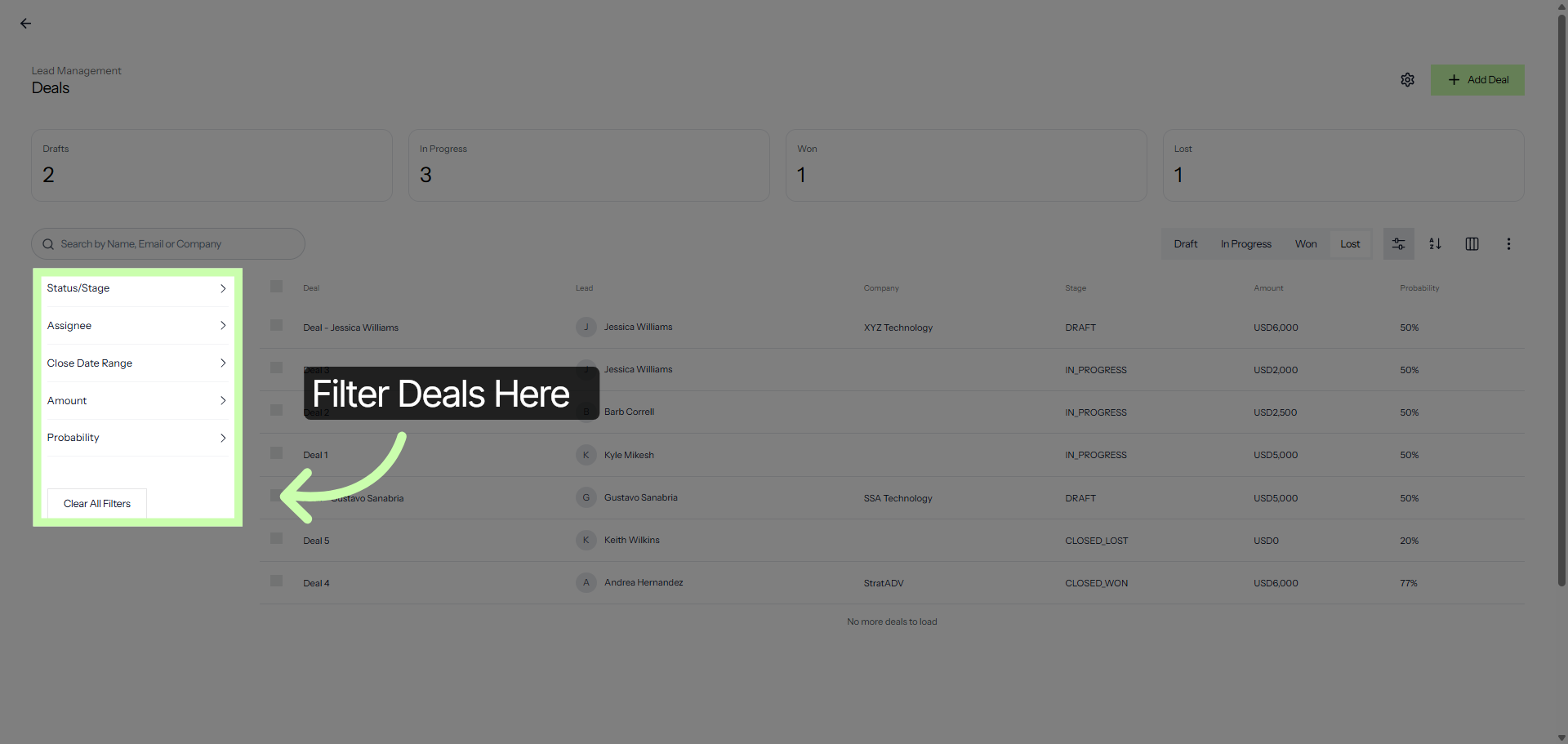
8. Clear All Deal Filters
Use filters to stay focused and keep a close eye on the deals that matter most.
9. Select Specific Deal
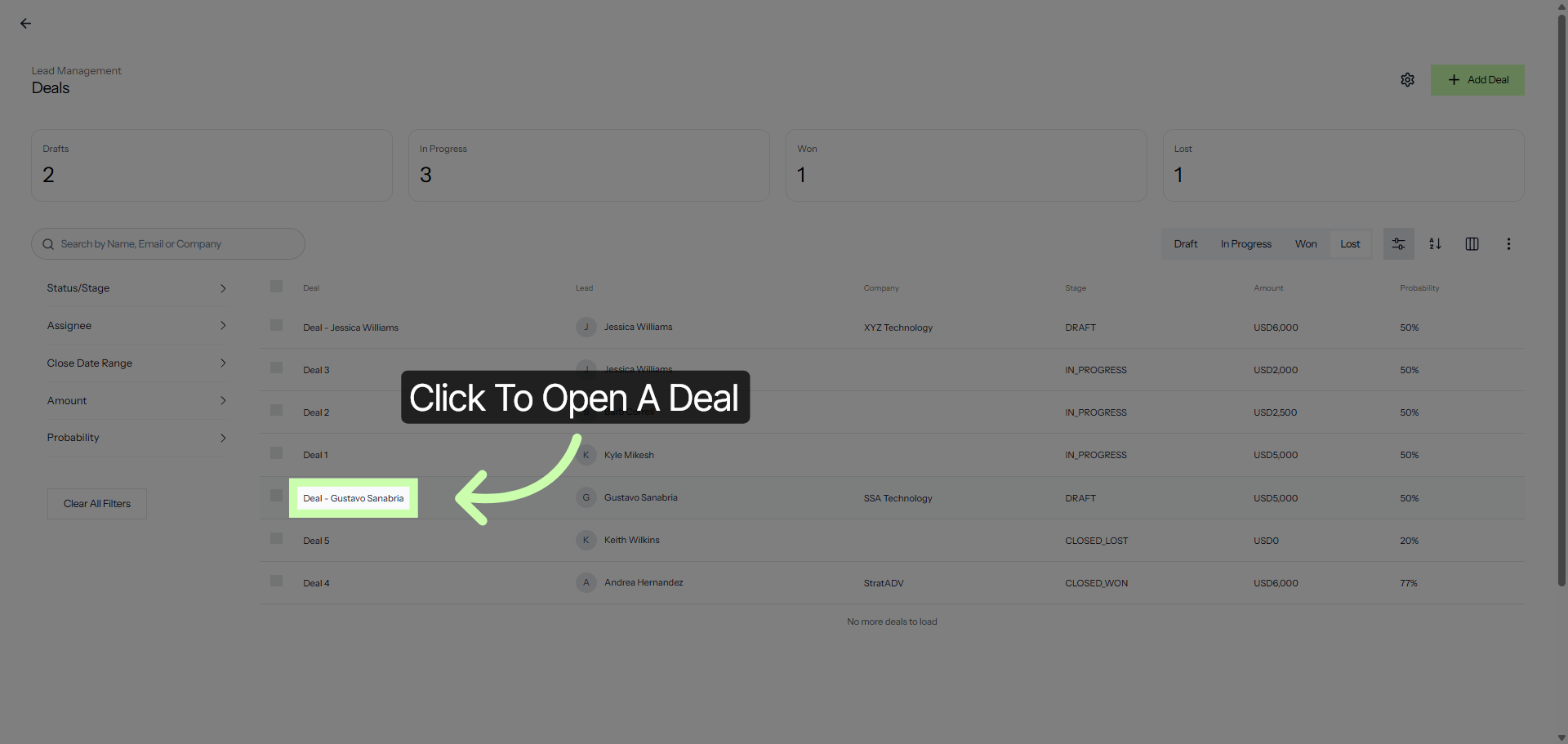
Before moving a deal out of the Draft stage, make sure all required registration fields are completed. Click to open a deal.
10. Open Deal Edit Mode
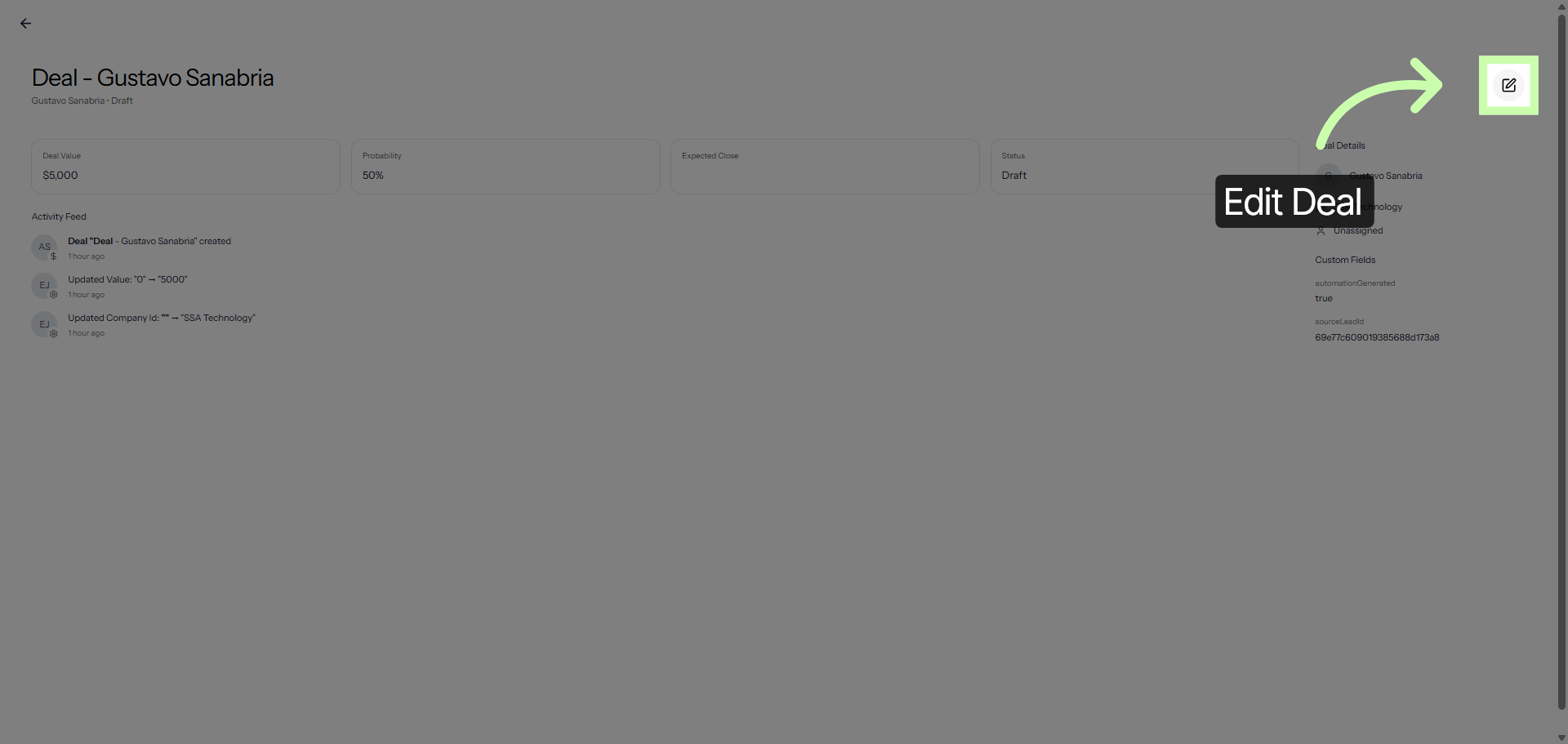
Then click Edit deal.
11. Modify Deal Details
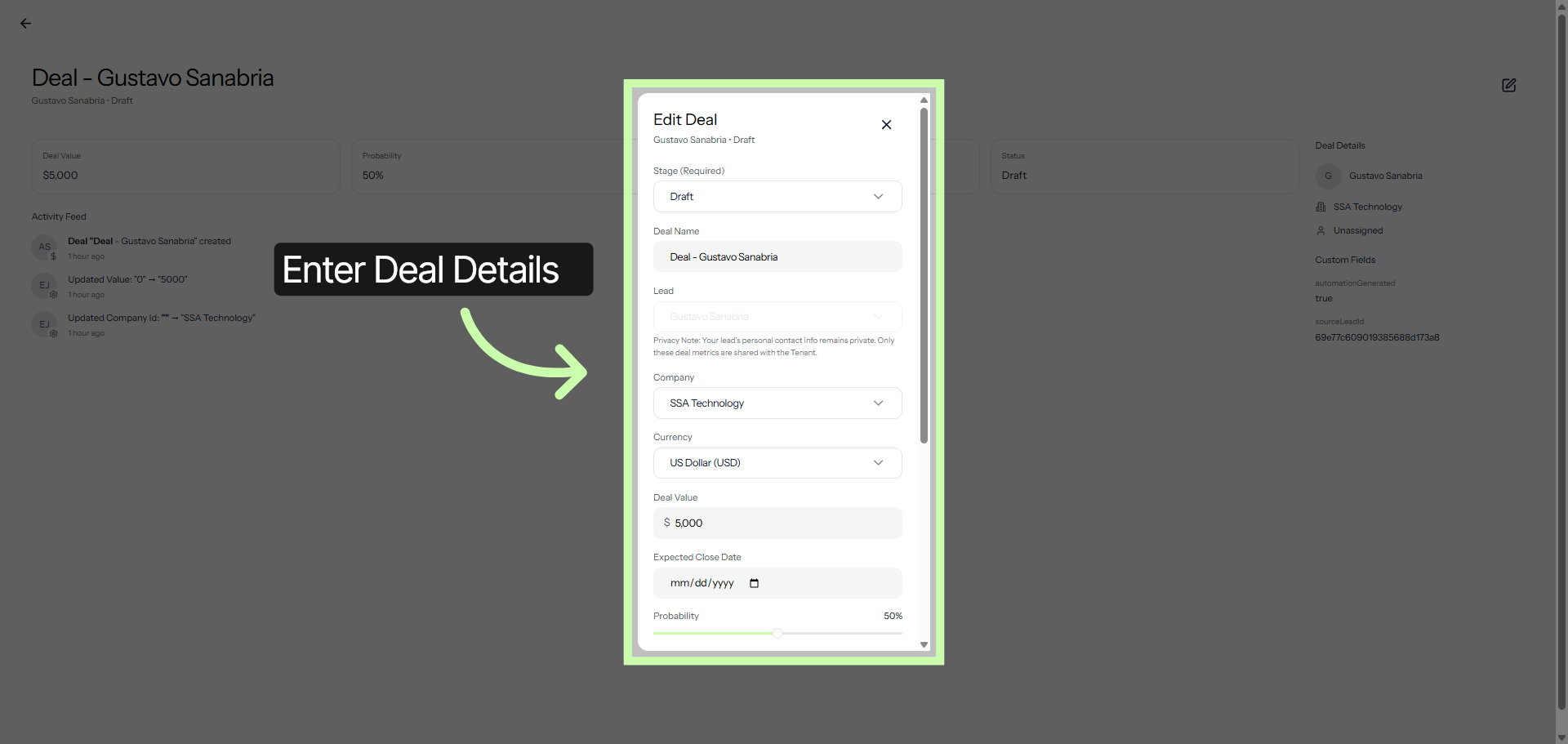
Enter all required details here.
12. Save Deal Changes
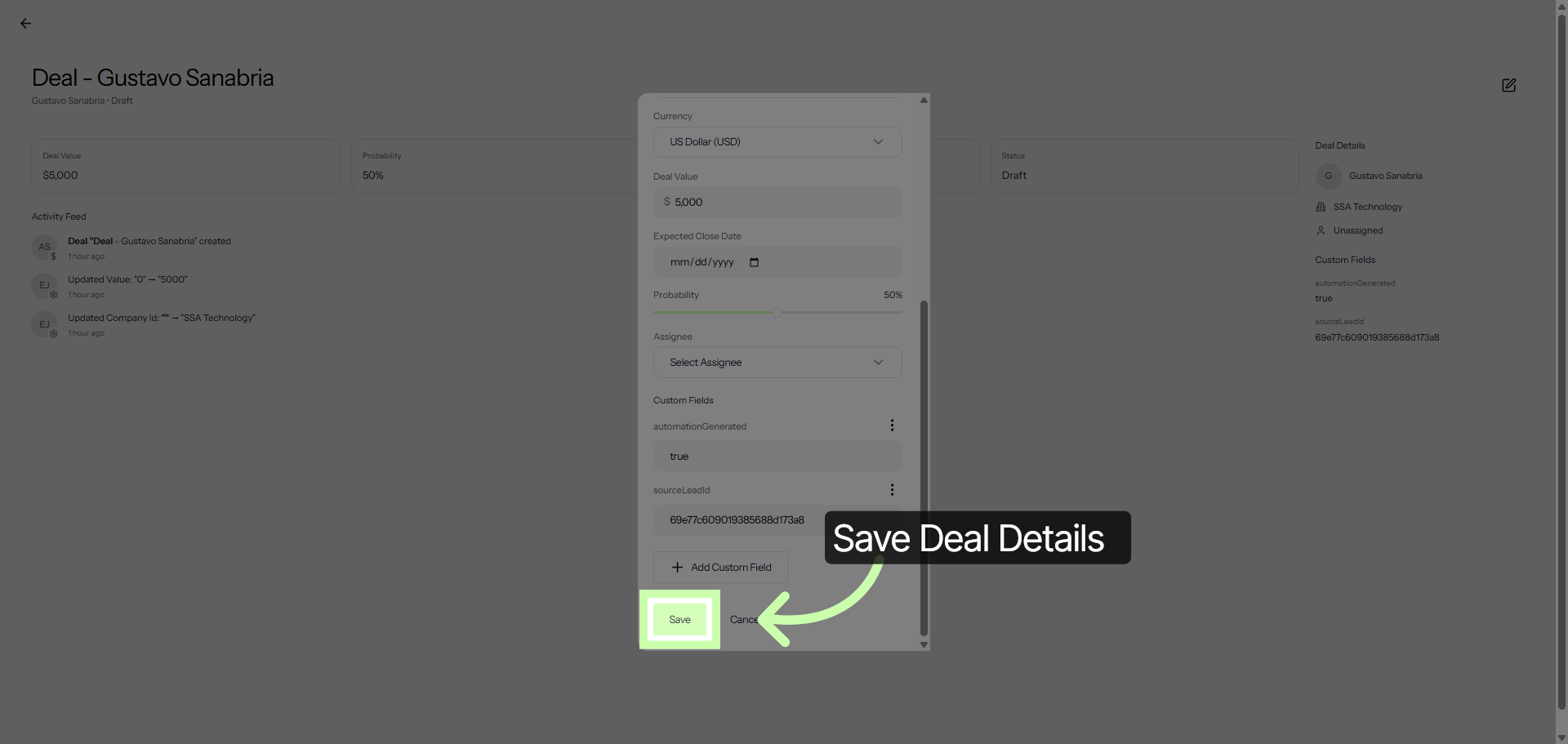
Once you have filled in all the information, click Save.
Every deal remains linked to its associated leads and companies, so you always have full visibility into the history of the sale. It’s visual, organized, and built to help you reach Closed/Won faster.