
 Customizing Content: Getting Started
Estimated Time
~15 minutes
What You'll Accomplish
- Welcome to Marketing Center, your hub for AI-powered marketing execution. This tutorial kicks off our series on content customization and is the perfect place to begin your content journey.
|
Before you begin — open your account This is a hands-on, learning-by-doing session. Open app.structured.ai in your browser and log in to your Account so you can follow along and apply each step in real time. |
Follow Our Step-By-Step Training
1. Introduction
Customizing your campaign assets is the best way to stand out to your target audience. You can locate campaigns and assets in three ways
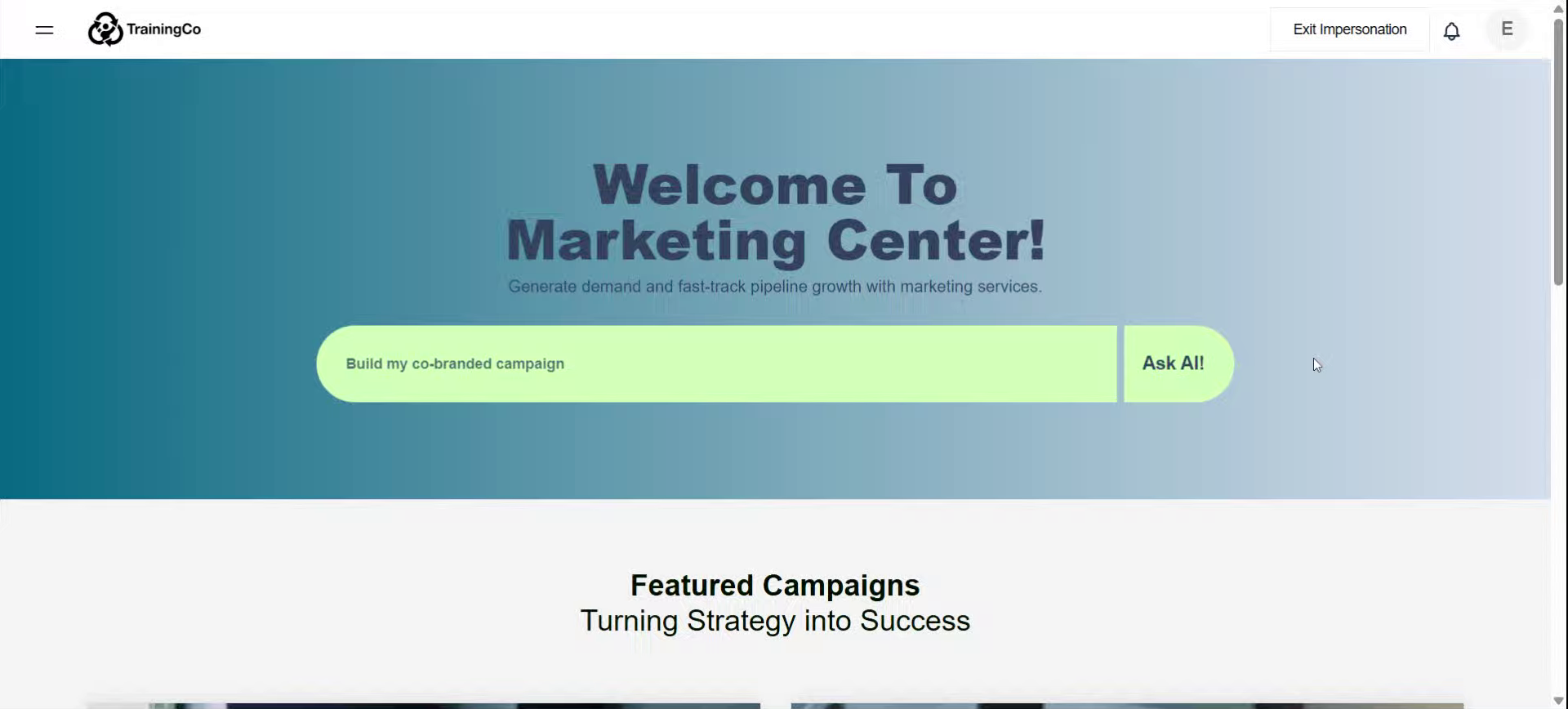
2. Enter Prompts in AI Agent
Typing a prompt into the AI Agent
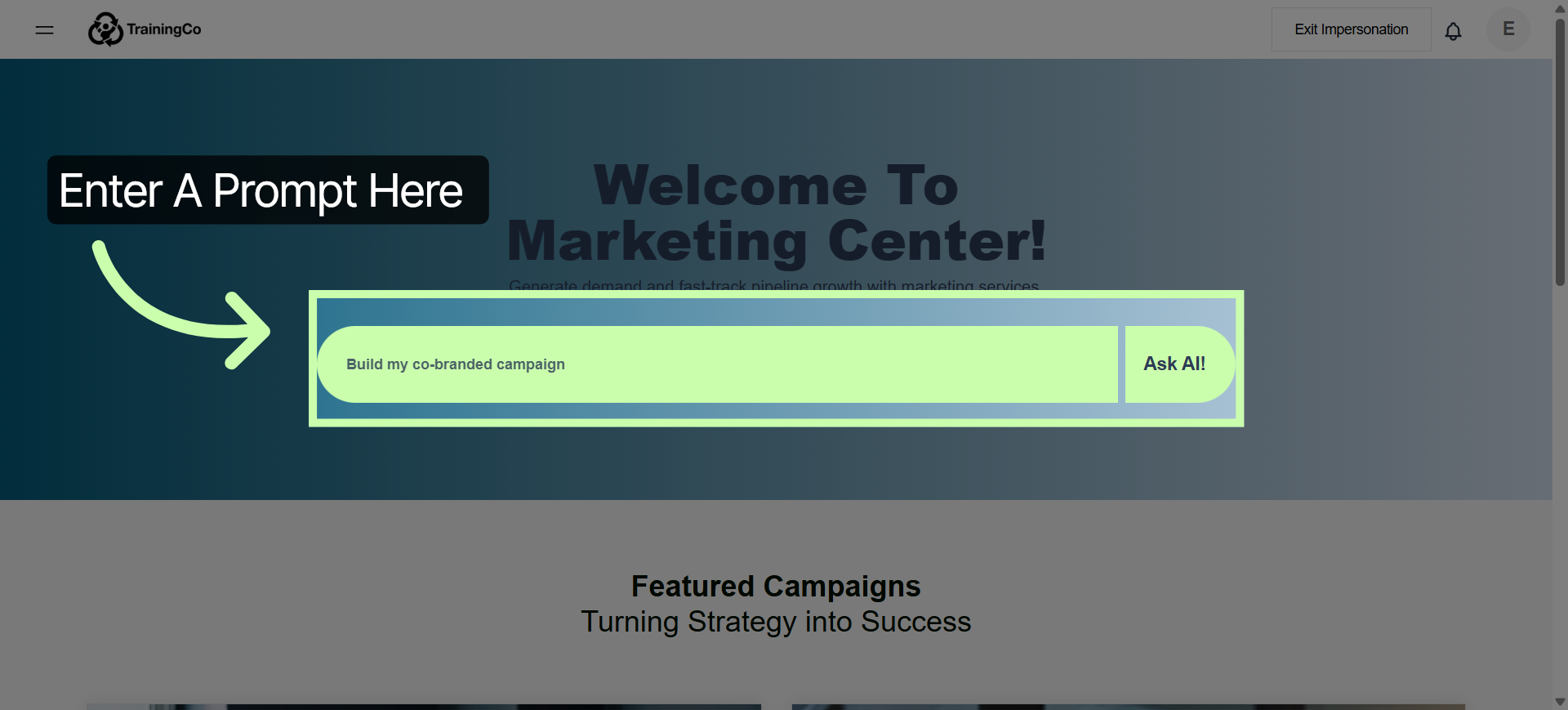
3. Expand Sidebar Menu
Or, opening the side bar menu
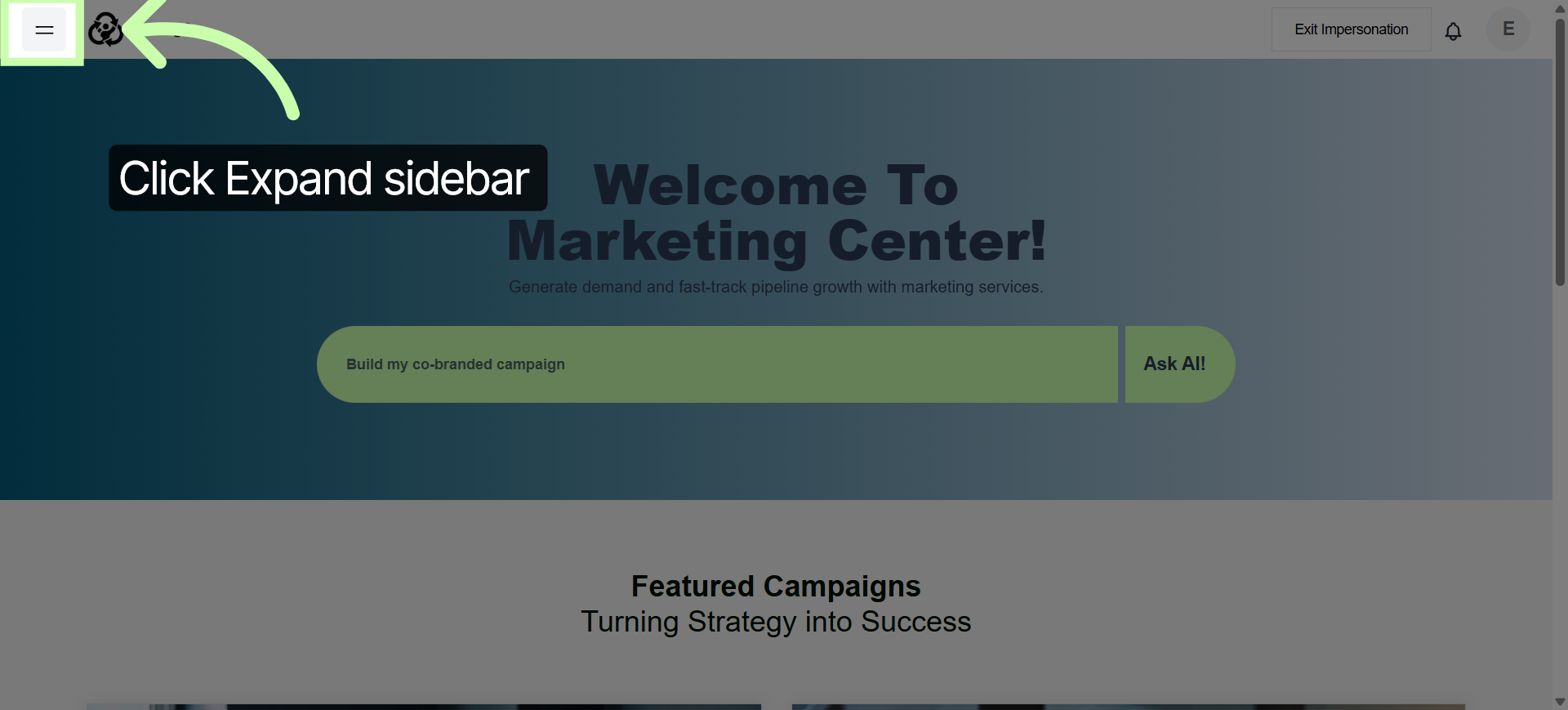
4. Open Content Library
and clicking the Content Library.
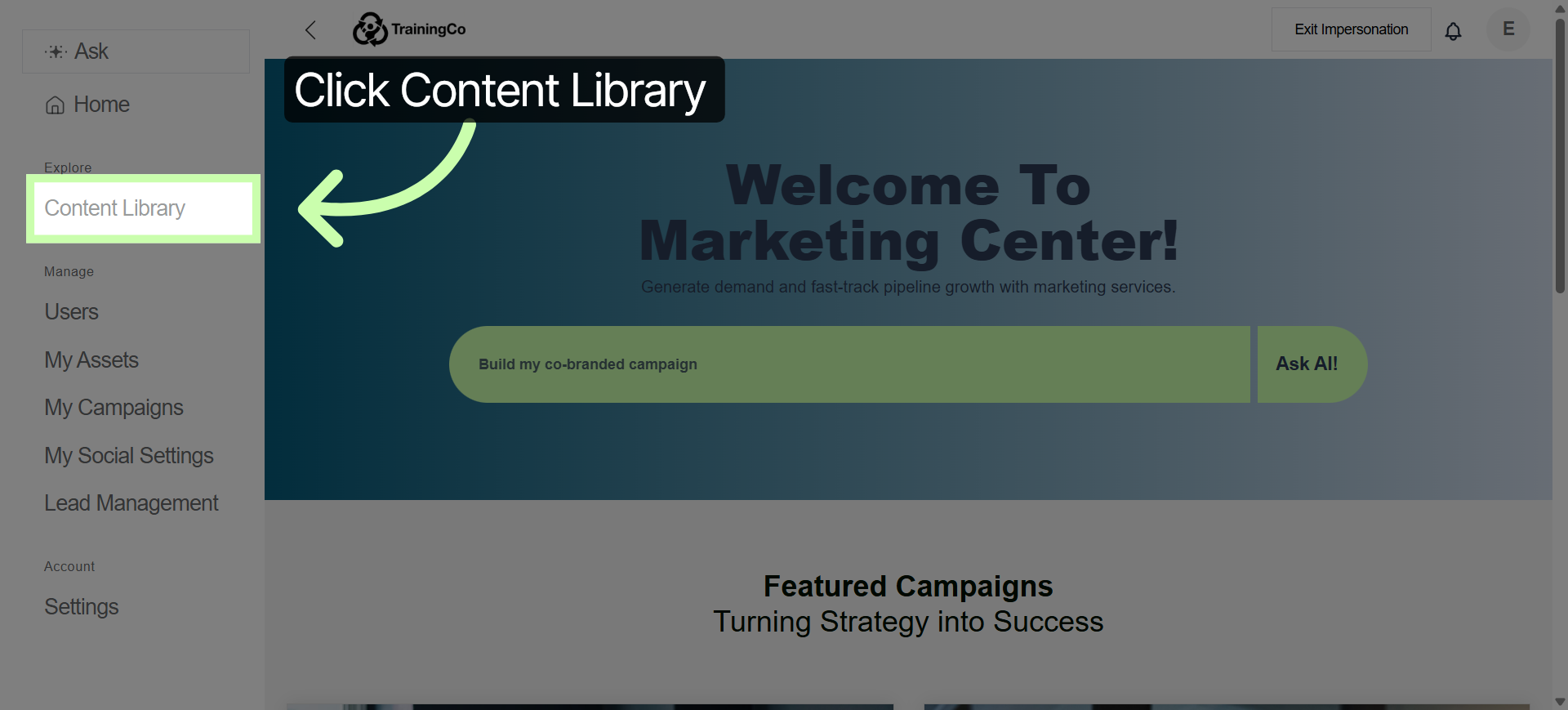
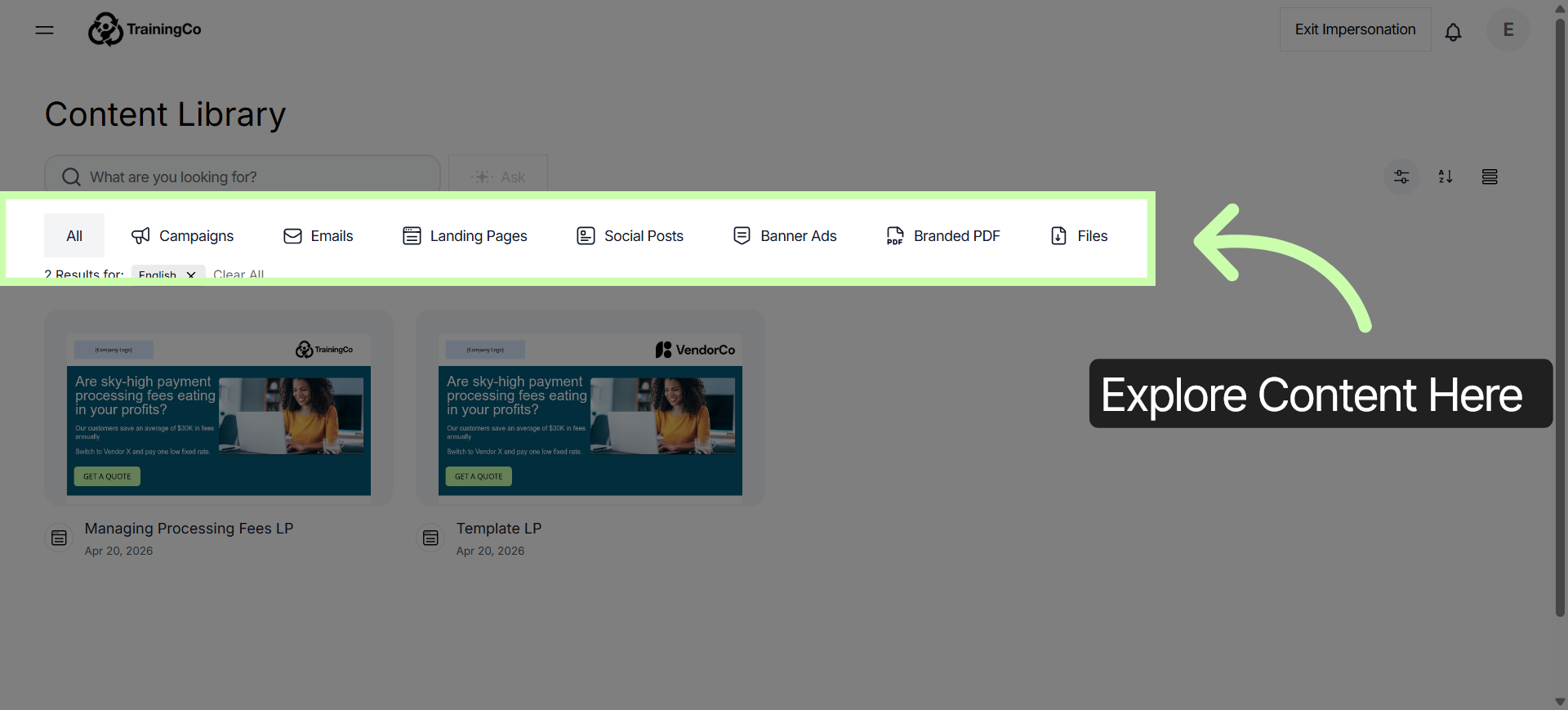
5. View Content Library Items
Here, you can explore each tab to discover campaigns and individual assets.
6. Search Campaigns
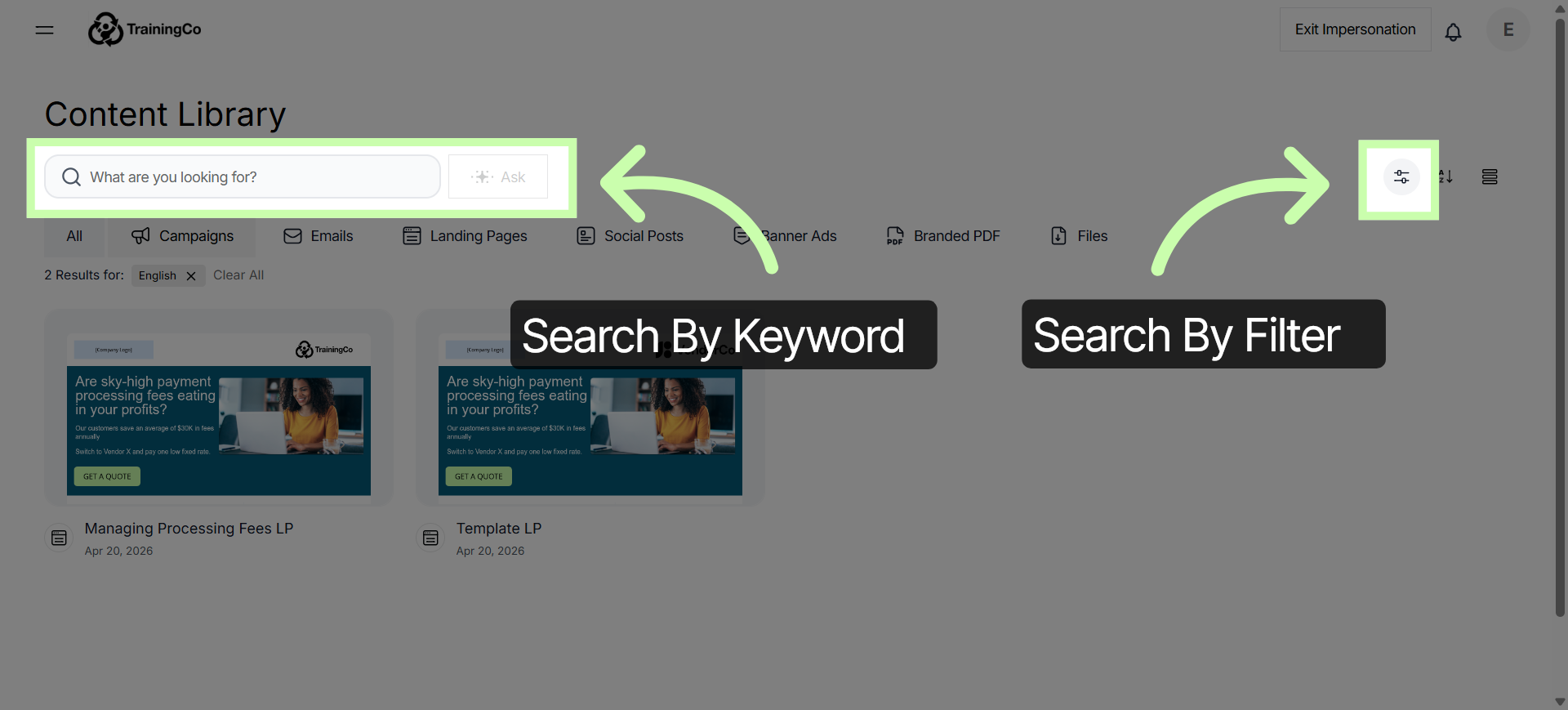
Use the search bar to find campaigns by key word. Or click this button to open your filter options.
7. Open Campaign Details
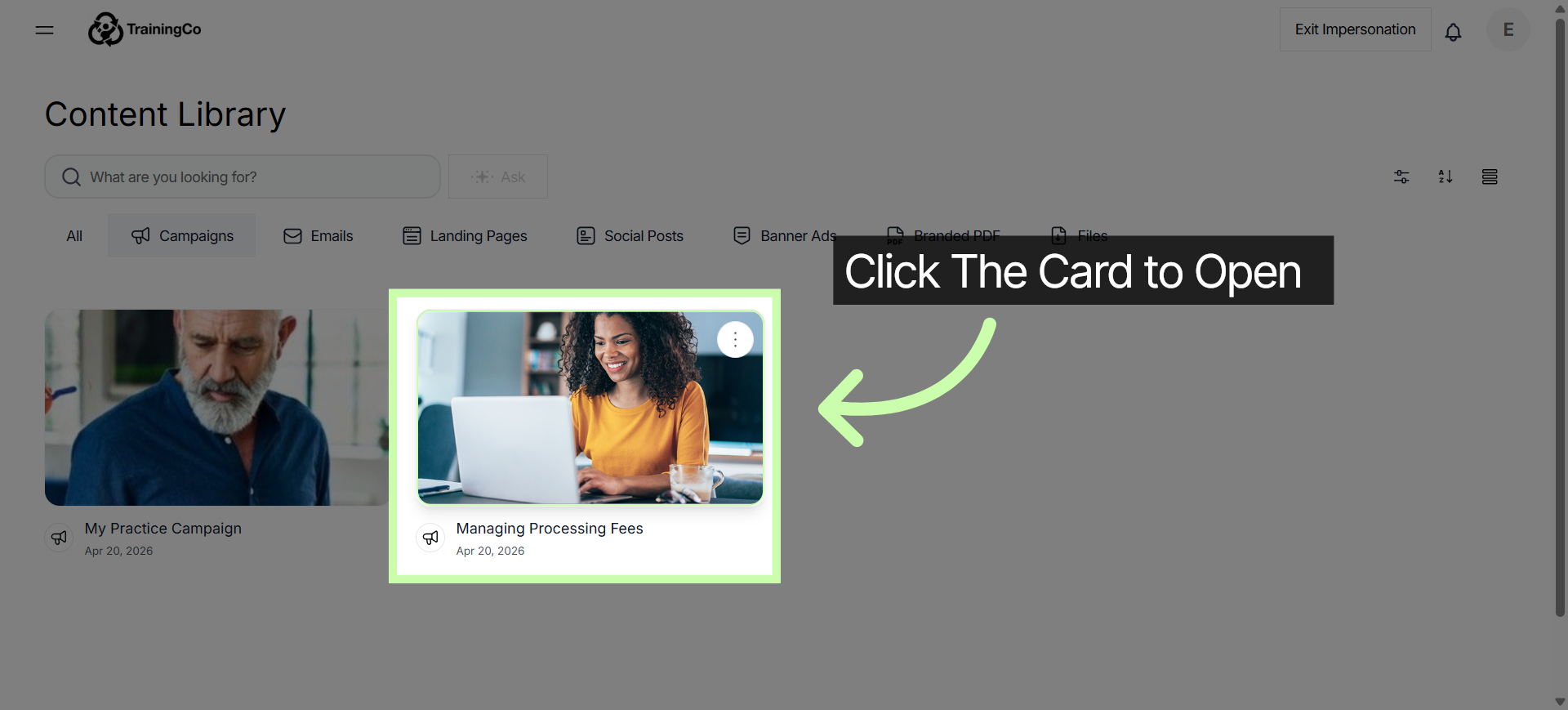
The final way to access assets is to open a campaign to customize assets directly from the campaign.
8. Interact with Campaign Preview
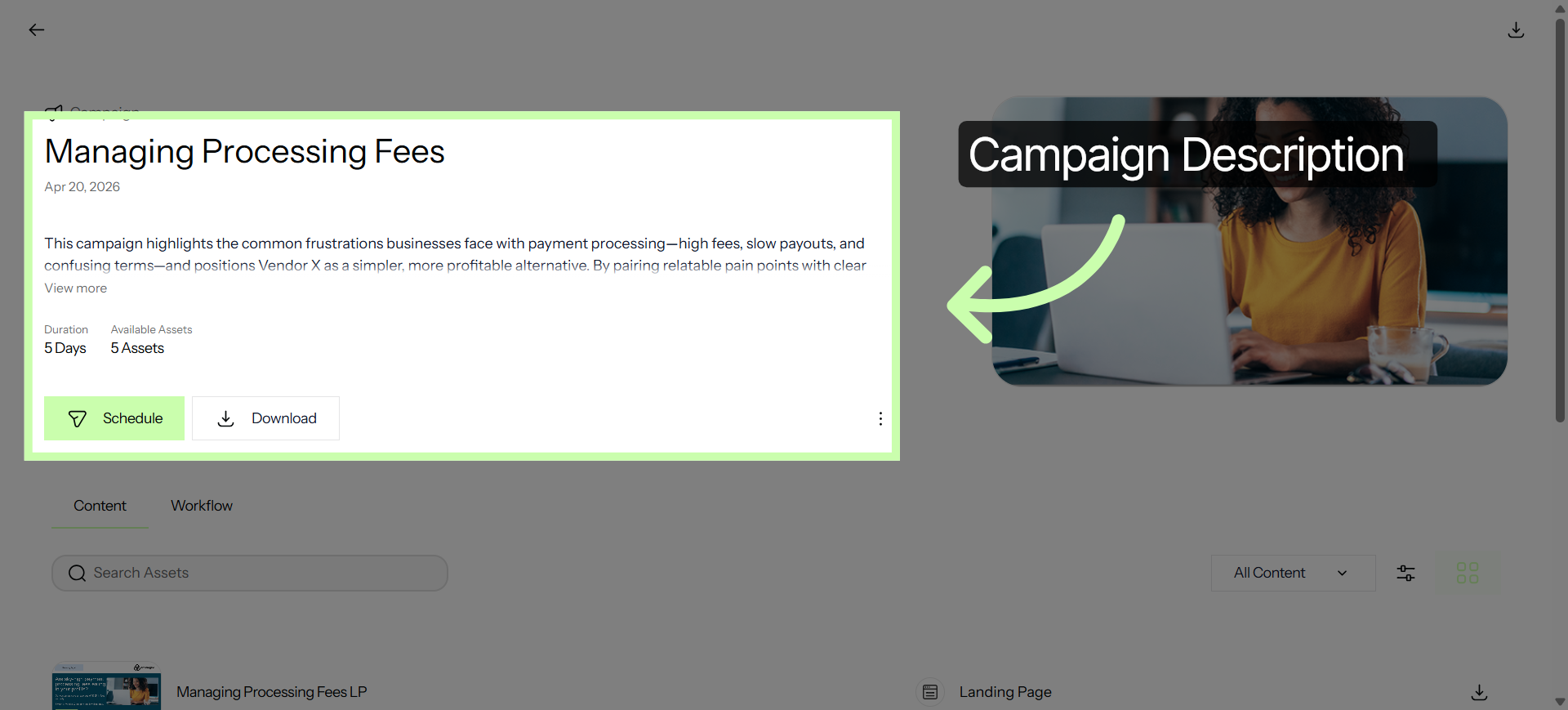
The top provides a description of the campaign,
9. Preview Assets
with a preview of the assets right below it.
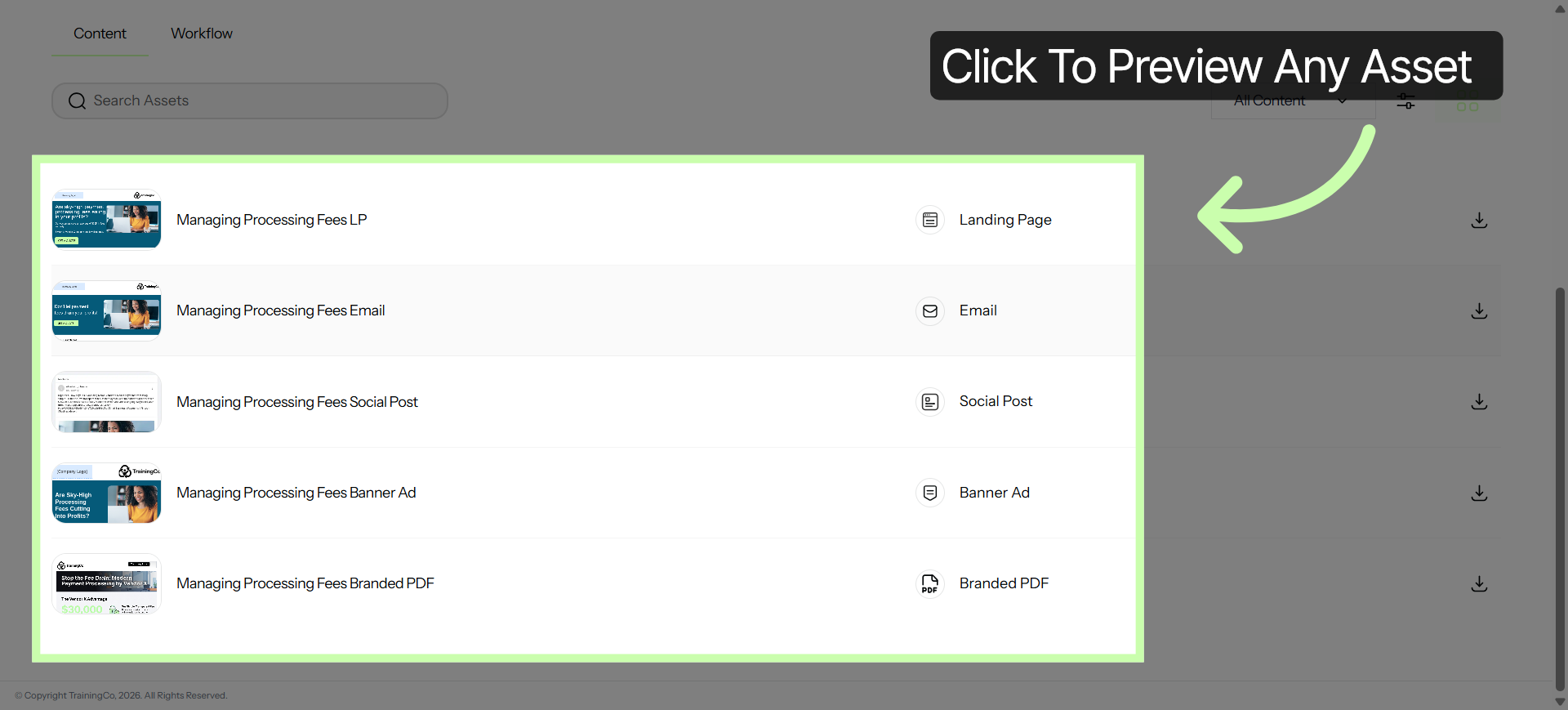
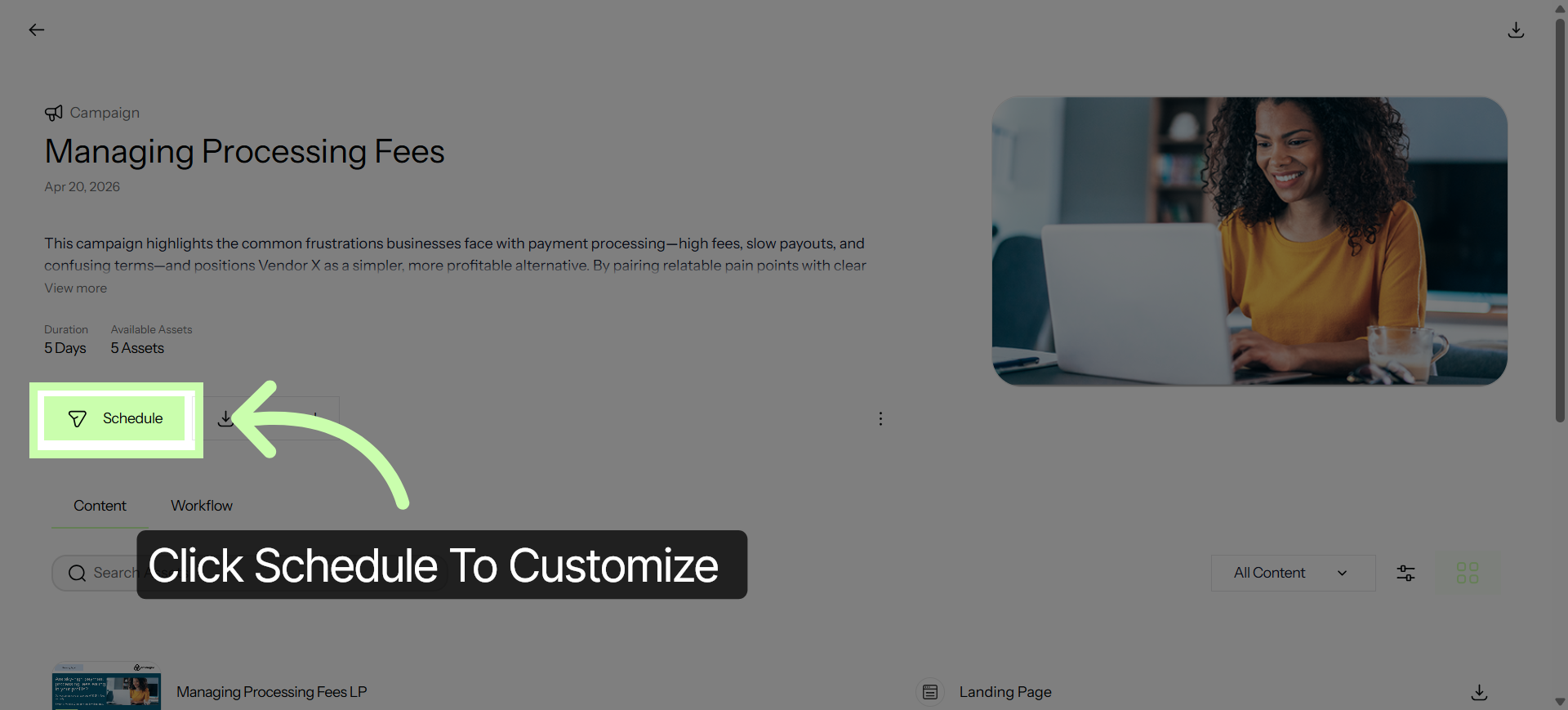
10. Click Schedule
When you're ready to customize assets, click Schedule.
11. Click to Customize Assets
Whether you choose an individual asset or an integrated campaign, click to customize and make it your own!
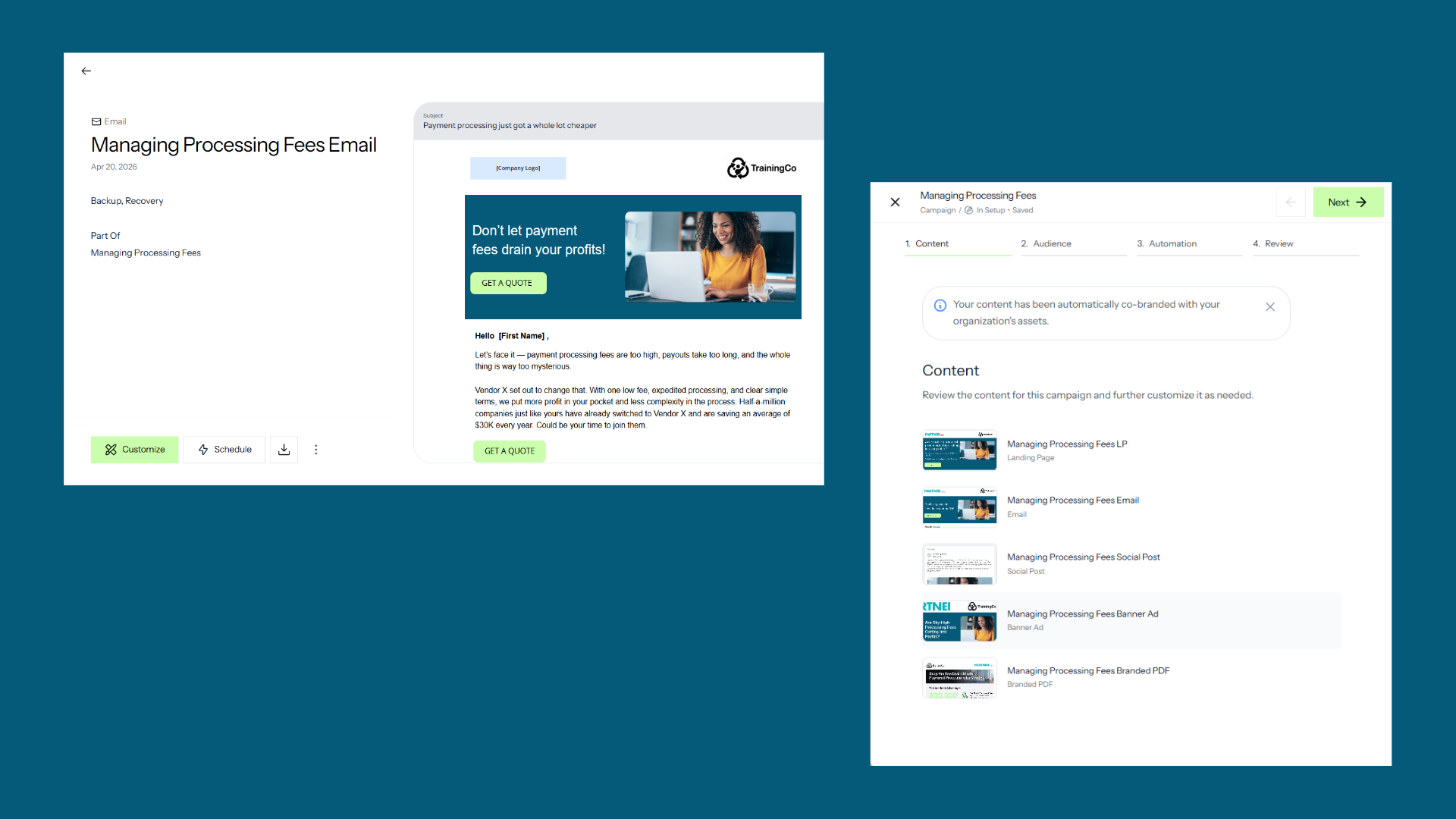
The next tutorial explores the workspace for landing pages, emails and custom documents.
You've Completed this Training - Move to the Next Training →