
Estimated Time
~15 minutes
What You'll Accomplish
- This tutorial guides you through Optimizing Social Media Posts.
|
Before you begin — open your account This is a hands-on, learning-by-doing session. Open app.structured.ai in your browser and log in to your Account so you can follow along and apply each step in real time. |
 Follow Our Step-By-Step Training
1. Introduction
Customizing your social content gives you the edge to stand out and spark real engagement. Our powerful Social Editor lets you customize your message and post across multiple platforms simultaneously.
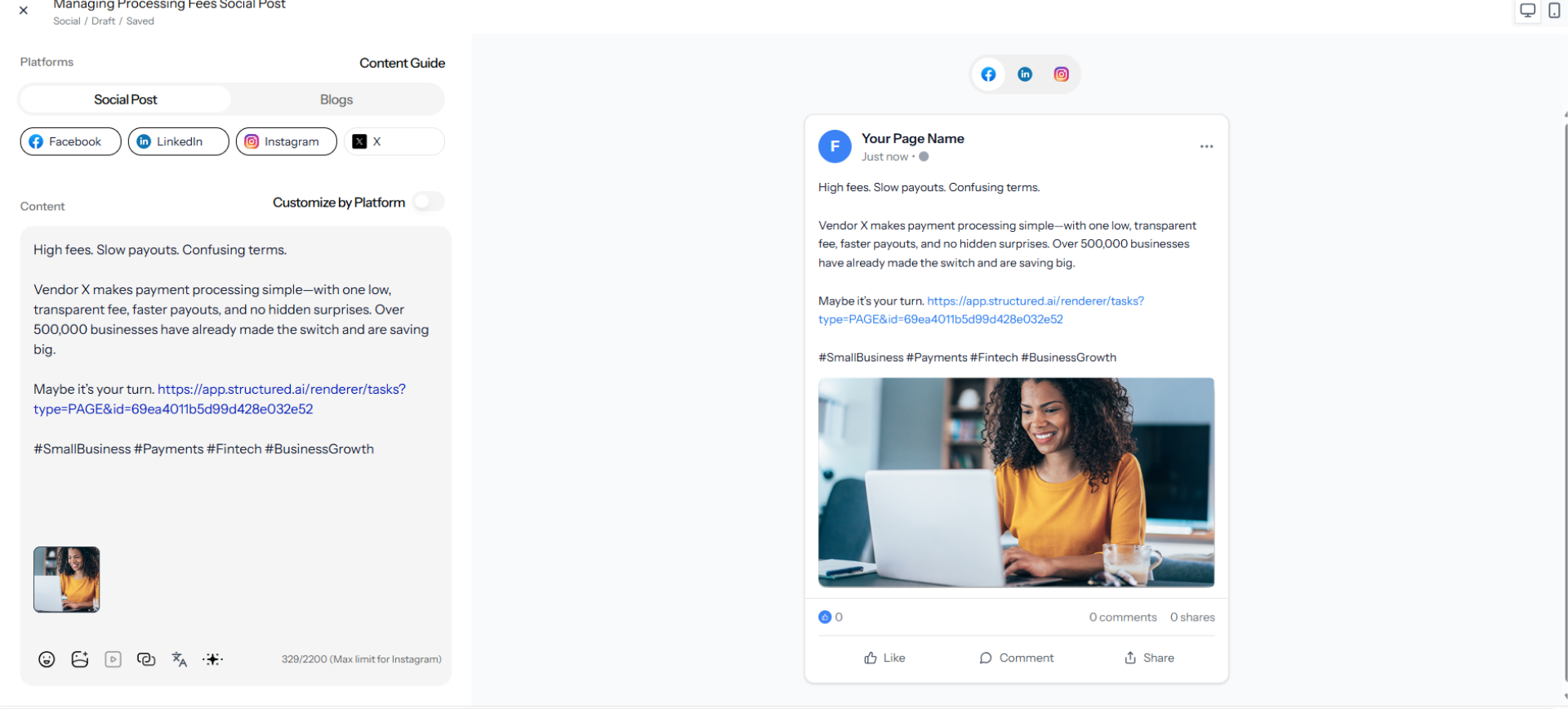
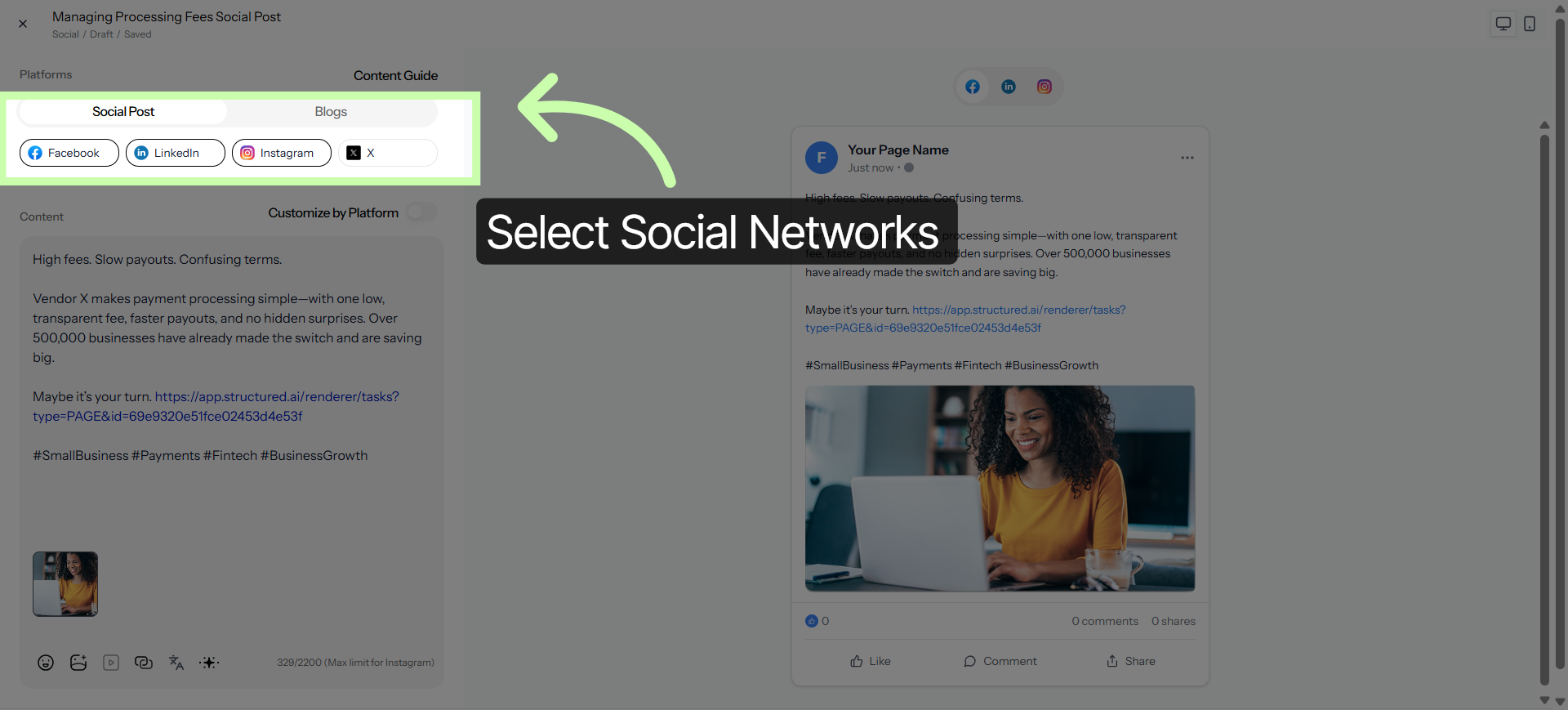
2. Select Social Media Networks
Start by selecting the networks where you have the strongest reach, such as Facebook, LinkedIn, or Instagram.
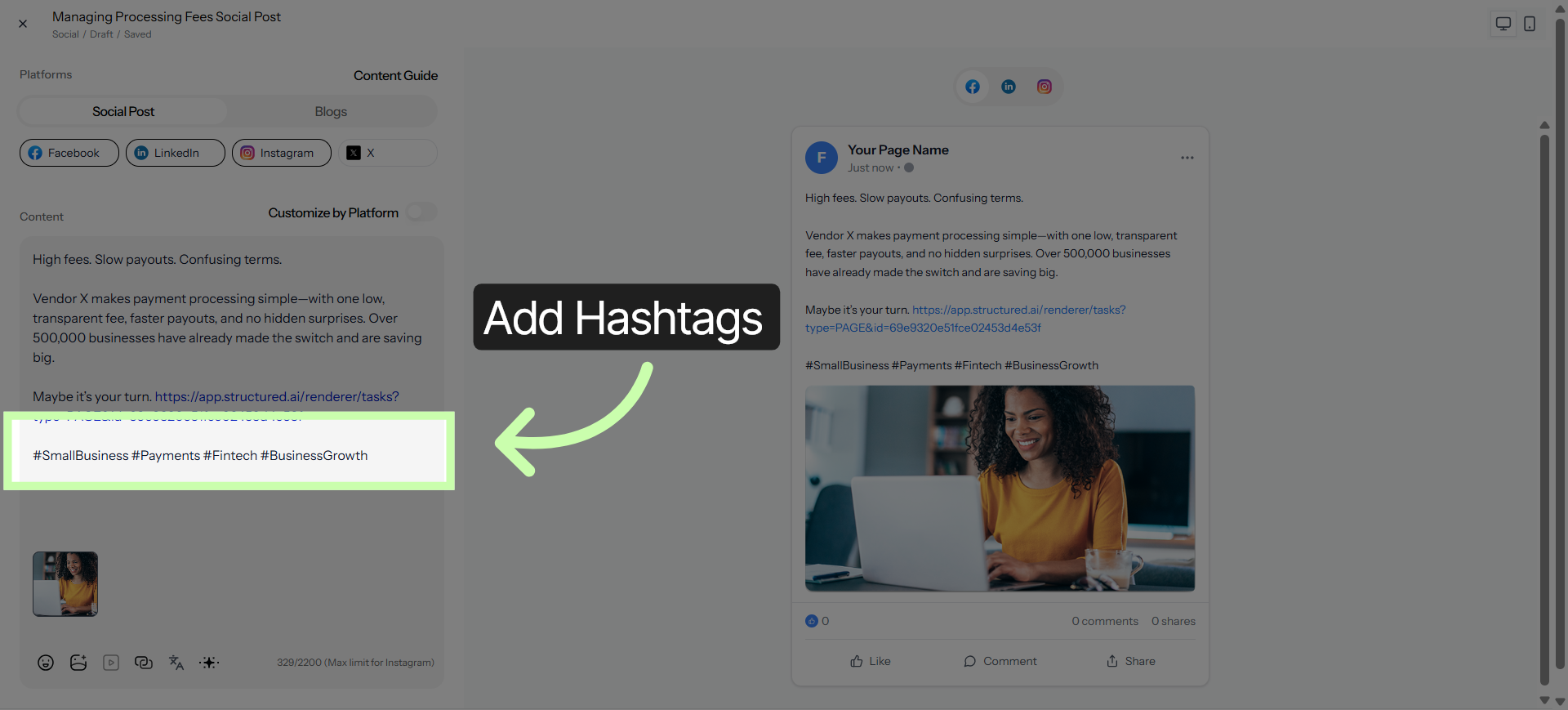
3. Add Hashtags
You can enhance your post by adding hashtags.
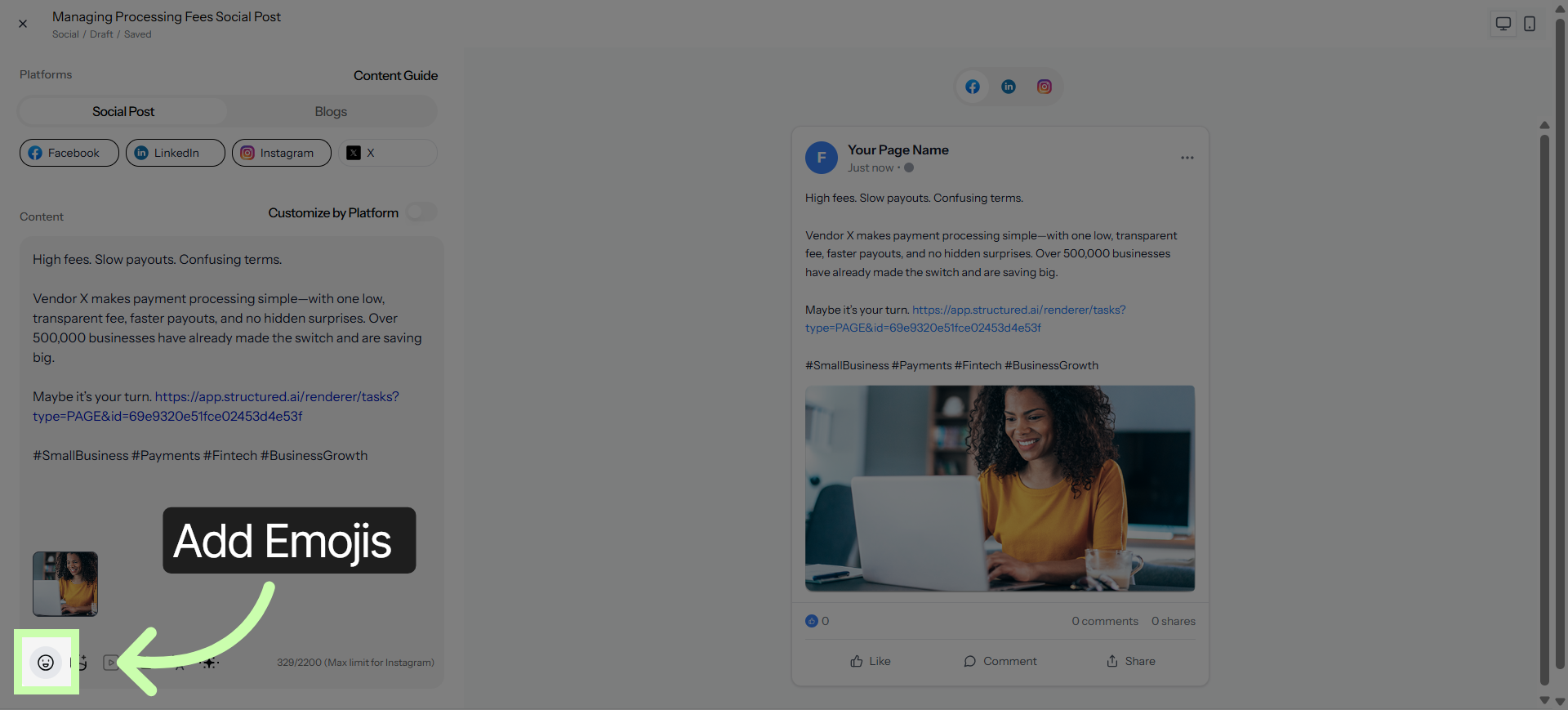
4. Add Emojis
You can also add emojis from the toolbar.
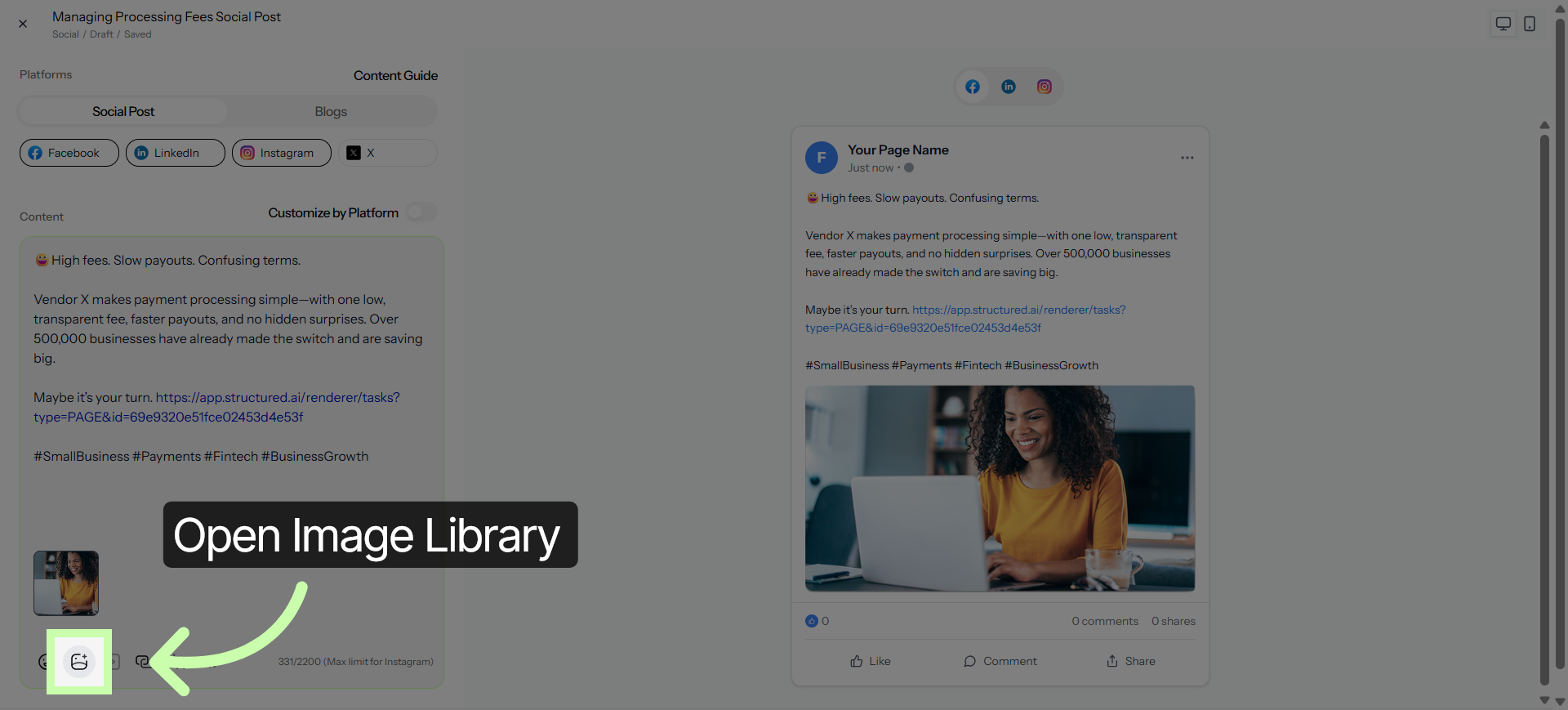
5. Access Additional Content Settings
Click here to add a new image.
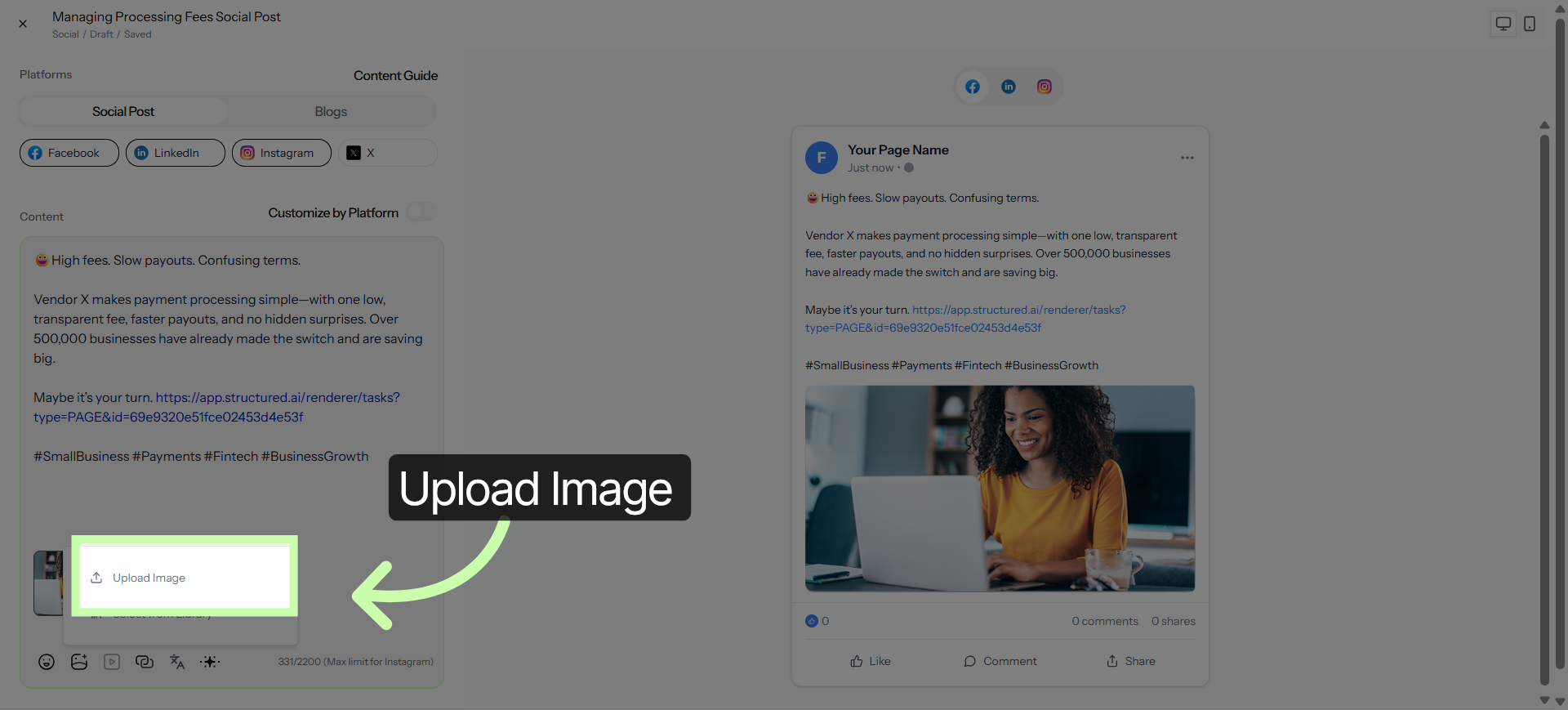
6. Open Image Upload Options
Click Upload to pull in an image from your hard drive.
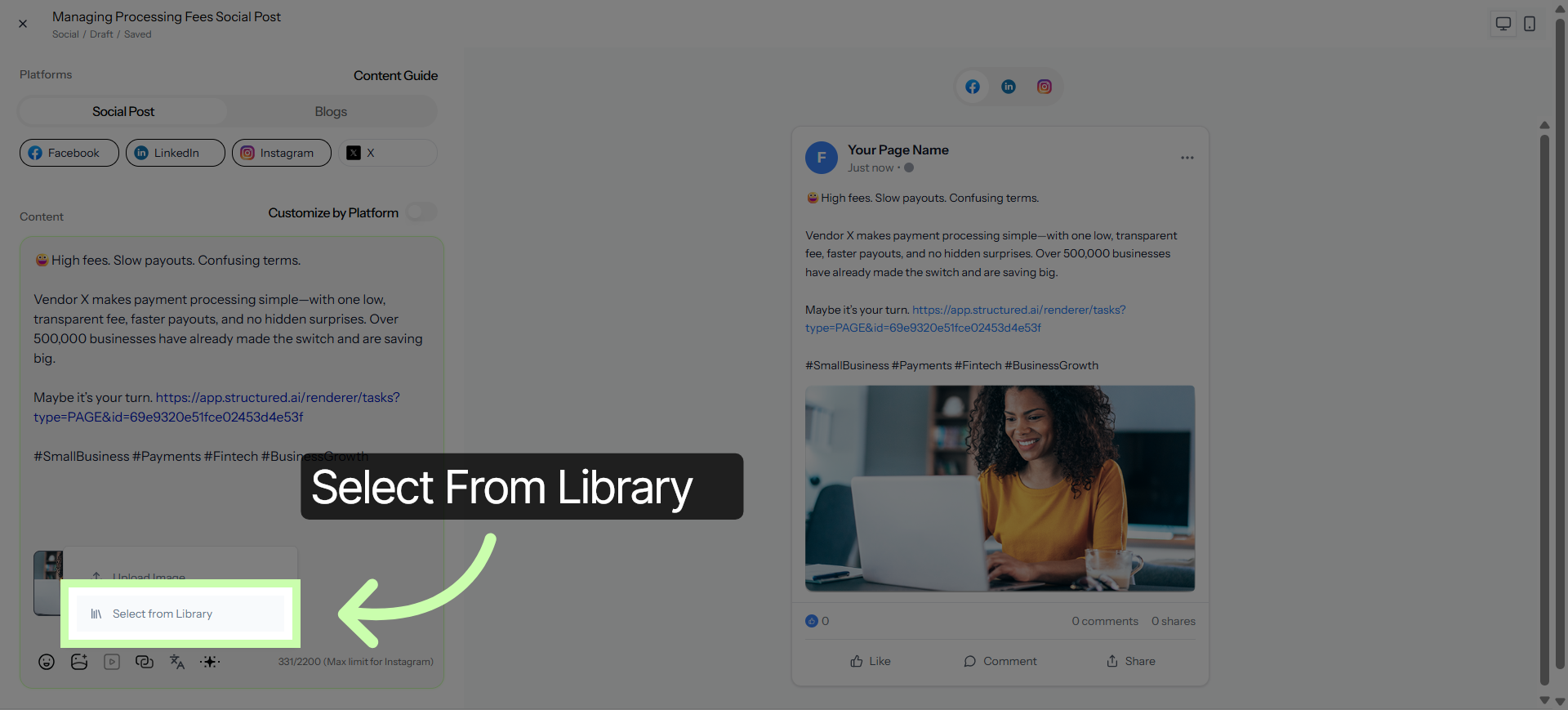
7. Choose Image Source
Or, choose select from library to pull an image from your existing library.
8. Add Selected Images
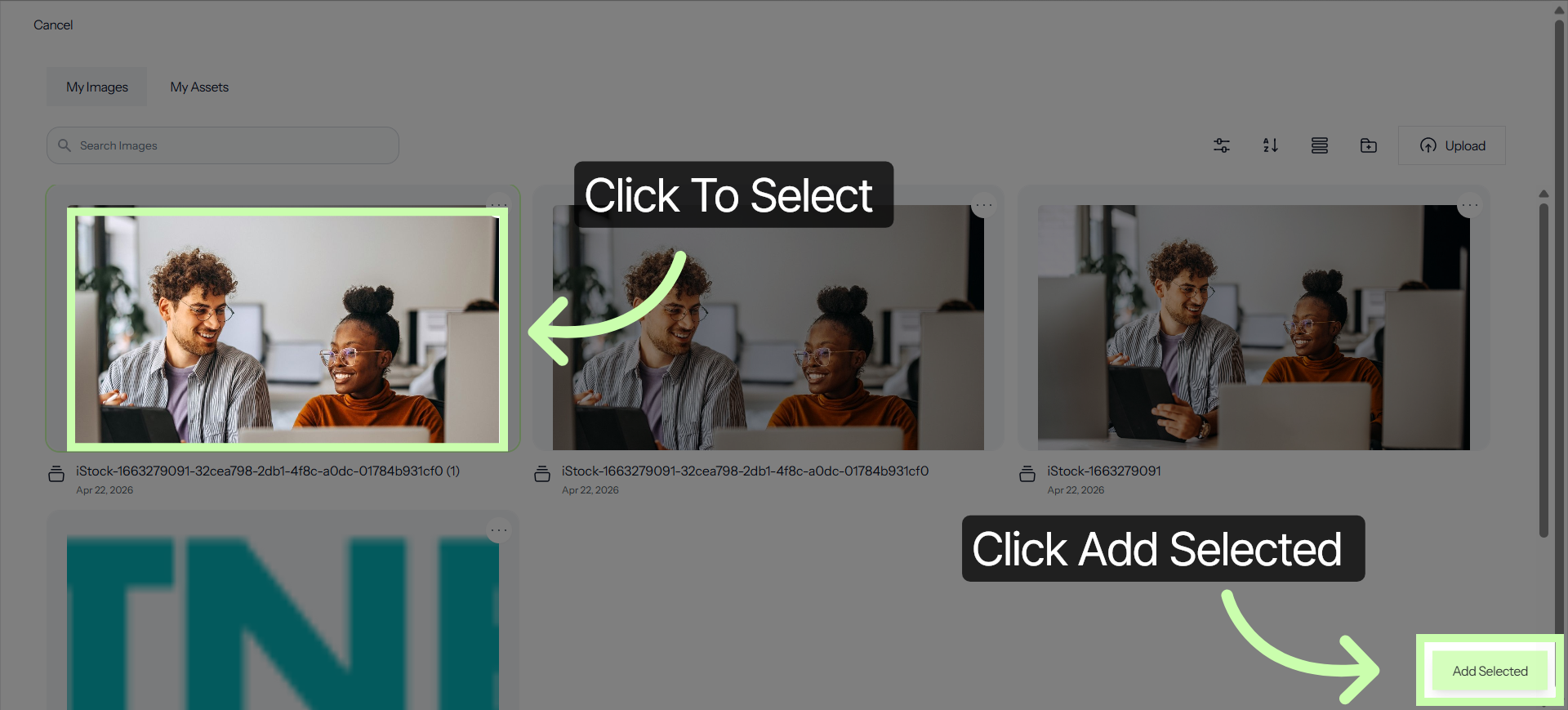
Click to select, then click Add Selected.
9. Access Link Settings
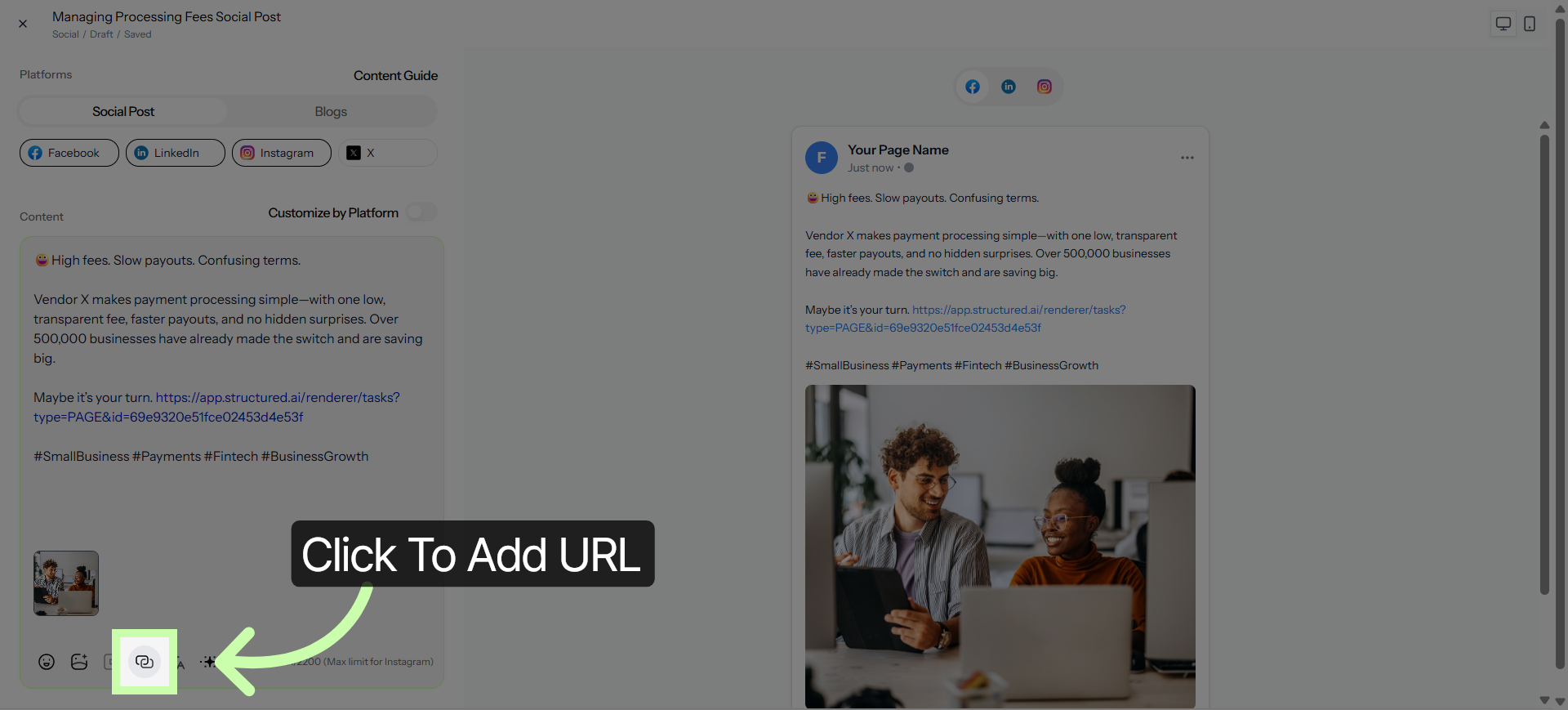
Use the Link Tool to include your URL.
10. Enable Platform Customization
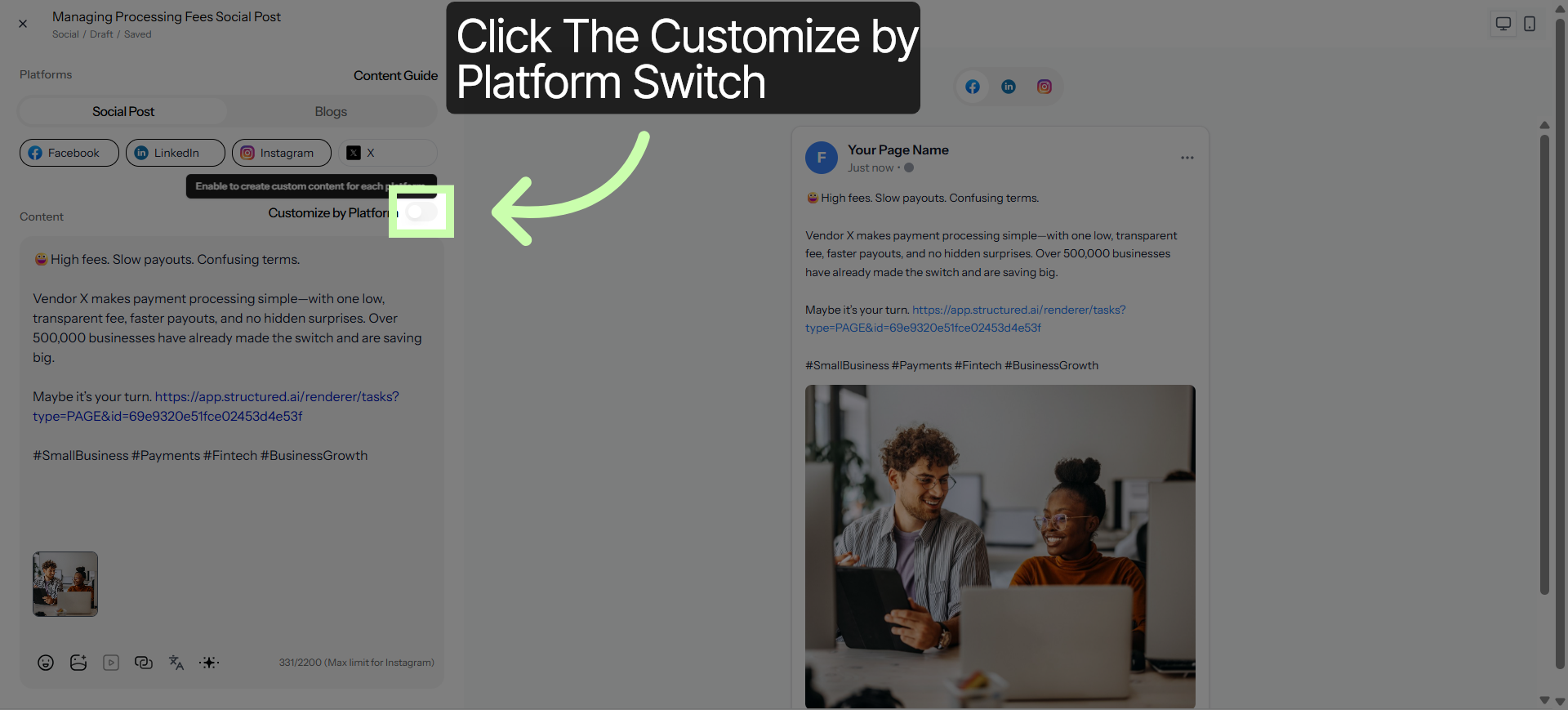
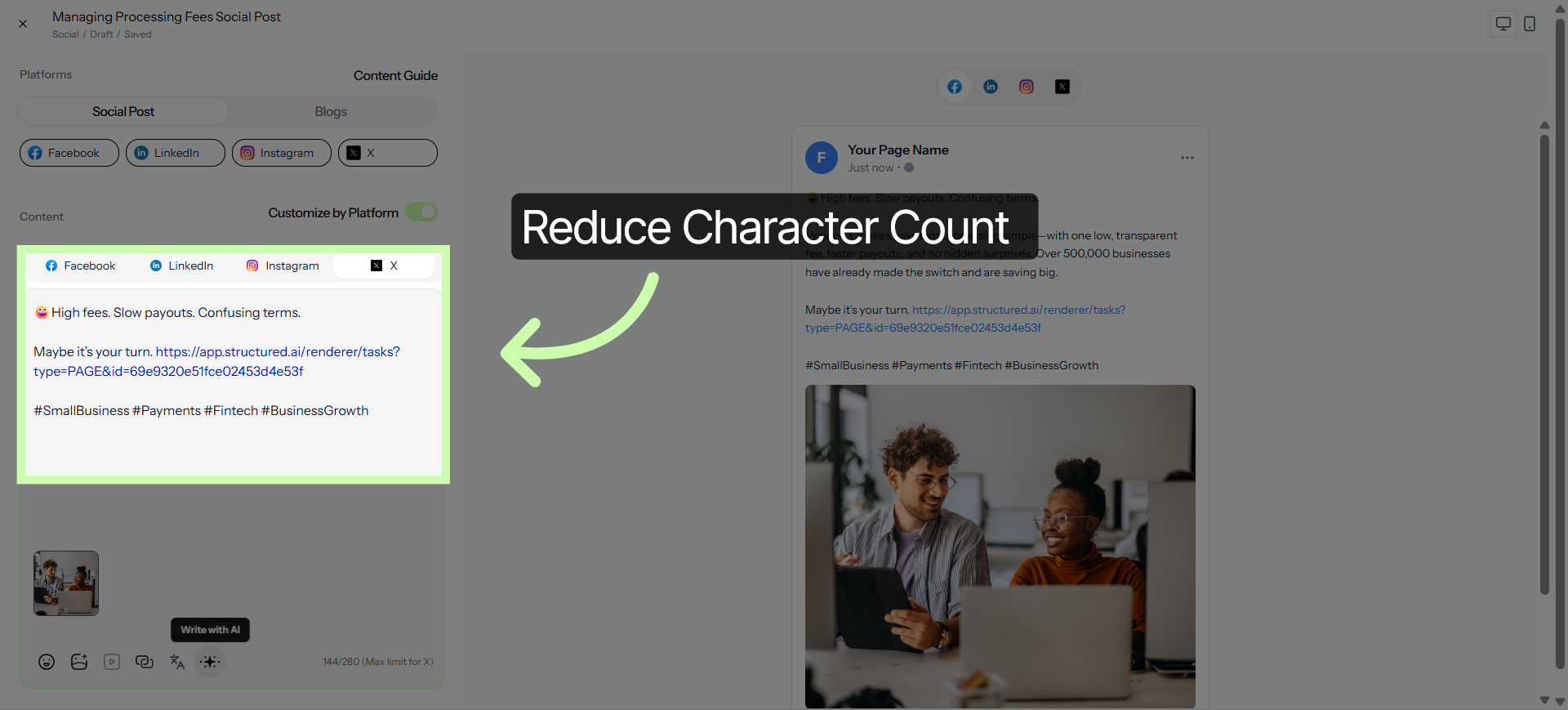
To optimize for each network, toggle the Customize by Platform switch. This allows you to tailor your message to specific character limits.
11. Open Content Guide
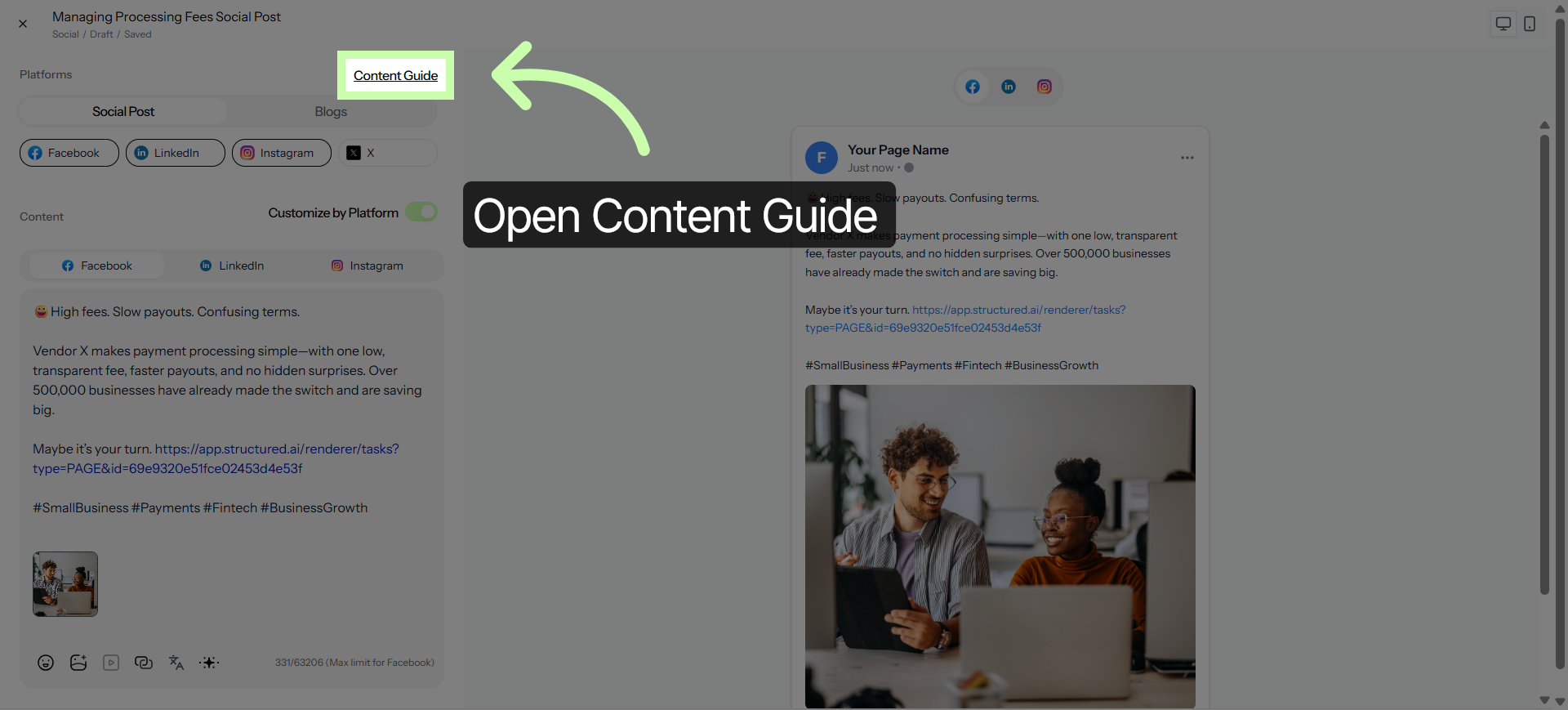
You can always check the Content Guide to ensure your post meets every platform’s requirements.
12. Open Additional Options
For example, I can reduce the character count for X, without affecting other networks.
13. Use AI Icon
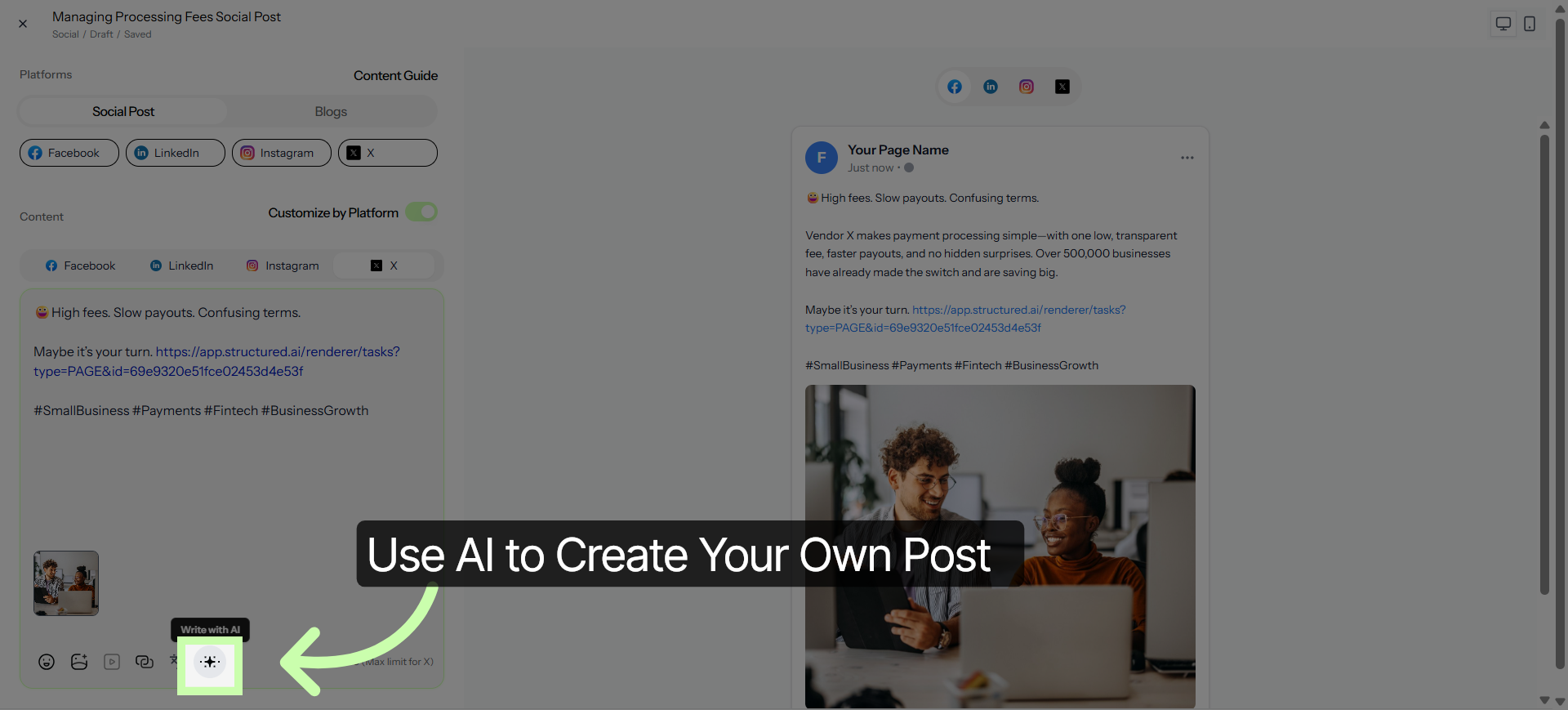
To sharpen your voice, use the AI icon.
14. Open Language Selection
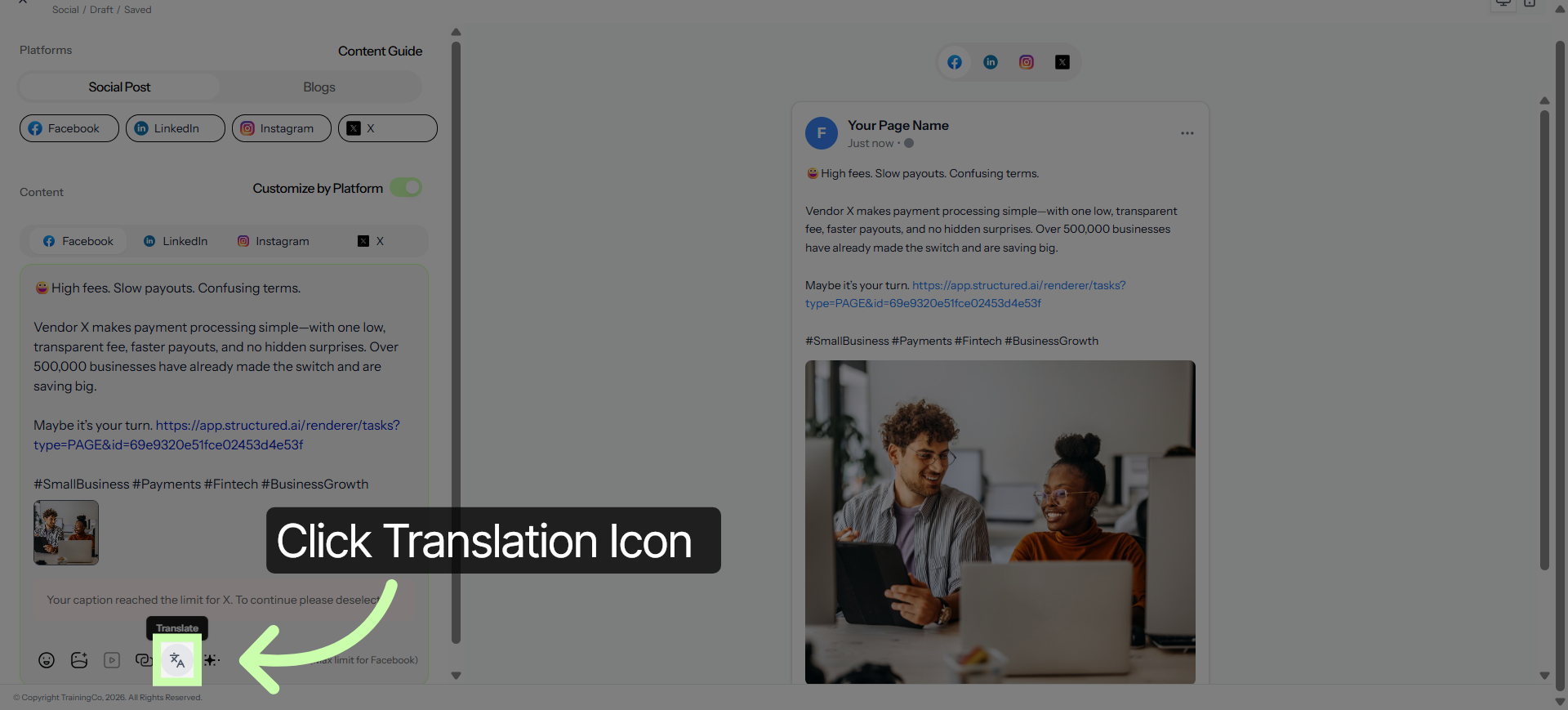
Use the Translation icon to extend your reach even further.
15. Select Appropriate Language
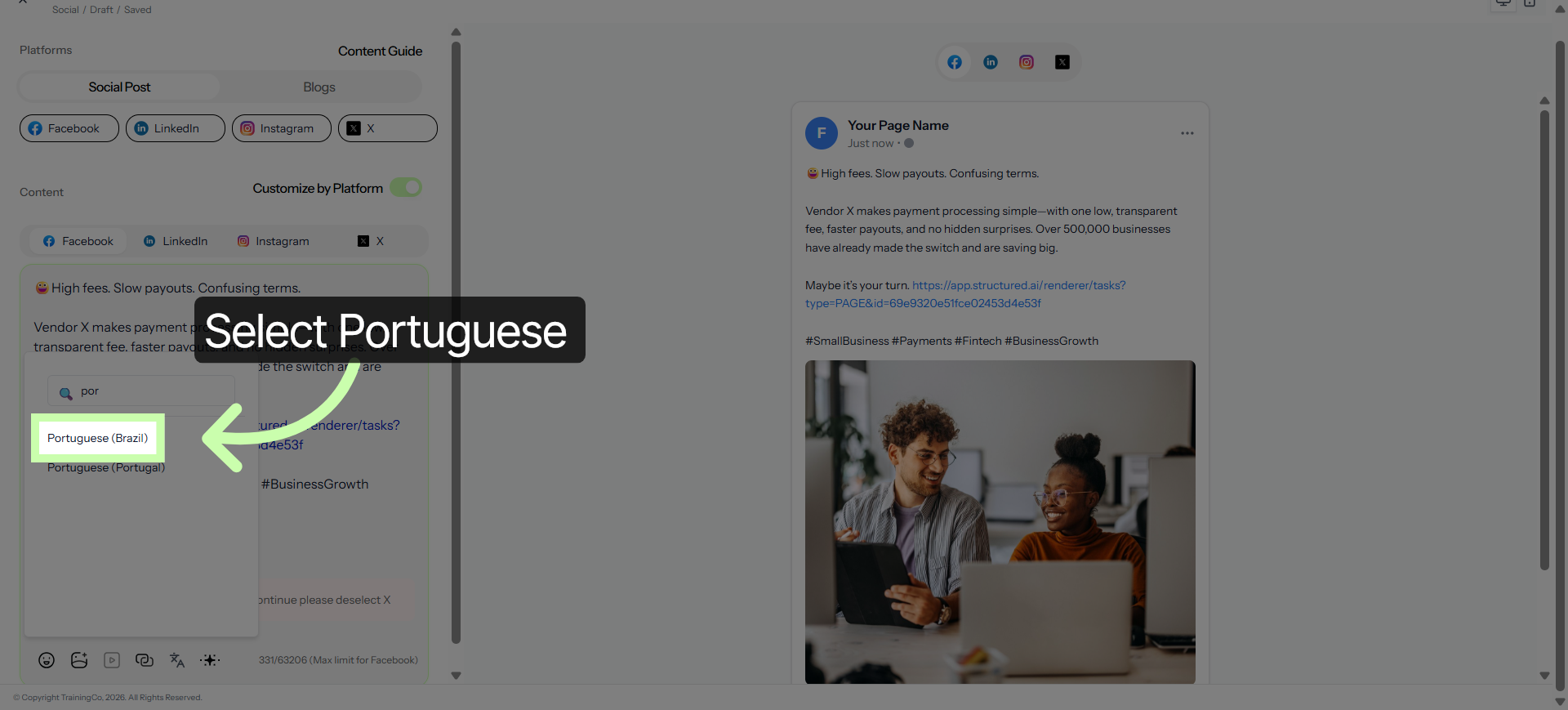
In this example, I'll choose Portuguese.
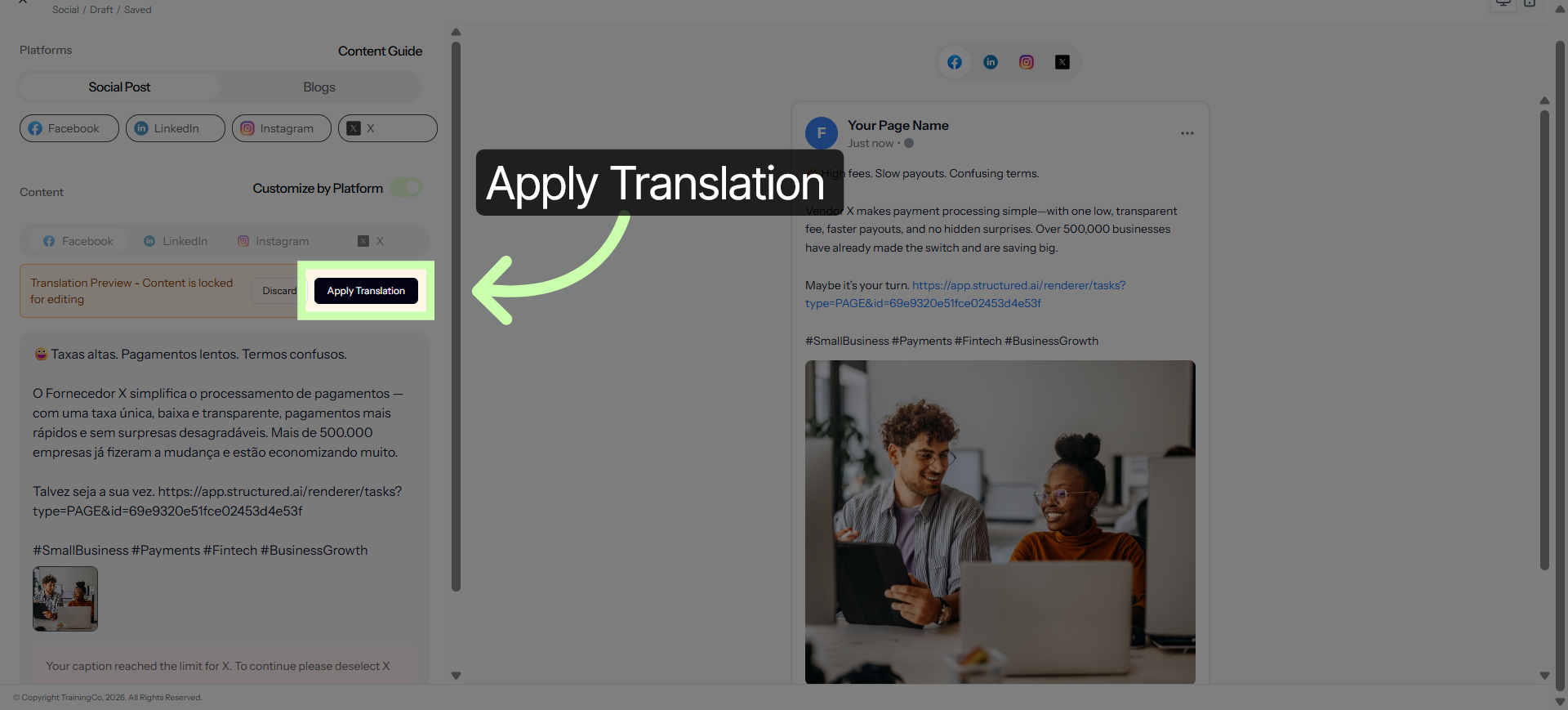
16. Apply Translation
Click Apply Translations.
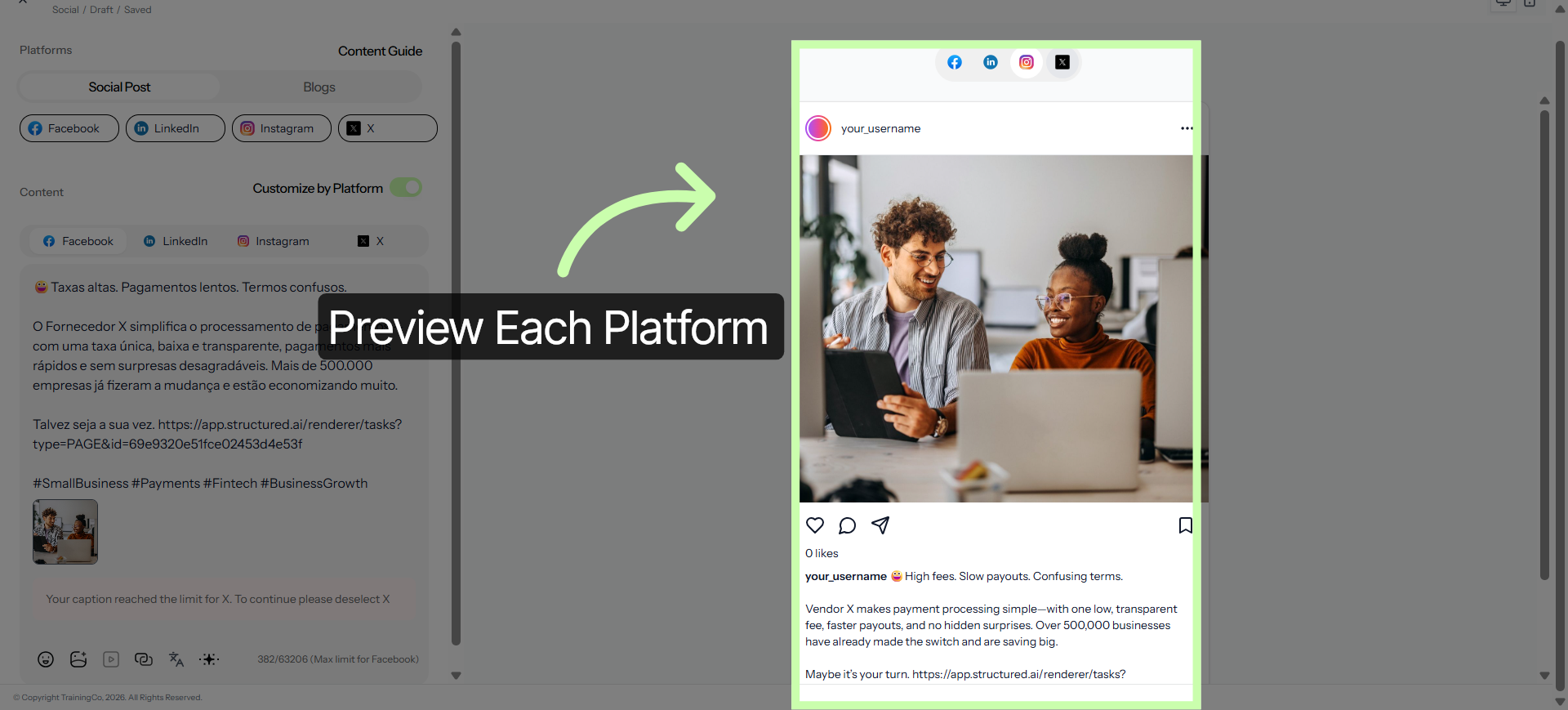
17. Confirm Translation Settings
Click here to preview all platforms.
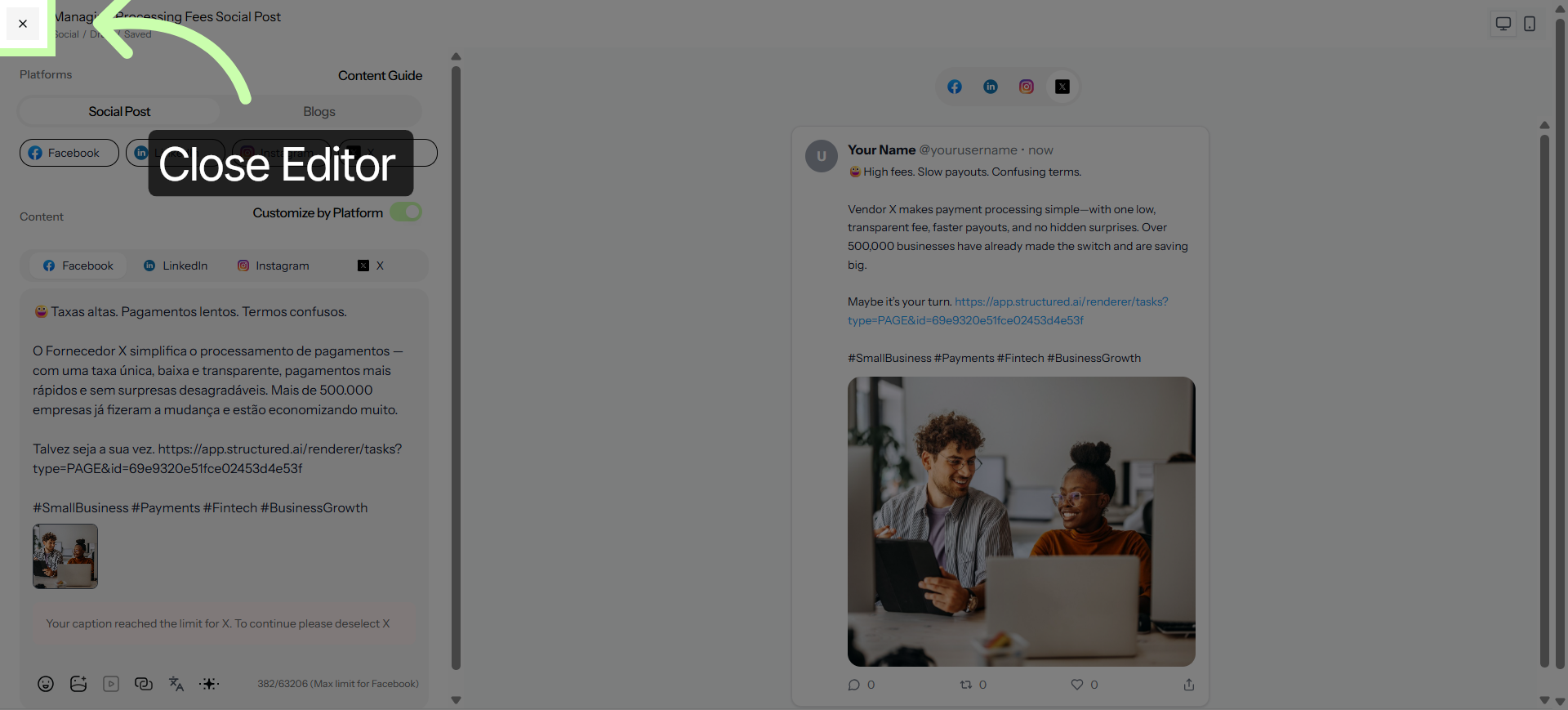
18. Close Editor
Click the x to exit the Structured AI Social Editor and save your changes.
Next learn how to customize other assets within the Customizing Content Series.
You've Completed this Training - Move to the Next Training →