
Estimated Time
~15 minutes
What You'll Accomplish
- This tutorial guides you through activating Web Syndication.
|
Before you begin — open your account This is a hands-on, learning-by-doing session. Open app.structured.ai in your browser and log in to your Account so you can follow along and apply each step in real time. |
 Follow Our Step-By-Step Training
1. Introduction
Web Syndication allows you to host high-quality, tenant-provided content directly on your own website. The best part? The content is dynamic, meaning any updates your tenant makes will flow through to your page automatically.
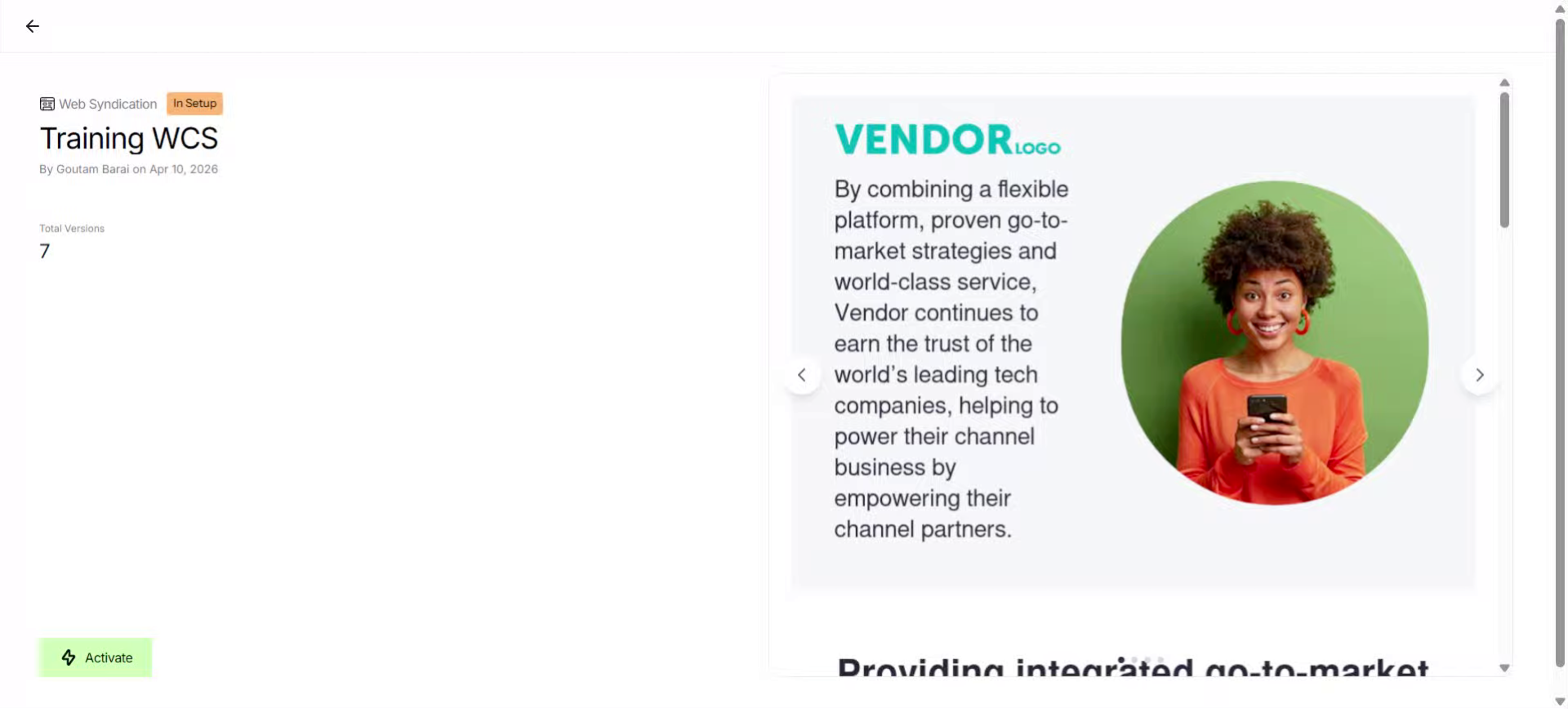
2. Activate Web Syndication
To get started, click Activate.
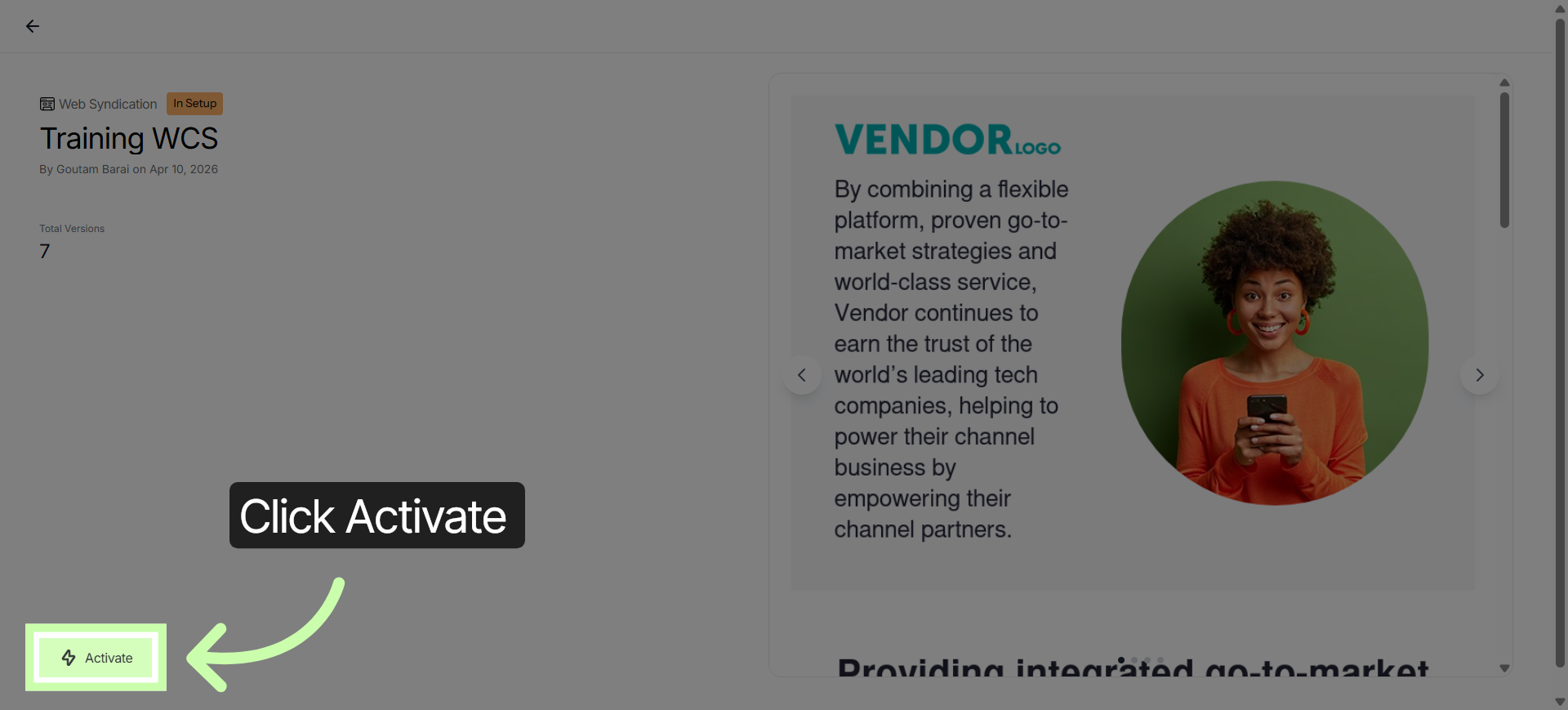
3. Open Syndication Settings
Then click Open.
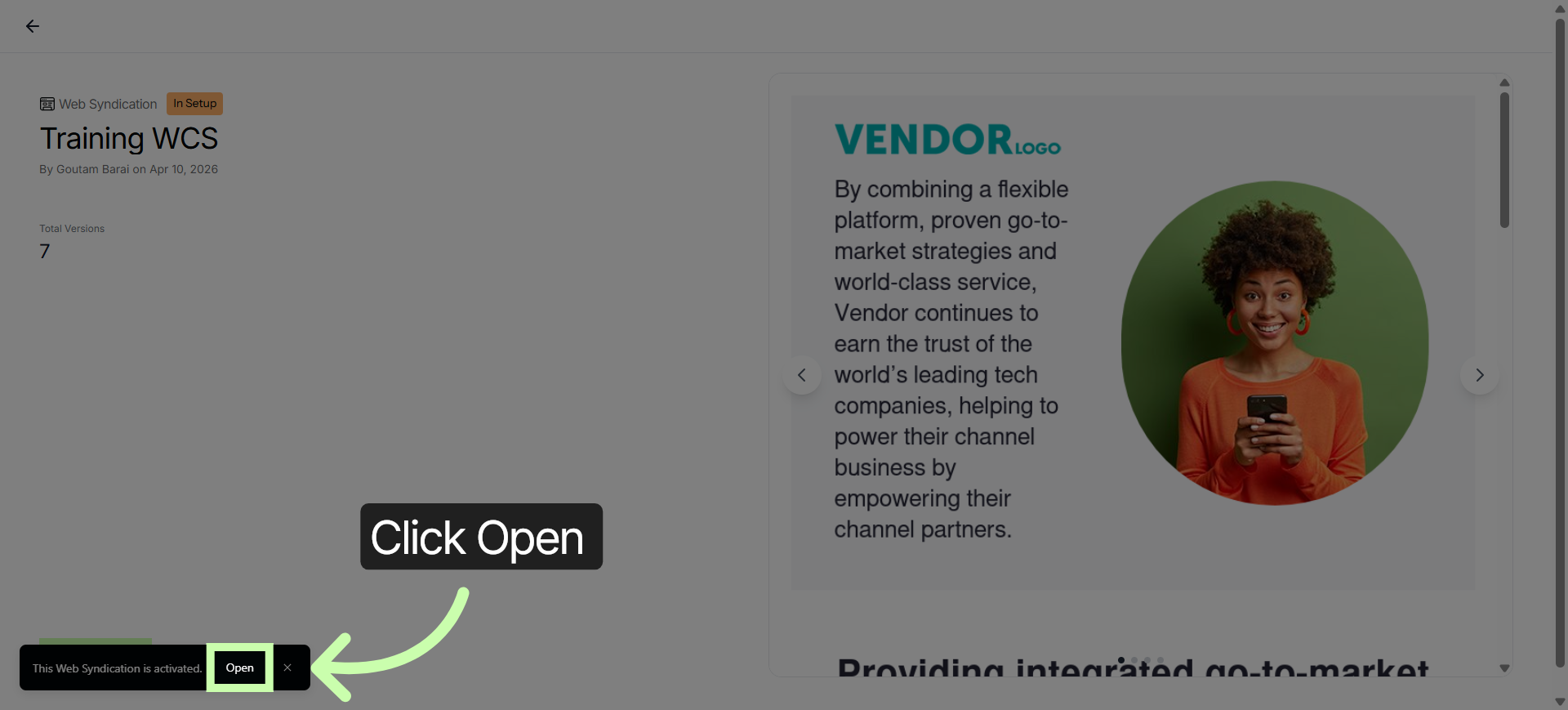
4. Access Customization Options
Click Customize to select only the topics or products that are most important to you.
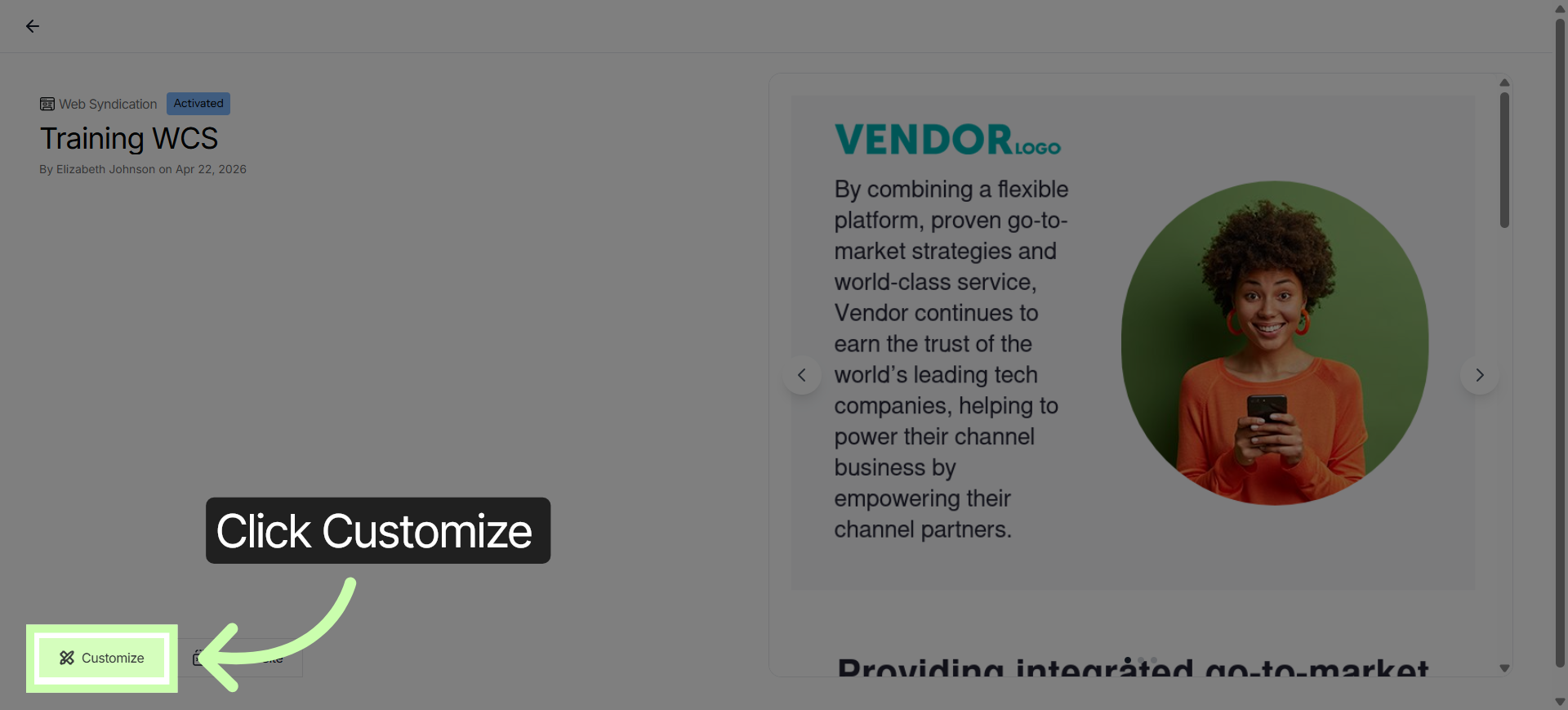
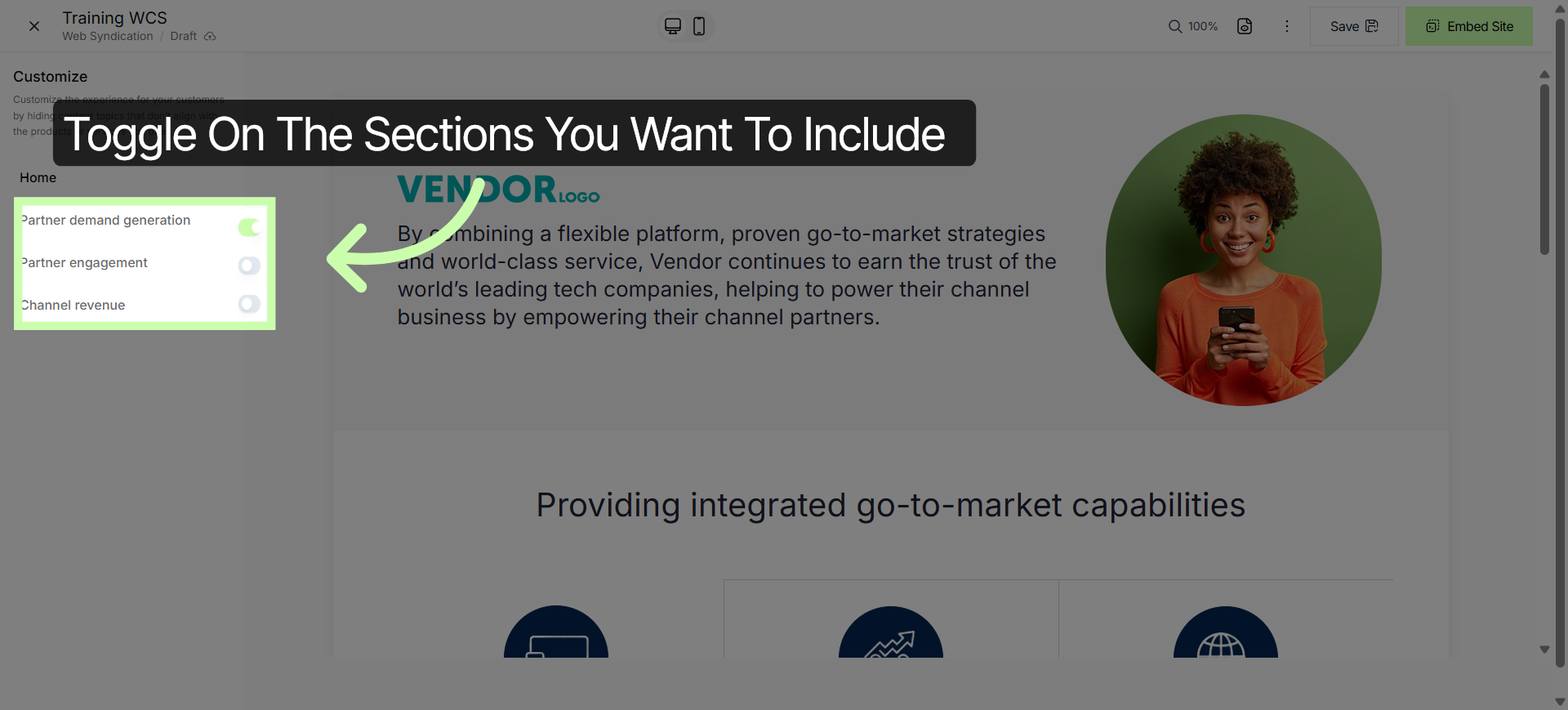
5. Adjust Content Topics
Switch the toggles to select the topics you want to include on your site.
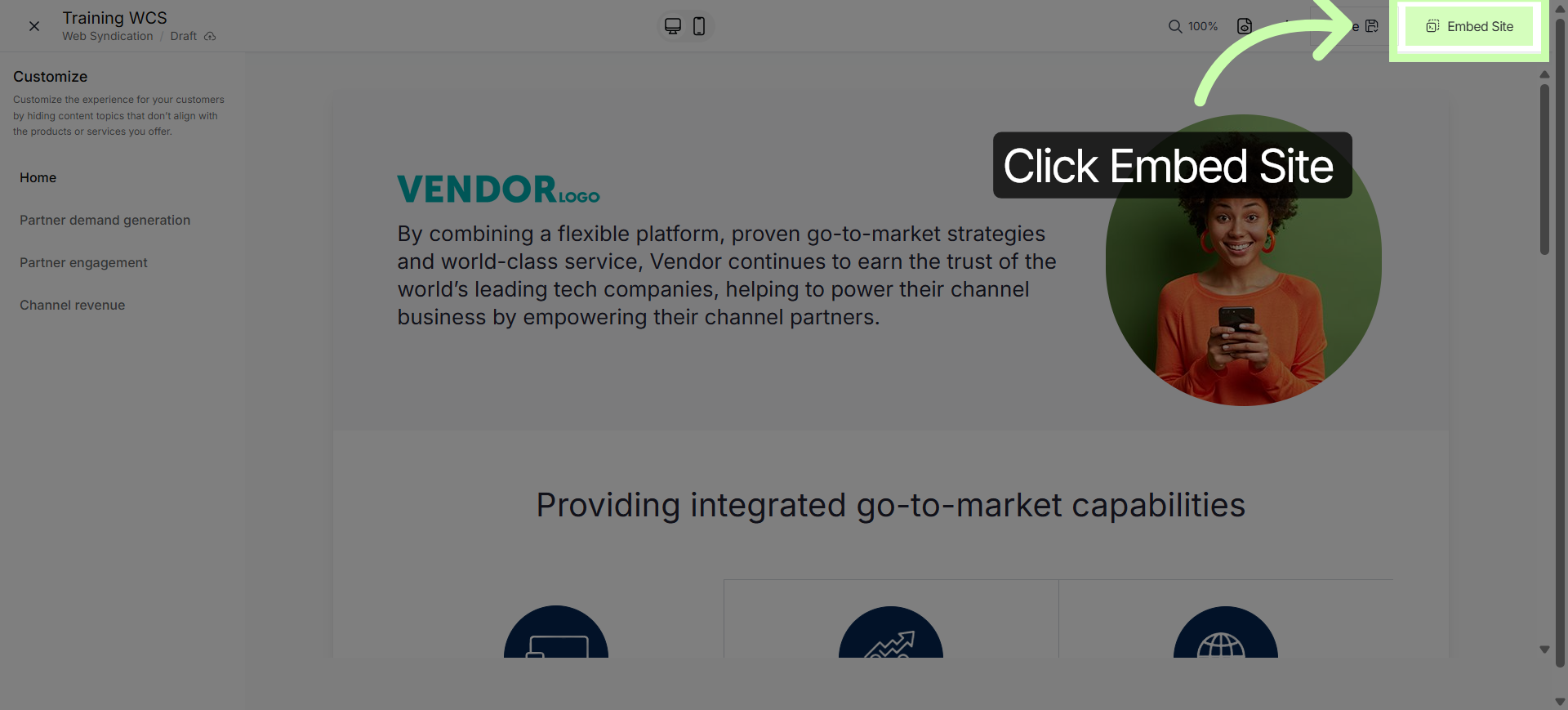
6. Select Embed Site Option
Click Embed Site to capture the iFrame code necessary to display.
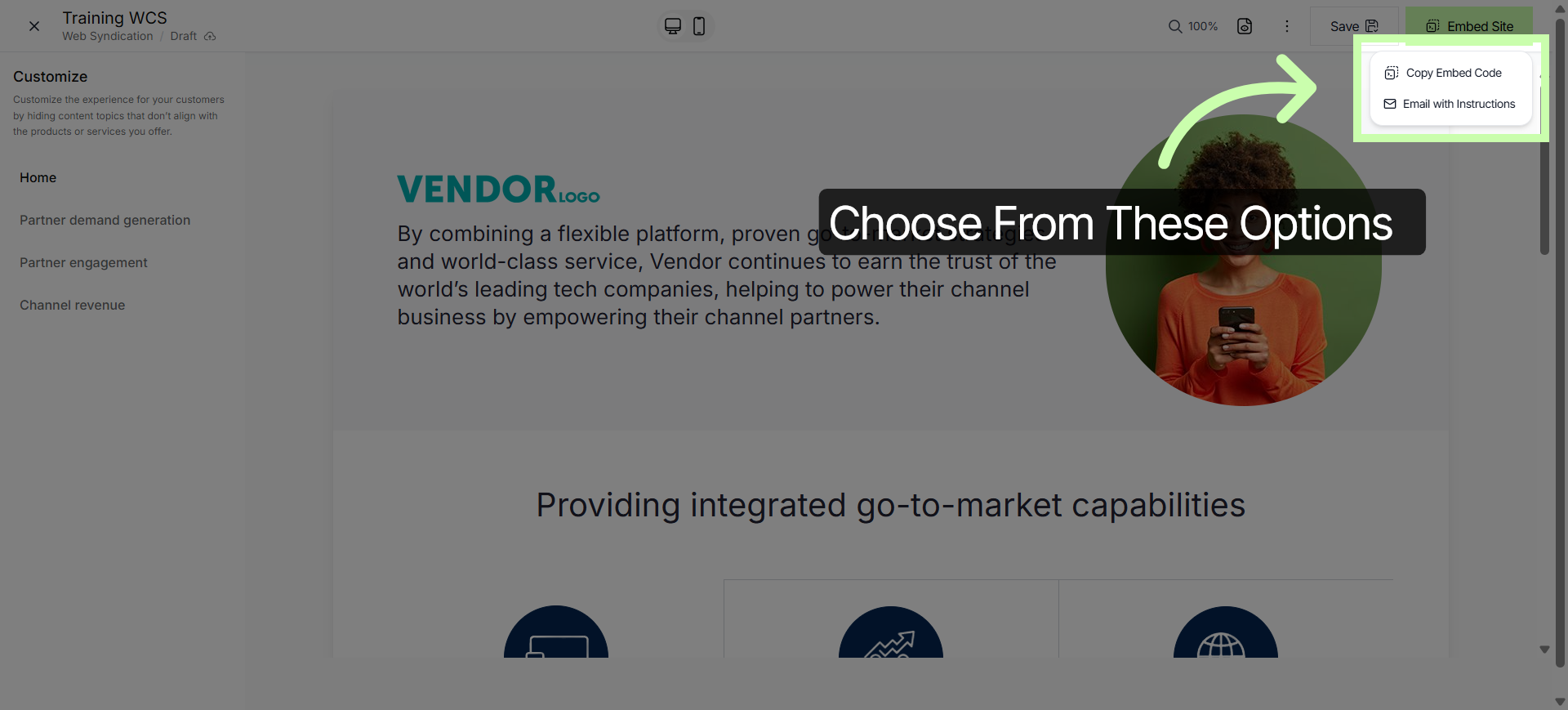
7. Copy Embed Code
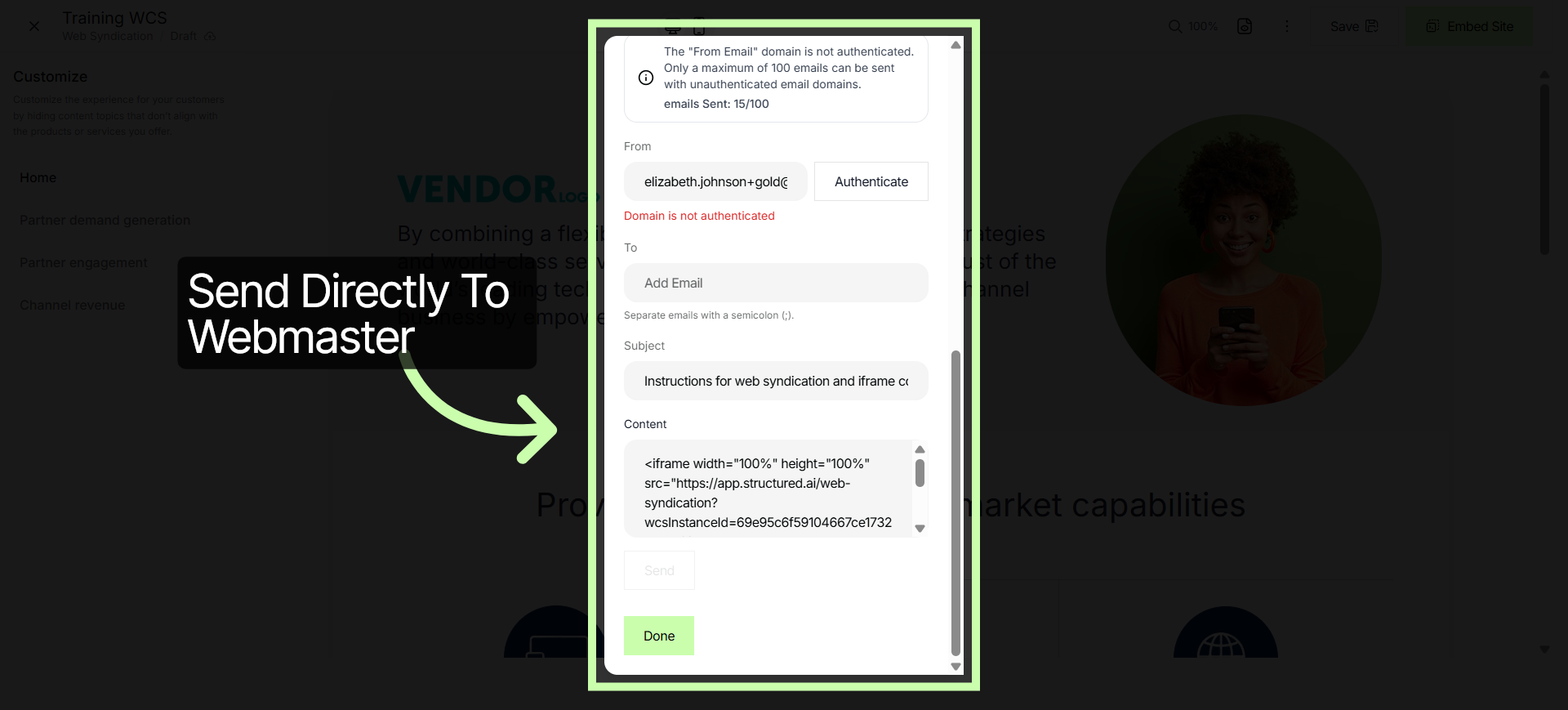
Choose Copy Embed code to copy the code to share with your Webmaster, or select Email with Instructions.
8. Confirm Embed Settings
This allows you to send an email to your IT team directly from the platform.
Turn your website into a 24/7 lead generator, delivering value while you close deals. Next learn how to customize other assets within the Customizing Content Series.
You've Completed this Training - Move to the Next Training →